HelloGrowthCRM software
Built for real small-business sales teams
HelloGrowthCRM helps reps qualify faster, follow up on time, and close more deals—with practical automation in one place.
- AI lead scoring and pipeline visibility
- Built-in dialer, WhatsApp, and email automation
- Sales forecasting and RevOps-ready reporting
Customer messaging means sending timely, relevant communications to your customers to keep them informed, answer questions, and encourage loyalty. It covers messages during sales, after purchase, and for support. This article explains why small businesses need good customer messaging, how to implement it step-by-step, common mistakes to avoid, and how HelloGrowthCRM can help.
Why this comes up / what goes wrong
Small business owners often struggle with customer messaging because they juggle many tasks and use disconnected tools like text messages, email, and spreadsheets. This leads to slow responses, missed follow-ups, and inconsistent information. Customers get frustrated when their questions go unanswered or when they receive generic, untimely messages. Without a clear messaging strategy, businesses lose sales and repeat business, damaging their reputation and growth.
Step-by-step
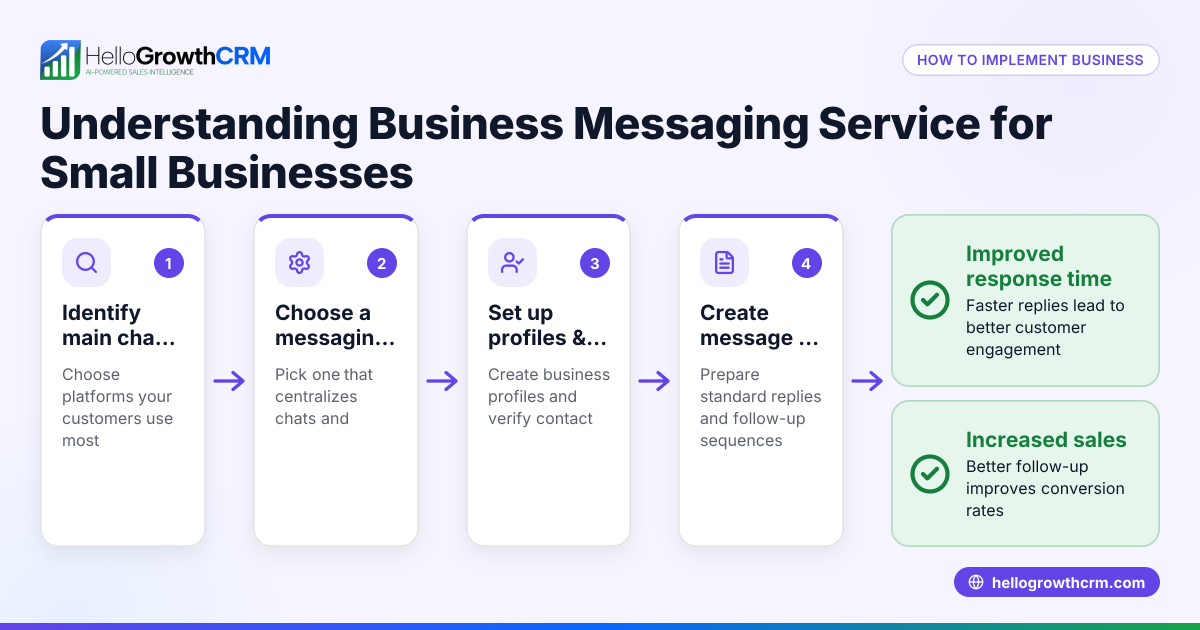
- Choose your messaging channels: Identify which channels your customers prefer—email, SMS, WhatsApp, or a customer portal. Check if you can centralize communication to avoid missed messages and keep conversations organized.
- Collect and organize customer contacts: Gather customer phone numbers, emails, and messaging IDs. Verify accuracy and store all contacts in one place to ensure you can reach customers reliably.
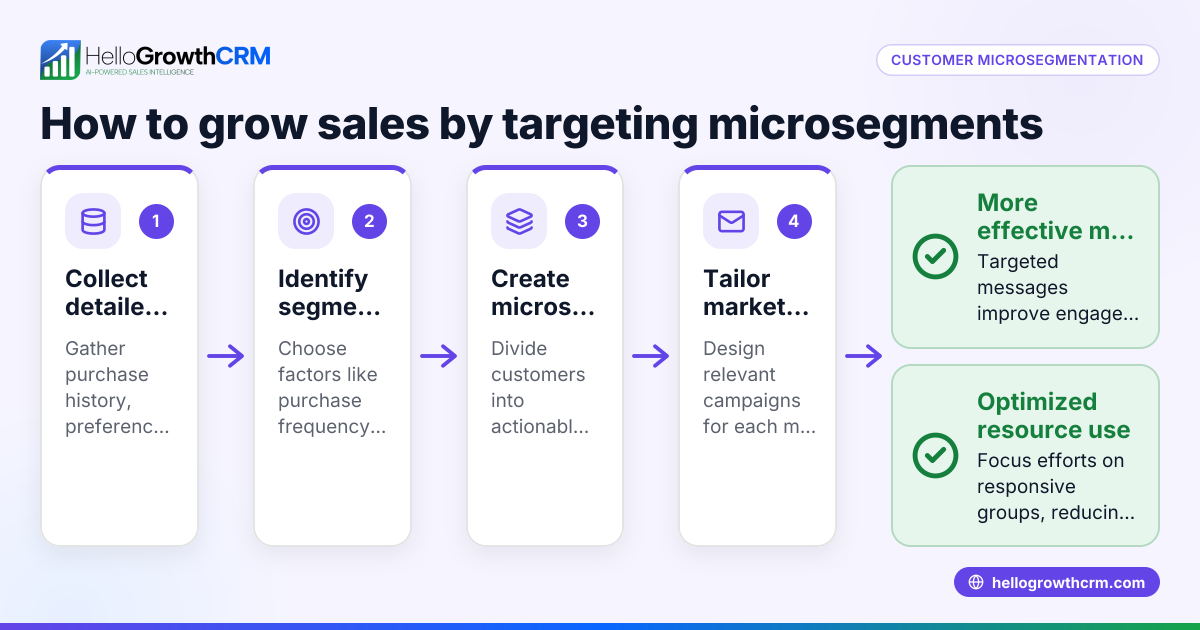
- Segment your customers: Group customers by factors like purchase history, location, or support needs. This helps tailor messages so they are relevant and valuable.
- Create message templates and sequences: Draft clear, concise messages for common situations such as welcome notes, appointment reminders, follow-ups, or support updates. Check that messages are easy to understand and relevant to each segment.
- Set up automated messaging where possible: Use automation to send timely messages like payment confirmations or service reminders. Verify automation rules to avoid sending incorrect or duplicated messages.
- Track message delivery and responses: Monitor which messages are delivered, opened, and replied to. Check for unanswered messages to follow up manually and maintain engagement.
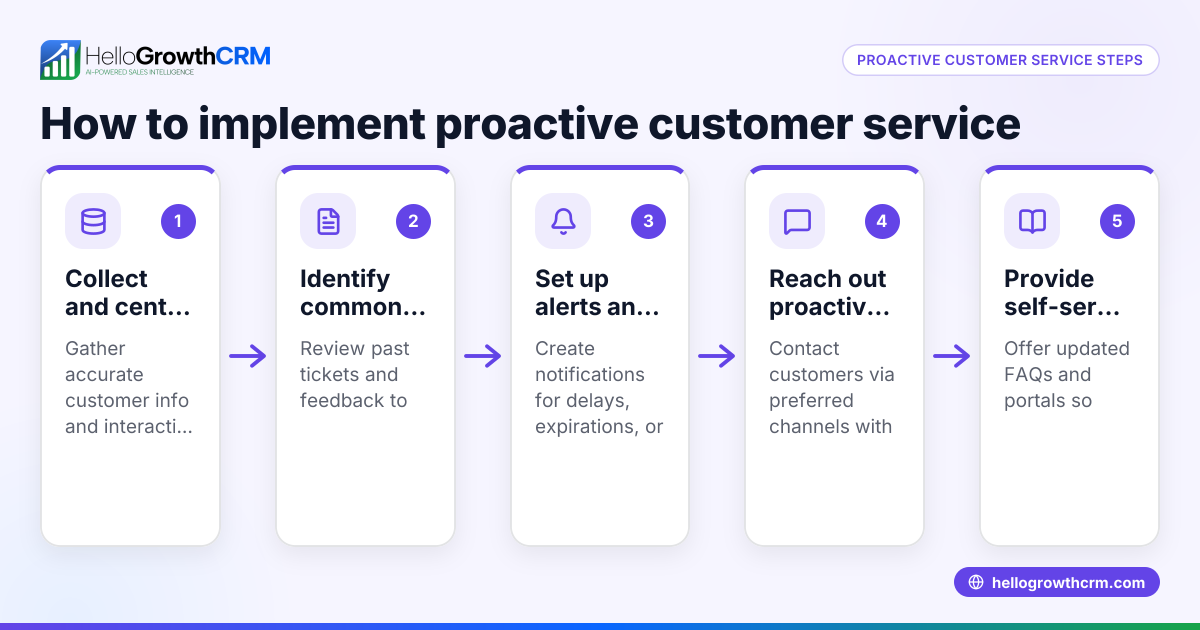
- Maintain a knowledge base and support tickets: Provide customers with self-service options via a knowledge base and track their issues through support tickets linked to their records. This improves customer satisfaction and reduces repetitive queries.
Example (fictional figures)
A plumbing company in Austin, Texas, wants to improve its customer messaging. They serve 500 customers and use SMS and WhatsApp to communicate.
- They collect contact info for all 500 customers.
- They segment customers into residential (300) and commercial (200).
- They create a welcome message: "Thank you for choosing Austin Plumbing! Reply HELP for support."
- They set up an SMS sequence for appointment reminders sent 1 day before service.
- They track message opens and follow up on no-reply cases.
Costs:
- SMS cost per message: $0.05
- Messages per customer per month: 2
Calculation:
500 customers × 2 messages per customer = 1,000 messages 1,000 messages × $0.05 per message = $50 monthly messaging cost
Results:
- Faster customer responses
- Fewer missed appointments
- Improved customer satisfaction
Common mistakes
- Using too many unconnected channels: This causes lost or overlooked messages. Prevent it by centralizing messaging in one system.
- Not segmenting customers: Sending irrelevant messages annoys customers. Prevent this by grouping customers based on their interests or needs.
- Ignoring customer replies: Leads to frustration and lost sales. Prevent by tracking responses and following up promptly.
- Sending too many messages: Over-messaging can annoy customers and cause unsubscribes. Prevent by setting limits on message frequency.
- Not providing self-service options: Increases support workload and slows responses. Prevent by offering a knowledge base and support tickets.
- Failing to track message performance: Without tracking, you can’t improve messaging effectiveness. Prevent by using tools that monitor delivery and engagement.
Doing this in HelloGrowthCRM
HelloGrowthCRM offers a branded customer portal where customers can find answers and submit support tickets. After the sale, all service requests stay linked on the same customer record as the deal, making follow-up easier. The system also supports referrals and a knowledge base to reduce repetitive questions. Learn more about customer health score and how to manage your messaging efficiently. HelloGrowthCRM supports WhatsApp and SMS channels, helping you centralize your communication and track message responses effectively. See details on WhatsApp and SMS CRM and how HelloGrowthCRM fits US businesses at HelloGrowthCRM for the United States.
Frequently asked questions
What channels are best for customer messaging? Email, SMS, WhatsApp, and customer portals are common channels. Choose based on your customers’ preferences and your ability to manage messages effectively. Centralizing these channels helps avoid missed or duplicated messages.
How often should I message my customers? It depends on your business and customer expectations. Avoid overwhelming customers by limiting messages to important updates, support information, or relevant promotions. Tracking message engagement helps find the right frequency.
How can I track if customers read my messages? Use CRM tools that show message delivery and read status. This helps identify who needs follow-up and improves response rates. HelloGrowthCRM supports tracking across WhatsApp and SMS.
What is a customer portal and why use it? A customer portal allows customers to access information, submit support tickets, and find answers on their own schedule. This improves customer satisfaction and reduces support workload by offering self-service options.
Can I automate customer messaging? Yes. Automating reminders, follow-ups, and message sequences saves time and ensures timely communication. Check your CRM’s automation capabilities to set up rules that fit your business.
How does customer messaging relate to sales? Good messaging builds trust and keeps customers engaged, increasing chances of repeat sales and referrals. It also helps resolve issues faster, improving your business reputation.
Key takeaways
- Customer messaging is essential for clear, timely communication with customers.
- Use centralized channels like WhatsApp, SMS, email, and portals to avoid lost messages.
- Segment customers and tailor messages to their needs.
- Track message delivery and responses to maintain engagement.
- Avoid common mistakes such as over-messaging, ignoring replies, and using disconnected tools.
- HelloGrowthCRM supports messaging with a customer portal, tickets, referrals, and knowledge base all linked to customer records.
Start improving your customer messaging today. Start on the Free Forever plan (200 leads, no credit card).
Ready to put this into practice?
Set up your pipeline, WhatsApp follow-ups, and AI lead scoring in minutes — free, no credit card.
Try HelloGrowthCRM freeGet CRM tips in your inbox
Join thousands of sales professionals who get weekly insights on CRM strategy, AI automation, and pipeline optimization.

The HelloGrowthCRM team publishes guides on CRM strategy, AI sales tools, and revenue operations for small business sales teams.