HelloGrowthCRM software
Built for real small-business sales teams
HelloGrowthCRM helps reps qualify faster, follow up on time, and close more deals—with practical automation in one place.
- AI lead scoring and pipeline visibility
- Built-in dialer, WhatsApp, and email automation
- Sales forecasting and RevOps-ready reporting
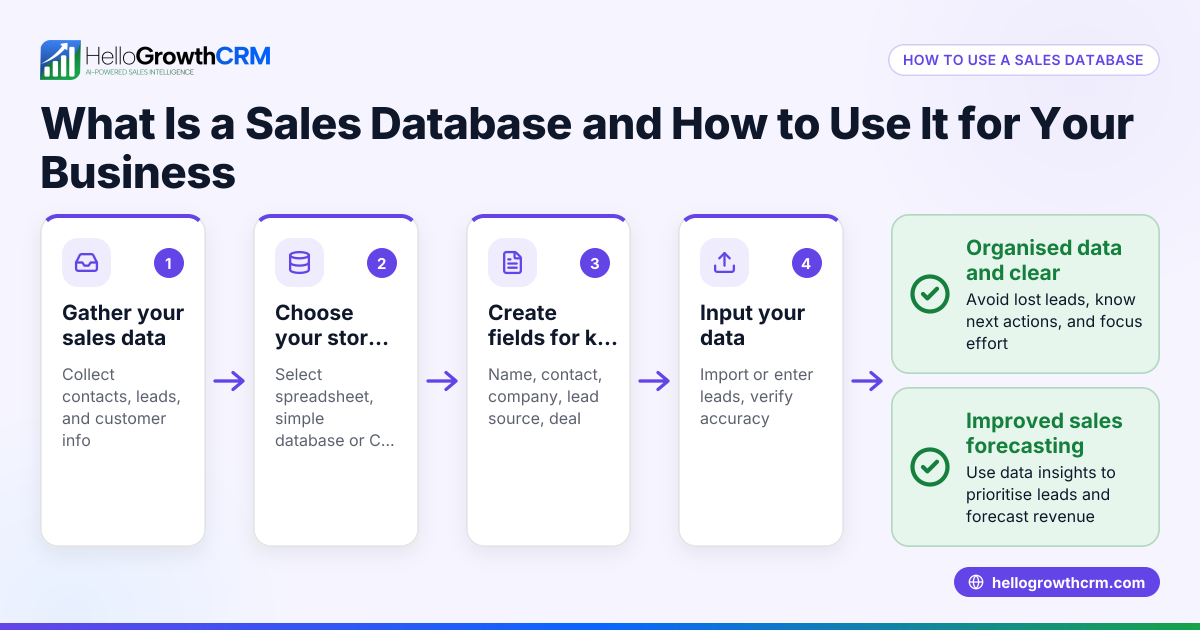
Sales database programs are software solutions designed to keep all your sales-related information in one organized place. They help small businesses track leads, manage customer contacts, monitor deal progress, and schedule follow-ups to prevent losing potential sales. This article covers why small businesses look for sales database programs, a step-by-step guide to using them, a practical example with numbers, common mistakes to avoid, and how HelloGrowthCRM can help with your sales management.
Why this comes up / what goes wrong
Small-business owners often find themselves juggling multiple tools like spreadsheets, email, and text messages to track their sales leads and customer contacts. This scattered approach makes it easy to lose track of follow-ups, miss deadlines, or forget about promising deals. When sales information is not centralized, the team wastes time searching for details or duplicating efforts, which slows down closing sales and reduces revenue. A sales database program solves this by providing a single platform where all sales data is stored, updated, and accessible to the team.
Step-by-step
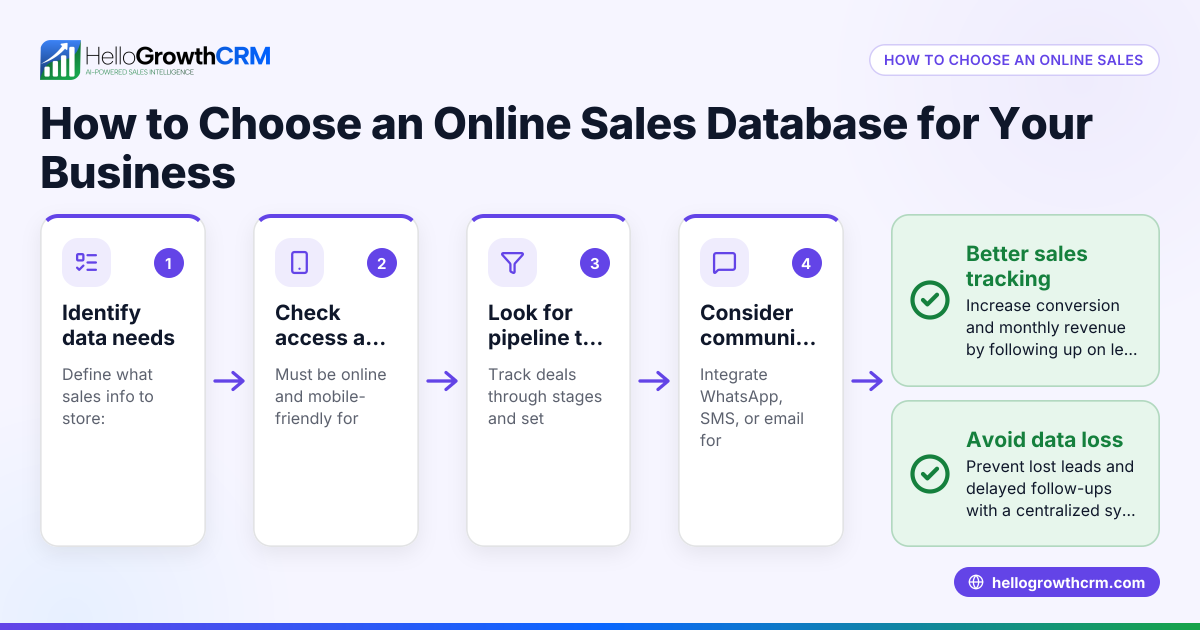
- Choose the right sales database program: Look for software that fits your business size and sales process. Check if it supports lead capture, deal tracking, and communication methods you use, like email or messaging apps.
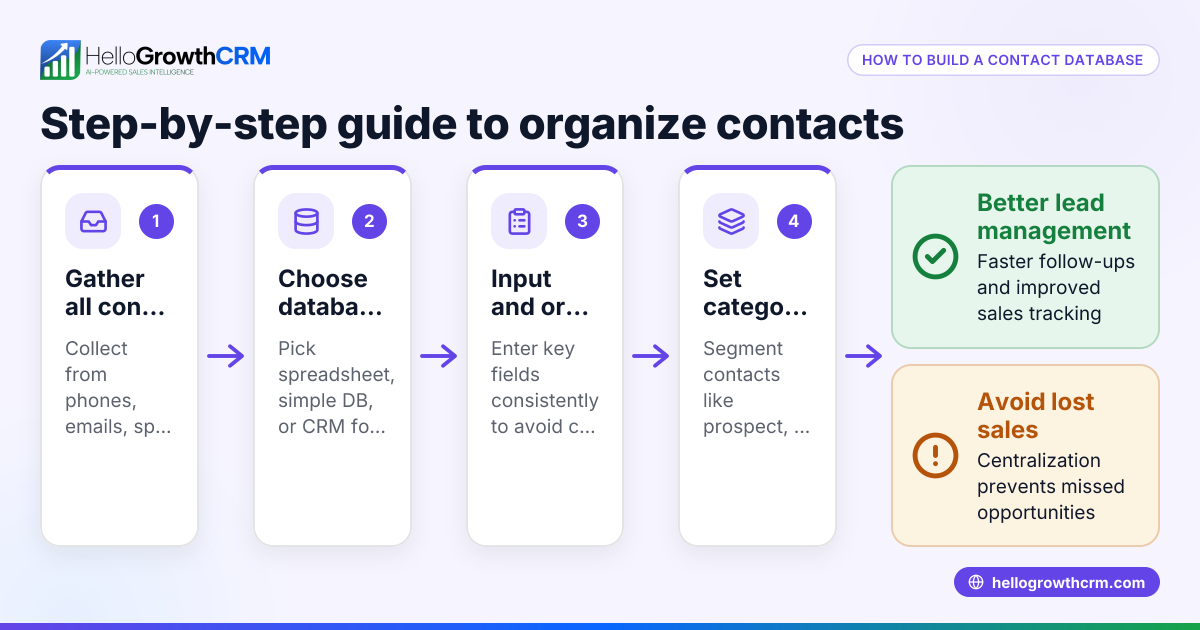
- Import your existing sales data: Gather your customer contacts, leads, and sales notes from spreadsheets, emails, or other tools. Import them into the program to start with a complete database.
- Set up your sales pipeline stages: Define stages that match your sales process, such as "Lead Contacted," "Quote Sent," and "Negotiation." This helps track where each deal stands.
- Enter deals and assign follow-up dates: Add current sales opportunities as deals in the system, assigning expected close dates and follow-up tasks to keep momentum.
- Use communication tools within the program: Send emails, SMS, or WhatsApp messages directly from the software to keep all interactions logged and organized.
- Monitor and update regularly: Review your pipeline daily or weekly, update deal statuses, and follow up on tasks to avoid missed opportunities.
- Analyze sales reports and forecasts: Use built-in reporting features to understand sales trends, forecast revenue, and adjust strategies accordingly.
Example (fictional figures)
A B2B software reseller in Denver, Colorado, named TechSolutions, uses a sales database program starting 04/01/2026. They have 50 leads in their database and currently have 10 deals in the pipeline.
- Average deal size: $12,000
- Expected close rate: 30%
- Deals at "Quote Sent" stage: 4 deals
Calculations:
Potential revenue from all deals = 10 deals × $12,000 = $120,000 Expected revenue (forecast) = $120,000 × 30% = $36,000
For the 4 deals at "Quote Sent" stage:
Value = 4 deals × $12,000 = $48,000 Expected revenue from these = $48,000 × 30% = $14,400
TechSolutions schedules follow-ups in the program for each "Quote Sent" deal to ensure no opportunity is forgotten, improving their chances to close these deals.
Common mistakes
- Not centralizing sales data: Using multiple disconnected tools leads to lost or duplicated information. Prevent this by importing all sales data into one program.
- Ignoring follow-up tasks: Without scheduled reminders, leads can go cold. Use follow-up dates and task boards to stay on top.
- Overcomplicating the sales pipeline: Too many stages confuse the team. Keep pipeline stages clear and aligned with your actual sales process.
- Failing to update deal statuses: Outdated information misleads forecasting. Make updating deal progress a regular habit.
- Not leveraging built-in communication: Sending emails or messages outside the system breaks tracking. Use the program's email, SMS, or WhatsApp tools to keep all interactions logged.
Doing this in HelloGrowthCRM
HelloGrowthCRM offers a Deals (pipeline) feature that tracks open opportunities from first contact through close with stage movement, probability, and expected value. For example, a quotation sent last week shows up as a deal at the "quote sent" stage with a follow-up date, so it is not forgotten. It also supports Territories, field operations and commissions, allowing field reps to log visits from their phones while managers see the day's activities. For founders without a sales manager, HelloGrowthCRM provides Managed RevOps support, where a revenue specialist works the follow-up queue weekly to keep sales moving. Learn more about HelloGrowthCRM for the United States, WhatsApp and SMS CRM, and the built-in CRM dialer.
Frequently asked questions
What is the difference between a sales database program and a CRM? A sales database program focuses on storing and organizing sales data, while a CRM (Customer Relationship Management) system includes additional tools for managing customer relationships, communication, and sales workflows. Many CRMs include sales database functions.
Can I use a sales database program without technical skills? Yes, many sales database programs are designed for small businesses and have user-friendly interfaces. Look for programs with simple import tools and clear pipelines to get started easily.
How does a sales database program improve sales follow-up? By centralizing lead and deal information with scheduled tasks and reminders, these programs prevent leads from being forgotten and help salespeople know exactly when and how to follow up.
Is it possible to track sales reps’ field visits in a sales database program? Some advanced programs, like HelloGrowthCRM, offer territory and field operations features that let reps log visits and managers monitor activities in real time.
How can I forecast sales using a sales database program? By assigning probabilities and expected values to deals in your pipeline, the program calculates forecasted revenue, helping you plan and make informed decisions.
Key takeaways
- Sales database programs organize and centralize sales data to prevent lost leads and missed follow-ups.
- Setting up clear pipeline stages and scheduling follow-ups keeps deals moving forward.
- Regularly updating deal statuses and using built-in communication tools improve sales team efficiency.
- Avoid common mistakes like scattered data, ignoring follow-ups, and overcomplicated pipelines.
- HelloGrowthCRM supports pipeline tracking, field operations, and managed revenue operations to help small businesses grow.
Start organizing your sales with HelloGrowthCRM and improve your follow-up today. Start on the Free Forever plan (200 leads, no credit card).
Ready to put this into practice?
Set up your pipeline, WhatsApp follow-ups, and AI lead scoring in minutes — free, no credit card.
Try HelloGrowthCRM freeGet CRM tips in your inbox
Join thousands of sales professionals who get weekly insights on CRM strategy, AI automation, and pipeline optimization.

The HelloGrowthCRM team publishes guides on CRM strategy, AI sales tools, and revenue operations for small business sales teams.