HelloGrowthCRM software
Built for real small-business sales teams
HelloGrowthCRM helps reps qualify faster, follow up on time, and close more deals—with practical automation in one place.
- AI lead scoring and pipeline visibility
- Built-in dialer, WhatsApp, and email automation
- Sales forecasting and RevOps-ready reporting
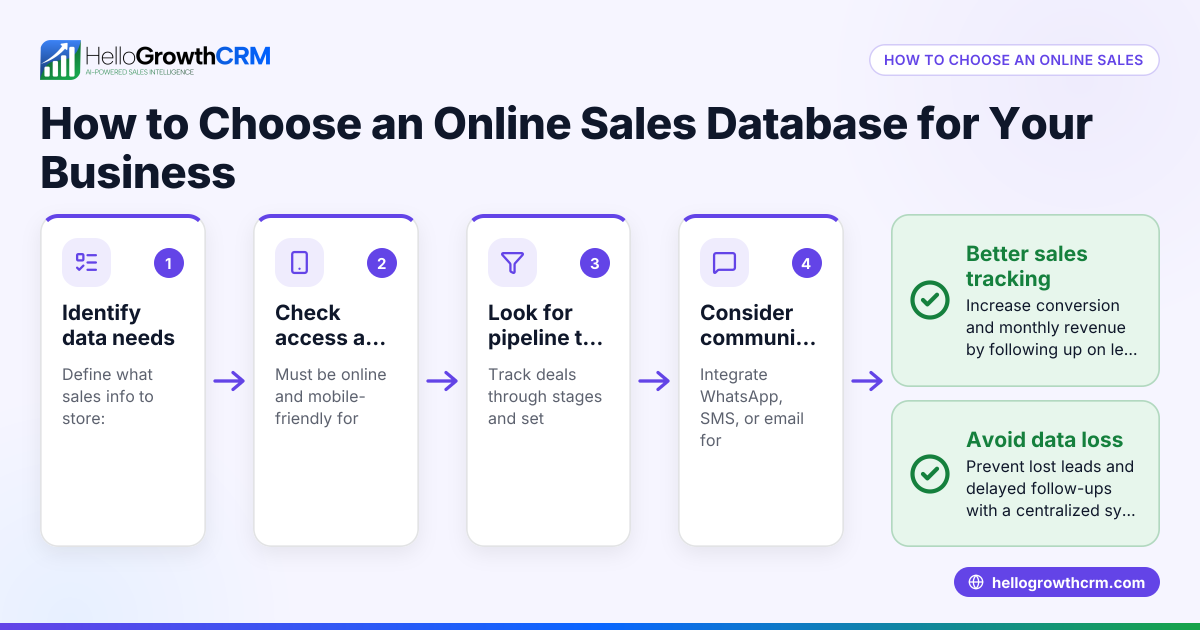
A sales database is a central place where you store and manage all your sales-related information. This includes details about leads, customers, communications, deals, and follow-ups. Having this organised helps you avoid losing leads, speeds up follow-up, and improves sales outcomes.
Why this comes up / what goes wrong
Many small Australian businesses start managing sales contacts with spreadsheets, emails, or text messages. Over time, this becomes chaotic. Leads get lost or forgotten, follow-ups are late, and sales opportunities slip away. Without a proper sales database, it’s hard to track where each lead is in your sales process or to measure your sales pipeline’s health.
For example, a small business owner might have leads scattered across emails and phone notes, making it difficult to remember who to contact next or which deals are close to closing. This slows sales growth and wastes time.
Step-by-step
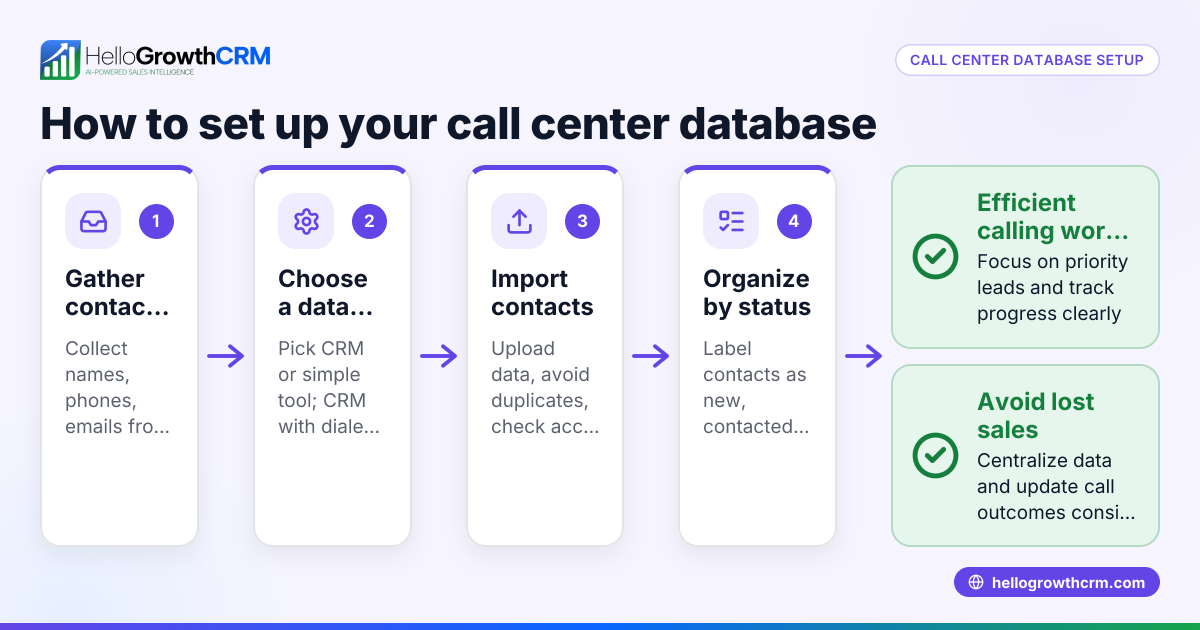
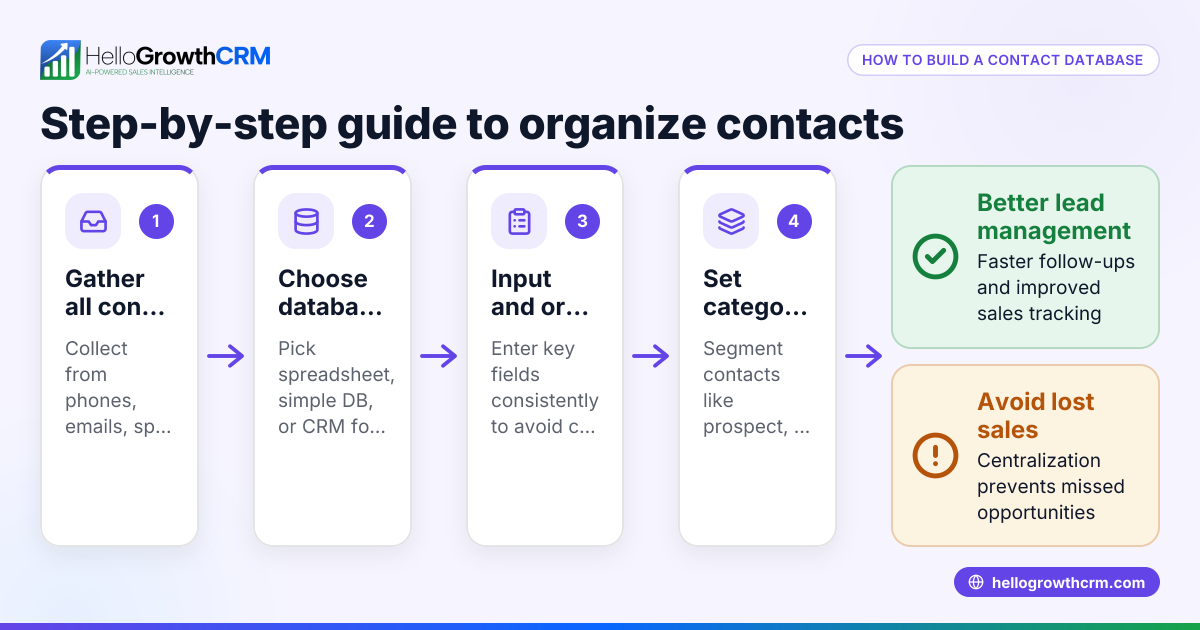
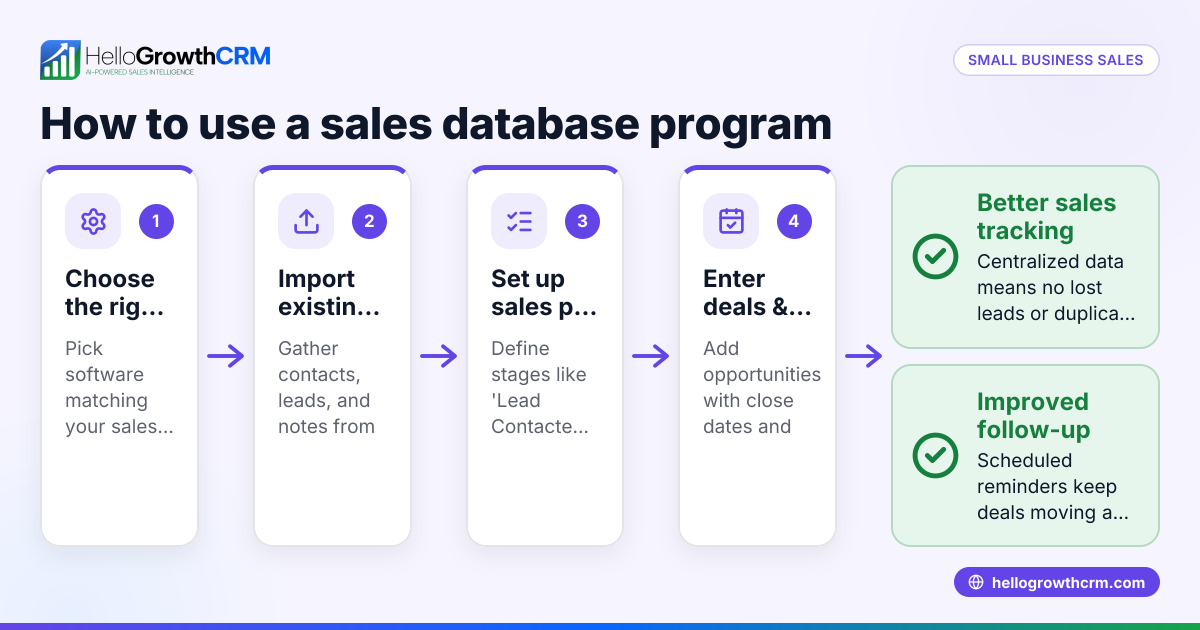
- Gather your sales data: Collect your existing contacts, leads, and customer information from emails, spreadsheets, business cards, and notes. Check for duplicates or outdated details.
- Choose a storage method: Decide whether to use a spreadsheet, a simple database, or a CRM system. For small businesses, a CRM with sales database features is recommended as it automates many tasks.
- Create fields for key information: Include name, contact details, company, lead source, last contact date, deal value, and sales stage.
- Input your data: Import or enter your leads and contacts into the chosen system. Verify the accuracy of the information.
- Set up sales stages or pipeline: Define the steps your sales process follows, such as New Lead, Contacted, Quote Sent, Negotiation, and Closed. This helps track progress clearly.
- Assign follow-up tasks and reminders: Ensure each lead has a next action date to avoid missed opportunities. Automated reminders help keep follow-ups timely.
- Regularly update the database: After each contact or sales activity, update the status and notes to keep information current.
- Analyse and report: Use reports or dashboards to track sales progress, forecast revenue, and identify bottlenecks. This gives insight into what is working and where to focus.
Using HelloGrowthCRM’s built-in features like the Deals pipeline helps automate stage tracking and follow-ups. For businesses with field sales, Territories and field operations tools let reps log visits on the phone and managers see activity.
Example (fictional figures)
An Adelaide-based registered training organisation started using a sales database on 01/03/2026.
- They imported 500 leads with contact info and course interests.
- The average deal value per enrolment is A$2,500.
- On 15/03/2026, they had 50 leads at the 'Quote Sent' stage.
- Expected revenue = 50 leads × A$2,500 = A$125,000.
This means the organisation can focus follow-ups on these 50 leads to close the deals.
Calculations:
50 × A$2,500 = A$125,000
This expected revenue figure helps prioritise sales efforts and forecast income.
Common mistakes
- Not updating the database regularly: Leads become outdated or forgotten. Prevent this by scheduling weekly updates and making it a habit to log every interaction.
- Using spreadsheets without structure: Leads get lost or duplicated. Use a CRM or a database with clear fields and validation to avoid errors.
- No follow-up reminders: Leads cool off and sales drop. Set automatic reminders or tasks through your CRM to maintain timely contact.
- Ignoring pipeline stages: You can’t see where leads stand. Define and use clear sales stages to track progress.
- Failing to track sales activities: You miss insights on what works. Log calls, emails, and meetings to understand customer engagement.
- Trying to manage everything manually: As your business grows, manual tracking becomes unmanageable. Consider tools like HelloGrowthCRM with a built-in CRM dialer to streamline communications.
Doing this in HelloGrowthCRM
HelloGrowthCRM offers Deals (pipeline) where a quotation sent last week shows up as a deal at the 'quote sent' stage with a follow-up date, so it is not forgotten. For businesses with field sales, Territories, field operations and commissions let reps log visits from their phone and managers see the day’s beat. Founders without a sales manager can get help working the follow-up queue every week to keep leads moving. Learn more about HelloGrowthCRM for Australia, WhatsApp and SMS CRM, and the built-in CRM dialer.
Frequently asked questions
What is the difference between a sales database and a CRM? A sales database stores your sales contacts and deal information. A CRM (Customer Relationship Management) system includes a sales database plus tools to manage communications, tasks, and sales pipelines, making it easier to track and close deals.
Can I use a spreadsheet as a sales database? Yes, but spreadsheets lack automation, reminders, and pipeline views. This makes it harder to manage follow-ups and track sales stages, which a CRM does automatically.
How often should I update my sales database? Ideally, update it after every interaction with a lead or customer. At minimum, review and clean your data weekly to keep it accurate and actionable.
What information should I record in a sales database? Include contact details, company name, lead source, last contact date, deal value, sales stage, and follow-up tasks. This helps prioritise and manage leads effectively.
How does using a sales database improve sales? It prevents leads from being lost or forgotten, speeds up follow-up, and provides insights into your sales pipeline, enabling better forecasting and decision-making.
How can a sales database help someone without a sales manager? A sales database combined with regular follow-up routines ensures leads don’t fall through the cracks. It can also support assigning tasks or getting external help to manage leads effectively.
Key takeaways
- A sales database centralises your sales contacts, leads, and deals.
- Small businesses often lose leads without an organised sales database.
- Use a CRM or structured database with clear sales stages and follow-up reminders.
- Regular updates and activity tracking keep sales moving.
- Pipeline and field operations tools help manage sales activities efficiently.
- Automating reminders and logging sales activities prevents missed opportunities.
Start organising your sales leads today and improve your sales process. You can start on the Free Forever plan (200 leads, no credit card) with HelloGrowthCRM.
Ready to put this into practice?
Set up your pipeline, WhatsApp follow-ups, and AI lead scoring in minutes — free, no credit card.
Try HelloGrowthCRM freeGet CRM tips in your inbox
Join thousands of sales professionals who get weekly insights on CRM strategy, AI automation, and pipeline optimization.

The HelloGrowthCRM team publishes guides on CRM strategy, AI sales tools, and revenue operations for small business sales teams.