HelloGrowthCRM software
Built for real small-business sales teams
HelloGrowthCRM helps reps qualify faster, follow up on time, and close more deals—with practical automation in one place.
- AI lead scoring and pipeline visibility
- Built-in dialer, WhatsApp, and email automation
- Sales forecasting and RevOps-ready reporting
A chatbot for airlines is an automated tool designed to communicate with customers through messaging platforms like WhatsApp or SMS. It can answer common questions, assist with flight bookings, provide flight status updates, and handle other routine requests. Small and mid-sized airline operators use chatbots to improve customer service speed and availability without needing to increase staff. This article covers why airlines seek chatbots, step-by-step implementation guidance, a practical example with figures, common mistakes to avoid, and how HelloGrowthCRM can help manage customer follow-up efficiently.
Why this comes up / what goes wrong
Small airline businesses often struggle to respond promptly to customer inquiries, especially during busy seasons or flight disruptions. Customers expect quick answers about flight schedules, ticket changes, baggage policies, and cancellations. Without automation, airlines rely heavily on phone calls, emails, or manual messaging, which can cause delays, lost bookings, and frustrated customers. Managing interactions across channels like text messages, email, and social media can overwhelm small teams, resulting in slow follow-up and missed revenue opportunities.
Step-by-step
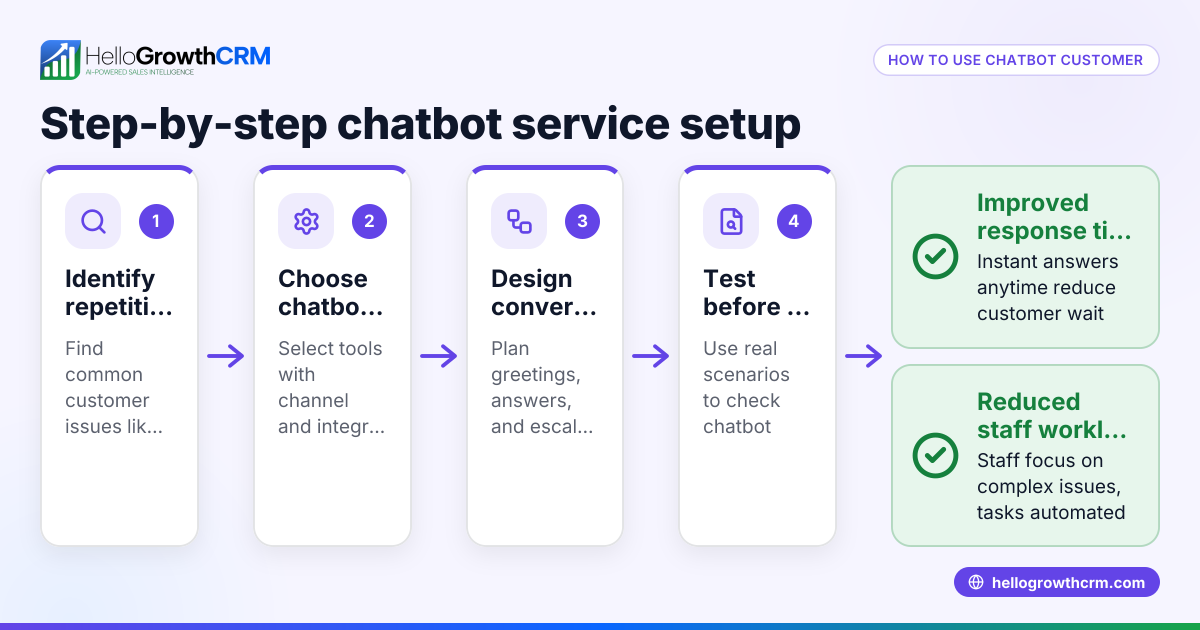
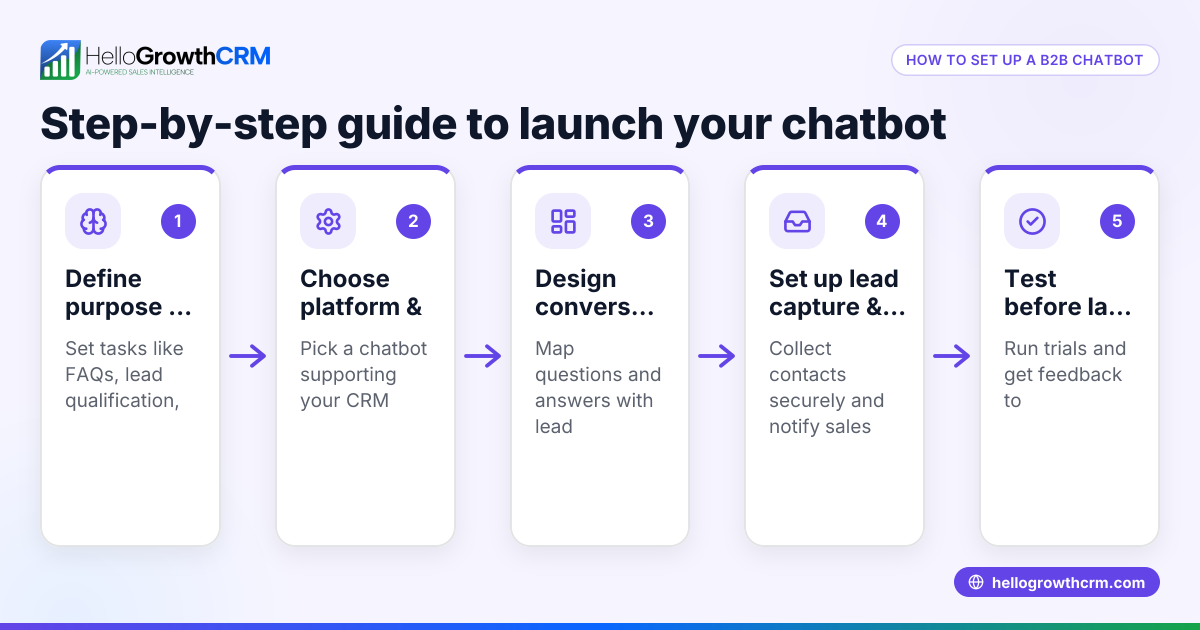
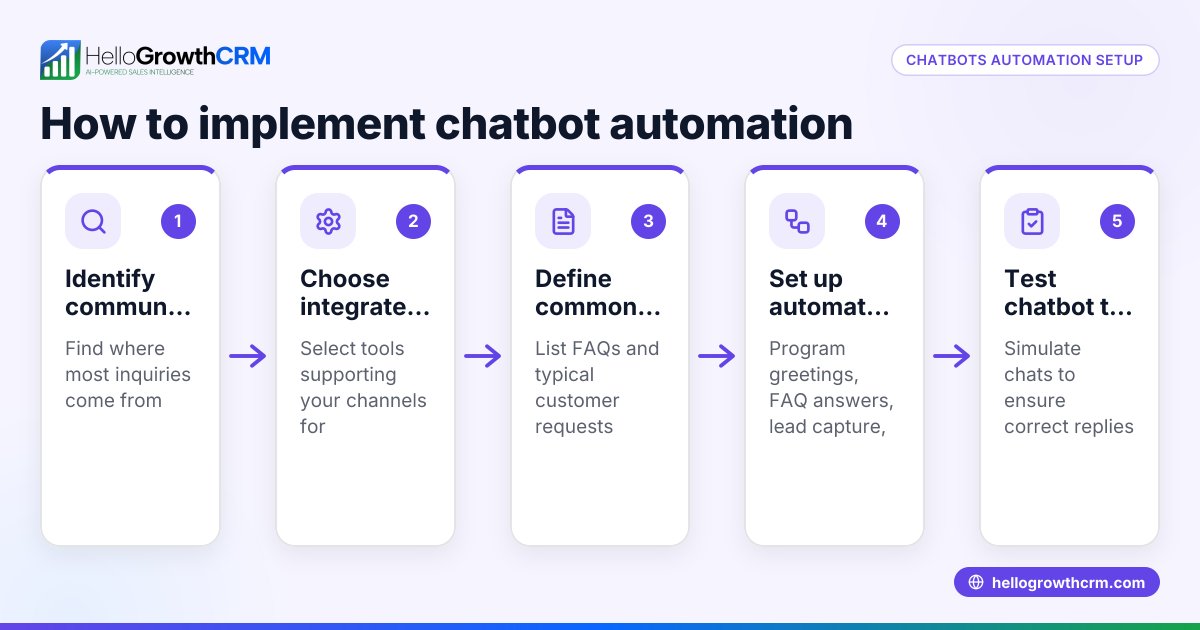
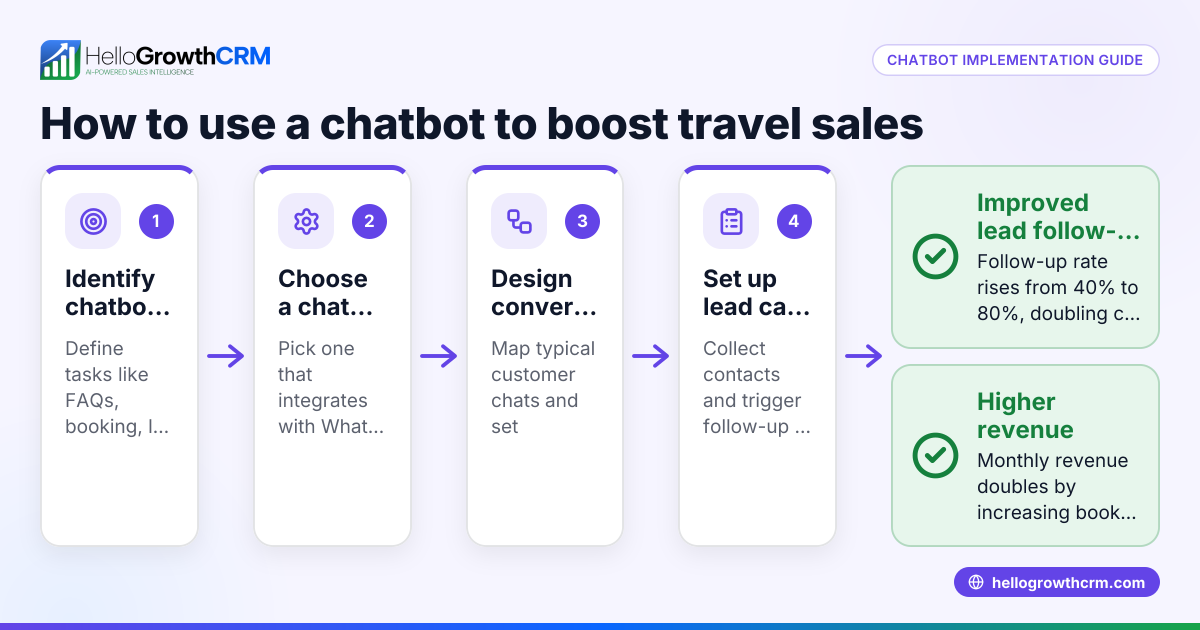
- Identify customer interaction needs: Determine which tasks your chatbot should handle, such as answering FAQs, booking flights, or providing flight status updates.
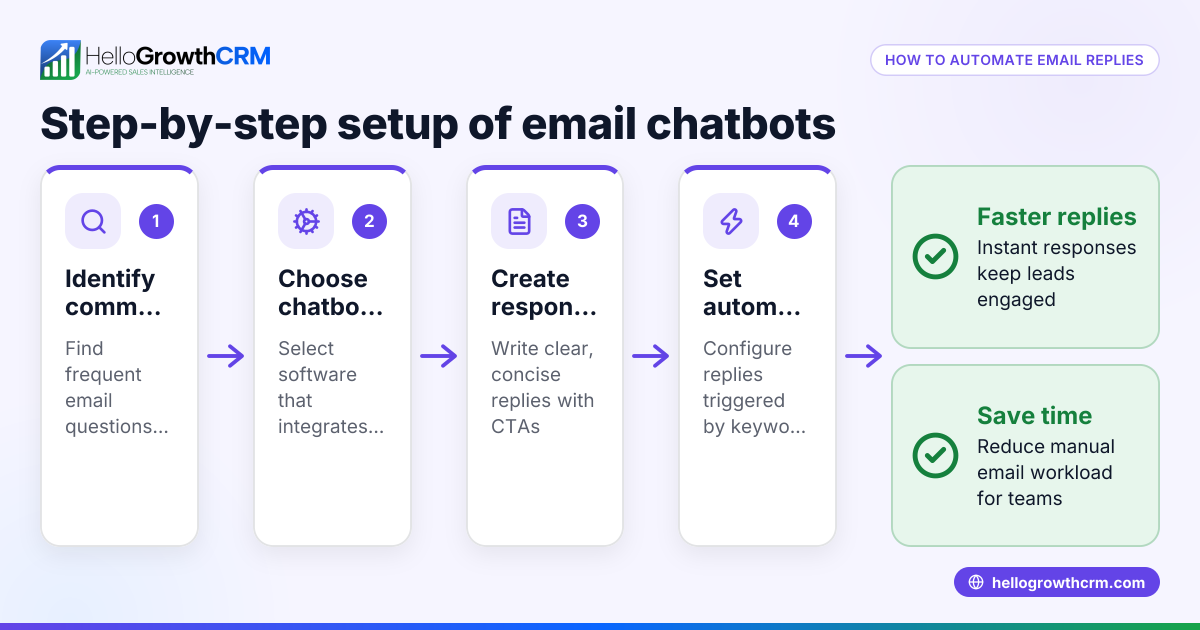
- Choose a chatbot platform: Select a solution compatible with your communication channels (WhatsApp, SMS, website chat). Check if it integrates with your existing CRM or booking system for seamless data flow.
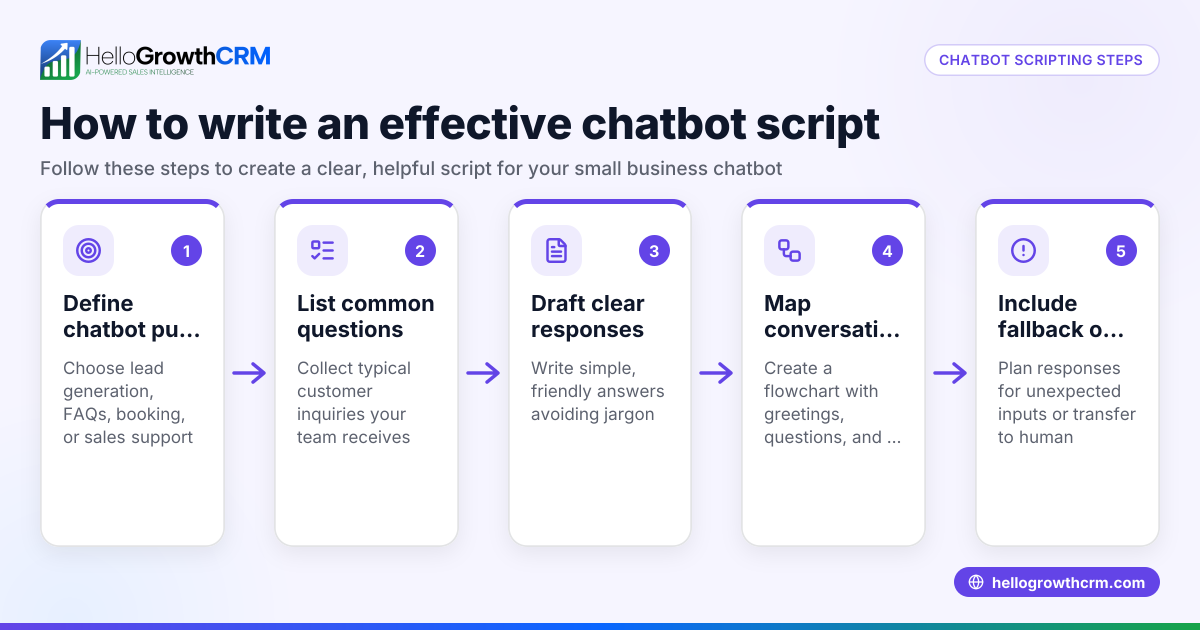
- Design conversation flows: Map typical customer questions and chatbot responses. Include clear options for escalation to human agents for complex issues.
- Set up lead capture and follow-up processes: Ensure the chatbot collects customer contact info and inquiry details to feed into your sales or support pipeline.
- Test the chatbot thoroughly: Run scenarios to verify accurate responses and proper handoff to humans when needed.
- Train your team on chatbot monitoring and use: Ensure staff know how to review chatbot interactions and intervene when necessary.
- Monitor performance and optimize regularly: Use analytics and customer feedback to improve chatbot responses and update conversation flows.
Example (fictional figures)
SkyFly Airlines, a small regional airline based in Denver, Colorado, wants to improve customer service using a chatbot. They handle about 4,000 monthly customer inquiries via phone and email. They aim to automate handling of some routine inquiries to reduce staff workload and speed up responses.
- Total monthly inquiries: 4,000
- Estimated inquiries handled by chatbot: 1,000 (assumed for illustration)
- Average booking value: $300
- Estimated increase in booking conversion due to faster response: 4%
Additional bookings due to chatbot:
1,000 × 4% = 40 bookings
Additional monthly revenue:
40 × $300 = $12,000
By automating routine inquiries, SkyFly Airlines expects to generate an estimated $12,000 more revenue monthly and improve customer satisfaction.
Common mistakes
- Ignoring customer needs in chatbot design: Prevent this by researching frequent questions and testing flows with real users.
- Not integrating chatbot data with CRM or booking systems: Leads and inquiries can be lost or mishandled. Ensure data flows into your sales pipeline.
- Failing to provide an option to reach a human agent: Some queries require personal attention. Include clear escalation paths.
- Neglecting chatbot maintenance and updates: Regularly review chatbot performance and update scripts to reflect new policies or flight changes.
- Overloading the chatbot with too many complex tasks initially: Start simple and expand functionality gradually to avoid customer frustration.
- Not training staff on chatbot monitoring and follow-up: Ensure your team understands how to manage chatbot leads and intervene when needed.
Doing this in HelloGrowthCRM
HelloGrowthCRM offers Managed RevOps, a done-for-you revenue operations service where a dedicated revenue specialist manages your follow-up queue every week. For small airline businesses without a sales manager, this means someone consistently works leads captured via chatbot or other channels, ensuring timely responses and pipeline hygiene. This helps maintain momentum with potential customers and prevents leads from slipping through the cracks. Learn more about HelloGrowthCRM for the United States.
Frequently asked questions
What is the main benefit of using a chatbot for airlines? A chatbot automates responses to common customer inquiries, reducing wait times and freeing staff to focus on complex issues. This improves customer satisfaction and can increase bookings.
Can a chatbot handle flight bookings completely? Chatbots can handle many booking tasks, but complex requests or payment issues may require human intervention. Effective chatbots include escalation options.
How does chatbot data integrate with airline sales processes? Good chatbots capture lead details and inquiries, feeding them into your CRM or sales pipeline for follow-up. This integration helps track and convert leads efficiently.
Is it expensive to implement a chatbot for a small airline? Costs vary by platform and complexity. Starting with a simple chatbot focused on common questions can keep costs manageable.
How can I ensure my team uses chatbot leads effectively? Using a service like HelloGrowthCRM’s Managed RevOps assigns a specialist to manage follow-ups weekly, so leads captured by your chatbot are promptly contacted and nurtured.
What communication channels should a chatbot support for airlines? A chatbot should support channels your customers use most, such as WhatsApp, SMS, and website chat. Integrating these with your CRM ensures smooth lead tracking and follow-up. HelloGrowthCRM supports WhatsApp and SMS CRM features to help manage these communications efficiently. Learn more about the WhatsApp and SMS CRM and the built-in CRM dialer.
Key takeaways
- A chatbot for airlines automates customer communication, speeding up responses and improving service availability.
- Small airlines often struggle with timely customer responses and managing multi-channel inquiries.
- Implementing a chatbot involves identifying needs, choosing a platform, designing conversation flows, integrating data, testing, training staff, and ongoing optimization.
- Common mistakes include poor design, lack of integration, no human fallback, neglecting updates, and insufficient staff training.
- HelloGrowthCRM’s Managed RevOps helps small businesses by ensuring chatbot leads are followed up consistently and pipeline hygiene is maintained.
Start your chatbot journey with confidence and keep your sales pipeline active. Start on the Free Forever plan (200 leads, no credit card).
Ready to put this into practice?
Set up your pipeline, WhatsApp follow-ups, and AI lead scoring in minutes — free, no credit card.
Try HelloGrowthCRM freeGet CRM tips in your inbox
Join thousands of sales professionals who get weekly insights on CRM strategy, AI automation, and pipeline optimization.

The HelloGrowthCRM team publishes guides on CRM strategy, AI sales tools, and revenue operations for small business sales teams.