HelloGrowthCRM software
Built for real small-business sales teams
HelloGrowthCRM helps reps qualify faster, follow up on time, and close more deals—with practical automation in one place.
- AI lead scoring and pipeline visibility
- Built-in dialer, WhatsApp, and email automation
- Sales forecasting and RevOps-ready reporting
Chatbot customer service is a software tool that simulates conversation with customers through chat interfaces on websites or messaging apps. It automatically answers common questions, helps with simple tasks like booking or order tracking, and routes complex issues to human agents. This automation reduces customer wait times and lightens the workload on your support team.
Why this comes up / what goes wrong
Many small-business owners struggle to keep up with customer inquiries quickly and consistently. Customers expect fast, 24/7 responses, but small teams often lack the capacity for round-the-clock service. This can lead to lost sales, unhappy customers, and repetitive work for staff who answer the same questions repeatedly. Businesses look to chatbot customer service to automate routine interactions and improve response times. However, if chatbots are poorly designed or not integrated with customer records, they can frustrate customers and create more work.
Step-by-step
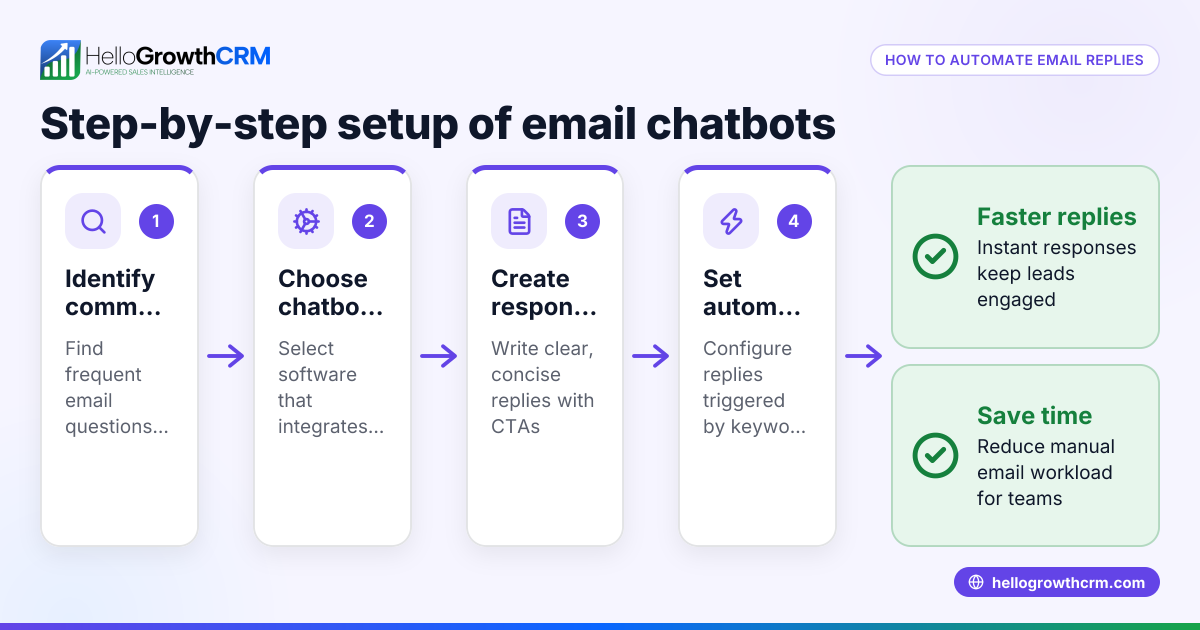
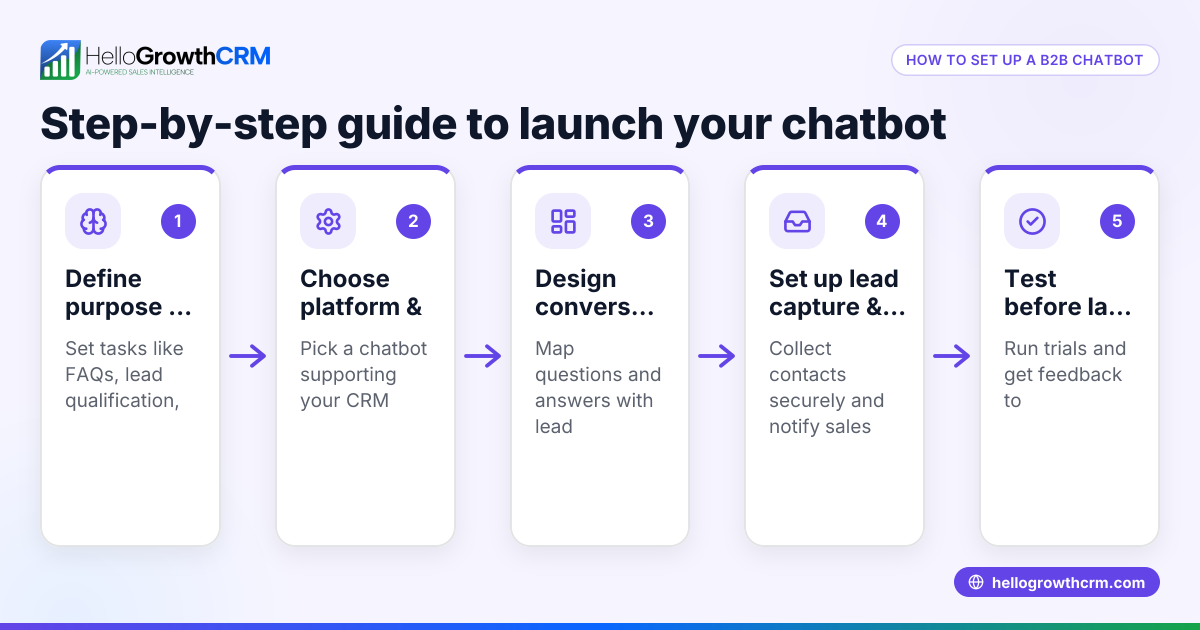
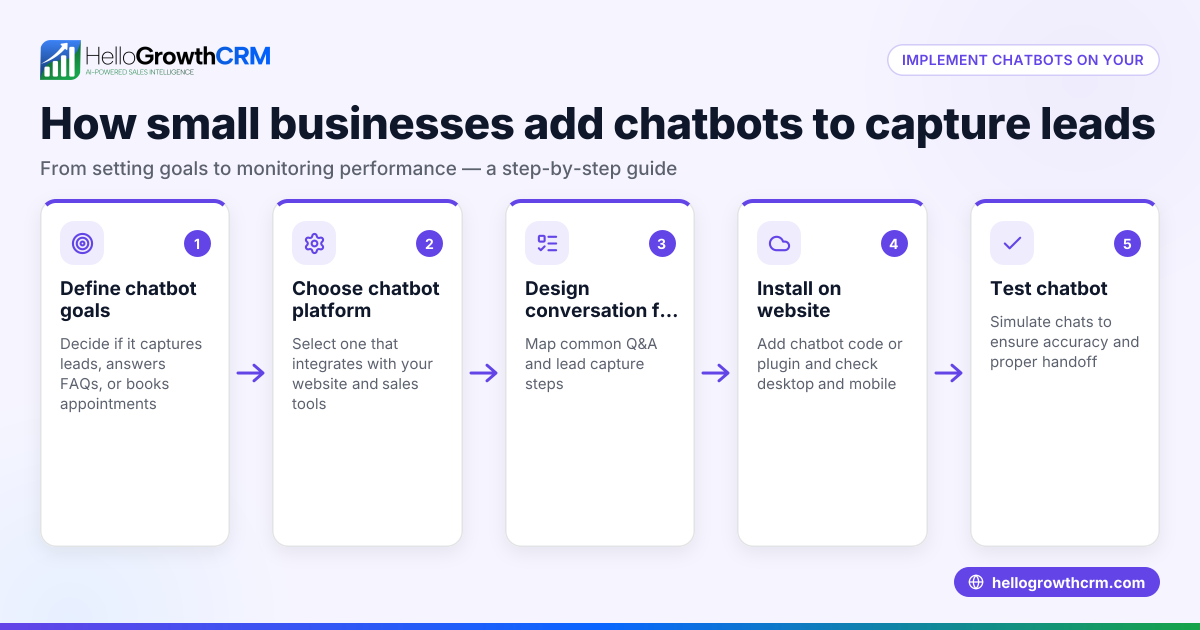
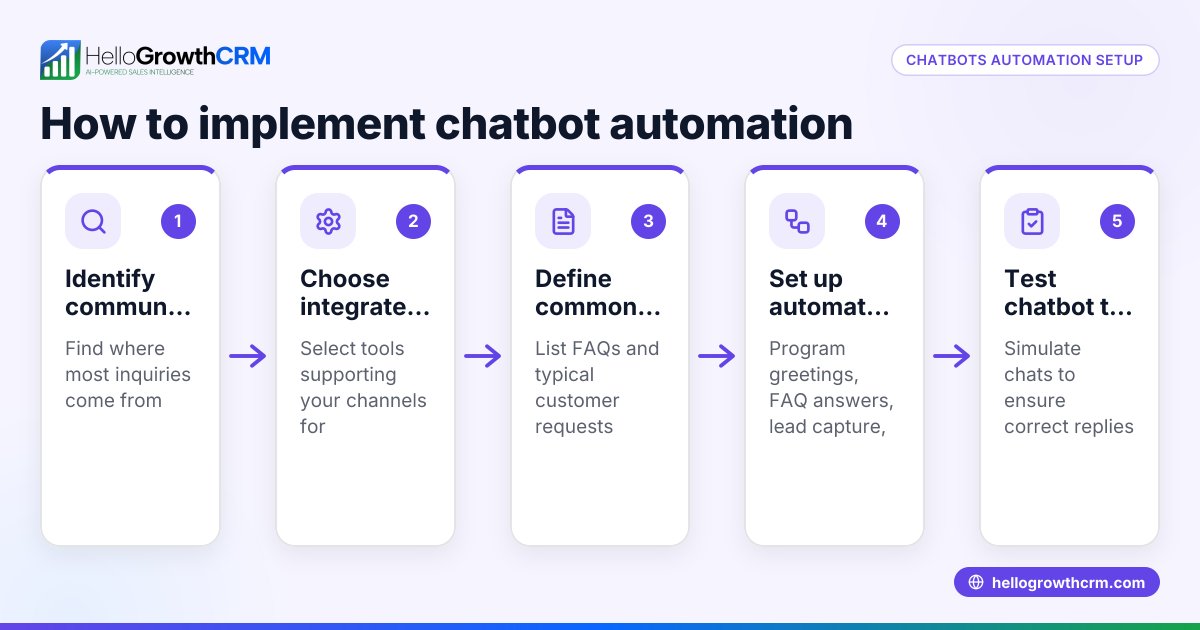
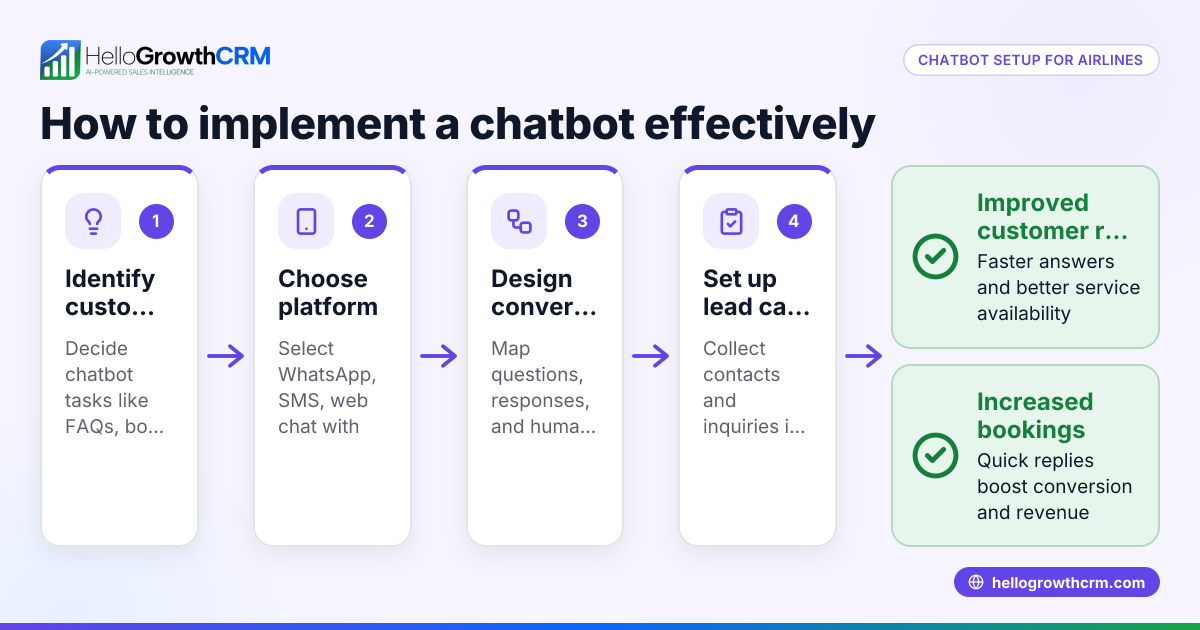
- Identify repetitive customer questions and tasks to automate. Review your support requests to find common issues like business hours, pricing, appointment scheduling, or order status that a chatbot can handle.
- Choose a chatbot platform that fits your business needs. Look for ease of setup, support for your customers’ preferred channels (website chat, WhatsApp, SMS), and integration options.
- Design clear conversation flows. Plan how the chatbot will greet customers, ask questions, provide answers, and escalate to a human agent when needed.
- Test the chatbot thoroughly before going live. Use real customer scenarios to check that the chatbot responds accurately and handles exceptions properly.
- Integrate the chatbot with your CRM or customer database. This keeps service requests linked to customer records, improving tracking and follow-up. HelloGrowthCRM, for example, keeps service requests on the same customer record as the deal, streamlining support and sales efforts.
- Train your team on chatbot monitoring and escalation. Staff should review chatbot conversations regularly and step in when the chatbot cannot resolve an issue.
- Measure chatbot performance and customer satisfaction. Track metrics like resolution time, deflection rate, and customer feedback to improve the chatbot over time.
Example (fictional figures)
A two-location dental practice in Columbus, Ohio, wants to implement a chatbot to handle appointment booking and frequently asked questions.
- Monthly patient inquiries: 1,200
- Estimated repetitive questions suitable for chatbot: 900
- Staff cost per hour: $25
- Average time saved per chatbot-handled inquiry: 5 minutes
Calculations: 900 inquiries × 5 minutes = 4,500 minutes saved 4,500 minutes ÷ 60 = 75 hours saved 75 hours × $25 = $1,875 monthly staff cost saved
This means the practice saves $1,875 every month by automating routine patient questions, allowing staff to focus on more complex patient care.
Common mistakes
- Overloading the chatbot with complex tasks. Prevent this by limiting chatbot scope to simple, repetitive issues it can handle reliably.
- Ignoring integration with customer records. Prevent this by linking service requests to the same customer record as sales, as HelloGrowthCRM does, for seamless follow-up.
- Failing to update chatbot content regularly. Prevent this by scheduling periodic reviews and updates based on new customer questions or issues.
- Neglecting human escalation paths. Prevent this by clearly defining when and how the chatbot transfers conversations to live agents.
- Not training staff on chatbot oversight. Prevent this by involving your team in chatbot setup, monitoring, and escalation procedures.
Doing this in HelloGrowthCRM
HelloGrowthCRM supports chatbot customer service by keeping service requests, support tickets, and knowledge base entries on the same customer record as the deal. Its branded self-service customer portal helps small businesses track support tickets and referrals efficiently. After the sale, all service interactions stay linked to the customer, improving response times and customer satisfaction. Learn more about these capabilities in the customer health score section.
Frequently asked questions
What types of questions can a chatbot answer? Chatbots handle common, repetitive questions like business hours, pricing, appointment availability, and order tracking. More complex or sensitive issues should be escalated to a human agent.
How does chatbot customer service improve response times? Chatbots provide instant answers any time of day, reducing wait times for customers and freeing staff to focus on higher-priority tasks. This improves overall customer satisfaction.
Can chatbots work with WhatsApp and SMS? Yes, many chatbot platforms integrate with WhatsApp and SMS, allowing businesses to communicate with customers on their preferred messaging channels. See how HelloGrowthCRM supports WhatsApp and SMS CRM.
How do I track chatbot performance? Use metrics such as the number of inquiries handled, resolution rates, customer satisfaction scores, and the rate of escalation to human agents. Regular tracking helps refine chatbot effectiveness.
Will customers accept chatbot interactions? Many customers appreciate quick answers, but it’s important to provide easy access to human support if needed. Clear communication about chatbot capabilities and limitations improves acceptance.
Key takeaways
- Chatbot customer service automates routine customer interactions to save time and improve responsiveness.
- Start by identifying repetitive questions and designing simple conversation flows.
- Integrate chatbots with your CRM to keep service requests linked to customer records.
- Avoid overcomplicating chatbot tasks and ensure smooth escalation to human agents.
- HelloGrowthCRM helps manage support tickets and customer portals on the same record as sales.
- Monitor chatbot performance regularly and update content to maintain effectiveness.
Start improving your customer service with automation today. Start on the Free Forever plan (200 leads, no credit card) to explore how HelloGrowthCRM can support your service and sales teams.
Ready to put this into practice?
Set up your pipeline, WhatsApp follow-ups, and AI lead scoring in minutes — free, no credit card.
Try HelloGrowthCRM freeGet CRM tips in your inbox
Join thousands of sales professionals who get weekly insights on CRM strategy, AI automation, and pipeline optimization.

The HelloGrowthCRM team publishes guides on CRM strategy, AI sales tools, and revenue operations for small business sales teams.