HelloGrowthCRM software
Built for real small-business sales teams
HelloGrowthCRM helps reps qualify faster, follow up on time, and close more deals—with practical automation in one place.
- AI lead scoring and pipeline visibility
- Built-in dialer, WhatsApp, and email automation
- Sales forecasting and RevOps-ready reporting
Client intake and CRM software for legal firms helps manage new client inquiries, track communications, and organize case workflows efficiently. This article covers why legal firms need specialized software, a step-by-step guide to selecting the right solution, a practical example, common pitfalls to avoid, and answers to frequent questions.
Why this comes up / what goes wrong
Legal firms, especially small and mid-sized ones, often struggle with managing client intake efficiently. New client leads come from multiple channels like calls, emails, and web forms. Without a dedicated system, information can get lost or delayed, causing slow follow-up and lost cases. Many firms rely on spreadsheets, email chains, or basic contact lists, which are not designed for legal workflows or compliance needs. This leads to missed deadlines, poor client experience, and difficulty tracking case progress. Legal firms need software that combines client intake forms with CRM features tailored to their communication and task management requirements.
Step-by-step
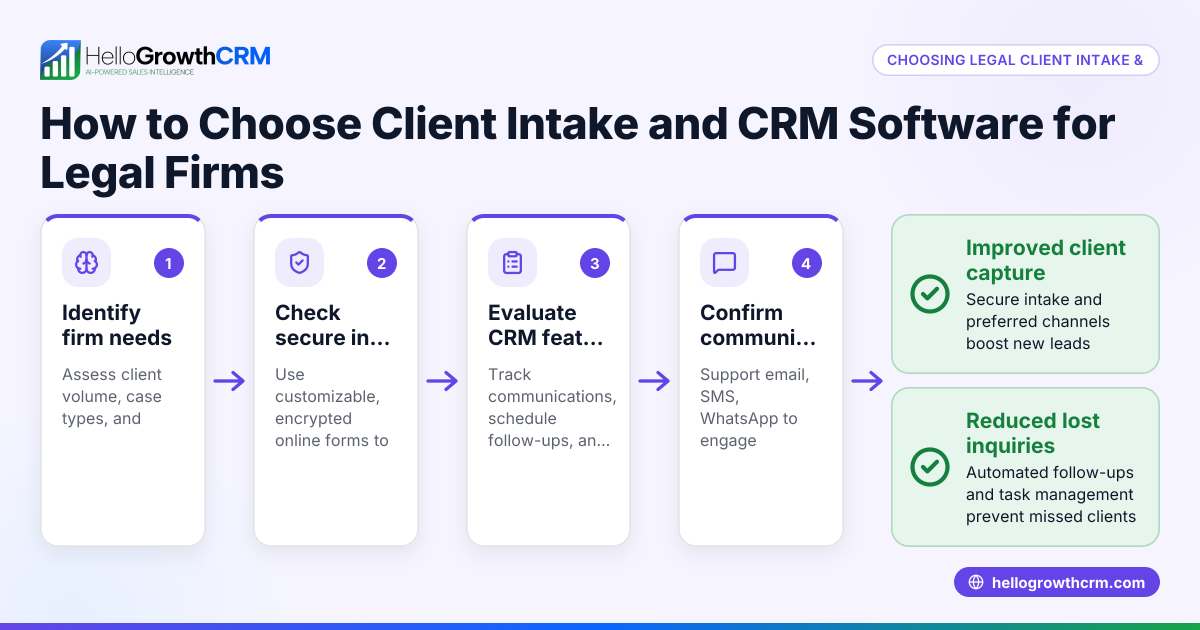
- Define your firm’s client intake needs
- Identify where leads come from (website, calls, referrals).
- Determine if you need custom intake forms or document uploads.
- Check if you require conflict checks or compliance tracking.
- List essential CRM features for legal firms
- Contact and case record management.
- Communication logging across channels (email, phone, messaging).
- Task and deadline tracking to manage follow-ups and court dates.
- Evaluate communication channels supported
- Confirm if the CRM supports WhatsApp, SMS, email, and calls.
- Check if conversations are logged automatically to client records.
- Assess workflow automation capabilities
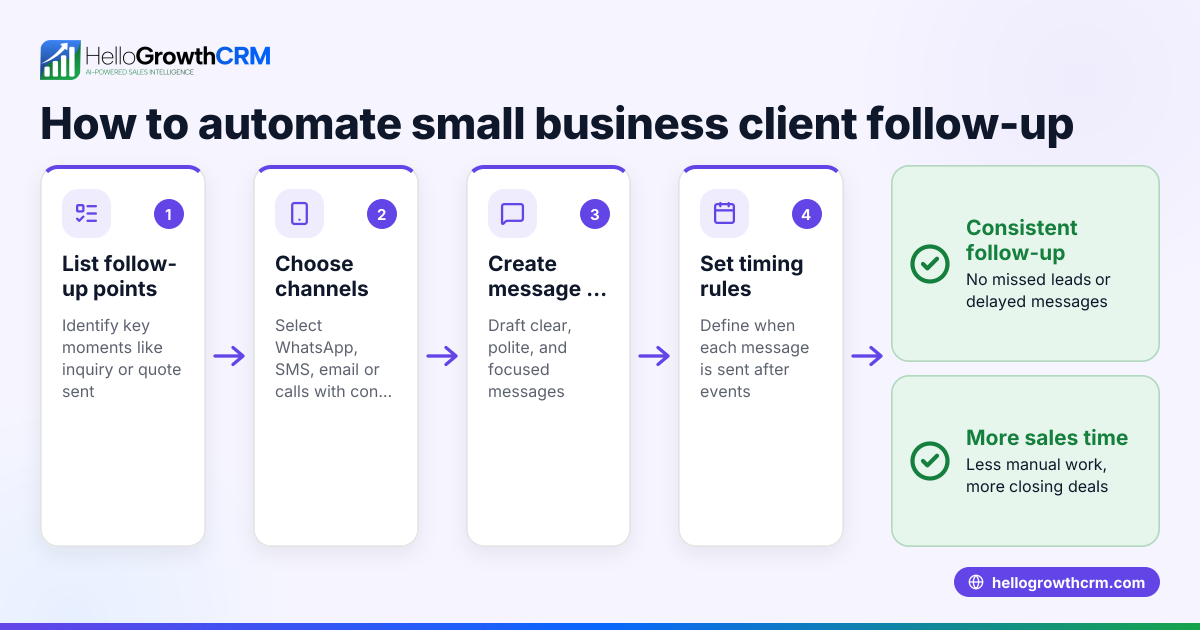
- Look for sequences or campaigns to automate follow-up messages.
- Ensure automation stops when a client replies to avoid spamming.
- Consider usability and adoption
- Choose software with task boards or activity lists to reduce memory load.
- Prioritize ease of use for team members to ensure consistent use.
- Check integration options
- Verify if the software integrates with your website forms or other tools.
- Review security and compliance features
- Confirm data encryption and access controls suitable for legal data.
- Test with a trial or demo
- Use trial periods to verify the software fits your firm’s workflow.
For more on CRM features relevant to legal firms, see CRM features.
Example (fictional figures)
A two-location legal firm in Columbus, Ohio, handles about 100 new client inquiries monthly. They want to automate follow-up and track intake efficiently.
- They receive 100 leads monthly.
- They set up a five-step follow-up sequence over two weeks.
- Each follow-up message costs $0.05 in SMS fees; WhatsApp messages are free.
Calculations:
100 leads × 5 follow-ups = 500 messages 500 messages × $0.05 = $25 monthly SMS cost
By automating follow-ups, the firm saves 10 hours of manual calling monthly.
10 hours × $50/hour (staff cost) = $500 saved monthly
Net benefit:
$500 saved - $25 SMS cost = $475 monthly net savings
This example shows how client intake and CRM software can reduce workload and improve response times.
Common mistakes
- Choosing software without multi-channel communication logging
- Prevent by verifying that calls, WhatsApp, SMS, and emails are all tracked in one place.
- Ignoring task management features
- Prevent by using software with activities and task boards to keep follow-ups organized.
- Overlooking automation that stops on reply
- Prevent by selecting CRM sequences that pause once a client responds to avoid spamming.
- Not testing usability with the team
- Prevent by involving users in demos and trials to ensure adoption.
- Neglecting integration with existing intake forms
- Prevent by confirming the CRM can capture leads directly from your website or other tools.
See more on WhatsApp and SMS CRM capabilities here.
Doing this in HelloGrowthCRM
HelloGrowthCRM supports WhatsApp and SMS messaging where conversations with leads are logged on their records, making follow-ups easy and trackable. Each follow-up becomes an activity task with a due date, so your team knows exactly what calls or messages to make each day instead of relying on memory. You can set up automated five-step follow-up sequences over two weeks that run on their own and stop immediately when a prospect replies. This helps legal firms maintain timely client contact without manual effort. Learn more about HelloGrowthCRM features on WhatsApp and SMS CRM and CRM features.
Frequently asked questions
What is the best client intake and CRM software for small law firms? Small law firms should look for software that combines easy client intake forms, multi-channel communication logging, and task management. Usability and automation features that reduce manual follow-up are key. HelloGrowthCRM offers these capabilities with WhatsApp and SMS integration and task boards.
Can client intake and CRM software handle compliance for legal firms? Many legal CRM solutions include compliance features like conflict checks and secure data handling. When choosing, verify the software’s security measures and whether it supports legal-specific workflows. Always check with your compliance advisor for requirements. NEEDS EXPERT REVIEW
How does automation help with client intake in legal firms? Automation sends timed follow-up messages to new leads, ensuring no inquiry goes unanswered. It saves time by reducing manual outreach and stops when the client replies, preventing over-communication.
Is WhatsApp integration important for legal CRM? Yes, WhatsApp is commonly used for quick client communication. Having WhatsApp conversations logged automatically in the CRM helps keep all client interactions in one place, improving team coordination.
Can I integrate client intake forms with CRM software? Yes, many CRMs capture leads directly from web forms or integrate with other tools to import client data automatically, reducing manual entry and errors.
Do legal firms need special CRM features compared to other industries? Legal firms benefit from features like deadline tracking, document management, and compliance tools. Communication logging and task boards are also crucial to manage case workflows efficiently.
For more answers, see HelloGrowthCRM for the United States.
Key takeaways
- Legal firms need client intake and CRM software that supports multi-channel communication logging.
- Task boards and activity tracking ensure timely follow-ups and reduce missed deadlines.
- Automation sequences improve lead engagement and stop when prospects reply to avoid spamming.
- Usability and integration with intake forms increase team adoption and efficiency.
- WhatsApp and SMS integration is valuable for client communication in legal contexts.
Start exploring client intake and CRM software options with HelloGrowthCRM. Start on the Free Forever plan (200 leads, no credit card).
Ready to put this into practice?
Set up your pipeline, WhatsApp follow-ups, and AI lead scoring in minutes — free, no credit card.
Try HelloGrowthCRM freeGet CRM tips in your inbox
Join thousands of sales professionals who get weekly insights on CRM strategy, AI automation, and pipeline optimization.

The HelloGrowthCRM team publishes guides on CRM strategy, AI sales tools, and revenue operations for small business sales teams.