HelloGrowthCRM software
Built for real small-business sales teams
HelloGrowthCRM helps reps qualify faster, follow up on time, and close more deals—with practical automation in one place.
- AI lead scoring and pipeline visibility
- Built-in dialer, WhatsApp, and email automation
- Sales forecasting and RevOps-ready reporting
A client lead is a potential customer who expresses interest in your business, typically through a web form, phone call, message, or other inquiry. For small and mid-sized businesses, managing these leads effectively is critical to growing sales and avoiding lost opportunities. This article covers why understanding client leads is important, the step-by-step process to manage them, a worked example, common mistakes to avoid, and how HelloGrowthCRM supports lead management.
Why this comes up / what goes wrong
Small-business owners often struggle with managing client leads because inquiries come from multiple channels like text messages, emails, phone calls, or WhatsApp messages. Without a system, these leads can get lost in notebooks, spreadsheets, or ignored altogether. Slow follow-up or missing important details causes lost sales. Business owners want to know what exactly a client lead is and how to handle it so their sales teams can respond faster and close more deals.
Step-by-step
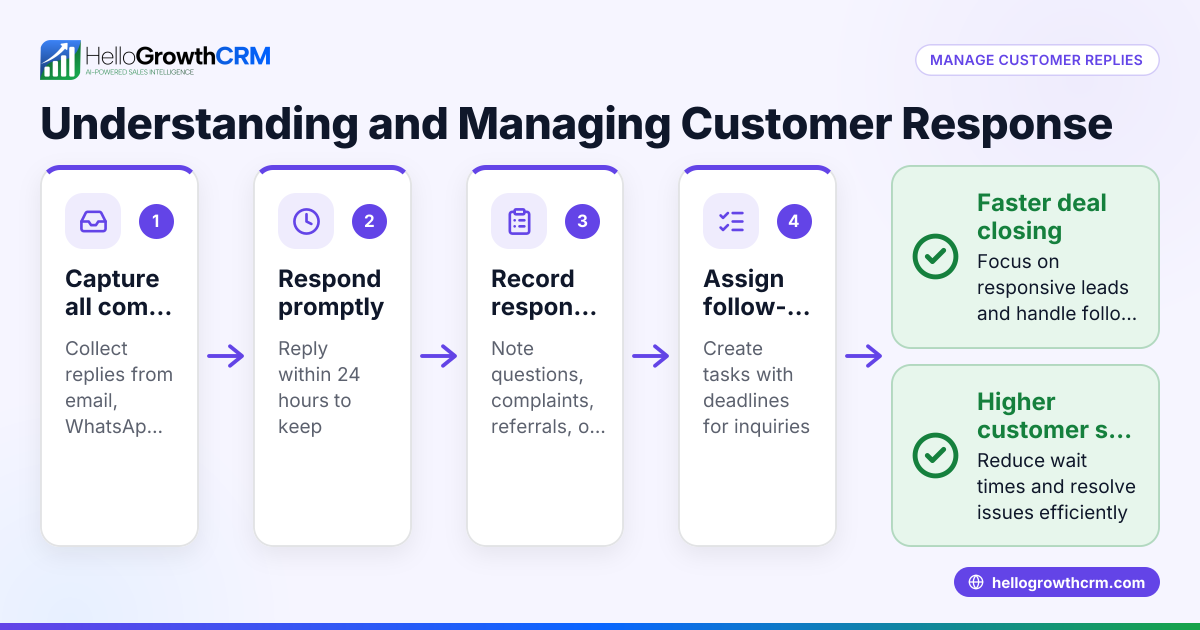
- Capture the lead immediately: When a potential client contacts you through any channel (website form, call, WhatsApp, SMS), record their information right away. Check that all relevant details (name, contact info, inquiry reason) are captured.
- Assign ownership: Decide who on your sales team will follow up with the lead. Check if the lead matches a territory, product interest, or priority level to route it correctly.
- Qualify the lead: Assess the lead’s potential by checking their needs, budget, and timeline. Confirm the lead is genuine and not just seeking information.
- Schedule the next step: Set a clear follow-up action such as a call, meeting, or sending a proposal. Check that the task is assigned and has a deadline.
- Follow up promptly: Contact the lead within the agreed timeframe. Check that communication is logged and any new information is updated.
- Track the lead through the sales pipeline: Move the lead through stages like contacted, qualified, proposal sent, and closed. Check pipeline updates regularly to prioritize work.
- Analyze and improve: Review lead sources, conversion rates, and follow-up speed. Check for bottlenecks or missed opportunities.
Using a CRM helps automate these steps, keep leads organized, and ensure no lead falls through the cracks.
Example (fictional figures)
A two-location dental practice in Columbus, Ohio, receives a web inquiry on 04/15/2026 for teeth whitening services.
- Lead captured from website form with name, email, phone, and service requested.
- Assigned to the Columbus sales rep immediately.
- Rep qualifies lead by phone, confirming interest and budget.
- Next step: schedule a consultation call on 04/17/2026.
- Follow-up call made on 04/17/2026; lead agrees to visit the clinic.
- Lead moved to 'Consultation Scheduled' stage in pipeline.
This timely and organized process helps convert the inquiry into a paying client.
Common mistakes
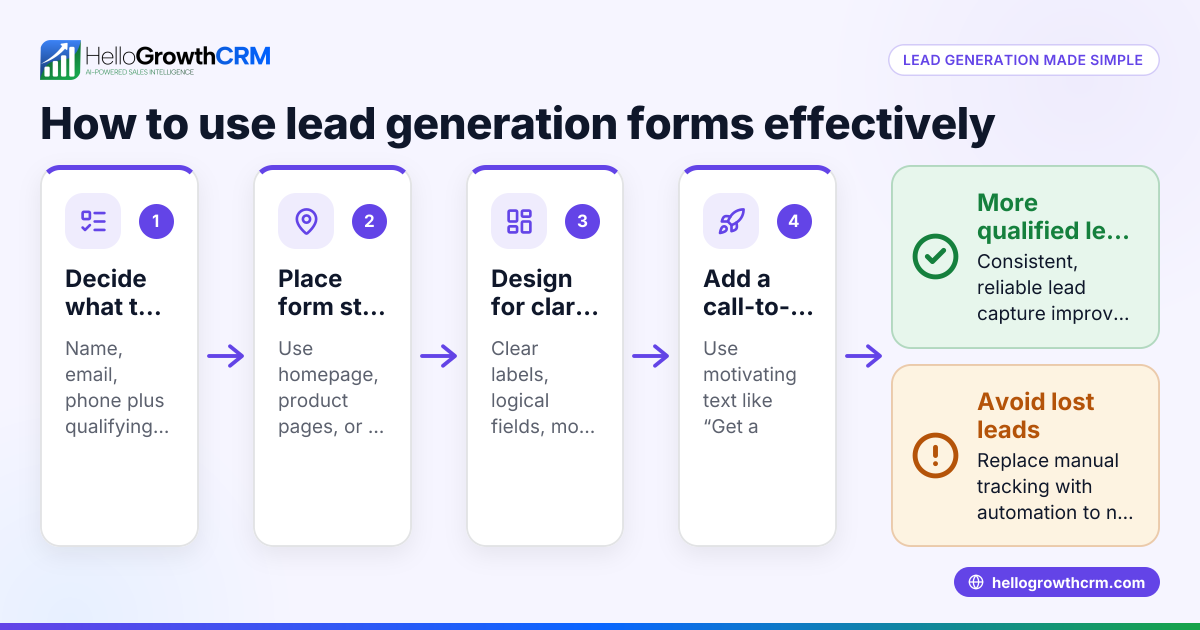
- Not capturing leads consistently: Leads get lost if inquiries are not recorded immediately. Use a system that captures leads from all channels automatically.
- Delaying follow-up: Slow response reduces conversion chances. Prioritize leads with AI lead scoring to call the hottest leads first. See AI lead scoring.
- No clear ownership: Leads fall through cracks if no one is responsible. Assign owners and use workflows for automated lead routing. See HelloGrowthCRM for the United States.
- Using spreadsheets or notebooks: Manual tracking is error-prone and inefficient. Use a CRM with lead capture and pipeline tools.
- Ignoring lead qualification: Not all inquiries are sales-ready. Qualify leads to focus effort on those likely to convert.
- Failing to track lead status: Without pipeline tracking, you can’t see progress or bottlenecks. Use task boards and stages to monitor leads.
Doing this in HelloGrowthCRM
HelloGrowthCRM helps small and mid-sized businesses manage client leads efficiently by capturing every inquiry from forms, calls, or WhatsApp messages as a lead with an assigned owner and next step, instead of losing them in notebooks. Its AI lead scoring lets reps prioritize calling leads most likely to convert first. Automated workflows, lead routing, and validation rules assign new inquiries round-robin and create first-call tasks automatically. Learn more about how HelloGrowthCRM supports your sales team with WhatsApp and SMS CRM.
Frequently asked questions
What exactly is a client lead? A client lead is a person or business that has shown interest in your product or service by making an inquiry or providing contact details. It represents a potential sales opportunity.
How do I qualify a client lead? Qualifying means assessing if the lead has the need, budget, and timeline to buy your product or service. This helps focus your sales efforts on leads most likely to convert.
Why is quick follow-up important for client leads? Prompt follow-up increases the chance of converting leads into customers. Delays can cause prospects to lose interest or choose a competitor.
Can I manage client leads without software? You can, but manual methods like spreadsheets or notebooks risk losing leads and slow down follow-up. A CRM organizes leads, automates tasks, and improves team coordination.
How does AI lead scoring work? AI lead scoring analyzes lead data to rank leads by their likelihood to convert, helping sales teams prioritize calls and follow-ups. See AI lead scoring.
Key takeaways
- A client lead is a potential customer who has expressed interest in your business.
- Capture, qualify, assign ownership, and follow up promptly to convert leads.
- Avoid losing leads by using a CRM instead of manual tracking.
- Prioritize leads with AI lead scoring and automate routing with workflows.
- Track leads through a sales pipeline to monitor progress and improve.
Managing client leads well increases sales and prevents lost opportunities. Start organizing your leads and follow-ups today.
Start on the Free Forever plan (200 leads, no credit card) at HelloGrowthCRM.
Ready to put this into practice?
Set up your pipeline, WhatsApp follow-ups, and AI lead scoring in minutes — free, no credit card.
Try HelloGrowthCRM freeGet CRM tips in your inbox
Join thousands of sales professionals who get weekly insights on CRM strategy, AI automation, and pipeline optimization.

The HelloGrowthCRM team publishes guides on CRM strategy, AI sales tools, and revenue operations for small business sales teams.