HelloGrowthCRM software
Built for real small-business sales teams
HelloGrowthCRM helps reps qualify faster, follow up on time, and close more deals—with practical automation in one place.
- AI lead scoring and pipeline visibility
- Built-in dialer, WhatsApp, and email automation
- Sales forecasting and RevOps-ready reporting
Client reporting best practices focus on clear, timely, and relevant communication tailored to client needs. This includes setting expectations upfront, using consistent formats, and delivering reports with actionable insights. This article covers why client reporting matters, step-by-step best practices, a practical example, common mistakes, and frequently asked questions to help you evaluate your reporting approach or software.
Why this comes up / what goes wrong
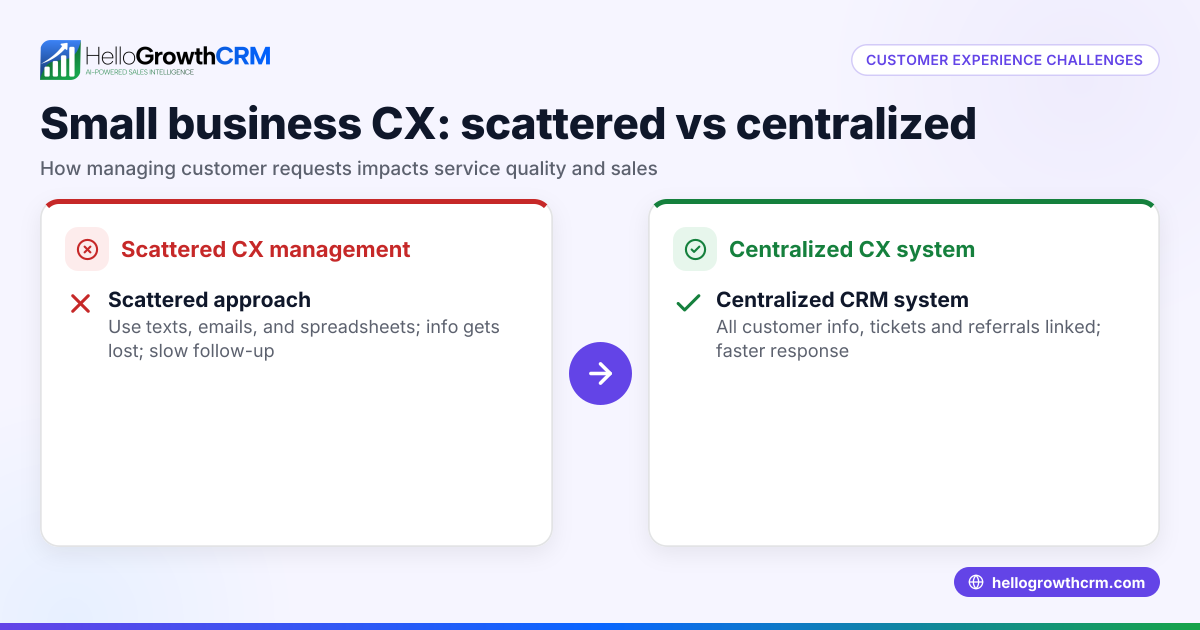
Small-business owners often face challenges in client reporting because they juggle multiple roles and lack dedicated resources. Reports may be delayed, inconsistent, or filled with irrelevant data, leading to client dissatisfaction. Many rely on spreadsheets, emails, and manual processes that slow follow-up and reduce clarity. This can cause clients to feel out of the loop or overwhelmed. When client communication is unclear or irregular, trust erodes, and opportunities for upselling or retention diminish. Choosing the right reporting approach or software requires understanding what works best for your clients and your team, balancing detail with simplicity.
Step-by-step
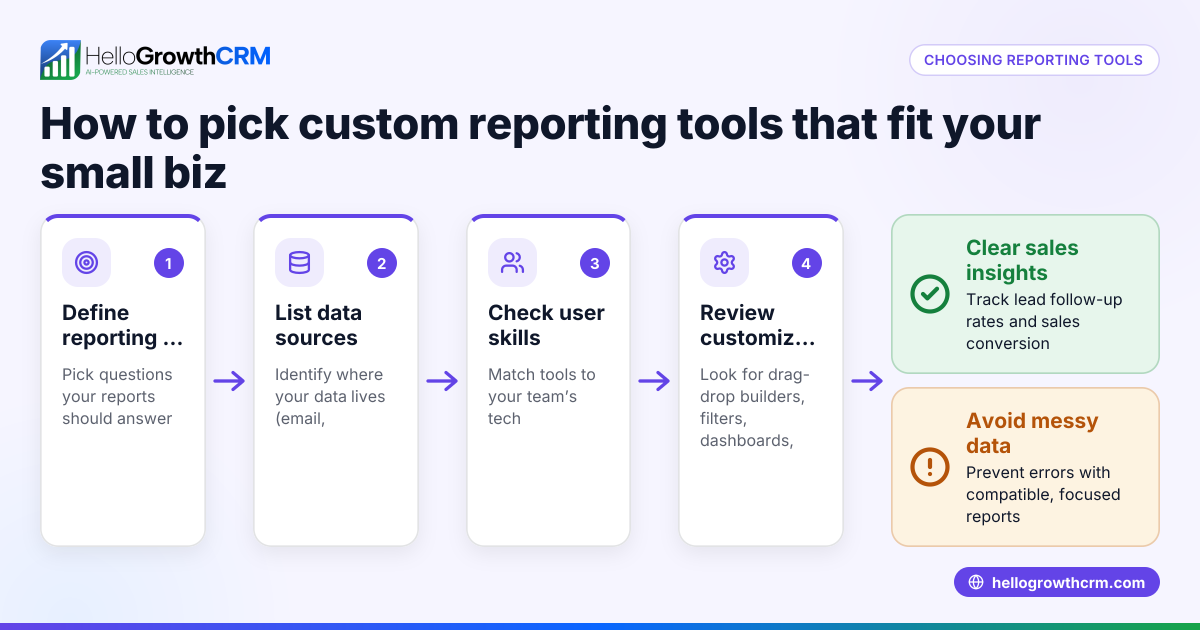
- Define report goals and audience
- Clarify what the client needs to know, such as project progress, results, or next steps.
- Tailor the report format and detail level to the client’s familiarity, industry, and preferences.
- Set a consistent schedule and format
- Agree on a reporting frequency that fits the project and client needs (weekly, monthly, quarterly).
- Use templates to ensure consistency in data presentation, branding, and layout.
- Collect and verify data accurately
- Use reliable sources for your data and double-check figures to avoid mistakes.
- Automate data capture where possible to save time and reduce errors.
- Highlight key insights and actions
- Focus on what matters most: progress against goals, challenges faced, and recommended next steps.
- Avoid overwhelming clients with raw data; interpret and summarize clearly.
- Choose delivery methods that suit clients
- Deliver reports via email PDFs, online dashboards, or messaging apps depending on client preference.
- Confirm receipt and encourage feedback or questions to maintain engagement.
- Review and improve continuously
- Ask clients for feedback on report usefulness, clarity, and format.
- Adjust content, format, or frequency based on client input and changing needs.
- Ensure data security and privacy
- Use secure channels for sending sensitive information.
- Comply with relevant data protection regulations to protect client data.
Example (fictional figures)
A residential real-estate team in Phoenix, Arizona, reports monthly on sales pipeline and client communications.
- Total leads in pipeline on 05/01/2026: 120
- Leads converted to sales in April: 15
- Average sale value: $350,000
- Total sales revenue in April = 15 × $350,000 = $5,250,000
- Follow-up calls made in April: 200
- Average response time reduced from 48 hours to 24 hours after reporting improvements
The report highlights these key points with charts showing lead sources, conversion rates, and follow-up efficiency. It also includes a summary of next steps focusing on leads from online ads, which show higher conversion rates. This helps the team prioritize efforts and communicate value clearly to clients.
Common mistakes
- Overloading reports with data
- Prevent by focusing on key metrics and actionable insights rather than all available data.
- Inconsistent reporting schedules
- Prevent by setting a clear timetable and sticking to it, so clients know when to expect updates.
- Ignoring client preferences for format or delivery
- Prevent by asking clients how they want to receive reports; consider email, WhatsApp, or SMS summaries.
- Manual data entry errors
- Prevent by automating data capture where possible and double-checking numbers before sending.
- Lack of follow-up after sending reports
- Prevent by scheduling calls or messages to discuss reports and gather client feedback.
- Not securing sensitive client data
- Prevent by using secure communication channels and password-protected files.
Using tools like a WhatsApp and SMS CRM can improve client communication by integrating messaging and reporting workflows, helping reduce errors and speed follow-up WhatsApp and SMS CRM. Similarly, a built-in CRM dialer can streamline calls and ensure timely client contact built-in CRM dialer. These tools help small businesses maintain consistent, clear communication without extra manual work.
Frequently asked questions
What are the most important elements in client reporting? Clear objectives, accuracy, relevance, consistent timing, and actionable insights are key. Reports should help clients understand progress and next steps without overwhelming them.
How often should I send reports to clients? The frequency depends on the project and client needs but commonly ranges from weekly to quarterly. Set expectations upfront and maintain consistency.
What formats work best for client reports? PDFs, online dashboards, and messaging summaries each have pros and cons. Consider the client’s tech comfort and preferences. For example, some clients prefer quick WhatsApp updates, while others want detailed emailed PDFs.
How can I improve client communication alongside reporting? Use integrated tools like WhatsApp and SMS CRM to combine reporting with direct messaging. Regular check-ins and prompt responses build trust and clarify reports WhatsApp and SMS CRM.
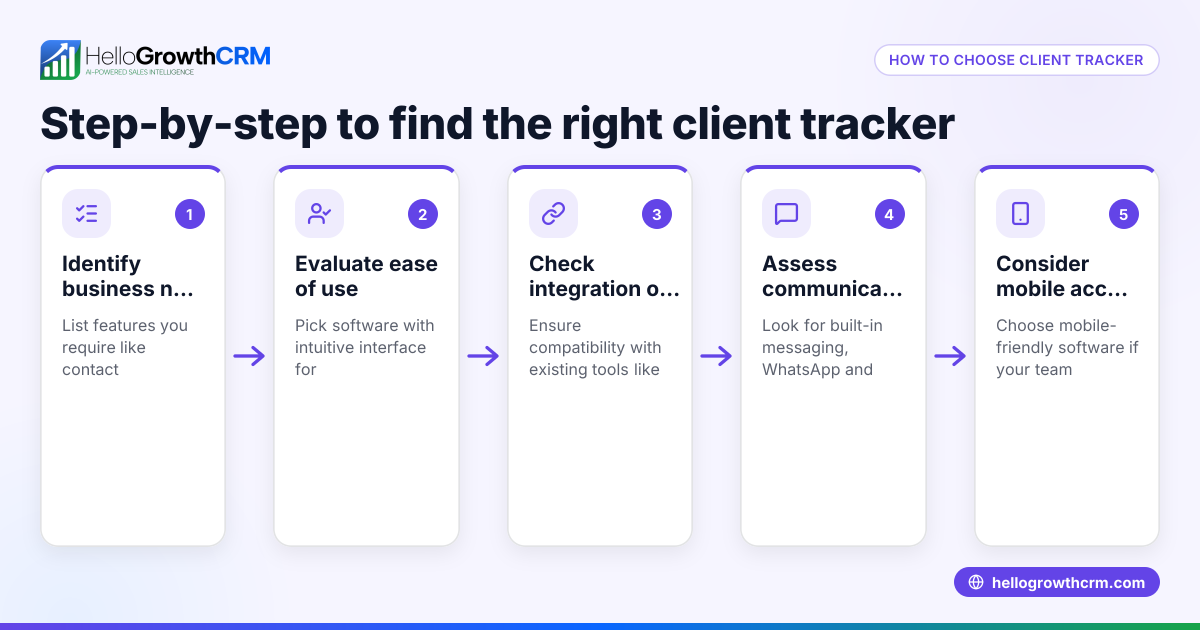
What questions should I ask when choosing client reporting software? Ask about ease of use, automation capabilities, integration with your existing tools, data security, and support for multiple communication channels like email and WhatsApp.
Can client reporting help with sales forecasting? Yes, consistent reporting on pipeline and conversion metrics supports reliable sales forecasts and better decision-making.
Key takeaways
- Define clear goals and tailor reports to client needs.
- Maintain a consistent schedule and format.
- Highlight actionable insights instead of raw data.
- Use secure, client-preferred delivery methods.
- Avoid common mistakes like data overload and inconsistent timing.
- Choose tools that integrate communication channels like WhatsApp and SMS for smoother follow-up.
Start your client reporting journey with a CRM designed for small businesses. Start on the Free Forever plan (200 leads, no credit card).
Ready to put this into practice?
Set up your pipeline, WhatsApp follow-ups, and AI lead scoring in minutes — free, no credit card.
Try HelloGrowthCRM freeGet CRM tips in your inbox
Join thousands of sales professionals who get weekly insights on CRM strategy, AI automation, and pipeline optimization.

The HelloGrowthCRM team publishes guides on CRM strategy, AI sales tools, and revenue operations for small business sales teams.