HelloGrowthCRM software
Built for real small-business sales teams
HelloGrowthCRM helps reps qualify faster, follow up on time, and close more deals—with practical automation in one place.
- AI lead scoring and pipeline visibility
- Built-in dialer, WhatsApp, and email automation
- Sales forecasting and RevOps-ready reporting
Cloud phone services use internet connections instead of traditional phone lines, enabling your business to make and receive calls via Voice over Internet Protocol (VoIP) technology. These services often include features such as call forwarding, voicemail-to-email, mobile apps, and easy scalability. For local service businesses in the US, cloud phone systems provide flexible, cost-effective communication solutions that can support multiple locations and remote workers.
Why this comes up / what goes wrong
US service business owners and accountants often search for cloud phone services because traditional phone systems can be expensive, inflexible, and require physical hardware installations. Service businesses typically need to manage customer calls efficiently across several locations or remote employees. They also want to integrate phone communications with CRM or scheduling software to improve lead follow-up and customer management.
Without cloud phone services, many businesses rely on personal cell phones, separate texting apps, or spreadsheets to track calls and customer contacts. This approach leads to inefficiency, lost leads, and inconsistent customer experiences. Choosing the wrong cloud phone provider can result in poor call quality, hidden fees, limited features, or lack of integration with existing business tools.
Step-by-step
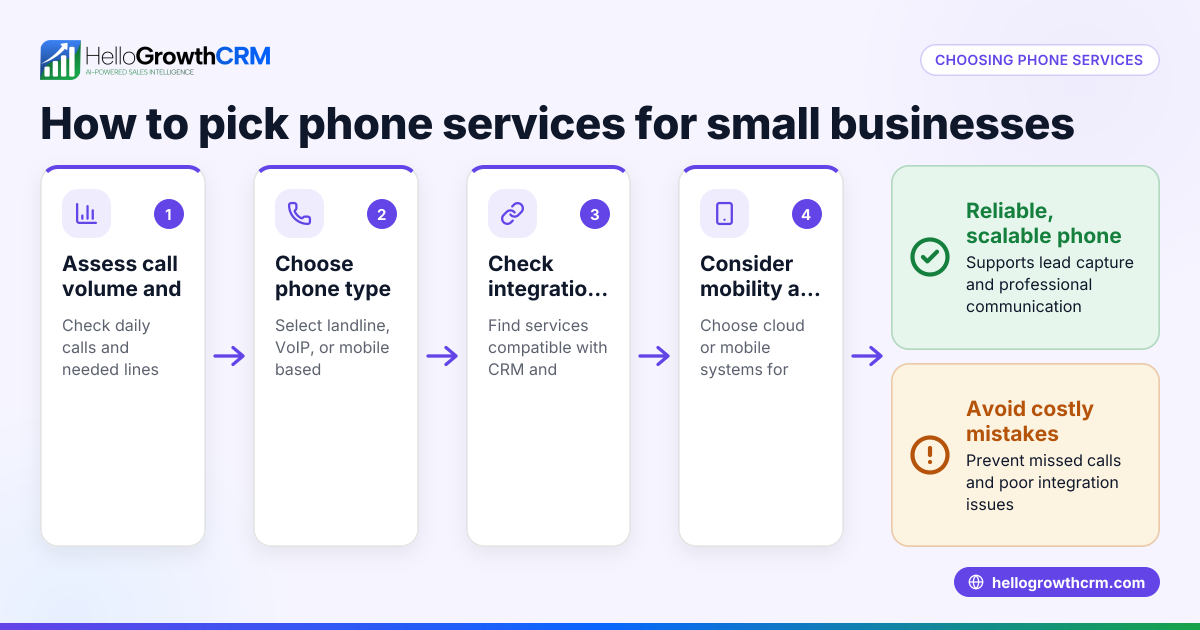
- Assess your business needs: Count how many users or phone lines your business requires. Consider if you need to support multiple locations or remote workers. Identify essential features such as call forwarding, voicemail-to-email, SMS, auto-attendants, or CRM integration.
- Evaluate call quality and reliability: Ask providers about uptime guarantees and network infrastructure. Request a free trial or demo to test call clarity and connection stability at your business locations.
- Check pricing and contract terms: Compare monthly fees, setup costs, and additional charges for features or international calls. Look for flexible contracts without long-term commitments or hidden fees.
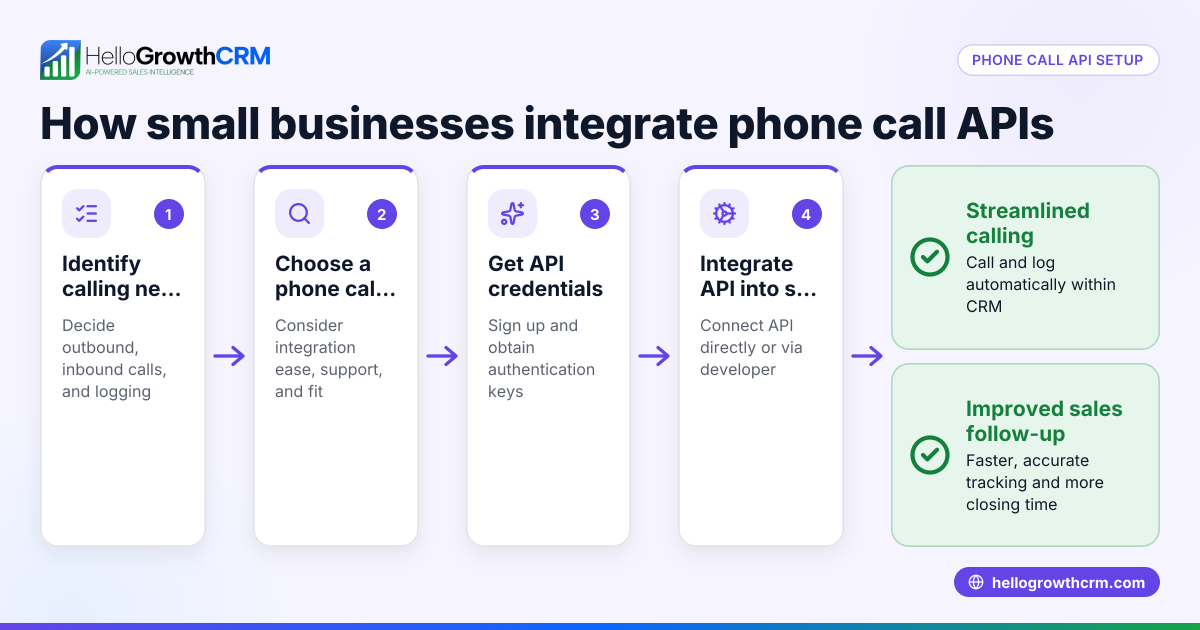
- Verify integration options: Confirm the cloud phone service integrates with your current software, like CRM systems or appointment schedulers, to streamline workflows and improve customer management.
- Consider customer support: Choose a provider with responsive customer service available during your business hours through multiple channels such as phone, chat, or email.
- Review security and compliance: Ensure the provider offers data encryption and complies with regulations relevant to your industry.
- Plan for scalability: Select a service that can easily grow with your business, allowing you to add or remove users and features as needed.
For more on managing communications and sales workflows, see Local service businesses and WhatsApp and SMS CRM.
Example (fictional figures)
A two-location dental practice in Columbus, Ohio, needs cloud phone services for 10 users total, including front desk staff and dentists. They require call forwarding and voicemail-to-email features.
- Monthly base fee per user: $25
- Setup fee (one-time): $100
- Additional cost for call forwarding per user: $5
Calculations:
Base monthly cost = 10 users × $25 = $250 Call forwarding cost = 10 users × $5 = $50 Total monthly cost = $250 + $50 = $300 Annual monthly fees = $300 × 12 = $3,600 Total first-year cost = $3,600 + $100 = $3,700
This budget allows the dental practice to replace outdated traditional phone lines with a flexible cloud phone system, enabling remote answering and integration with their appointment software.
Common mistakes
- Choosing based on price alone: Selecting the cheapest option can mean sacrificing call quality or essential features. Prevent this by balancing cost with reliability, features, and support.
- Ignoring integration needs: Without integration with CRM or scheduling software, your workflows remain manual and inefficient. Prevent this by confirming integration capabilities before committing.
- Overlooking contract details: Hidden fees or long-term commitments can increase costs unexpectedly. Prevent this by carefully reviewing all contract terms and fees.
- Not testing call quality: Poor call clarity frustrates both customers and staff. Prevent this by testing the service with a trial or pilot program.
- Neglecting scalability: A system that cannot grow with your business limits future flexibility. Prevent this by choosing providers with scalable plans.
For additional guidance on managing communications efficiently, check HelloGrowthCRM for the United States.
Frequently asked questions
What features should a service business look for in cloud phone services? Look for multi-line support, call forwarding, voicemail-to-email, mobile app access, and integration with CRM or scheduling software. Auto-attendants and SMS capabilities can enhance customer experience and team communication.
Are cloud phone services reliable for small businesses? Most reputable providers offer high uptime and good call quality, but reliability depends on your internet connection quality. Testing the service before committing is important.
Can cloud phone services save money compared to traditional phone systems? Often yes, because they reduce hardware and maintenance costs and offer flexible pricing. However, review all fees and your usage patterns to confirm potential savings.
Do I need special equipment for cloud phone services? Usually no. Many services work with existing smartphones, computers, or IP phones. Confirm equipment requirements with your provider.
How do cloud phone services integrate with sales or customer management? Some providers offer APIs or built-in integrations with CRM systems to log calls and track leads, improving sales follow-up and customer management.
Key takeaways
- Cloud phone services replace traditional phone lines using internet technology, offering flexibility and useful features.
- Evaluate your business needs, call quality, pricing, integrations, support, security, and scalability before choosing a provider.
- Testing services before committing helps avoid poor call quality or unexpected fees.
- Avoid common mistakes by balancing cost with features and carefully reviewing contract terms.
- Integration with CRM and scheduling software can improve sales efficiency and customer experience.
Start improving your business communications today. Start on the Free Forever plan (200 leads, no credit card).
Ready to put this into practice?
Set up your pipeline, WhatsApp follow-ups, and AI lead scoring in minutes — free, no credit card.
Try HelloGrowthCRM freeGet CRM tips in your inbox
Join thousands of sales professionals who get weekly insights on CRM strategy, AI automation, and pipeline optimization.

The HelloGrowthCRM team publishes guides on CRM strategy, AI sales tools, and revenue operations for small business sales teams.