HelloGrowthCRM software
Built for real small-business sales teams
HelloGrowthCRM helps reps qualify faster, follow up on time, and close more deals—with practical automation in one place.
- AI lead scoring and pipeline visibility
- Built-in dialer, WhatsApp, and email automation
- Sales forecasting and RevOps-ready reporting
Contact center dashboards are visual tools that display key metrics and real-time data about customer interactions, agent performance, and operational efficiency in a contact center. They help small-business owners monitor performance and improve customer service and sales. This article covers why dashboards matter, how to set one up step-by-step, common mistakes to avoid, and a practical example to guide you.
Why this comes up / what goes wrong
Small-business owners running contact centers or sales teams often find it challenging to track how well their team is performing. Without a centralized view, they may miss slow response times, dropped leads, or low agent productivity. Many rely on separate tools like spreadsheets, spreadsheets, text messages, or email threads, which make spotting issues or trends difficult and slow. A contact center dashboard solves this by gathering data in one place, showing live updates, and highlighting where attention is needed.
Step-by-step
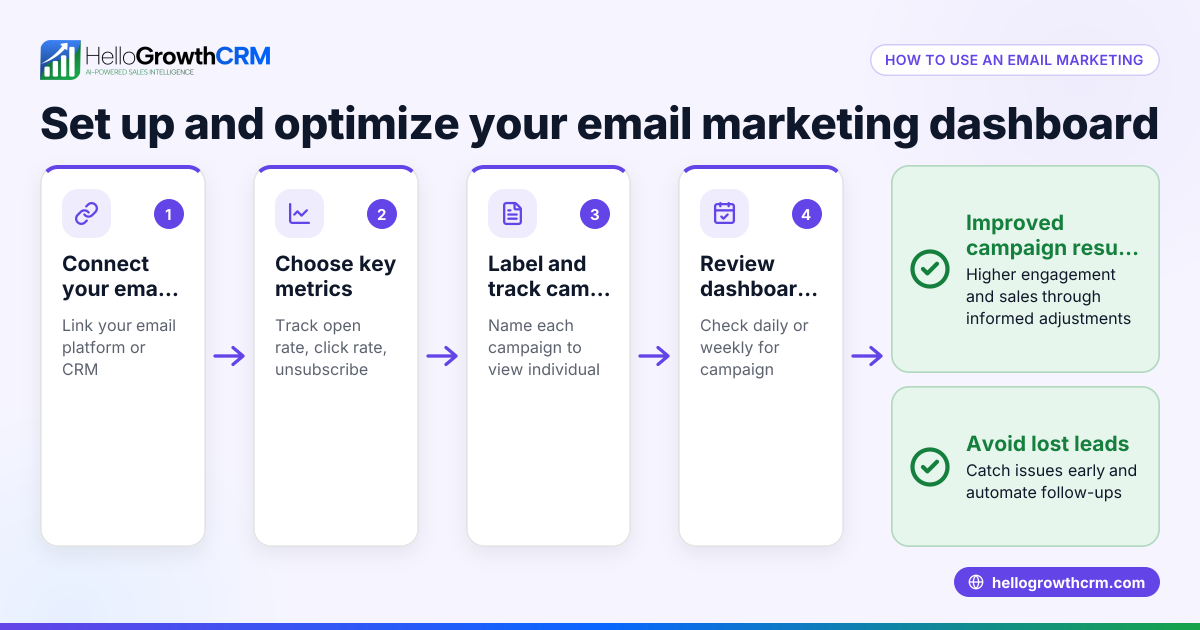
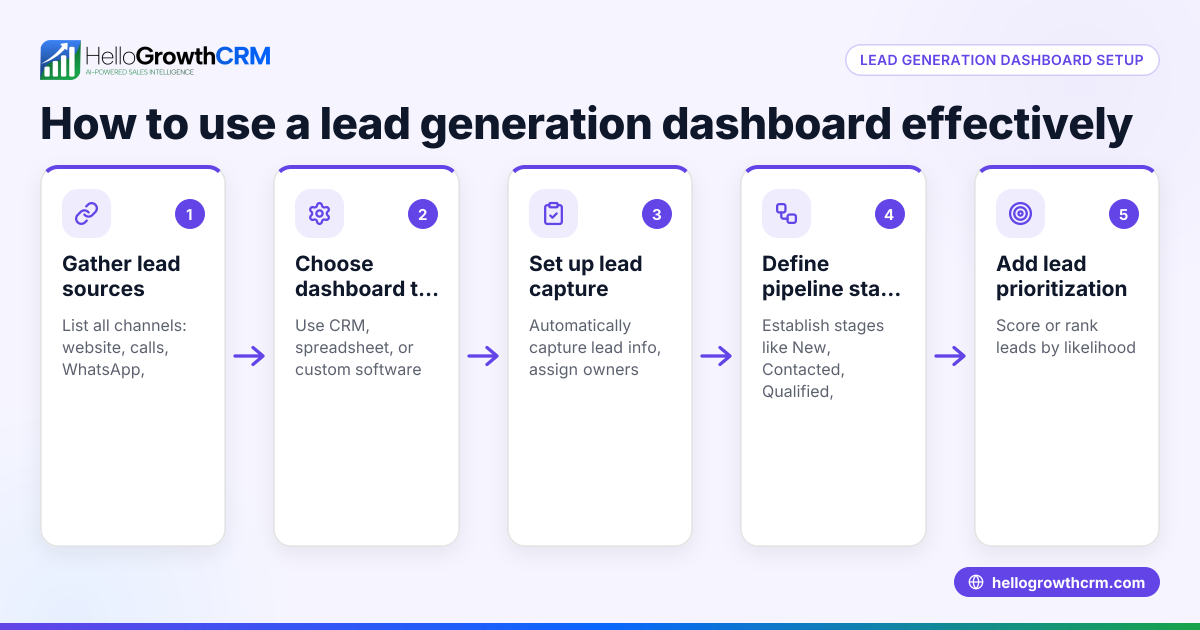
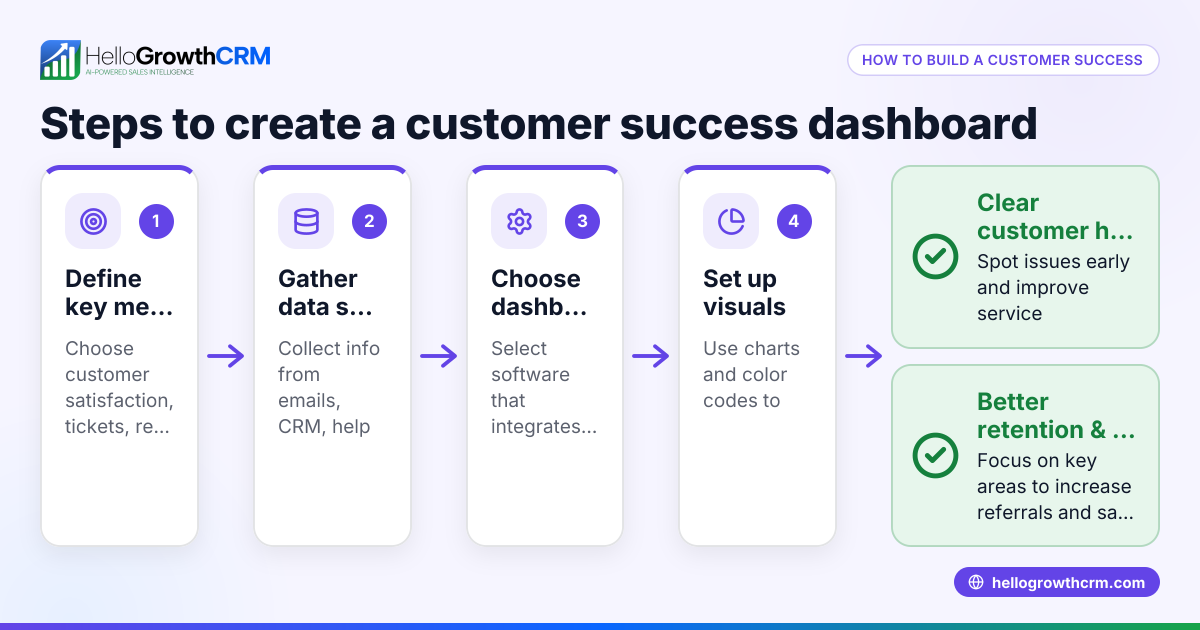
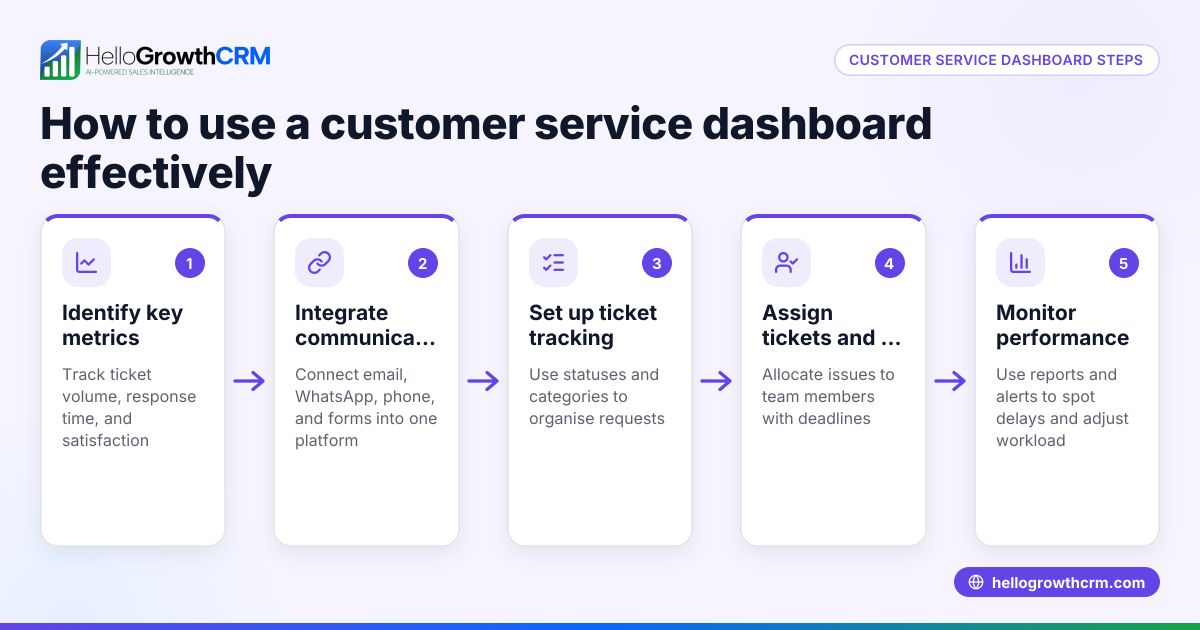
- Identify Key Metrics to Track
- Decide which metrics matter most: call volumes, average handle time, first call resolution, customer satisfaction scores, or sales conversion rates.
- Ensure these metrics align with your business goals.
- Choose Your Data Sources
- Collect data from your phone system, CRM, email, WhatsApp, SMS, or web forms.
- Confirm these sources provide the data you need in a usable format.
- Select or Build Your Dashboard Tool
- Use software that integrates your data sources and updates in real time.
- Verify the tool supports visualizations like charts, graphs, and task boards.
- Design the Dashboard Layout
- Arrange metrics so the most critical information is visible at a glance.
- Include alerts or color codes for metrics requiring immediate attention.
- Test and Train Your Team
- Run the dashboard with real data and check for accuracy.
- Teach your team how to read and act on the information.
- Review and Adjust Regularly
- Schedule weekly or monthly reviews to ensure the dashboard reflects current priorities.
- Update metrics or data sources as your business evolves.
Example (fictional figures)
A B2B software reseller in Denver, Colorado, wants to monitor their contact center in March 2026. They track the number of inbound calls, average call duration, and sales conversion rate.
- Total inbound calls in March = 1,200
- Average call duration = 6 minutes
- Number of sales closed from calls = 180
Calculate sales conversion rate:
180 ÷ 1,200 = 0.15 0.15 × 100 = 15
This means the sales conversion rate is 15 (units), which is a raw number and for interpretation as a percentage. If the average sale value is $3,500, total sales revenue from calls is:
180 × $3,500 = $630,000
They set a goal to increase the conversion rate next quarter by improving call handling and follow-up.
Common mistakes
- Tracking too many metrics
- Prevent this by focusing on 5-7 key metrics that drive your business goals.
- Using outdated or inaccurate data
- Prevent this by automating data collection and regularly verifying data sources.
- Ignoring team training
- Prevent this by scheduling dashboard walkthroughs and explaining how to use insights.
- Not updating the dashboard layout
- Prevent this by reviewing dashboard relevance quarterly and adjusting as needed.
- Relying on manual data entry
- Prevent this by integrating your CRM and communication tools to automate data flow.
Frequently asked questions
What types of metrics should a small business track on a contact center dashboard? Focus on metrics like call volume, average handle time, customer satisfaction, first call resolution, and sales conversion rates. These metrics provide a balanced view of efficiency and effectiveness.
Can I use a contact center dashboard if my team communicates mainly via WhatsApp and SMS? Yes. Many dashboards can integrate data from WhatsApp, SMS, email, and web forms to provide a comprehensive overview. This helps track follow-up speed and lead status across channels. See how a WhatsApp and SMS CRM can centralize communication.
How often should I review my contact center dashboard? Daily monitoring helps catch urgent issues, but a weekly or monthly deep dive allows you to spot trends and adjust strategies. Regular reviews ensure the dashboard stays relevant.
Are there tools that combine CRM with contact center dashboards? Yes, some CRMs include built-in dashboards and dialers, helping you track leads, calls, and tasks in one place. For example, a built-in CRM dialer can streamline call tracking and reporting.
How do I start if I don’t have any dashboard software yet? Begin by listing your key metrics and data sources. Then explore software options that integrate with your current tools. Many CRMs offer free plans to get started quickly. Learn more about HelloGrowthCRM for the United States.
Can dashboards improve sales forecasting? Yes. By visualizing pipeline stages and lead status, dashboards help predict sales outcomes more accurately. Linking dashboards with your CRM data enhances forecasting.
Key takeaways
- Contact center dashboards provide a real-time visual summary of key performance metrics.
- Focus on a few critical metrics that align with your business goals.
- Automate data collection by integrating your CRM, WhatsApp, SMS, and phone systems.
- Train your team to use dashboard insights to improve customer interactions.
- Regularly review and update your dashboard to keep it relevant and actionable.
Start on the Free Forever plan (200 leads, no credit card) at HelloGrowthCRM to organize your leads and communications efficiently.
For more on how CRMs support US businesses, see HelloGrowthCRM for the United States.
Ready to put this into practice?
Set up your pipeline, WhatsApp follow-ups, and AI lead scoring in minutes — free, no credit card.
Try HelloGrowthCRM freeGet CRM tips in your inbox
Join thousands of sales professionals who get weekly insights on CRM strategy, AI automation, and pipeline optimization.

The HelloGrowthCRM team publishes guides on CRM strategy, AI sales tools, and revenue operations for small business sales teams.