HelloGrowthCRM software
Built for real small-business sales teams
HelloGrowthCRM helps reps qualify faster, follow up on time, and close more deals—with practical automation in one place.
- AI lead scoring and pipeline visibility
- Built-in dialer, WhatsApp, and email automation
- Sales forecasting and RevOps-ready reporting
Contact center scheduling means organizing your team’s work shifts so that customer calls, messages, or chats are answered quickly without leaving gaps or wasting staff time. It ensures your contact center or sales team has the right number of agents available during busy and slow periods.
Why this comes up / what goes wrong
Small-business owners running contact centers or inside sales teams often find scheduling challenging because customer contact volumes fluctuate. Without a clear schedule, some hours may be understaffed, causing slow responses that lose leads. Other times, too many staff are scheduled, increasing labor costs unnecessarily. Many rely on spreadsheets, email, or text messages to coordinate shifts, which leads to confusion and errors. As teams grow, manual scheduling becomes harder to manage effectively.
Step-by-step
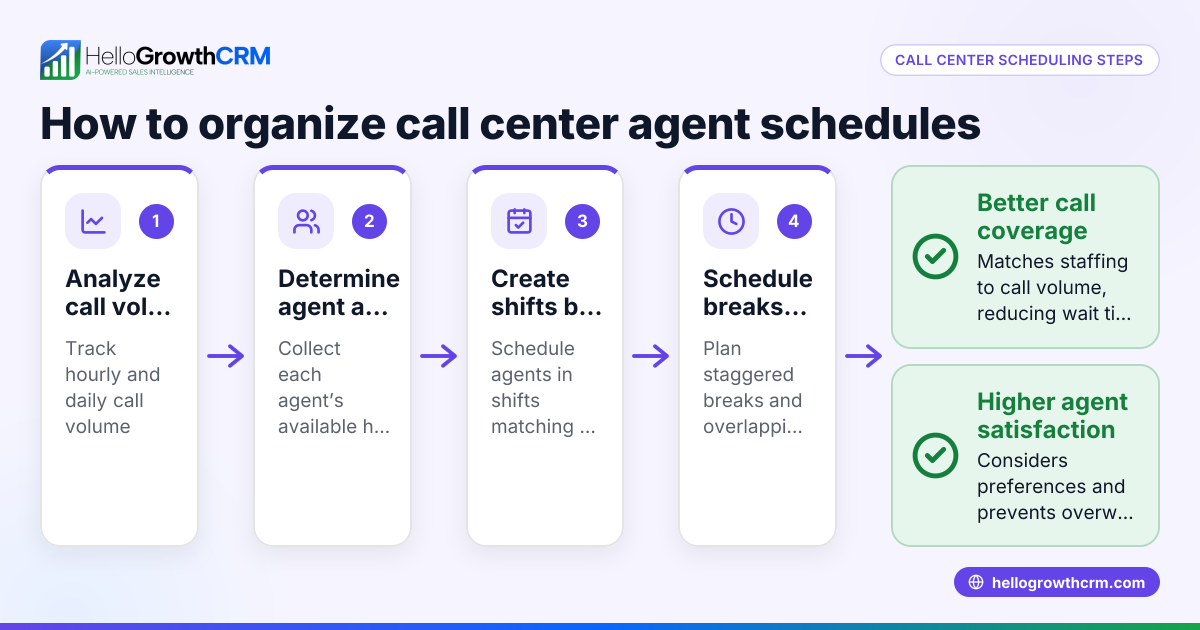
- Analyze Contact Volume Patterns Gather your historical data on calls, chats, or messages. Identify peak hours and days when customer contacts are highest. Check timestamps to find consistent busy periods.
- Determine Staffing Needs Calculate how many agents you need per shift to respond promptly. Consider average handling time per contact and your target response time.
- Create Shift Blocks Divide your operating hours into shifts that cover busy times fully. Typical blocks include morning, afternoon, and evening shifts.
- Assign Staff to Shifts Match team members to shifts based on their availability and skills. Make sure every shift has enough coverage, including breaks.
- Communicate the Schedule Clearly Share the schedule with your team using a centralized platform. Confirm everyone knows their assigned shifts to avoid confusion.
- Monitor and Adjust Track contact volumes in real time and adjust schedules as needed. Be ready to add or reduce shifts based on demand changes.
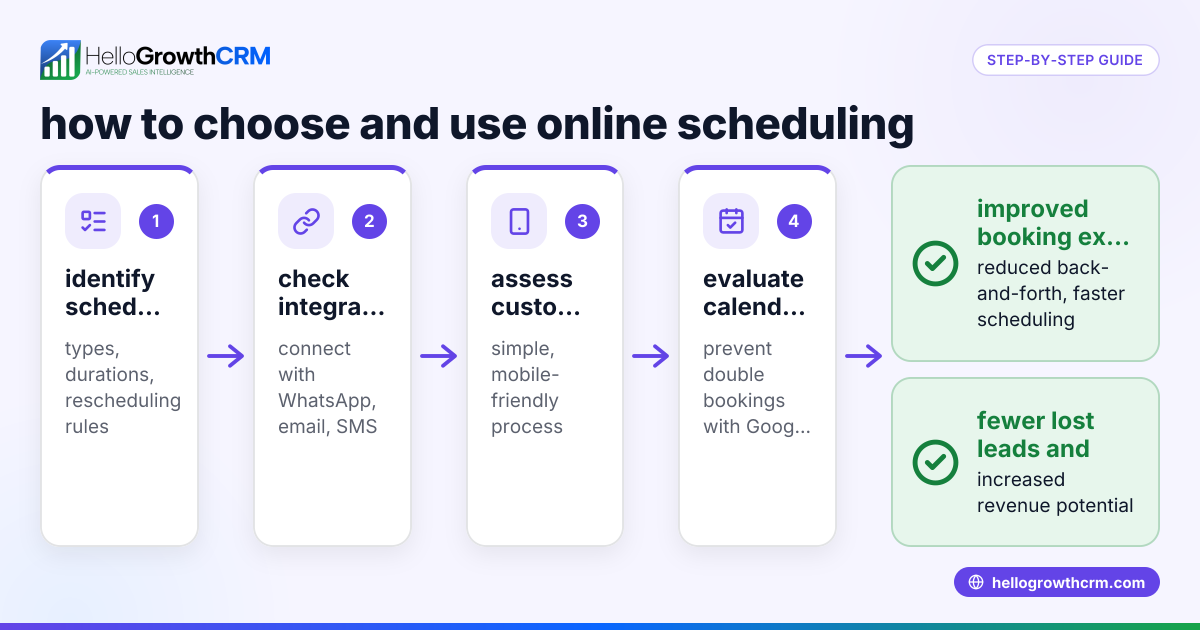
- Use Scheduling Tools Use software that lets prospects pick meeting slots from a link instead of back-and-forth messages. This reduces scheduling errors and speeds up lead engagement.
Example (fictional figures)
A residential real-estate team in Phoenix, Arizona, operates from 9:00 AM to 6:00 PM daily. They track inbound inquiries and find peak contact hours between 11:00 AM and 3:00 PM.
- Average contacts per hour during peak: 20
- Average handling time per contact: 15 minutes
- Desired maximum wait time: 5 minutes
Calculate staffing needed:
Total handling time per hour = 20 contacts × 15 minutes = 300 minutes
Available agent time per hour = 60 minutes per agent
Agents needed = Total handling time ÷ Available agent time
Agents needed = 300 ÷ 60 = 5 agents
The team schedules 5 agents from 11:00 AM to 3:00 PM and 3 agents during off-peak hours. They communicate the schedule using a shared calendar and adjust weekly based on actual contact volume.
Common mistakes
- Underestimating peak contact times: Prevent by regularly analyzing data and adjusting schedules accordingly.
- Overstaffing during slow hours: Prevent by reviewing contact patterns and scaling down shifts when demand is low.
- Using manual scheduling methods: Prevent by adopting scheduling tools to reduce errors and save time.
- Lack of clear communication: Prevent by sharing schedules in a centralized platform accessible to all team members.
- Ignoring agent availability: Prevent by collecting availability preferences before scheduling.
- Not monitoring schedule effectiveness: Prevent by tracking performance metrics and making necessary adjustments.
Doing this in HelloGrowthCRM
HelloGrowthCRM provides scheduling and booking features that simplify contact center scheduling. Instead of back-and-forth WhatsApp messages, prospects can select a meeting slot from a link, streamlining the booking process. This reduces scheduling errors and speeds up lead engagement. Learn more about this feature at meeting scheduler.
Frequently asked questions
What is the best way to schedule shifts for a small contact center? Start by analyzing your contact volume patterns to identify peak times. Assign staff to shifts covering those periods while considering agent availability. Use scheduling tools to automate assignments and communicate shifts clearly.
How can I handle last-minute schedule changes? Maintain flexibility by having backup or part-time staff ready to fill in. Use a centralized communication platform to notify your team immediately about any changes.
Can scheduling improve customer response times? Yes. Proper scheduling ensures enough agents are available during busy times, reducing wait times and improving customer satisfaction.
How does HelloGrowthCRM help with scheduling? It lets prospects book meetings directly via a link, avoiding the usual back-and-forth on WhatsApp. This feature helps your team manage appointments efficiently and respond faster. See more at WhatsApp and SMS CRM.
Is it necessary to track scheduling performance? Tracking helps determine if your staffing matches customer demand. Adjusting schedules based on performance data prevents lost leads and controls labor costs.
What tools work best for contact center scheduling? Tools that combine shift planning with communication and booking features work best. HelloGrowthCRM also includes a built-in CRM dialer to manage calls alongside scheduling.
Key takeaways
- Contact center scheduling matches staff shifts to customer demand to avoid slow follow-up.
- Analyze contact volume patterns before creating shifts.
- Communicate schedules clearly and use tools to reduce manual errors.
- Monitor and adjust schedules based on performance data.
- HelloGrowthCRM’s scheduling feature lets prospects book slots directly, simplifying appointment setting.
Start organizing your contact center scheduling today to improve customer response and team efficiency. You can start on the Free Forever plan (200 leads, no credit card) to try HelloGrowthCRM’s scheduling and booking features.
Ready to put this into practice?
Set up your pipeline, WhatsApp follow-ups, and AI lead scoring in minutes — free, no credit card.
Try HelloGrowthCRM freeGet CRM tips in your inbox
Join thousands of sales professionals who get weekly insights on CRM strategy, AI automation, and pipeline optimization.

The HelloGrowthCRM team publishes guides on CRM strategy, AI sales tools, and revenue operations for small business sales teams.