HelloGrowthCRM software
Built for real small-business sales teams
HelloGrowthCRM helps reps qualify faster, follow up on time, and close more deals—with practical automation in one place.
- AI lead scoring and pipeline visibility
- Built-in dialer, WhatsApp, and email automation
- Sales forecasting and RevOps-ready reporting
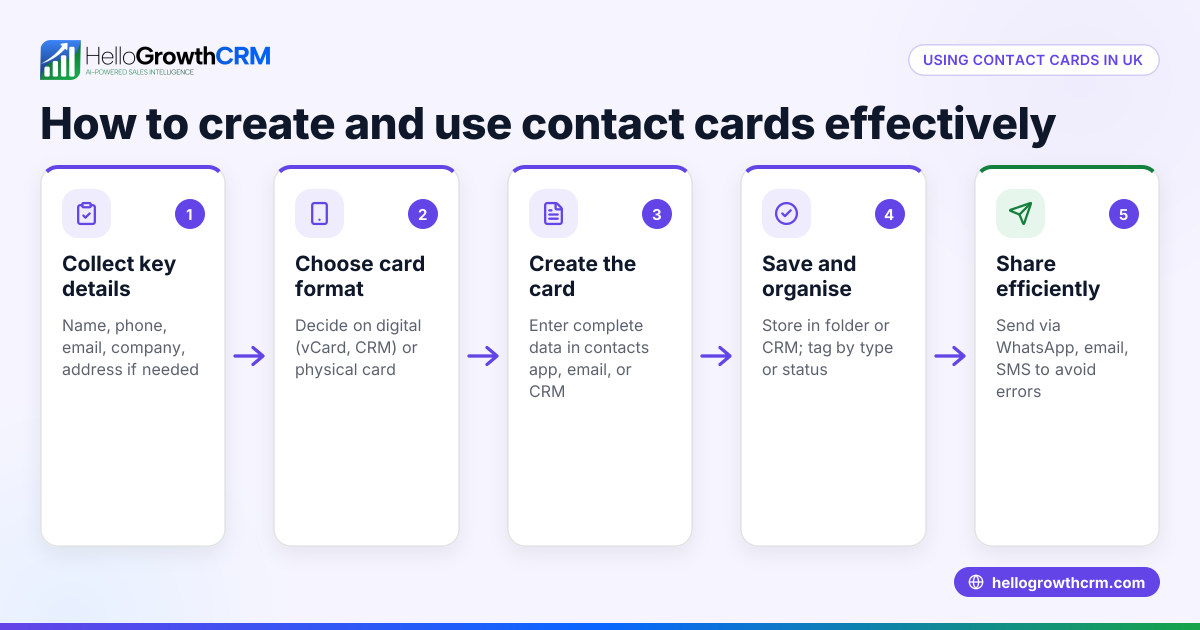
A contact information template is a simple, organised form that small businesses use to collect and share essential contact details consistently. It typically includes fields such as Full Name, Company, Job Title, Phone Number, Email Address, Postal Address, and Notes. Using a template stops lost leads and confusion by standardising how your team records and exchanges contact information.
Why this comes up / what goes wrong
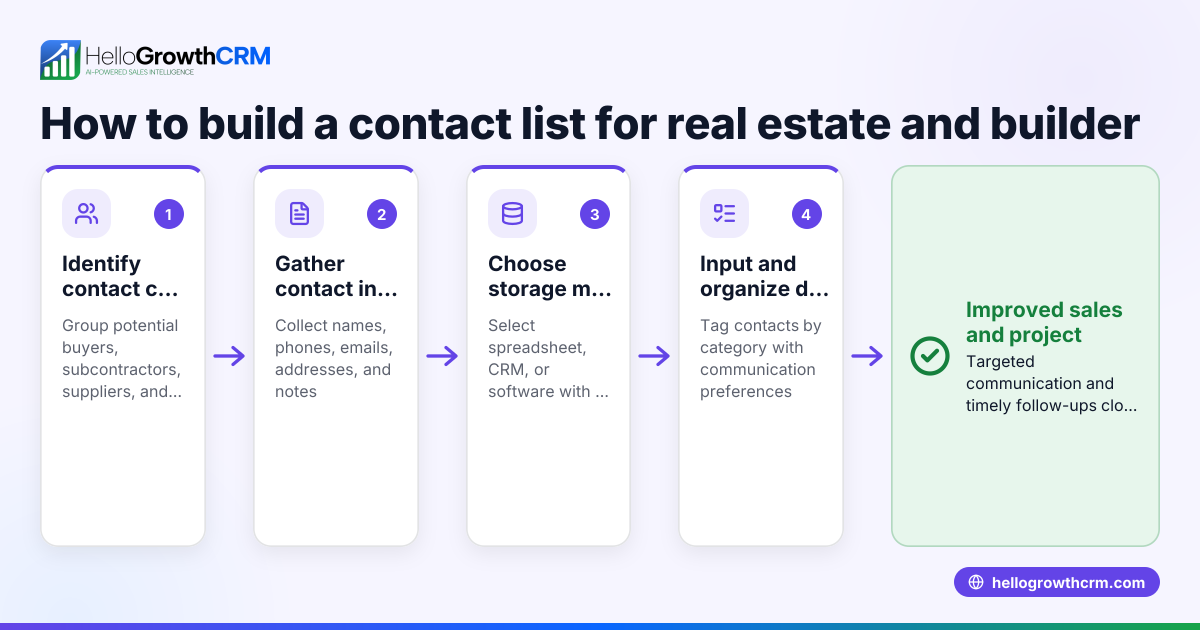
Many small business owners find their contacts scattered across WhatsApp chats, emails, spreadsheets, or even handwritten notes. This causes delays in following up with leads, duplicates, incomplete records, and ultimately lost sales opportunities. Without a clear template, teams waste time searching for details or guessing missing information. A ready-to-use contact information template ensures everyone collects and shares the same essential details in a clear, consistent format. This saves time, improves communication, and helps your sales team act quickly.
Step-by-step
- Decide on the essential fields: Include at least Full Name, Company, Job Title, Phone Number, Email Address, Postal Address, and a Notes section for any extra details.
- Choose a format: Use Excel, Word, or PDF forms that your team can easily edit and share. Spreadsheets are best for sorting and filtering contacts.
- Label fields clearly: For example, "Phone Number (mobile preferred)" or "Email Address (work preferred)" helps users enter the right information.
- Add data validation: In spreadsheets, restrict phone number fields to digits only and email fields to accept only valid email formats. This reduces errors and typos.
- Include brief instructions: Explain how to fill the template and why accurate contact details matter for follow-up.
- Test the template: Enter sample data to check clarity, completeness, and ease of use.
- Store and share centrally: Save the template on a shared drive or inside your CRM system so the team always accesses the latest version and avoids duplicates.
For ready-made contact templates and other sales templates, visit HelloGrowthCRM’s collection of free sales tools and calculators and sales templates.
Example (fictional figures)
Here is a filled contact information template for a kitchen-fitting company in Leeds, dated 15/04/2026:
| Field | Entry |
|---|---|
| Full Name | Sarah Johnson |
| Company | Leeds Kitchen Fitters Ltd |
| Job Title | Sales Manager |
| Phone Number | 07700 900123 |
| Email Address | sarah.johnson@lkfitters.co.uk |
| Postal Address | 45 High Street, Leeds, LS1 4AP |
| Notes | Interested in new worktops |
Suppose Sarah follows up on a lead with a kitchen project worth £8,500 and expects a 15% commission. The commission calculation is:
£8,500 × 15% = £1,275
If she closes 3 similar projects this month, her total commission is:
£1,275 × 3 = £3,825
This example shows how clear contact info helps track leads and sales outcomes effectively.
Common mistakes
- Incomplete fields: Missing phone numbers or emails prevent timely follow-up. Prevent this by marking key fields mandatory.
- Inconsistent phone formats: Mixing local and international formats causes confusion. Use a consistent UK format, e.g. 07700 900123. (design-system.service.gov.uk)
- Outdated information: Contacts change jobs or numbers. Schedule regular reviews and updates to keep data current.
- Multiple versions floating around: Leads to duplicates and confusion. Store the template centrally and control access.
- No data validation: Typos and errors creep in. Use spreadsheet validation rules for phone numbers and emails.
- Unclear instructions: Users may fill fields incorrectly. Add simple guidance on how to complete each field.
For more advice on avoiding errors and improving sales processes, see our sales templates.
Doing this in HelloGrowthCRM
HelloGrowthCRM offers free sales tools, templates and calculators, including pipeline and follow-up cadence templates that can be downloaded without creating an account. These resources help small businesses organise contacts and sales activities in one place, reducing lost leads and slow follow-up. Visit free sales tools and calculators to access these resources.
Frequently asked questions
What is a contact information template used for? A contact information template standardises how you collect and share contact details across your business. It ensures all necessary information is captured clearly for follow-up and record-keeping.
Can I use Excel or Google Sheets for a contact template? Yes, spreadsheets are ideal because they allow easy editing, sorting, and validation. Templates can also be exported to PDF for sharing.
What fields should a contact information template include? At minimum: Full Name, Company, Job Title, Phone Number, Email Address, and Postal Address. Notes can capture extra details.
How often should I update my contact information? Regularly review and update contacts at least quarterly to avoid outdated details causing lost sales opportunities.
Where can I find free contact information templates? You can download free sales templates, including contact formats, from HelloGrowthCRM’s collection of free sales tools and calculators without needing to sign up.
For more on how to manage contacts and sales leads effectively in the UK, see HelloGrowthCRM for the United Kingdom.
Key takeaways
- Use a clear, consistent format with essential fields like name, phone, email, and address.
- Choose a flexible format such as Excel or Word with data validation.
- Store and share the template centrally to avoid duplicates and outdated info.
- Regularly update contact details to maintain accuracy.
- Download free sales templates and calculators to save time and improve sales follow-up.
Start organising your contacts today with a ready-made template and improve your sales follow-up efficiency. Visit Start on the Free Forever plan (200 leads, no credit card) to begin with HelloGrowthCRM’s free tools and templates.
Ready to put this into practice?
Set up your pipeline, WhatsApp follow-ups, and AI lead scoring in minutes — free, no credit card.
Try HelloGrowthCRM freeGet CRM tips in your inbox
Join thousands of sales professionals who get weekly insights on CRM strategy, AI automation, and pipeline optimization.

The HelloGrowthCRM team publishes guides on CRM strategy, AI sales tools, and revenue operations for small business sales teams.