HelloGrowthCRM software
Built for real small-business sales teams
HelloGrowthCRM helps reps qualify faster, follow up on time, and close more deals—with practical automation in one place.
- AI lead scoring and pipeline visibility
- Built-in dialer, WhatsApp, and email automation
- Sales forecasting and RevOps-ready reporting
A CRM for payment reminders helps Indian finance and sales teams automate follow-ups on pending payments, track invoices, and coordinate collections efficiently. This article covers why payment reminders matter, a step-by-step guide to implementing a CRM for this purpose, common mistakes to avoid, a worked example, and how HelloGrowthCRM features can assist your team.
Why this comes up / what goes wrong
Small and mid-sized businesses in India often face challenges managing payment collections because sales teams rely on WhatsApp or spreadsheets without centralized tracking. Finance teams struggle to follow up on overdue invoices, leading to delayed payments and cash flow issues. Without a system that links sales deals, payment status, and reminders, teams duplicate work or miss follow-ups. This is especially common when sales and finance teams operate separately without shared visibility.
Step-by-step
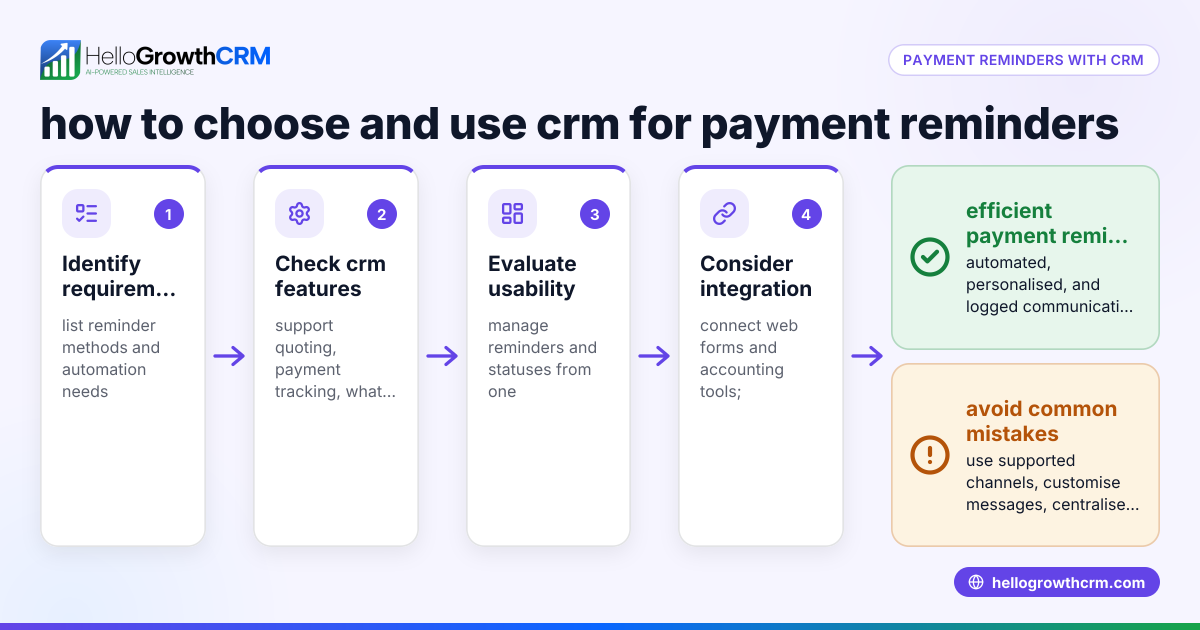
- Identify your payment reminder needs: Check if you need to track quotes, convert them to invoices, monitor payment status, and send reminders via WhatsApp, SMS, or email.
- Choose a CRM that integrates sales and finance workflows: Ensure the CRM can create and track quotes and invoices from deals and log payment receipts.
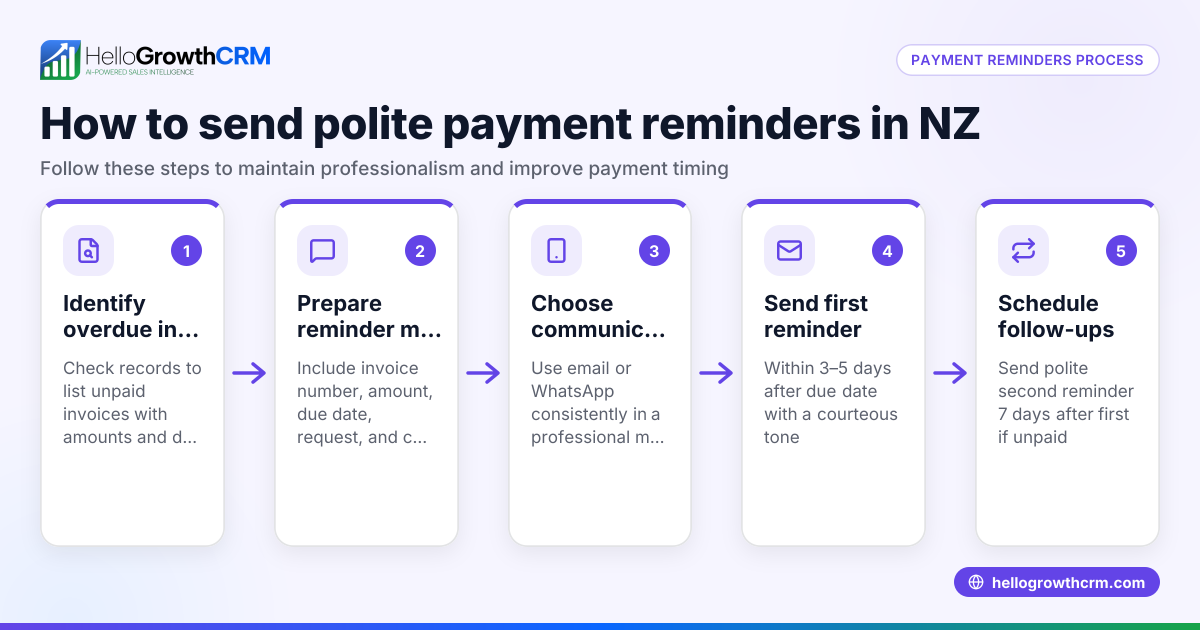
- Set up automated reminders: Configure follow-up tasks or message sequences triggered by invoice due dates or payment delays.
- Assign responsibilities: Define who on the sales or finance team handles each reminder and follow-up.
- Use messaging channels your customers prefer: WhatsApp and SMS are widely used in India, so choose a CRM supporting these.
- Monitor payment statuses centrally: Use dashboards or deal views showing quote, invoice, and payment status alongside follow-up tasks.
- Regularly review and update overdue reminders: Adjust messaging frequency and escalation steps based on customer response.
Example (fictional figures)
An Indian electronics distributor issues a quote on 01/05/2024 for ₹1,50,000. The payment is due in 30 days.
- Quote amount = ₹1,50,000
- Payment due date = 31/05/2024
On 05/06/2024, payment is overdue by 5 days. The sales team sends a WhatsApp reminder.
- Reminder date = 05/06/2024
- Days overdue = 5
The customer pays ₹1,50,000 on 10/06/2024.
- Payment received date = 10/06/2024
- Days overdue = 10
Calculations:
₹1,50,000 (invoice amount) - ₹1,50,000 (payment received) = ₹0 (balance remaining)
The CRM updates the deal status to "Paid" and closes the follow-up task automatically.
Common mistakes
- Not linking quotes and invoices to deals: This causes scattered information and missed reminders. Use a CRM where quotes and invoices are tied to deals.
- Ignoring customer communication preferences: Sending reminders only by email when customers prefer WhatsApp or SMS reduces response rates. Use messaging channels your customers actively use, like WhatsApp and SMS, supported by a WhatsApp and SMS CRM (/product/whatsapp-sms-crm).
- No clear ownership of reminders: When sales and finance teams don't know who should follow up, reminders fall through. Assign tasks clearly in your CRM or use sales task boards (/product/sales-task-boards) to track ownership.
- Manual follow-ups without automation: Relying on memory or spreadsheets leads to delays. Automate reminders and follow-ups using CRM workflows.
- No visibility on payment status: Without a central dashboard, teams duplicate efforts or miss overdue payments. Use CRM views that show quotes, invoices, payment status, and follow-up tasks on one screen.
Doing this in HelloGrowthCRM
This CRM offers a built-in quoting and proposal tool for creating, sending, and tracking quotes and invoices directly from the deal record. The status of each quotation—sent, viewed, or accepted—is visible on the same screen as the follow-up task, helping teams stay aligned. Payment reconciliation is tied to invoices and deals, so finance and sales teams see up-to-date payment status.
WhatsApp and SMS messaging workflows allow sending payment reminders via channels your customers already use. Conversations are logged on the lead record, and follow-ups can be sent as messages, making communication seamless.
For businesses with field sales or distributors, territory and field operations features let field reps log visits and activities from their phones, while managers track daily beats and commissions.
Learn more about WhatsApp and SMS CRM, sales task boards, and HelloGrowthCRM for India.
Frequently asked questions
Can a CRM send automated payment reminders on WhatsApp? Yes, some CRMs support WhatsApp messaging workflows that automate payment reminders and follow-ups, logged on the lead record for team visibility.
How can sales and finance teams coordinate payment follow-ups? Using a CRM that links quotes, invoices, payments, and follow-up tasks on the same deal screen allows both teams to see payment status and assigned reminders, avoiding duplication.
Is it possible to track payments received against invoices in a CRM? Yes, some CRMs allow payment reconciliation tied to invoices and deals, updating payment status automatically when payments are recorded.
What are the benefits of using SMS reminders along with WhatsApp? SMS extends reach to customers who may not use WhatsApp or prefer SMS. Using both channels increases the chances of timely payment responses.
How do I assign payment reminder tasks in a CRM? Use sales task boards or task assignment features in the CRM to clearly allocate follow-up duties to team members, ensuring accountability.
Key takeaways
- Use a CRM that integrates quotes, invoices, payments, and follow-up tasks on one deal screen.
- Automate payment reminders via WhatsApp and SMS to reach customers effectively.
- Assign clear ownership of payment follow-ups to avoid missed reminders.
- Monitor payment status centrally with dashboards or sales task boards.
- Avoid manual tracking with spreadsheets or WhatsApp alone to reduce delays.
- Messaging and quoting features in a CRM help streamline payment collections.
Start managing your payment reminders efficiently. Start on the Free Forever plan (200 leads, no credit card).
Ready to put this into practice?
Set up your pipeline, WhatsApp follow-ups, and AI lead scoring in minutes — free, no credit card.
Try HelloGrowthCRM freeGet CRM tips in your inbox
Join thousands of sales professionals who get weekly insights on CRM strategy, AI automation, and pipeline optimization.

The HelloGrowthCRM team publishes guides on CRM strategy, AI sales tools, and revenue operations for small business sales teams.