HelloGrowthCRM software
Built for real small-business sales teams
HelloGrowthCRM helps reps qualify faster, follow up on time, and close more deals—with practical automation in one place.
- AI lead scoring and pipeline visibility
- Built-in dialer, WhatsApp, and email automation
- Sales forecasting and RevOps-ready reporting
A CRM for rehabilitation services must handle client communications, appointment scheduling, and follow-up efficiently to avoid losing leads or clients. This article explains why rehabilitation service providers need specialized CRM features, offers step-by-step advice on selecting one, includes a practical Canadian example, common pitfalls to avoid, and how HelloGrowthCRM supports these needs.
Why this comes up / what goes wrong
Rehabilitation services businesses in Canada often struggle with managing client relationships because they rely on multiple communication channels like phone, email, and text messages. Without a centralized system, leads can slip through the cracks due to slow follow-up or missed appointments. Accounting and administrative staff may find it hard to track client progress or billing information efficiently. These challenges increase when the business grows beyond a handful of clients or when managing multiple therapists and support staff. Selecting a CRM tailored to rehabilitation services helps streamline client management, improve communication, and ensure timely follow-ups.
Step-by-step
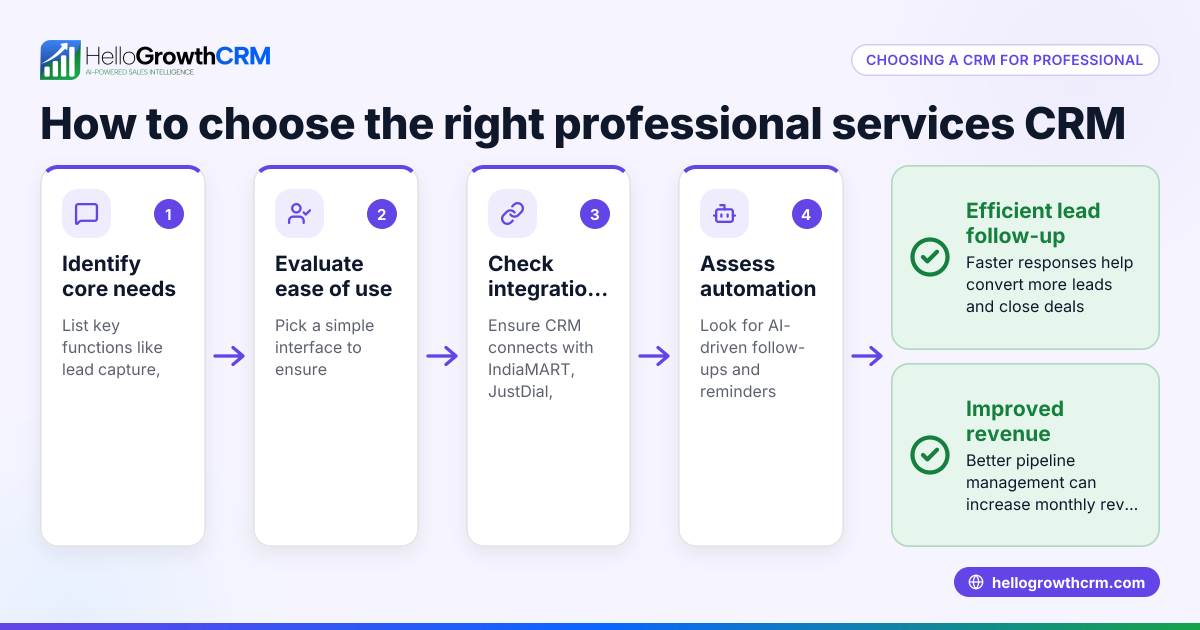
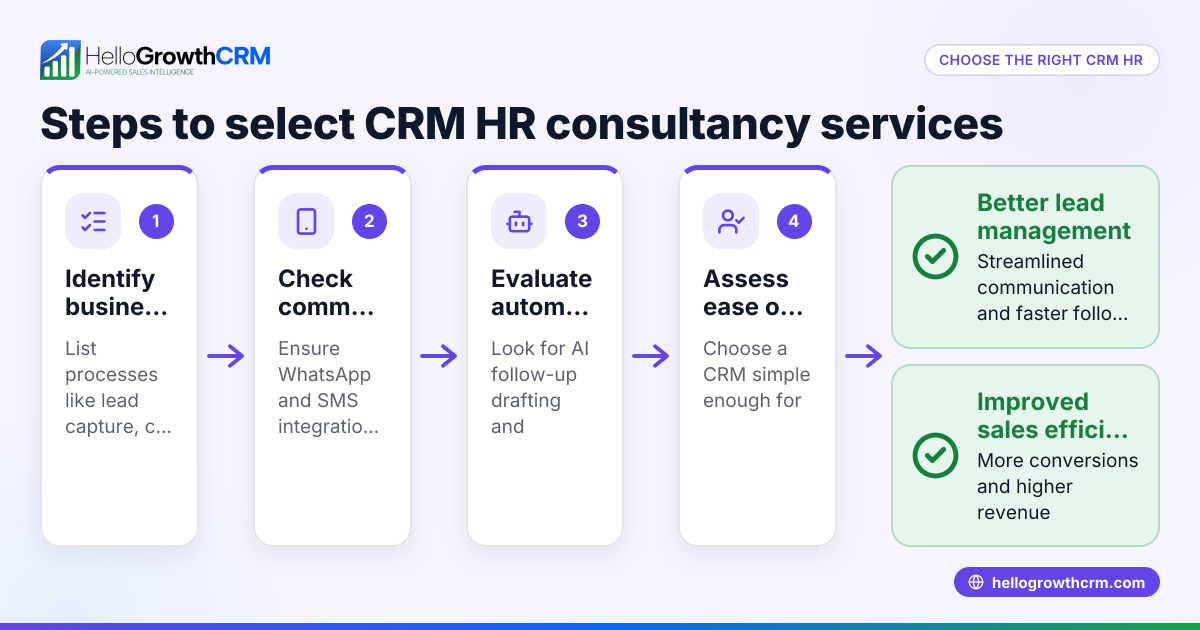
- Identify your key needs: List the must-have features such as appointment scheduling, client communication logging, and follow-up reminders. Check if the CRM supports mobile messaging channels like WhatsApp and SMS, which are popular with clients.
- Evaluate ease of use: Ensure the CRM interface is intuitive for therapists and administrative staff who may not be tech-savvy. A CRM that your team actually uses improves data accuracy and follow-up rates.
- Check integration capabilities: Confirm the CRM can capture leads from your website or other marketing channels automatically to avoid manual entry errors and delays.
- Look for AI or automation features: Automated drafting of follow-up messages or task reminders can save time and reduce human error.
- Consider support for revenue operations: If you don’t have a dedicated sales manager, see if the CRM provider offers managed follow-up services to keep your pipeline healthy.
- Assess reporting and forecasting: Choose a CRM that provides clear sales and client engagement reports to help you make data-driven decisions.
- Test with a trial or demo: Use a free or trial version to see how well the CRM fits your workflow before committing.
During this process, reviewing options for Local service businesses can help you find industry-specific solutions.
Example (fictional figures)
A bilingual rehabilitation clinic in Laval, Quebec, called "Laval Rehab Services," wants to improve client follow-up and appointment management. They handle about 150 leads per month.
- Monthly leads: 150
- Average conversion rate without CRM: 20% (30 clients)
- Average revenue per client: C$2,000
With a CRM, they aim to increase conversion by 10% (to 30%) through faster follow-up.
Calculations:
Current clients = 150 × 20% = 30
Potential clients with CRM = 150 × 30% = 45
Additional clients = 45 - 30 = 15
Additional revenue = 15 × C$2,000 = C$30,000
This example shows that improving follow-up can significantly increase revenue.
Common mistakes
- Choosing a CRM without mobile messaging support: Many clients prefer WhatsApp or SMS. Without these channels, you risk slow or missed responses. Prevent this by selecting a CRM with integrated WhatsApp and SMS like HelloGrowthCRM.
- Ignoring user adoption: A complex CRM that staff avoid leads to incomplete data and lost leads. Involve your team early and choose an intuitive CRM.
- Skipping automation capabilities: Manual follow-up drains time and causes errors. Use AI agents or automated workflows to draft follow-ups and update records.
- Neglecting pipeline hygiene: Without regular cleanup and lead scoring, your sales pipeline clogs. Managed RevOps services can help maintain pipeline health.
- Overlooking reporting: Without clear reports, you can’t track progress or forecast revenue effectively. Choose a CRM with built-in reporting.
For more tips tailored to Local service businesses, explore industry-specific CRM features.
Doing this in HelloGrowthCRM
HelloGrowthCRM supports rehabilitation services by logging WhatsApp conversations on each lead record and allowing follow-ups via WhatsApp and SMS messages. Its AI agents draft follow-up messages after calls, so your team only needs to review and send, saving time. If you don’t have a sales manager, HelloGrowthCRM’s Managed RevOps service assigns a specialist to work your follow-up queue weekly, ensuring no lead is forgotten. Learn more about its WhatsApp and SMS CRM features and support for Canadian businesses at HelloGrowthCRM for Canada.
Frequently asked questions
What features should a CRM for rehabilitation services have? A CRM should support appointment scheduling, client communication tracking, and follow-up reminders. Mobile messaging via WhatsApp and SMS is important for client engagement. Automation and AI features that draft follow-ups and manage tasks help improve efficiency.
Can a CRM integrate with my existing website or booking system? Many CRMs capture leads automatically from web forms or integrate via APIs. This reduces manual data entry and speeds up follow-up. Confirm integration options during evaluation.
How do AI agents improve CRM use in rehabilitation services? AI agents can draft follow-up messages and update client records automatically, reducing workload for therapists and staff. This ensures timely communication and better lead conversion.
Is managed follow-up support necessary if I don’t have a sales manager? Yes, managed RevOps services can keep your sales pipeline active by handling follow-up tasks regularly. This prevents leads from being neglected and improves conversion rates.
Can I try HelloGrowthCRM before buying? HelloGrowthCRM offers a Free Forever plan allowing up to 200 leads with no credit card required. This lets you test key features and see if it fits your rehabilitation service needs.
Key takeaways
- Choose a CRM with WhatsApp and SMS support to meet client communication preferences.
- Prioritize ease of use to ensure your team adopts the CRM fully.
- Use AI and automation to streamline follow-ups and reduce manual work.
- Consider managed RevOps if you lack a dedicated sales manager.
- Test the CRM with a free plan or trial to verify it fits your workflow.
- Review industry-specific CRM options for local service businesses to find tailored features.
Start managing your rehabilitation service leads better today. Start on the Free Forever plan (200 leads, no credit card).
Ready to put this into practice?
Set up your pipeline, WhatsApp follow-ups, and AI lead scoring in minutes — free, no credit card.
Try HelloGrowthCRM freeGet CRM tips in your inbox
Join thousands of sales professionals who get weekly insights on CRM strategy, AI automation, and pipeline optimization.

The HelloGrowthCRM team publishes guides on CRM strategy, AI sales tools, and revenue operations for small business sales teams.