HelloGrowthCRM software
Built for real small-business sales teams
HelloGrowthCRM helps reps qualify faster, follow up on time, and close more deals—with practical automation in one place.
- AI lead scoring and pipeline visibility
- Built-in dialer, WhatsApp, and email automation
- Sales forecasting and RevOps-ready reporting
A CRM schedule is a tool within your customer relationship management system that organizes and automates your appointments, follow-ups, and sales tasks. It helps small and mid-sized businesses reduce slow lead follow-up and missed meetings by allowing prospects to book meeting slots directly, sending reminders, and tracking conversations efficiently. This article explains why CRM scheduling is important, how to set it up effectively, a detailed example for a real estate team, common mistakes to avoid, and how HelloGrowthCRM supports scheduling and messaging.
Why this comes up / what goes wrong
Small-business owners often struggle with keeping track of appointments and following up with leads promptly. Without a CRM schedule, sales teams rely on back-and-forth emails, texts, or WhatsApp messages to find meeting times, which wastes time and frustrates prospects. Leads get lost or delayed because reps forget to follow up or don’t have a clear view of their tasks. This slows sales cycles and reduces conversion rates.
Owners searching for "crm schedule" want software that simplifies booking meetings, automates reminders, and integrates with messaging channels their teams already use, like WhatsApp and SMS. They want to avoid juggling spreadsheets, separate calendar apps, and manual follow-ups.
Step-by-step
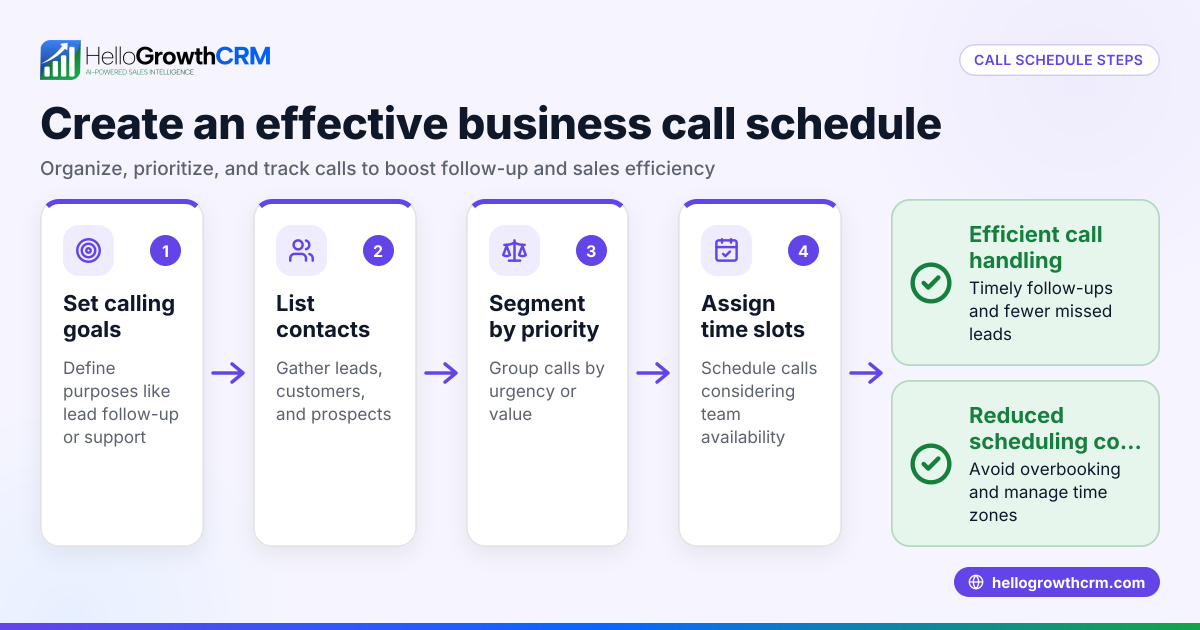
- Identify your scheduling needs: Decide what types of meetings or calls your team needs to schedule (e.g., initial consultations, demos, follow-ups). Check if you need different durations or availability per rep.
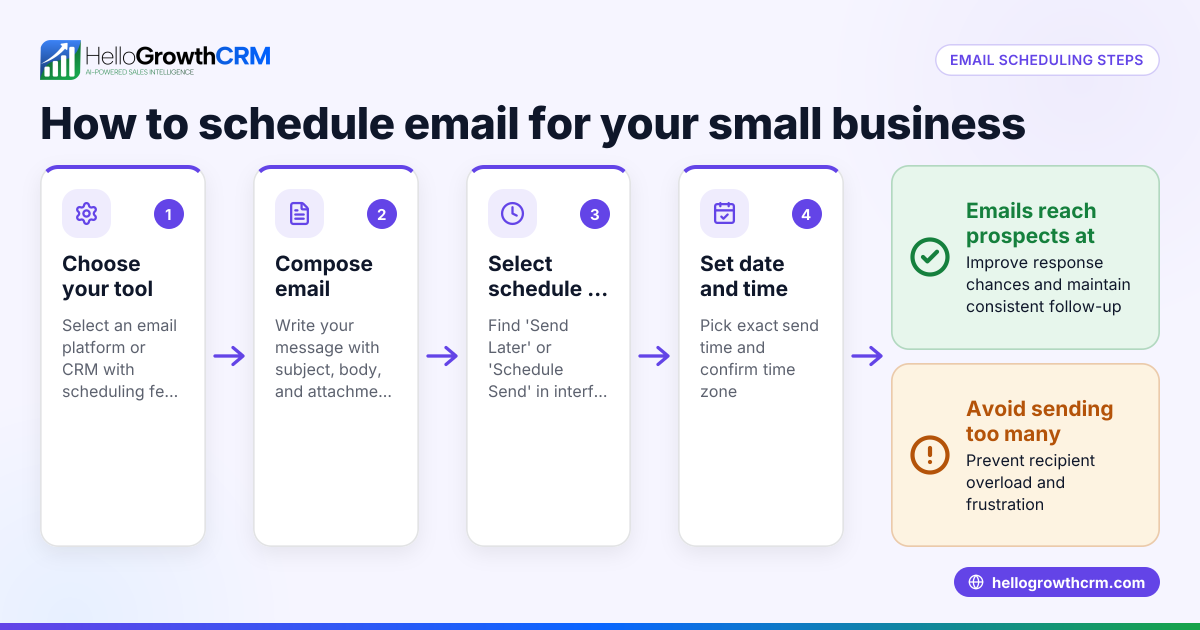
- Choose a CRM with built-in scheduling or integrations: Look for CRMs that offer scheduling pages where prospects pick slots directly, avoiding back-and-forth. Confirm it integrates with your calendar system (Google, Outlook).
- Set up your booking page: Create booking links with available time slots and meeting types. Customize time zones and buffer times between meetings.
- Integrate messaging channels: Connect WhatsApp and SMS workflows so conversations with leads are logged automatically and follow-ups can be sent as messages.
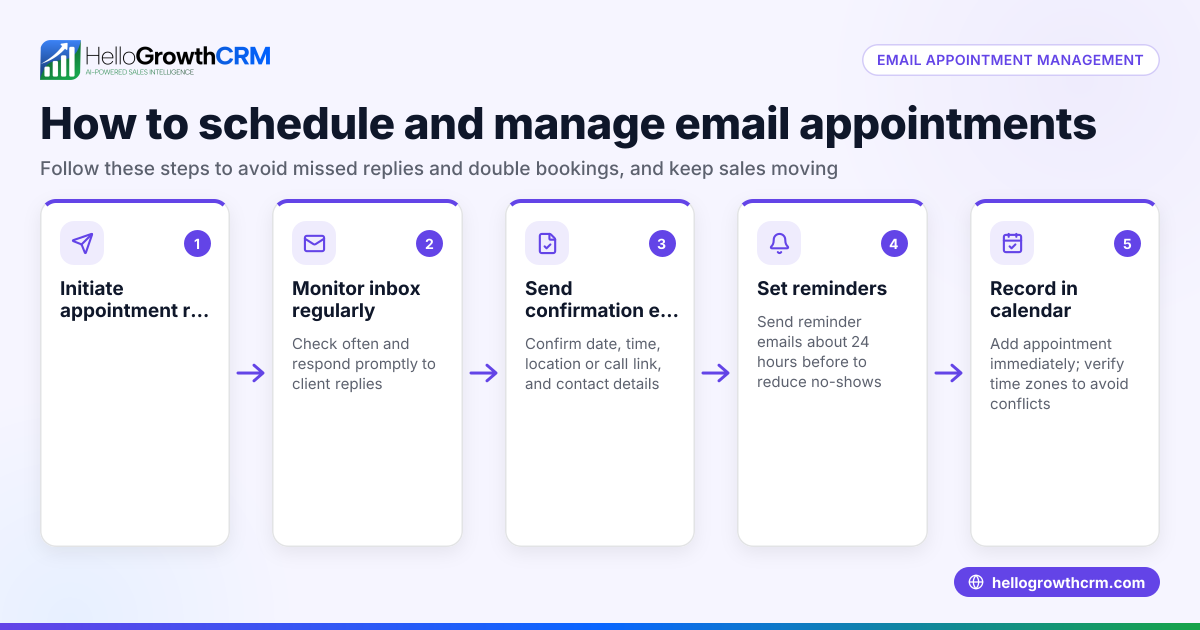
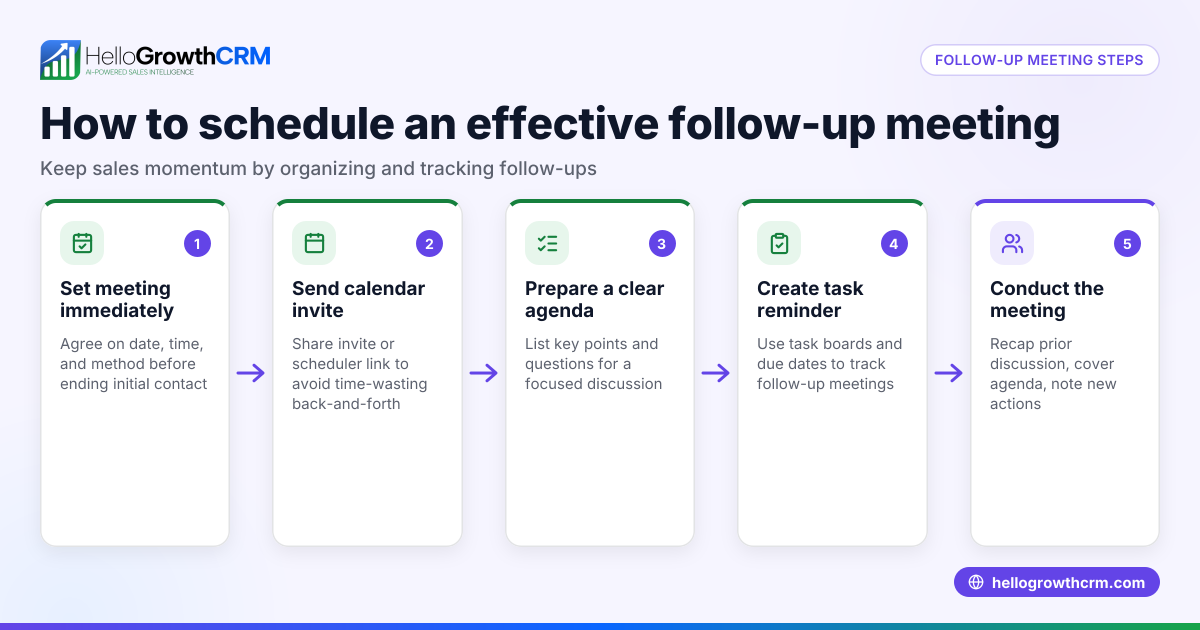
- Automate reminders and follow-ups: Use your CRM’s automation or AI agents to draft follow-up messages after calls for reps to review and send.
- Train your team: Make sure sales reps know how to use the scheduling links, update lead statuses, and respond quickly through the CRM.
- Monitor and adjust: Track how many meetings are booked through the CRM schedule and how timely follow-ups are. Adjust availability or messaging sequences as needed.
For more on setting up booking links, see the meeting scheduler feature.
Example (fictional figures)
A residential real-estate team in Phoenix, Arizona, wants to improve lead follow-up and reduce no-shows.
- They set up a booking page offering 30-minute consultation slots Monday to Friday, 9:00 AM to 5:00 PM.
- Each rep has 15-minute buffers between meetings.
- They receive 50 leads per month, with an average deal value of $350,000.
Before scheduling automation, they faced challenges with slow responses and missed meetings.
After implementing a CRM schedule:
- 50 leads × 70% who schedule = 35 meetings booked
- 35 meetings × 90% attendance = 31.5 meetings attended
- Conversion rate improves from 20% to 25% due to timely follow-ups.
Calculations:
$350,000 × 25% = $87,500 average revenue from converted leads
This shows how scheduling and follow-up automation can increase sales efficiency and revenue.
Common mistakes
- Not offering self-service booking: Relying on manual back-and-forth wastes time. Prevent this by using a CRM with a booking page.
- Ignoring time zones or availability: Leads get frustrated if offered slots don’t match their time zone. Configure your booking page to show correct zones.
- Failing to automate reminders: No-shows increase without reminders. Use CRM automation or AI agents to send timely follow-ups.
- Not logging conversations: Losing track of WhatsApp or SMS chats causes missed context. Use a CRM that logs messages on lead records.
- Poor team adoption: If reps don’t use the CRM schedule, it fails. Provide training and monitor usage.
For messaging integration, see WhatsApp and SMS CRM.
Doing this in HelloGrowthCRM
HelloGrowthCRM offers a meeting scheduling feature where prospects pick a slot from a link, eliminating back-and-forth on WhatsApp. WhatsApp conversations with leads are logged on their records, and follow-ups can be sent as WhatsApp or SMS messages. Its AI agents (in beta) draft follow-up messages after calls, so sales reps only review and send, saving time. Learn more about scheduling at meeting scheduler.
Frequently asked questions
What is a CRM schedule and why do I need it? A CRM schedule organizes your appointments and follow-ups in one system, allowing leads to book meetings directly and automating reminders. It reduces lost leads and speeds up sales cycles.
Can I integrate my calendar with CRM scheduling? Yes, many CRMs support calendar integration (Google, Outlook) to sync booked meetings and avoid double bookings. Check your CRM’s capabilities.
How does scheduling work with WhatsApp and SMS messaging? Some CRMs log WhatsApp and SMS conversations on the lead record and enable sending follow-up messages directly through these channels, improving engagement.
What are AI agents in CRM scheduling? AI agents can automate tasks like drafting follow-up messages after calls, which reps then review and send, reducing manual work. This feature may be in beta.
How do I encourage my sales team to use CRM scheduling? Provide training, show how it saves time, and monitor usage. Incentivize timely follow-ups and meeting bookings.
Is scheduling available on free CRM plans? Some CRMs offer scheduling on free plans but may limit messaging features like WhatsApp and SMS to paid tiers. Check your CRM’s plan details.
Key takeaways
- A CRM schedule lets prospects book meetings directly, reducing delays and lost leads.
- Integrate calendar and messaging channels like WhatsApp and SMS for seamless communication.
- Automate reminders and follow-ups using CRM workflows or AI agents to reduce no-shows.
- Train your sales team to adopt scheduling tools for best results.
- Monitor scheduling performance and adjust availability and messaging as needed.
Start improving your sales follow-up and bookings today. Start on the Free Forever plan (200 leads, no credit card).
Ready to put this into practice?
Set up your pipeline, WhatsApp follow-ups, and AI lead scoring in minutes — free, no credit card.
Try HelloGrowthCRM freeGet CRM tips in your inbox
Join thousands of sales professionals who get weekly insights on CRM strategy, AI automation, and pipeline optimization.

The HelloGrowthCRM team publishes guides on CRM strategy, AI sales tools, and revenue operations for small business sales teams.