HelloGrowthCRM software
Built for real small-business sales teams
HelloGrowthCRM helps reps qualify faster, follow up on time, and close more deals—with practical automation in one place.
- AI lead scoring and pipeline visibility
- Built-in dialer, WhatsApp, and email automation
- Sales forecasting and RevOps-ready reporting
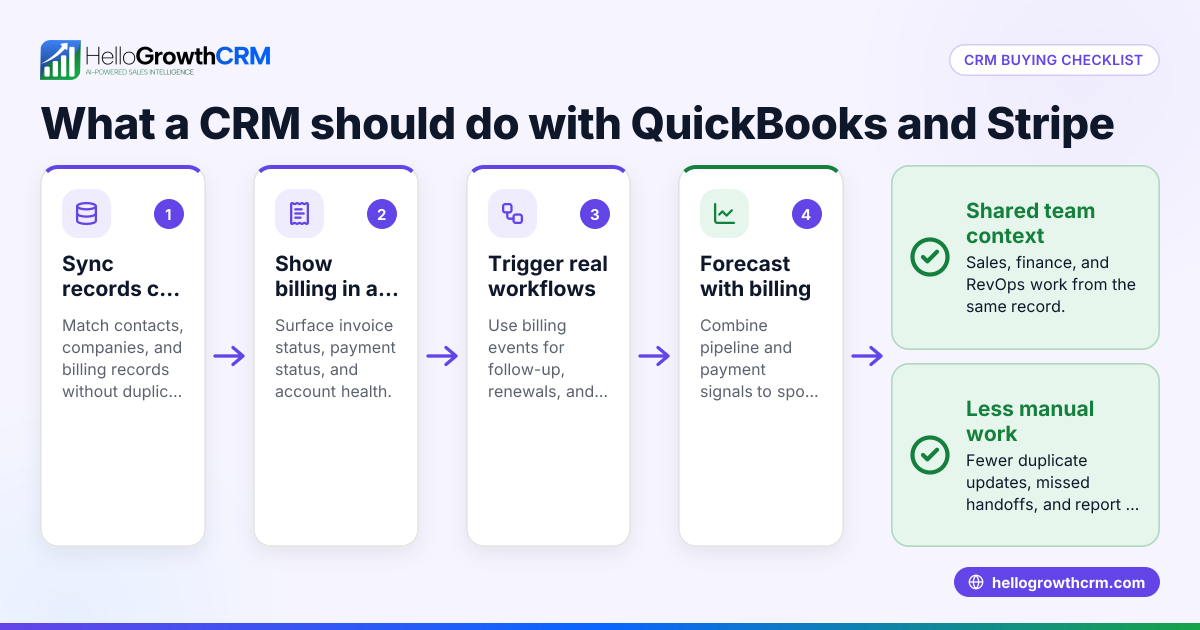
A CRM with Stripe payments lets you combine customer management with payment processing, streamlining your sales and billing workflows. This integration means you can send quotes or invoices and receive payment without switching apps, reducing manual data entry and improving cash flow.
Why this comes up / what goes wrong
Small and mid-sized UK businesses often struggle because they use separate tools for CRM and payment processing. For example, a sales team might track leads in spreadsheets or WhatsApp, then email invoices separately via Stripe outside their CRM. This disjointed approach causes slow follow-up, missed payment reminders, and extra admin work. Without payment status updates in the CRM, sales teams risk chasing payments blindly or losing track of outstanding invoices. A CRM with Stripe payments integration centralises sales, quotes, invoices, and payment tracking, making it easier to close deals faster and keep cash flow steady.
Step-by-step
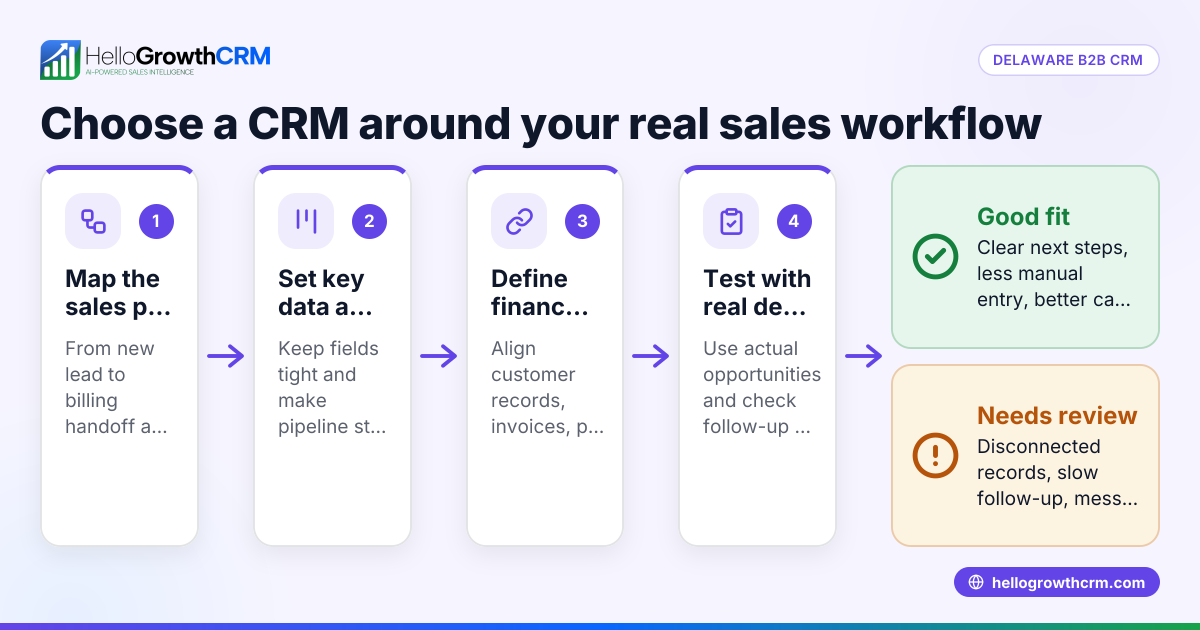
- Define your business needs: Decide if you need Stripe integration mainly for online payments, invoicing, or subscription billing. Also consider if your sales team requires WhatsApp or SMS communication logged alongside payments.
- Check CRM compatibility: Look for CRMs that either have built-in Stripe payment support or allow easy integration through APIs or third-party connectors.
- Evaluate quoting and invoicing features: Confirm the CRM can generate quotes and invoices linked to deals and automatically update payment status.
- Test payment reconciliation: Ensure the CRM records payments received via Stripe against invoices and deals accurately for real-time sales tracking.
- Consider communication tools: If your team uses WhatsApp or SMS to engage leads, check if the CRM logs these conversations on lead records and supports follow-up messaging.
- Assess AI or automation features: Some CRMs offer AI agents to draft follow-ups or update records after calls, speeding up sales workflows.
- Review pricing and plans: Verify the CRM pricing fits your budget and the Stripe payment features are included.
- Pilot before full rollout: Run a trial with your sales team to confirm the Stripe payment process works smoothly within the CRM environment.
Example (fictional figures)
A recruitment consultancy in Bristol wants a CRM with Stripe payments to speed up invoicing and payment collection.
- On 01/04/2024, they send a quote for £12,000 to a client.
- The client views and accepts the quote on 03/04/2024.
- The CRM generates an invoice for £12,000 linked to the accepted deal.
- The client pays via Stripe on 10/04/2024.
- The CRM marks the invoice as paid and updates the deal status.
Calculation: £12,000 (quote amount) = £12,000 (invoice amount)
- £12,000 (payment received via Stripe)
= £0 (outstanding balance)
This clear process helps the consultancy track payments in real time, reducing follow-up calls and speeding cash flow.
Common mistakes
- Using multiple disconnected tools: Prevent this by choosing a CRM with integrated Stripe payments and communication logging to keep everything in one place.
- Ignoring payment status updates: Ensure the CRM automatically reconciles Stripe payments to invoices, so your team always knows which invoices are paid.
- Not logging customer conversations: Use a WhatsApp and SMS CRM that records messages on lead records to keep communication and payments linked.
- Skipping trial runs: Avoid surprises by piloting the CRM with Stripe payments before full adoption.
- Overlooking AI assistance: Explore CRMs with AI agents that draft follow-ups to save time and improve sales efficiency.
Doing this in HelloGrowthCRM
HelloGrowthCRM supports WhatsApp and SMS conversations logged on the lead record, so your team’s messages are tracked alongside sales activity. It offers built-in quoting, proposals, invoices, and payment tracking from the deal screen, showing quote status and payment received in one place. AI agents draft follow-up messages after calls, speeding up sales workflows. Learn more about WhatsApp and SMS CRM and the built-in CRM dialer. See HelloGrowthCRM tailored for the UK at HelloGrowthCRM for the United Kingdom.
Frequently asked questions
Can I accept Stripe payments directly inside a CRM? Some CRMs have built-in Stripe payment features or integrate via APIs to allow payment collection from quotes or invoices directly within the CRM interface.
How does a CRM help with payment reconciliation? A CRM linked to Stripe automatically matches payments received to the correct invoices and deals, reducing manual data entry and errors.
Is WhatsApp integration important for sales teams using Stripe payments? Yes, because logging WhatsApp conversations on lead records keeps all communication and payment history in one place, improving follow-up and customer service.
What role do AI agents play in CRM with Stripe payments? AI agents can draft follow-up messages or update records after calls, helping sales reps focus on closing deals faster.
Can I try HelloGrowthCRM for free to test Stripe payment features? Yes, you can start on the Free Forever plan with 200 leads and no credit card at /free-crm.
Key takeaways
- Choose a CRM that integrates Stripe payments with quoting and invoicing.
- Ensure payment status updates and reconciliation are automatic.
- Use WhatsApp and SMS logging to keep communication and payments linked.
- Avoid multiple disconnected tools to reduce admin and errors.
- Pilot the CRM with your team before full adoption.
- Consider AI agents to speed up follow-ups.
Start managing leads, quotes, invoices and Stripe payments in one place. Start on the Free Forever plan (200 leads, no credit card).
Ready to put this into practice?
Set up your pipeline, WhatsApp follow-ups, and AI lead scoring in minutes — free, no credit card.
Try HelloGrowthCRM freeGet CRM tips in your inbox
Join thousands of sales professionals who get weekly insights on CRM strategy, AI automation, and pipeline optimization.

The HelloGrowthCRM team publishes guides on CRM strategy, AI sales tools, and revenue operations for small business sales teams.