HelloGrowthCRM software
Built for real small-business sales teams
HelloGrowthCRM helps reps qualify faster, follow up on time, and close more deals—with practical automation in one place.
- AI lead scoring and pipeline visibility
- Built-in dialer, WhatsApp, and email automation
- Sales forecasting and RevOps-ready reporting
Customer experience analytics use cases focus on analyzing how customers interact with your sales and support processes to improve satisfaction and retention. By collecting and studying data from customer touchpoints such as calls, messages, and service requests, small businesses can pinpoint where customers experience delays or drop off and take targeted actions to resolve these issues.
Why this comes up / what goes wrong
Small business owners often rely on disconnected tools like text messages, emails, and spreadsheets to manage customer interactions. This scattered approach makes it difficult to see where customers get stuck during sales or service. Without clear insights, leads can be lost due to slow follow-up, and customer service problems may go unnoticed, causing dissatisfaction and lost revenue.
Step-by-step
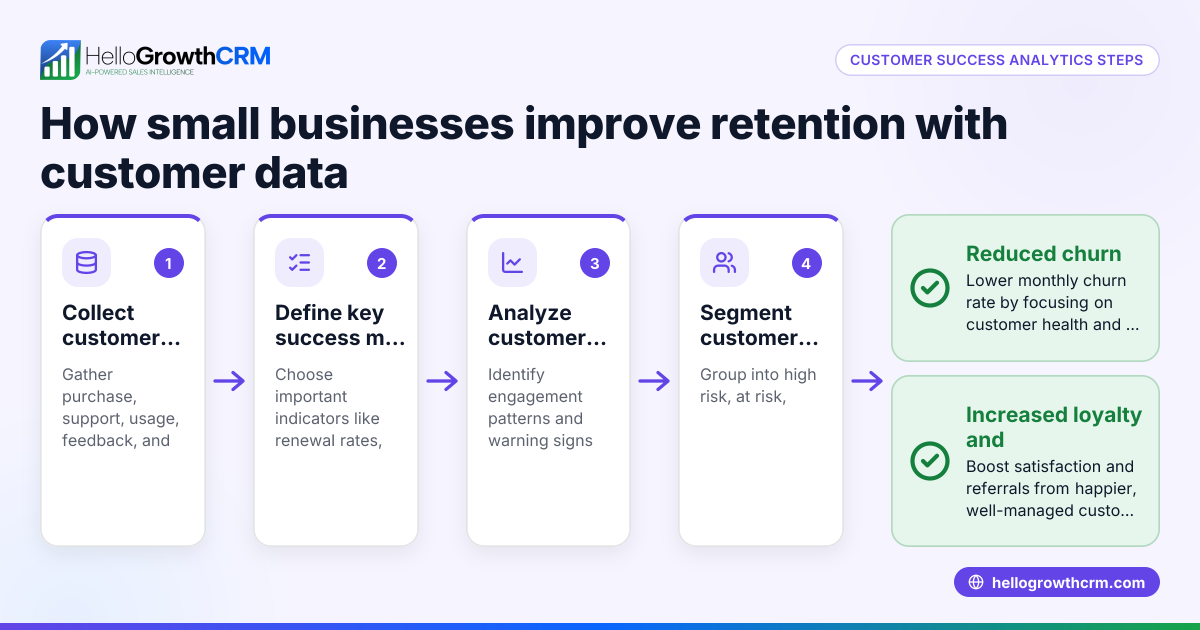
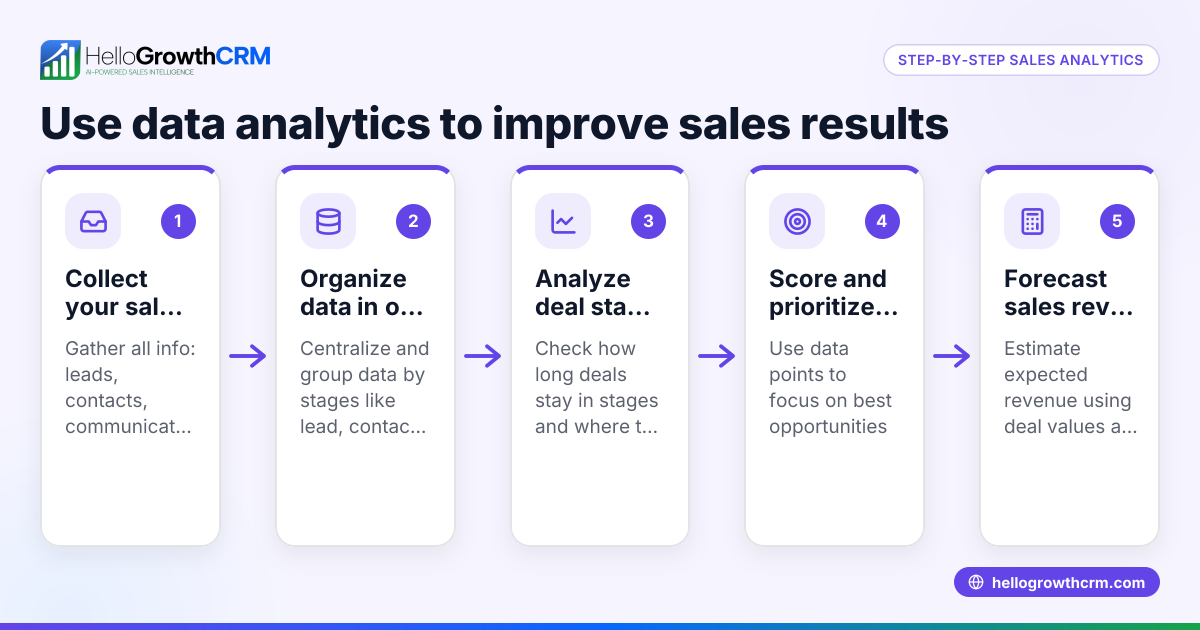
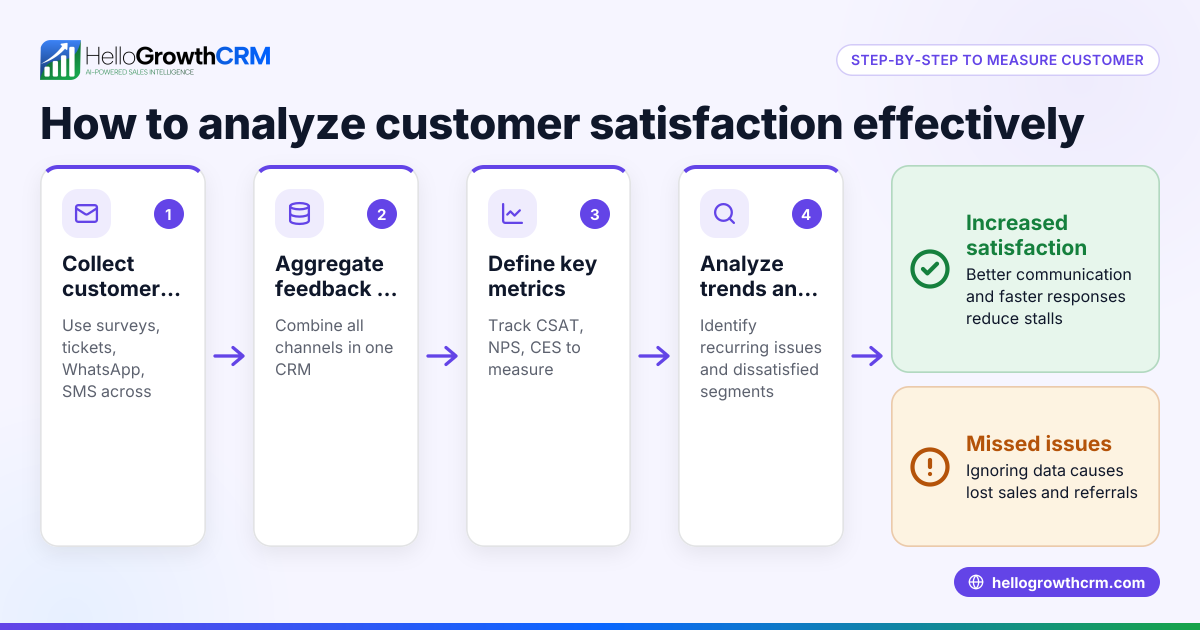
- Collect customer interaction data: Gather data from all communication channels including phone calls, emails, WhatsApp, SMS, and support tickets. Ensure data is centralized for easy analysis.
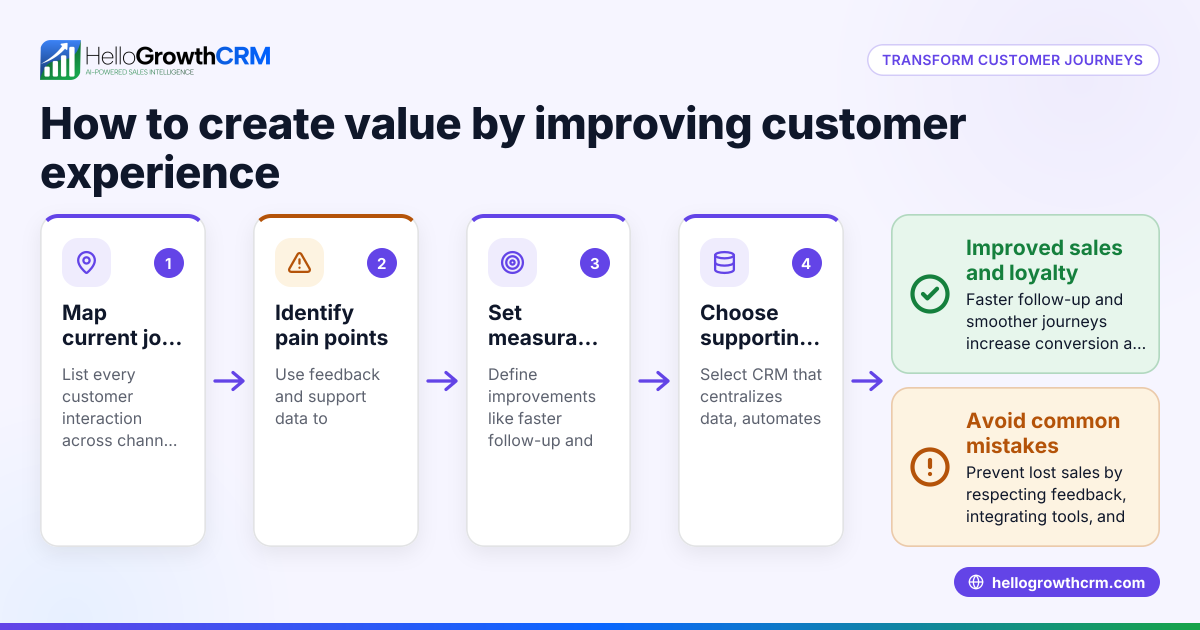
- Map the customer journey: Track each step customers take from initial inquiry through sales and post-sale service to identify where delays or drop-offs occur.
- Measure customer satisfaction: Use surveys or feedback forms at key touchpoints to quantify customer feelings about their experience.
- Analyze bottlenecks and patterns: Identify stages with frequent stalls or repeated support requests to determine where improvements are needed.
- Prioritize improvements: Focus on changes that will shorten sales cycles, reduce customer effort, or increase retention.
- Monitor impact continuously: After implementing changes, track customer behavior and sales outcomes to measure success.
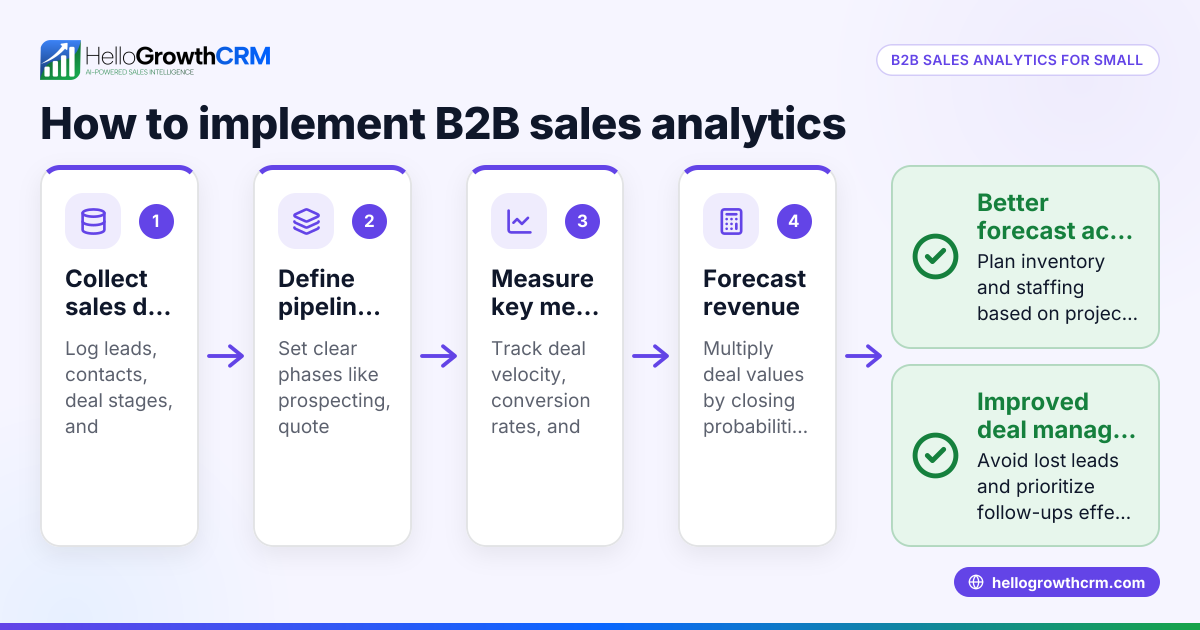
- Use integrated analytics tools: Combine sales forecasting and customer service data in one system to get a complete view of customer experience.
Example (fictional figures)
Consider a two-location dental practice in Columbus, Ohio, reviewing patient follow-up and service satisfaction for Q1 2026.
- Total new patient inquiries: 1,200
- Conversion rate from inquiry to appointment: 25%
- Number of appointments made: 1,200 × 25% = 300
- Average revenue per patient: $500
- Total revenue from new patients: 300 × $500 = $150,000
The practice identifies that many inquiries stall at the appointment scheduling stage. By improving follow-up speed, they convert an additional 10% of stalled inquiries.
- Estimated stalled inquiries (assumed for illustration): 200
- Additional patients converted: 200 × 10% = 20
- Additional revenue from improved follow-up: 20 × $500 = $10,000
They also find that appointment reminders are sometimes delayed, causing cancellations. By enhancing reminder timing, cancellations drop by 15%, retaining more patients.
- Patients affected by cancellations (assumed): 50
- Patients retained after improvement: 50 × 15% = 7.5 (rounded to 8)
- Additional revenue from fewer cancellations: 8 × $500 = $4,000
Total potential revenue gain from these analytics-driven improvements:
$10,000 + $4,000 = $14,000
This example shows how analyzing customer experience data can reveal opportunities to increase revenue through better sales and service processes.
Common mistakes
- Ignoring data quality: Incomplete or inaccurate data skews analytics. Prevent this by regularly cleaning and validating customer records.
- Focusing only on sales data: Excluding service interactions misses key customer experience issues. Use CRM features that track support tickets and knowledge base activity.
- Overcomplicating analytics: Starting with complex metrics can overwhelm teams. Begin with simple measures like conversion rates and satisfaction scores.
- Not acting on insights: Analytics are useless without follow-up. Set clear action plans based on findings.
- Using disconnected tools: Spreadsheets and messaging apps create data silos. Integrate your analytics with CRM tools like WhatsApp and SMS CRM for a unified view.
Doing this in HelloGrowthCRM
HelloGrowthCRM offers pipeline forecast and AI insights that show where deals stall without building spreadsheets. After the sale, support tickets and service requests stay on the same customer record as the deal, tracked through the customer portal, referrals, tickets, and knowledge base. This unified view helps small businesses improve customer experience analytics and act on them efficiently. Learn more about pipeline forecast and AI insights and the customer health score.
Frequently asked questions
What are the main benefits of customer experience analytics? Customer experience analytics help businesses identify where customers face issues, improve satisfaction, increase retention, and boost revenue by optimizing sales and service processes.
How can small businesses start using customer experience analytics without technical skills? Start by collecting basic data on customer interactions and satisfaction, then use simple tools or CRM features like HelloGrowthCRM’s pipeline and support tracking to visualize and act on this data.
What types of customer data are most useful for experience analytics? Sales pipeline stages, communication logs (WhatsApp, SMS, email), support tickets, feedback surveys, and referral tracking provide valuable insights.
How does integrating customer service data with sales data improve analytics? It gives a complete picture of the customer journey, showing how service quality affects sales outcomes and retention, enabling better prioritization of improvements.
Can customer experience analytics help forecast revenue? Yes, AI-assisted pipeline forecasting uses current deal stages and historical data to project expected revenue, helping owners plan resources and actions.
Key takeaways
- Customer experience analytics identify where customers drop off or face issues in sales and service.
- Collect and analyze data from all customer touchpoints including sales and support.
- Use simple metrics and act on insights to improve conversion and retention.
- Avoid common mistakes like poor data quality and disconnected tools.
- HelloGrowthCRM’s pipeline forecast and customer portal features support integrated analytics.
Start improving your customer experience analytics today. Start on the Free Forever plan (200 leads, no credit card).
Ready to put this into practice?
Set up your pipeline, WhatsApp follow-ups, and AI lead scoring in minutes — free, no credit card.
Try HelloGrowthCRM freeGet CRM tips in your inbox
Join thousands of sales professionals who get weekly insights on CRM strategy, AI automation, and pipeline optimization.

The HelloGrowthCRM team publishes guides on CRM strategy, AI sales tools, and revenue operations for small business sales teams.