HelloGrowthCRM software
Built for real small-business sales teams
HelloGrowthCRM helps reps qualify faster, follow up on time, and close more deals—with practical automation in one place.
- AI lead scoring and pipeline visibility
- Built-in dialer, WhatsApp, and email automation
- Sales forecasting and RevOps-ready reporting
A customer feedback form template for Canadian small businesses is a structured document or digital form designed to capture useful insights from customers about your products or services. It typically includes questions on satisfaction, product quality, service experience, and open comments. Using a template saves time and ensures you gather consistent, actionable data.
Why this comes up / what goes wrong
Small-business owners in Canada often want a ready-to-use customer feedback form template to quickly start collecting feedback without designing one from scratch. The common challenges include:
- Not knowing what questions to ask that produce useful answers.
- Using forms that are too long or complicated, which discourages completion.
- Missing key details like date, customer contact info, or rating scales.
- Lacking a clear process to collect, track, and act on feedback.
Without a good template and process, businesses lose valuable insights that could improve customer satisfaction and sales.
Step-by-step
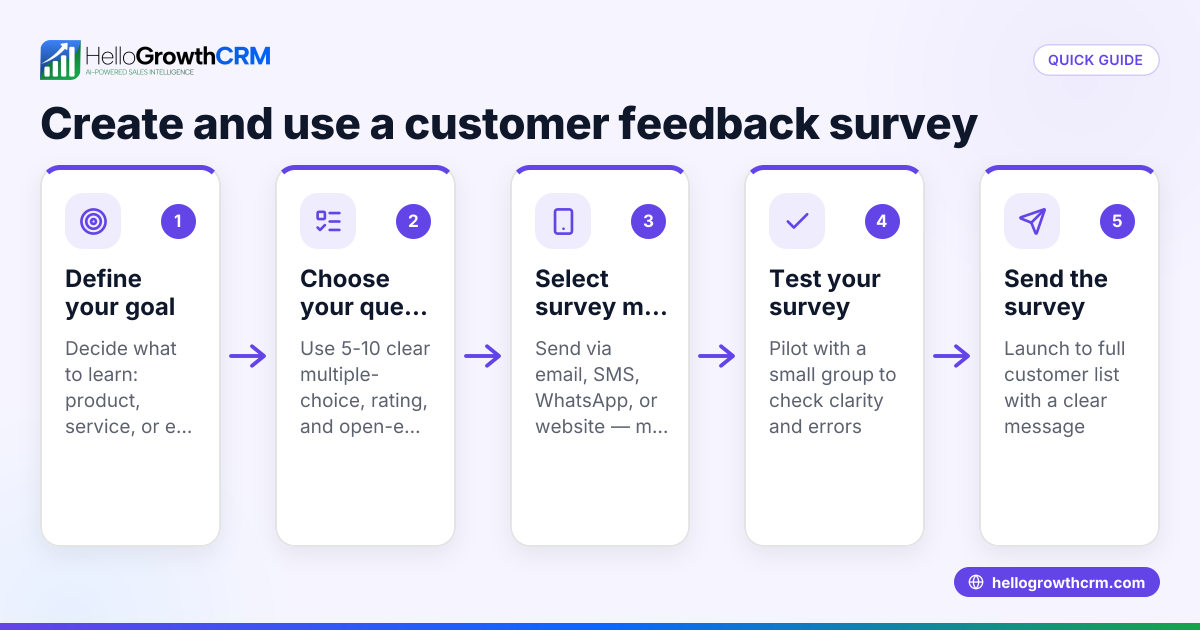
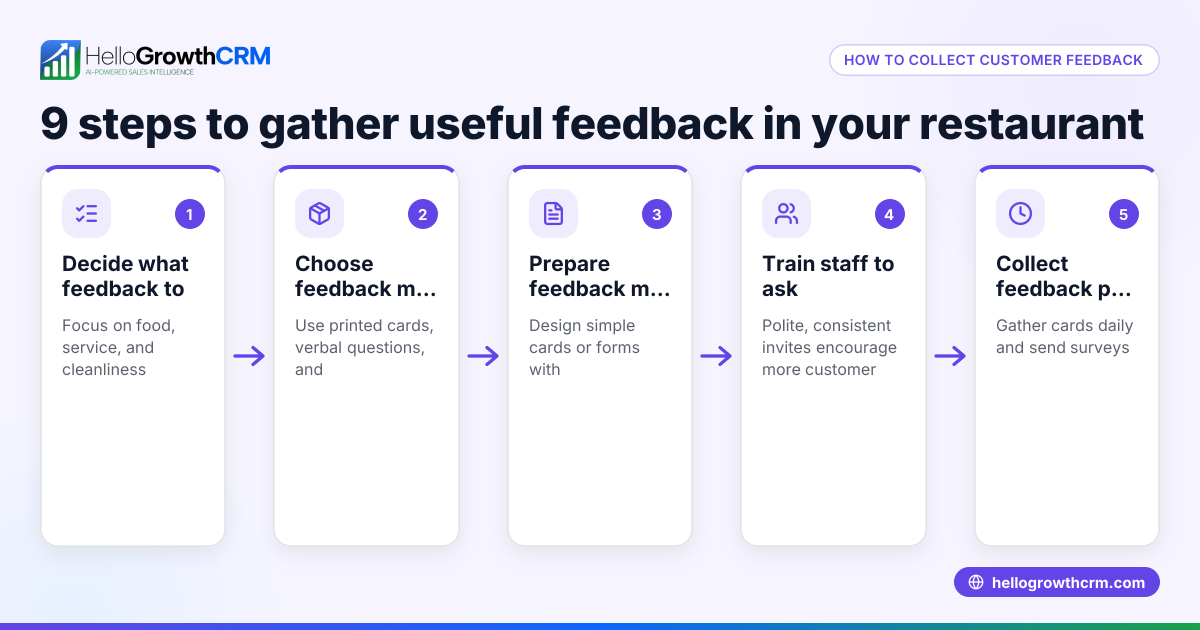
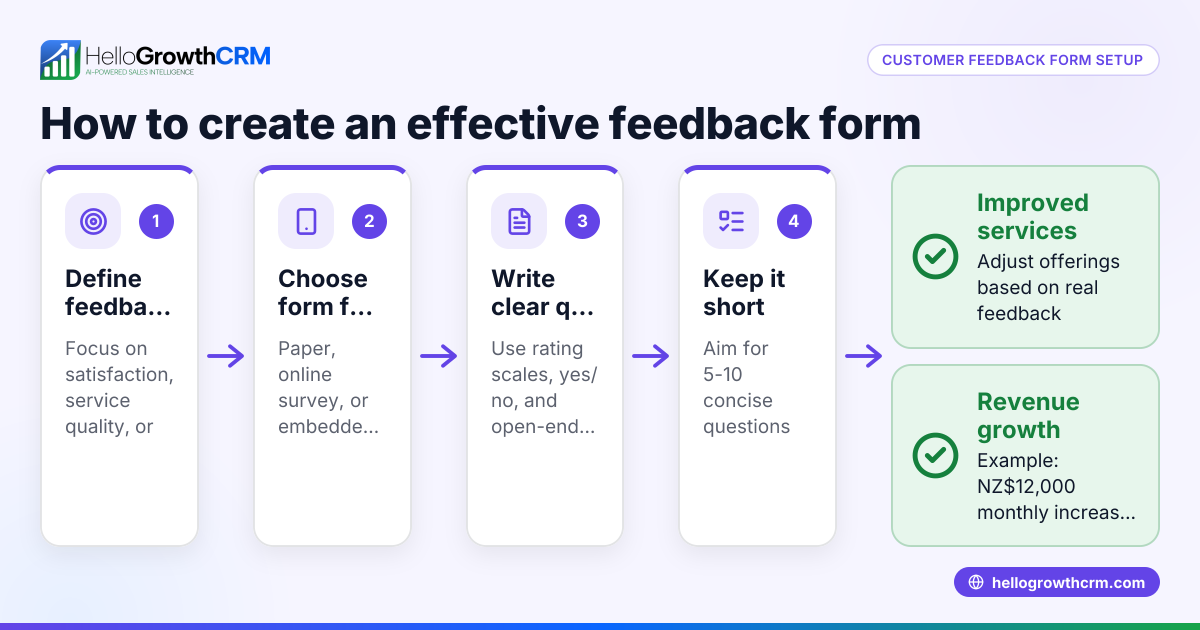
- Choose the form format: Decide whether you want a paper form, a fillable PDF, or an online form (e.g., Google Forms, Microsoft Forms). Check that it is easy for your typical customer to access and complete.
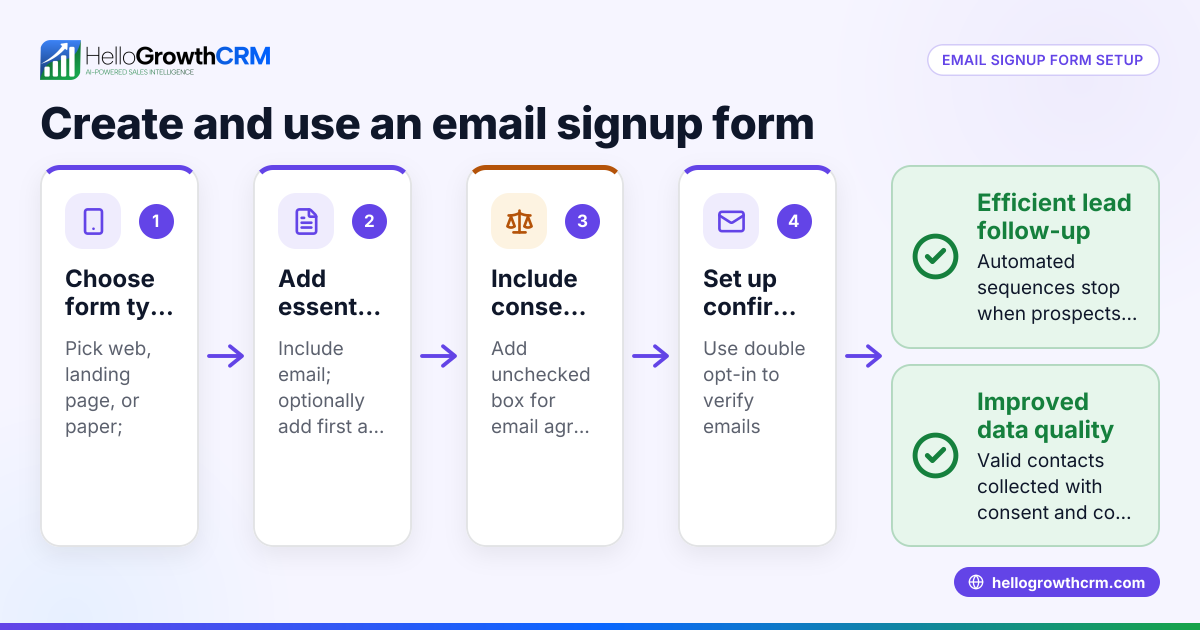
- Include essential fields:
- Customer name (optional if anonymous feedback is allowed)
- Contact information (email or phone) for follow-up if needed
- Date of feedback
- Product or service purchased
- Add rating questions:
- Use a simple scale (e.g., 1 to 5 or 1 to 10) for satisfaction, quality, and likelihood to recommend.
- Keep rating questions consistent for easy analysis.
- Add open-ended questions:
- What did you like most?
- What could we improve?
- Any other comments or suggestions?
- Keep the form concise: Limit to 5-8 questions to encourage completion.
- Test the form: Have a few customers or team members complete it to ensure clarity and ease.
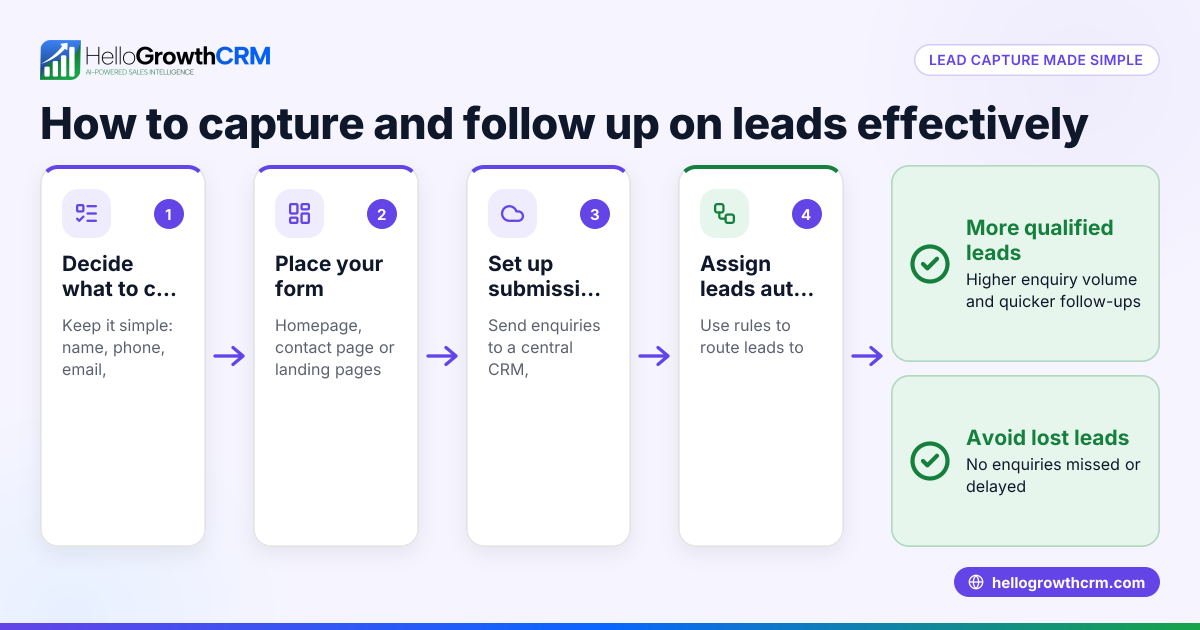
- Decide how to collect and store responses: Use a spreadsheet, CRM system, or feedback tool. Ensure you can track who gave which feedback and follow up if needed.
- Plan how to use the feedback: Assign someone to review responses regularly, identify trends, and implement improvements.
- Communicate with customers: Thank them for feedback and inform them of any changes made due to their input.
- Ensure privacy compliance: If collecting personal data, comply with Canadian privacy laws (NEEDS EXPERT REVIEW).
For ready-made sales templates and pipeline formats to organize customer interactions, check out sales templates and free sales tools and calculators.
Example (fictional figures)
A small HVAC company in Surrey, British Columbia, called CoolAir Services, wants to collect customer feedback after service visits.
They create a simple online form with these fields:
- Customer name
- Date of service
- Service type
- Satisfaction rating (1 to 5)
- Comments
On 2024-05-15, CoolAir receives feedback from a client:
- Customer: Jane Smith
- Email: jane.smith@email.com
- Date of service: 2024-05-10
- Service: Air conditioner repair
- Satisfaction rating: 4
- Comments: "Technician was professional but arrived 15 minutes late."
CoolAir logs this feedback in their spreadsheet and follows up by email to apologise for the delay and offer a 10% discount on the next service.
This approach helps CoolAir improve punctuality and customer retention.
Common mistakes
- Too many questions: Overwhelms customers and reduces response rates. Prevent by limiting questions to the most important.
- Vague or leading questions: Produces unclear or biased answers. Prevent by using clear, neutral wording.
- No rating scale or inconsistent scales: Makes analysis difficult. Prevent by using a uniform numeric scale.
- Ignoring feedback after collection: Wastes customer effort and misses improvement chances. Prevent by assigning responsibility to review and act on feedback.
- Not collecting date or contact info: Prevents timely follow-up. Prevent by including these fields clearly.
- Poor data storage and tracking: Leads to lost or unorganized feedback. Prevent by using a CRM or structured spreadsheet.
Learn how to track customer feedback effectively with a customer health score.
Doing this in HelloGrowthCRM
HelloGrowthCRM offers free sales tools, templates and calculators that include follow-up cadences and pipeline templates you can download without creating an account. After a sale, customer service requests and feedback tickets stay on the same customer record as the deal, making it easy to track and act on feedback over time. This centralised customer portal and ticket system helps small businesses keep feedback organised and respond promptly.
Frequently asked questions
What should a customer feedback form include for Canadian businesses? A good form includes customer contact info, date, product or service details, satisfaction ratings on a numeric scale, and open-ended questions for comments. Keep it concise and clear to encourage completion.
Can I use a digital form instead of paper? Yes, online forms like Google Forms or Microsoft Forms are easy to distribute and collect responses automatically. Ensure your customers have access and know how to use the form.
How often should I send or ask for feedback? After each sale or service is ideal to get fresh impressions. For ongoing services, quarterly or biannual feedback requests work well.
How do I ensure customer privacy when collecting feedback? Comply with Canadian privacy laws by informing customers how their data will be used and stored securely. Only collect necessary information and get consent if required (NEEDS EXPERT REVIEW).
Can HelloGrowthCRM help with managing customer feedback? Yes, HelloGrowthCRM allows you to download free sales templates and tools to organise follow-ups and pipelines. Its customer portal and ticket system keep feedback linked to customer records for easy tracking.
Key takeaways
- Use a concise, clear template with essential fields: customer info, date, product, ratings, and comments.
- Keep rating scales consistent and questions neutral.
- Test the form before wide use to ensure ease and clarity.
- Assign responsibility to review and act on feedback regularly.
- Use tools like HelloGrowthCRM’s free templates and customer portal to organise and respond to feedback.
- Ensure compliance with privacy laws when collecting personal data (NEEDS EXPERT REVIEW).
Start collecting valuable customer feedback today to improve your products and services. To organise your sales and customer interactions efficiently, start on the Free Forever plan (200 leads, no credit card).
Ready to put this into practice?
Set up your pipeline, WhatsApp follow-ups, and AI lead scoring in minutes — free, no credit card.
Try HelloGrowthCRM freeGet CRM tips in your inbox
Join thousands of sales professionals who get weekly insights on CRM strategy, AI automation, and pipeline optimization.

The HelloGrowthCRM team publishes guides on CRM strategy, AI sales tools, and revenue operations for small business sales teams.