HelloGrowthCRM software
Built for real small-business sales teams
HelloGrowthCRM helps reps qualify faster, follow up on time, and close more deals—with practical automation in one place.
- AI lead scoring and pipeline visibility
- Built-in dialer, WhatsApp, and email automation
- Sales forecasting and RevOps-ready reporting
A customer feedback form template is a practical tool for Singapore small and mid-sized businesses to gather valuable insights from customers about their products or services. It helps you collect feedback in a consistent, clear, and actionable way, enabling you to improve your offerings and customer satisfaction.
Why this comes up / what goes wrong
Many small-business owners in Singapore want to collect customer feedback but struggle to design forms that customers actually complete and that provide useful data. Without a clear template, forms can be too long, confusing, or miss key questions, leading to poor response rates or feedback that is hard to interpret.
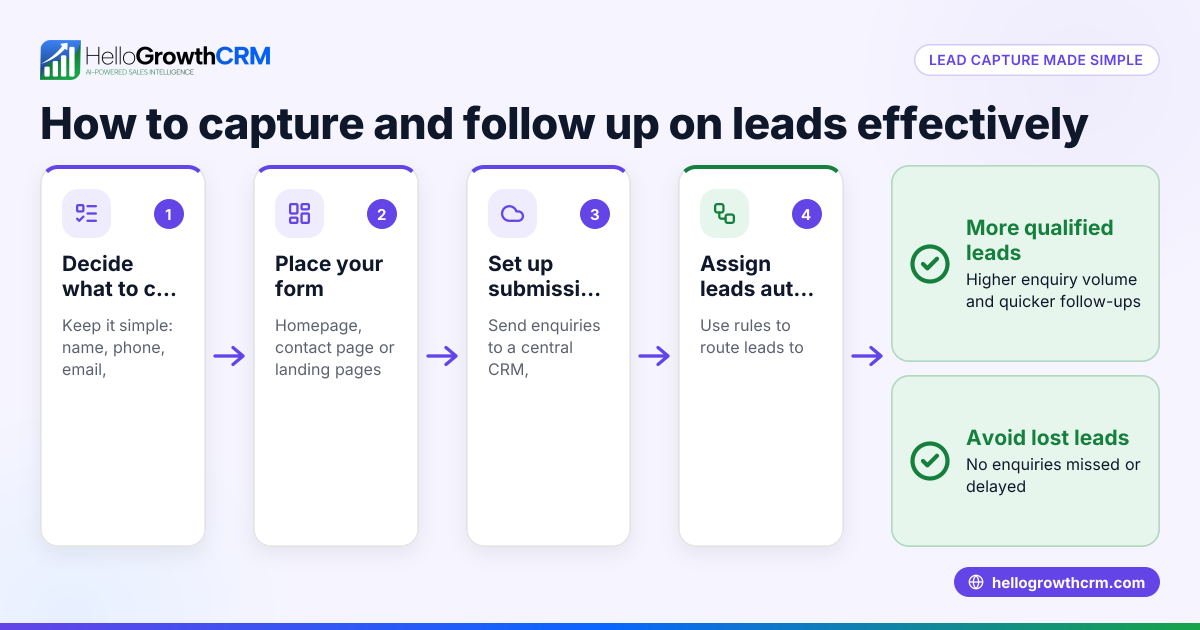
Additionally, many businesses run sales and customer communications informally through WhatsApp, email, or spreadsheets, which makes feedback collection inconsistent and difficult to track. Having a structured feedback form template helps standardise the process and makes it easier to analyse and act on customer responses.
Step-by-step
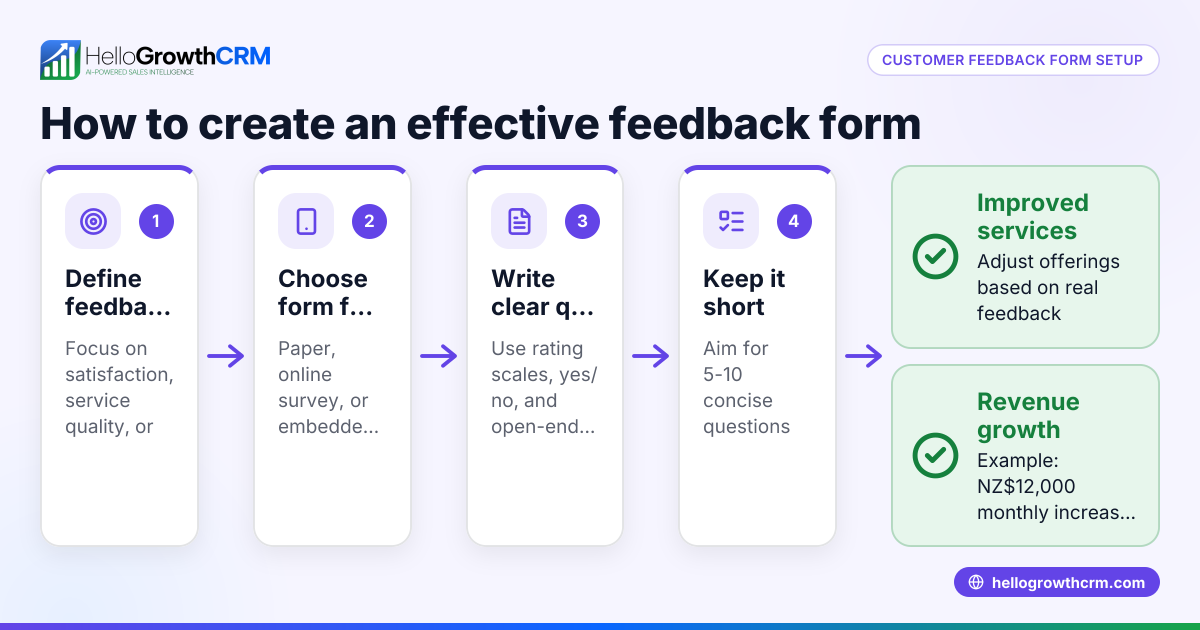
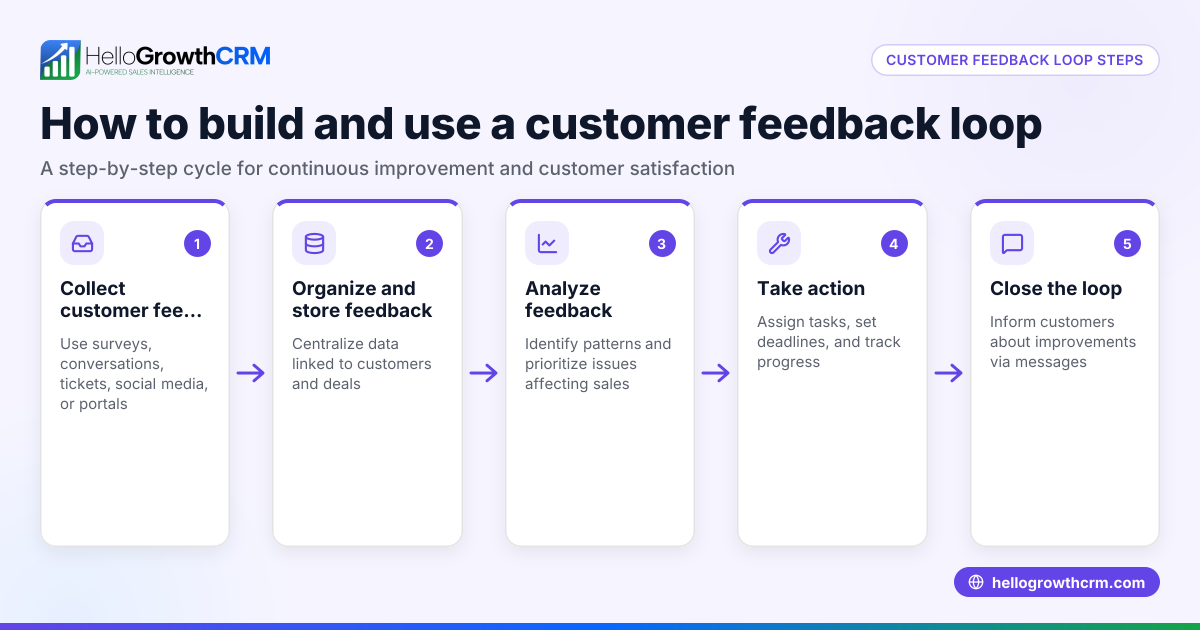
- Define your feedback objectives: Decide what you want to learn, such as product satisfaction, delivery experience, or customer service quality. These goals determine the questions you include.
- Select question types: Use a combination of multiple-choice questions for quick answers and open-ended questions for detailed feedback. Keep the total number of questions between 5 and 10 to respect customers’ time.
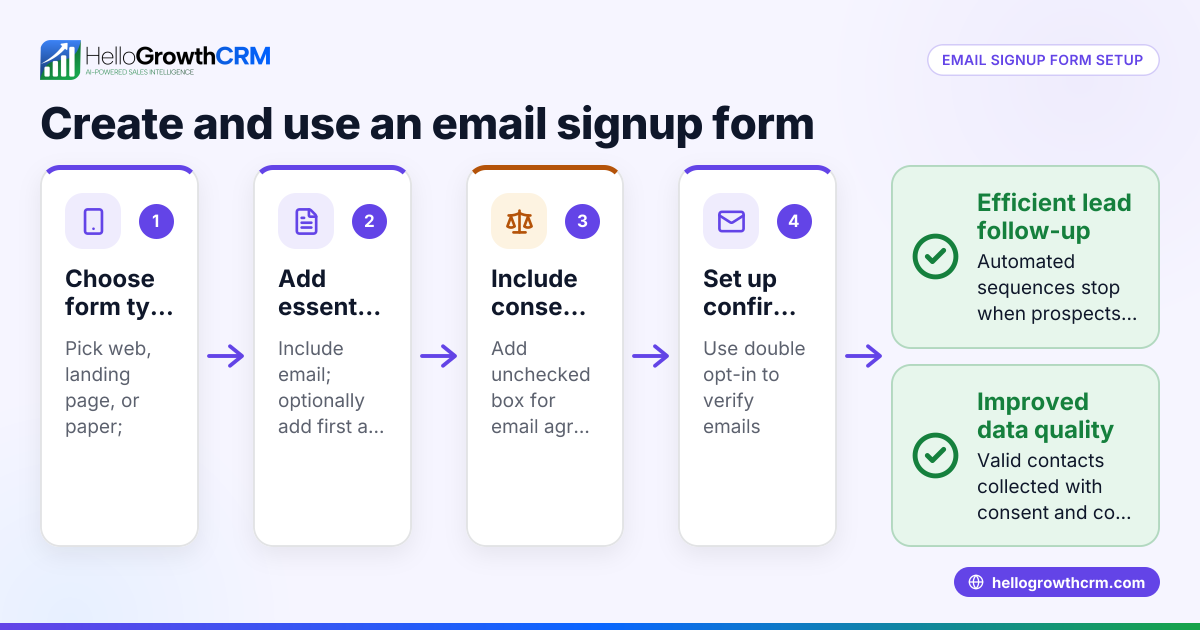
- Include essential fields: Always ask for the customer’s name, contact information (optional but useful for follow-up), date of purchase or service, and details of the product or service.
- Write clear, unbiased questions: Avoid leading or ambiguous wording. For example, ask "How satisfied were you with our service?" with options ranging from "Very satisfied" to "Very dissatisfied".
- Add a rating scale: Use a 1 to 5 or 1 to 10 scale to quantify satisfaction or likelihood to recommend, which makes analysis easier.
- Test the form: Share it with your team or a few customers to check for clarity, length, and technical issues.
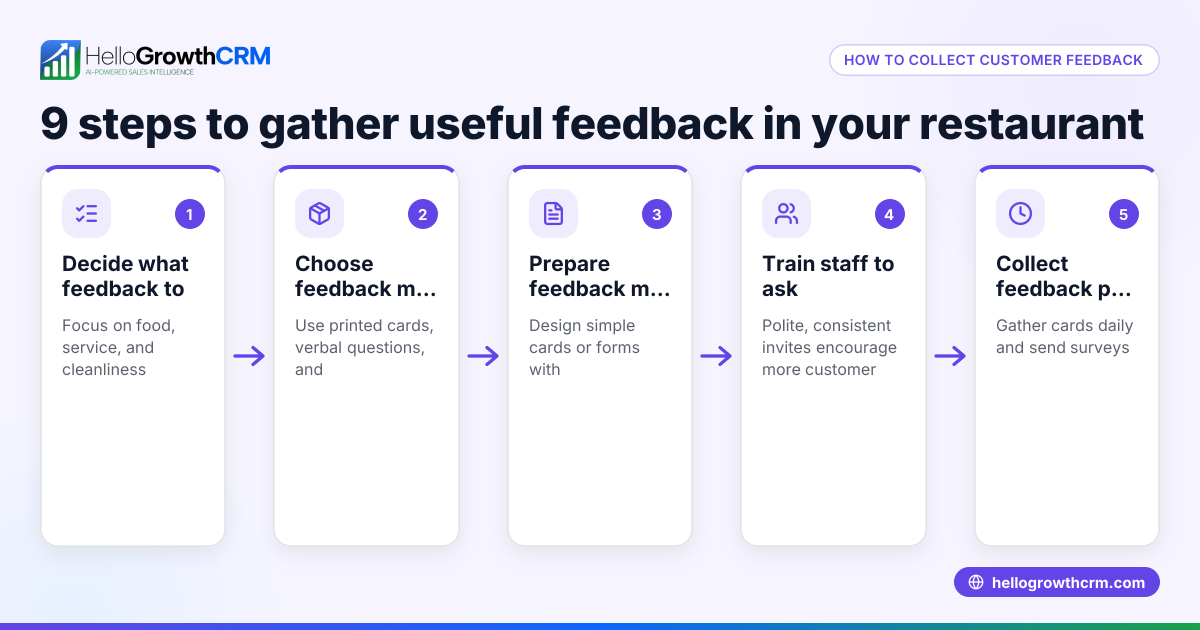
- Choose a delivery method: For Singapore SMEs, digital formats like Google Forms, Microsoft Forms, or integration with your CRM or WhatsApp channels are effective.
- Follow up on feedback: Use the responses to improve your products or services and communicate any changes back to customers.
Check your form for common pitfalls such as overly long questionnaires, unclear questions, or missing contact details to ensure it is effective.
For ready-made templates, you can download free resources including customer feedback forms from the free sales tools and calculators and sales templates sections on HelloGrowthCRM.
Example (fictional figures)
A renovation contractor in Jurong completed a kitchen renovation on 15/05/2024 and wants to gather feedback from customers. They create a feedback form with these key questions:
- Customer name
- Date of renovation: 15/05/2024
- Satisfaction rating (1 to 5)
- Comments on workmanship
- Likelihood to recommend (Yes/No)
They send the form to 20 customers and receive 15 responses with the following satisfaction ratings: 5, 4, 5, 3, 4, 5, 4, 5, 3, 4, 5, 4, 5, 4, 5.
To calculate the average satisfaction rating:
Sum of ratings = 5 + 4 + 5 + 3 + 4 + 5 + 4 + 5 + 3 + 4 + 5 + 4 + 5 + 4 + 5 Sum of ratings = 65
Number of responses = 15
Average satisfaction rating = 65 ÷ 15 = 4.33
This average score of 4.33 indicates generally positive feedback but also highlights areas where the rating was 3, suggesting room for improvement.
Common mistakes
- Too many questions: Long forms discourage completion. Keep your form concise and focused.
- Vague or leading questions: Ensure questions are specific and neutral to get reliable feedback.
- No rating scale: Without scales, it’s hard to quantify and compare responses.
- Missing customer contact info: Without this, you cannot follow up or clarify feedback.
- Ignoring feedback: Collecting data but not acting on it reduces customer trust and future response rates.
Prevent these mistakes by reviewing your form carefully, testing it, and planning how to use the feedback. For managing customer follow-up and overall customer health, see customer health score.
Doing this in HelloGrowthCRM
HelloGrowthCRM offers free sales tools and templates, including pipeline and follow-up cadence templates, that you can download without an account at free sales tools and calculators. After the sale, customer service requests and feedback can be managed on the same customer record as the deal through the customer portal and ticketing features, helping you keep all interactions organised and accessible.
Frequently asked questions
What questions should I include in a customer feedback form? Include questions on satisfaction ratings, product or service details, likelihood to recommend, and at least one open-ended question for comments. Always add customer contact info and the date of purchase or service.
How long should a feedback form be? Aim for 5 to 10 questions to respect customers’ time and increase the likelihood of completion.
Can I use WhatsApp to send feedback forms? Yes, many Singapore SMEs use WhatsApp for customer communication. You can share a form link or integrate feedback collection into your CRM workflows.
How do I analyse feedback from the form? Use rating scales to calculate averages and identify trends. Open-ended responses require qualitative review to extract insights.
Is there a free template I can use? Yes, you can download free templates for feedback forms and sales processes at sales templates.
Key takeaways
- Use a clear, concise template with essential questions and rating scales.
- Test your form for clarity and length before sending it to customers.
- Avoid common errors like vague questions, too many questions, and missing contact info.
- Use digital tools or CRM integrations to streamline feedback collection and follow-up.
- Download free templates and tools from HelloGrowthCRM to get started.
Start collecting structured customer feedback effectively with a ready-to-use template. To try managing your sales and customer interactions in one place, Start on the Free Forever plan (200 leads, no credit card).
Ready to put this into practice?
Set up your pipeline, WhatsApp follow-ups, and AI lead scoring in minutes — free, no credit card.
Try HelloGrowthCRM freeGet CRM tips in your inbox
Join thousands of sales professionals who get weekly insights on CRM strategy, AI automation, and pipeline optimization.

The HelloGrowthCRM team publishes guides on CRM strategy, AI sales tools, and revenue operations for small business sales teams.