HelloGrowthCRM software
Built for real small-business sales teams
HelloGrowthCRM helps reps qualify faster, follow up on time, and close more deals—with practical automation in one place.
- AI lead scoring and pipeline visibility
- Built-in dialer, WhatsApp, and email automation
- Sales forecasting and RevOps-ready reporting
A customer follow up tracker Excel template helps UAE small businesses organise their sales follow-ups clearly and efficiently. It records customer names, contact numbers, last and next follow-up dates, outcomes, and notes in a single file. This prevents leads from slipping through the cracks and keeps sales teams on schedule.
Why this comes up / what goes wrong
Many small businesses in the UAE manage sales leads using WhatsApp, phone calls, and spreadsheets without a structured follow-up system. This often results in missed follow-ups, forgotten contact dates, and lost sales opportunities. A ready-to-use Excel template provides a consistent format to log every follow-up and plan the next one, reducing errors and improving customer engagement.
Step-by-step
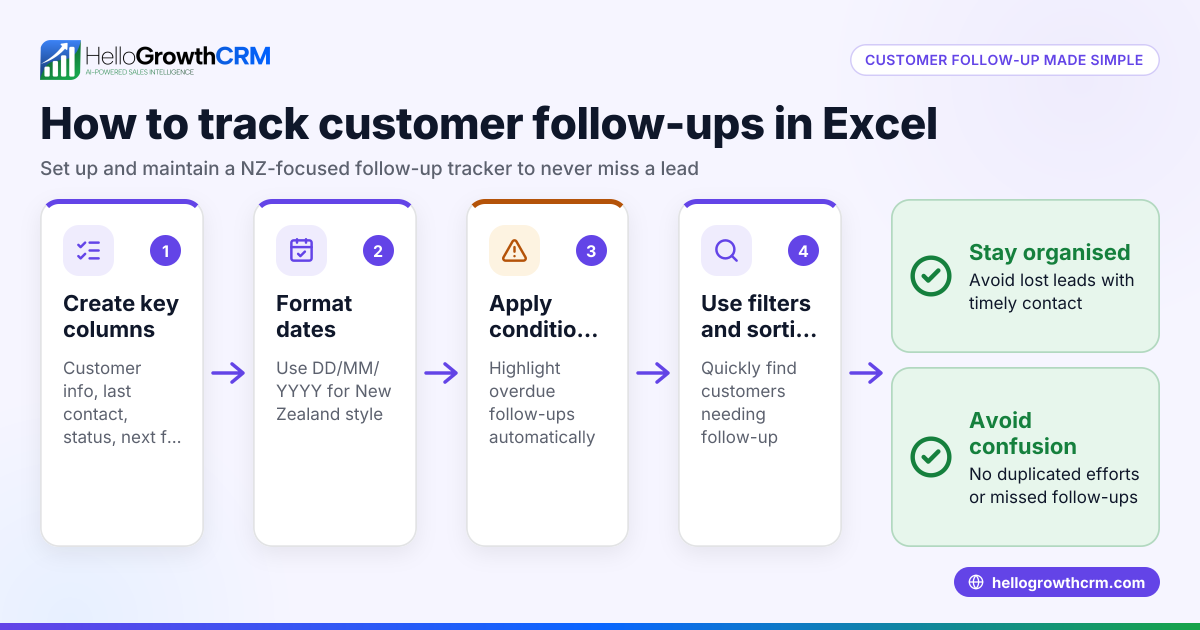
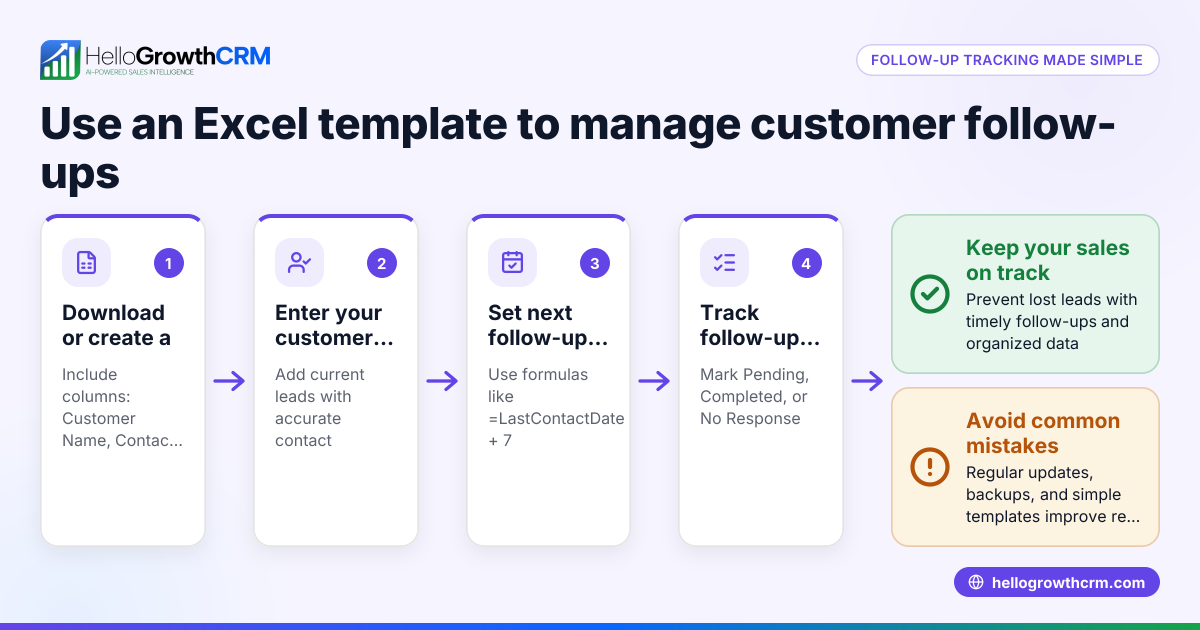
- Create columns for key data: Set up columns named Customer Name, Contact Number, Last Contact Date, Follow-Up Due Date, Follow-Up Status, Notes, and Next Action.
- Enter customer details: Add the names and contact information of your leads or customers, ensuring phone numbers include the UAE country code (+971).
- Log each follow-up: After contacting a customer, update the Last Contact Date and record the outcome in Follow-Up Status (e.g., Interested, No Answer, Not Interested).
- Set the next follow-up date: Based on the conversation, enter the Follow-Up Due Date to remind you when to contact the customer again.
- Apply conditional formatting: Use Excel’s conditional formatting to highlight overdue follow-ups in red for easy prioritisation.
- Sort regularly: Sort the sheet by Follow-Up Due Date to view upcoming tasks first.
- Backup your file: Save copies regularly to avoid data loss.
Check that all dates are in DD/MM/YYYY format for consistency. Using sales task boards can help visualise and manage follow-ups more efficiently.
Example (fictional figures)
A real-estate brokerage in Dubai Marina uses this tracker to manage client follow-ups. Here is a sample row:
| Customer Name | Contact Number | Last Contact Date | Follow-Up Due Date | Follow-Up Status | Notes | Next Action |
|---|---|---|---|---|---|---|
| Ahmed Al Mansoori | +971 50 123 4567 | 10/06/2024 | 17/06/2024 | Interested | Wants 2-bedroom apartment | Call to discuss options |
Calculation for the follow-up interval:
Last Contact Date: 10/06/2024
Follow-Up Interval: 7 days (standard follow-up period)
Follow-Up Due Date = Last Contact Date + Follow-Up Interval
= 10/06/2024 + 7 days = 17/06/2024
Ahmed will be contacted again on 17/06/2024 to keep the sales process moving.
The brokerage expects a sale value of AED 1,200,000 from this client. They estimate a commission of 2.5%.
Commission calculation:
AED 1,200,000 × 2.5% = AED 30,000
This commission is noted in the Notes column to prioritise high-value leads.
Common mistakes
- Not updating follow-up dates immediately: Prevent this by logging details right after each call or message.
- Using inconsistent date formats: Always use DD/MM/YYYY to avoid confusion.
- Ignoring overdue follow-ups: Use Excel’s conditional formatting and sorting features to highlight and prioritise these.
- Losing track of contact numbers: Store numbers with the UAE country code (+971) and verify regularly.
- Relying on memory instead of the tracker: Make checking the tracker a daily habit.
- Not backing up data: Regularly save copies to prevent loss.
For automating reminders and sequences, see email automation and sequences.
Doing this in HelloGrowthCRM
HelloGrowthCRM helps UAE businesses automate and organise follow-ups with these features:
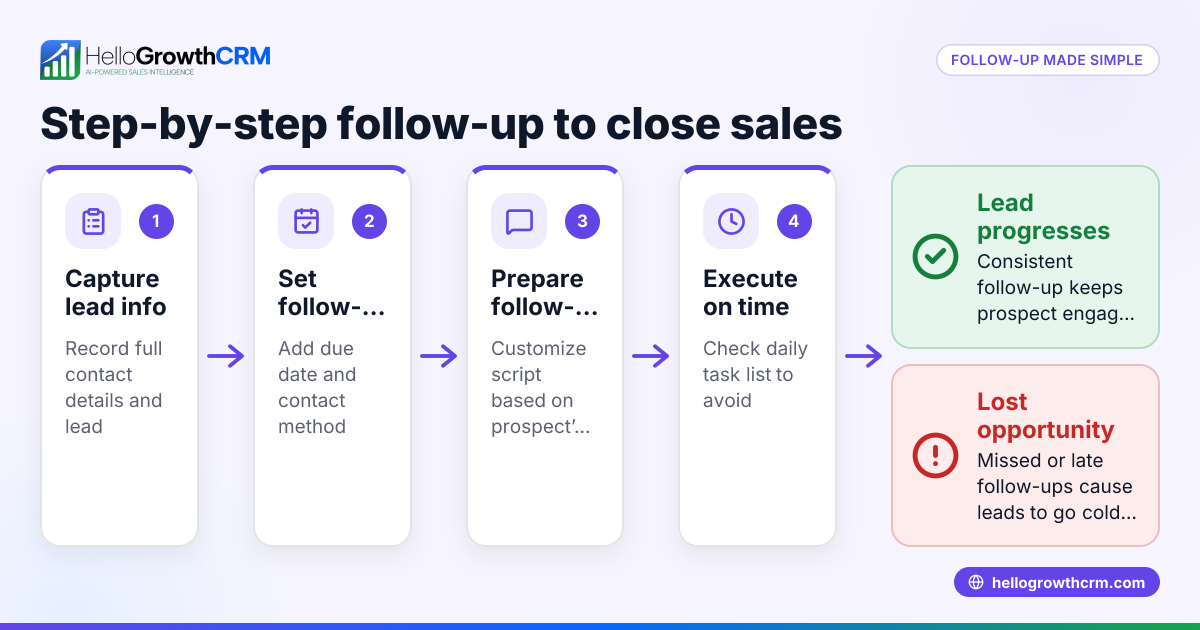
- Activities and task boards: Each follow-up becomes a task with a due date; the day’s calls are a list, not a memory test. This keeps follow-ups visible and manageable. Learn more.
- Sequences and campaigns: Automate a five-step follow-up over two weeks that stops immediately when a prospect replies, saving time and ensuring consistent contact. Details here.
- AI agents (Beta): After a call, an AI agent drafts the follow-up message for the sales rep to review and send, reducing manual effort. More info.
Frequently asked questions
Can I customise the Excel template for my business needs? Yes, the template is flexible. You can add columns for specific details like lead source or product interest. Keep core columns for dates and status to track follow-ups effectively.
How often should I update the follow-up tracker? Update it immediately after each customer interaction to keep information current. Daily review helps prioritise calls and messages.
Is Excel the best tool for follow-up tracking? Excel works well for simple tracking but can become cumbersome as leads grow. Tools like HelloGrowthCRM offer automated reminders, sequences, and task boards for efficient follow-up management.
How do I ensure my follow-ups comply with UAE communication regulations? Always get customer consent before messaging and respect Do Not Disturb preferences. Keep records of communications for compliance. NEEDS EXPERT REVIEW
Can I integrate the Excel tracker with WhatsApp or other apps? Excel does not integrate directly with WhatsApp, but HelloGrowthCRM, which is WhatsApp-native, manages messaging and follow-ups within one platform.
What is the best way to prioritise high-value leads in the tracker? Add a column for estimated deal value or commission. Sort and filter by this column to focus on the most valuable prospects first.
Key takeaways
- Use a customer follow up tracker Excel template to organise leads and schedule contacts.
- Include key columns like customer name, contact details, last and next follow-up dates, and status.
- Update the tracker immediately after each contact to avoid missed opportunities.
- Use conditional formatting and sorting to prioritise overdue follow-ups.
- Avoid common mistakes like inconsistent dates, missing backups, and relying on memory.
- Consider HelloGrowthCRM to automate follow-ups with task boards, sequences, and AI drafting.
Start organising your customer follow-ups today with a free Excel template or explore automated options. Start on the Free Forever plan (200 leads, no credit card) to try HelloGrowthCRM for your UAE business.
Ready to put this into practice?
Set up your pipeline, WhatsApp follow-ups, and AI lead scoring in minutes — free, no credit card.
Try HelloGrowthCRM freeGet CRM tips in your inbox
Join thousands of sales professionals who get weekly insights on CRM strategy, AI automation, and pipeline optimization.

The HelloGrowthCRM team publishes guides on CRM strategy, AI sales tools, and revenue operations for small business sales teams.