HelloGrowthCRM software
Built for real small-business sales teams
HelloGrowthCRM helps reps qualify faster, follow up on time, and close more deals—with practical automation in one place.
- AI lead scoring and pipeline visibility
- Built-in dialer, WhatsApp, and email automation
- Sales forecasting and RevOps-ready reporting
A customer service ticket is a digital record created to track a customer’s issue, question, or request from initial contact through resolution. It helps businesses organize, prioritize, and respond to customer needs efficiently. Proper ticket management ensures no requests are overlooked and improves customer satisfaction.
Why this comes up / what goes wrong
Small business owners often struggle to keep track of customer service issues when relying on informal tools like text messages, email threads, or spreadsheets. Without a clear system, customer requests can get lost or delayed, leading to unhappy customers and lost sales. For example, a small retail shop owner might miss a refund request hidden in a text conversation, or a service provider may find it hard to assign follow-up tasks to the right team member. This lack of organization slows response times and damages customer trust.
Step-by-step
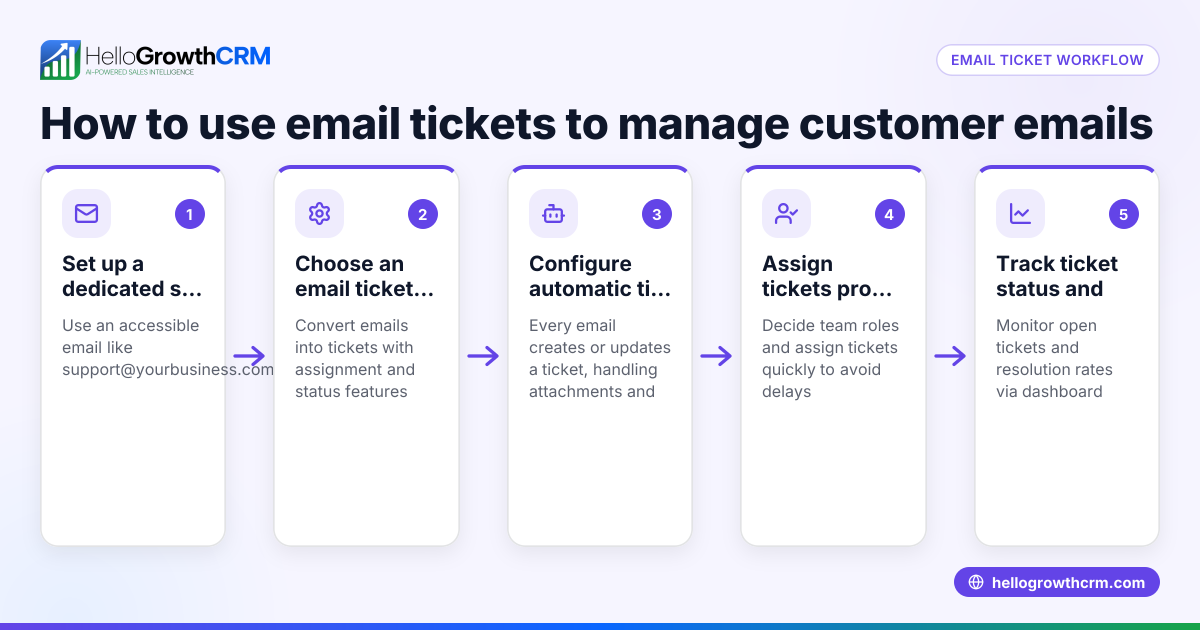
- Capture the customer request: When a customer contacts you by phone, email, WhatsApp, or web form, immediately create a new ticket recording their issue, contact details, and the date received.
- Assign the ticket: Choose the team member responsible for handling the ticket. Check their availability and expertise to ensure prompt resolution.
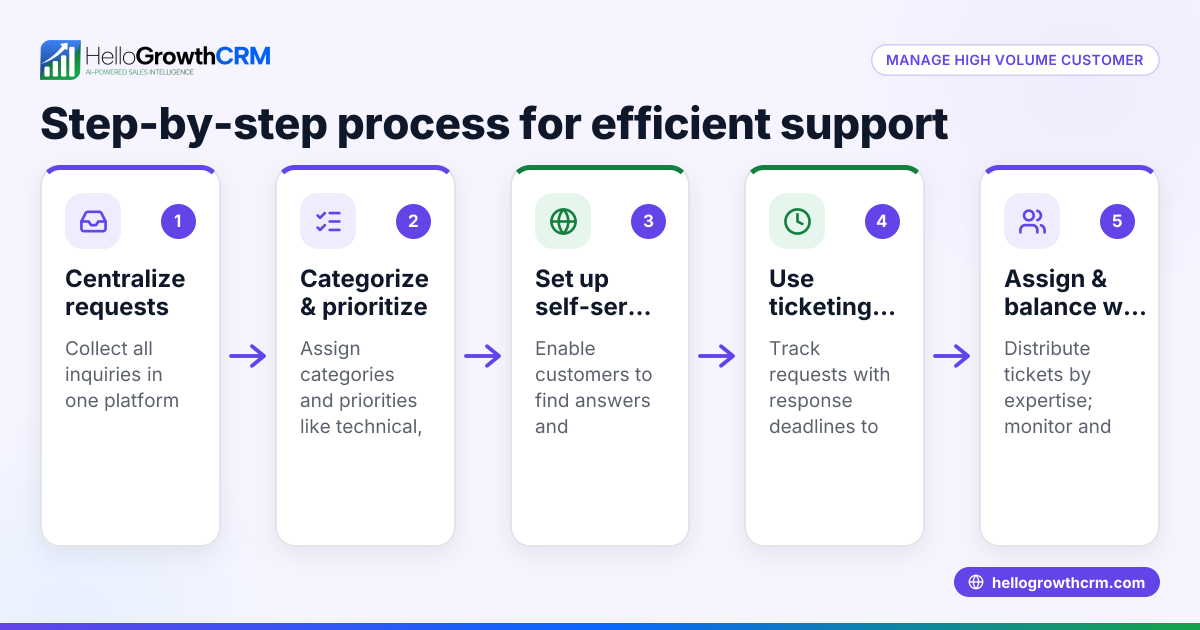
- Prioritize the ticket: Assess how urgent and impactful the issue is. Label it as high, medium, or low priority so your team knows which tickets to address first.
- Track progress: Update the ticket status as work proceeds (e.g., new, in progress, awaiting customer response, resolved). Regularly review for overdue tickets.
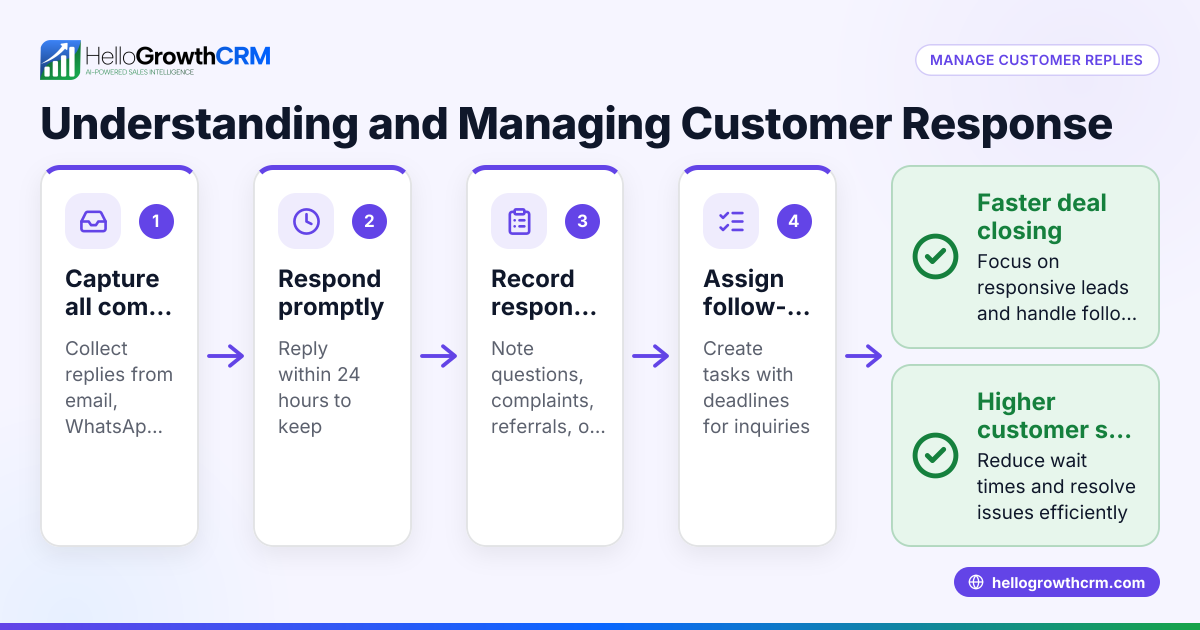
- Communicate with the customer: Log all interactions—by email, WhatsApp, or SMS—in the ticket to keep a clear history for both the customer and your team.
- Resolve and close the ticket: Once the issue is fixed or the request fulfilled, confirm with the customer and close the ticket. Note any follow-up actions if needed.
- Analyze and improve: Periodically review ticket data to identify common problems, response times, and team performance.
This process helps small businesses avoid losing track of customer requests. Using a tool with integrated communication like WhatsApp and SMS CRM can help keep messages organized and linked to tickets. Learn more about WhatsApp and SMS CRM.
Example (fictional figures)
A two-location dental practice in Columbus, Ohio, receives a refund request on 04/15/2026 for a $150 cleaning appointment. They log it as a ticket:
Ticket amount = $150 Date created = 04/15/2026 Priority = Medium
Step 1: Assign to front desk staff. Step 2: Staff contacts customer on 04/16/2026 to confirm details. Step 3: Staff processes refund on 04/17/2026. Refund amount = $150
Step 4: Mark ticket resolved on 04/17/2026.
Calculation: $150 (refund amount) = $150 (ticket amount)
This process ensures the refund is tracked and completed promptly without confusion.
Common mistakes
- Not creating a ticket for every request: This causes lost or forgotten issues. Prevent by logging every request immediately.
- Failing to assign responsibility: Leads to delays. Assign tickets clearly and follow up.
- Ignoring ticket prioritization: Urgent problems get overlooked. Use priority labels.
- Poor communication records: Confuses customers and staff. Keep all messages logged in the ticket.
- Not closing tickets properly: Inflates open ticket counts and hides resolution status. Close tickets only after confirmation.
- Skipping analysis: Misses opportunities to improve service. Regularly review ticket trends and team performance.
Using a customer health score tool can help identify at-risk customers and improve follow-up. See how the customer health score can assist.
Doing this in HelloGrowthCRM
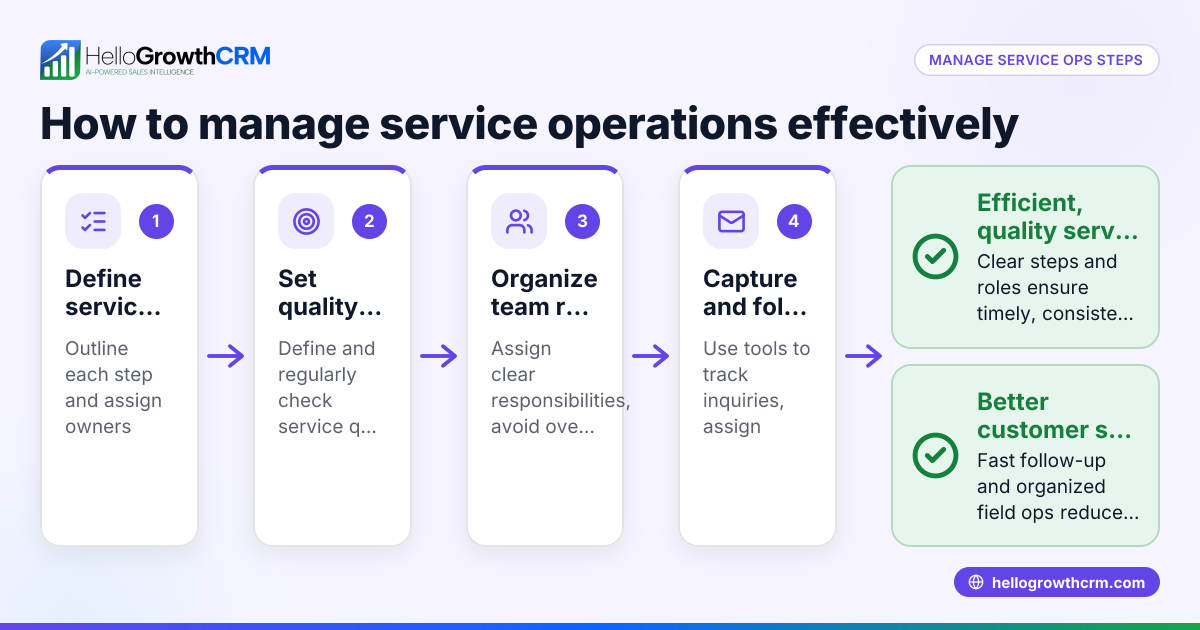
HelloGrowthCRM offers a customer portal, referrals, tickets, and a knowledge base to manage service requests efficiently. After the sale, all service requests stay on the same customer record as the deal, making it easy to track interactions and history in one place. This helps small and mid-sized businesses keep customer service organized without switching platforms. Learn more about HelloGrowthCRM’s features at HelloGrowthCRM for the United States.
Frequently asked questions
What is a customer service ticket? A customer service ticket is a formal record that tracks a customer’s issue or request from initial contact until resolution. It helps businesses organize and respond efficiently.
How can small businesses track customer service tickets without complex software? Simple spreadsheets or email folders can work at first, but they become inefficient as requests grow. A CRM centralizes tickets and communication for better tracking.
Can customer service tickets improve sales? Yes. Managing tickets well improves customer satisfaction and retention, leading to repeat sales and referrals. Some CRMs also support referral programs.
How does ticket prioritization work? Tickets are ranked by urgency and impact. High-priority tickets get faster responses to avoid major issues and manage workload effectively.
What information should a customer service ticket include? Include customer contact info, date/time, issue description, assigned staff, priority level, communication logs, and resolution notes.
What is the difference between a customer service ticket and a support request? A support request is the customer's initial contact, while the ticket is the record created to track the issue’s progress until resolved.
Key takeaways
- A customer service ticket records and tracks customer issues from start to finish.
- Proper ticket management prevents lost requests and speeds up resolution.
- Assign responsibility and prioritize tickets to improve team efficiency.
- Keep all communication logged in the ticket for clarity.
- HelloGrowthCRM keeps service requests on the same customer record as deals.
- Regular ticket analysis helps improve customer service quality.
Start managing your customer service tickets more effectively today. Start on the Free Forever plan (200 leads, no credit card) with HelloGrowthCRM.
Ready to put this into practice?
Set up your pipeline, WhatsApp follow-ups, and AI lead scoring in minutes — free, no credit card.
Try HelloGrowthCRM freeGet CRM tips in your inbox
Join thousands of sales professionals who get weekly insights on CRM strategy, AI automation, and pipeline optimization.

The HelloGrowthCRM team publishes guides on CRM strategy, AI sales tools, and revenue operations for small business sales teams.