HelloGrowthCRM software
Built for real small-business sales teams
HelloGrowthCRM helps reps qualify faster, follow up on time, and close more deals—with practical automation in one place.
- AI lead scoring and pipeline visibility
- Built-in dialer, WhatsApp, and email automation
- Sales forecasting and RevOps-ready reporting
A customer service survey is a structured questionnaire designed to collect customer feedback on their satisfaction and experience with your business’s service. Small businesses use these surveys to gain clear insights that help improve customer retention and service quality. This article covers why these surveys matter, how to create one effectively, a detailed example with figures, common mistakes, and how to manage service requests using CRM features.
Why this comes up / what goes wrong
Small-business owners often don’t know exactly how customers feel about their service. Without direct feedback, they risk losing customers due to unresolved issues or poor experiences. Many rely on informal feedback or assumptions, which can miss important problems or opportunities. A customer service survey provides clear, actionable data to help fix issues early and recognize what works well.
Step-by-step
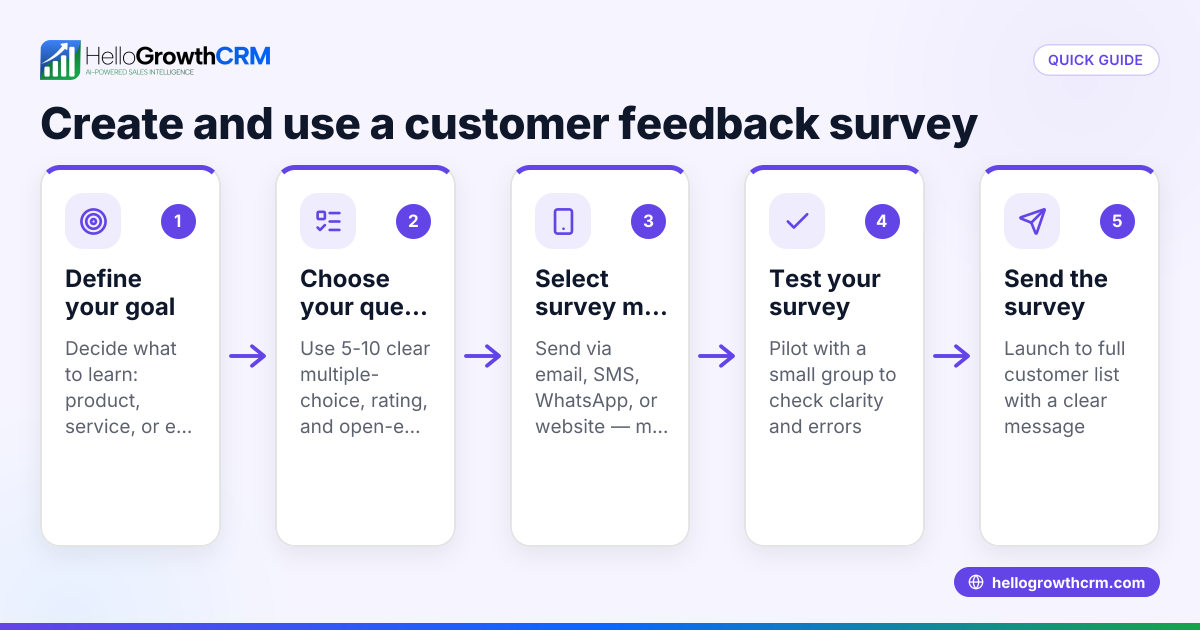
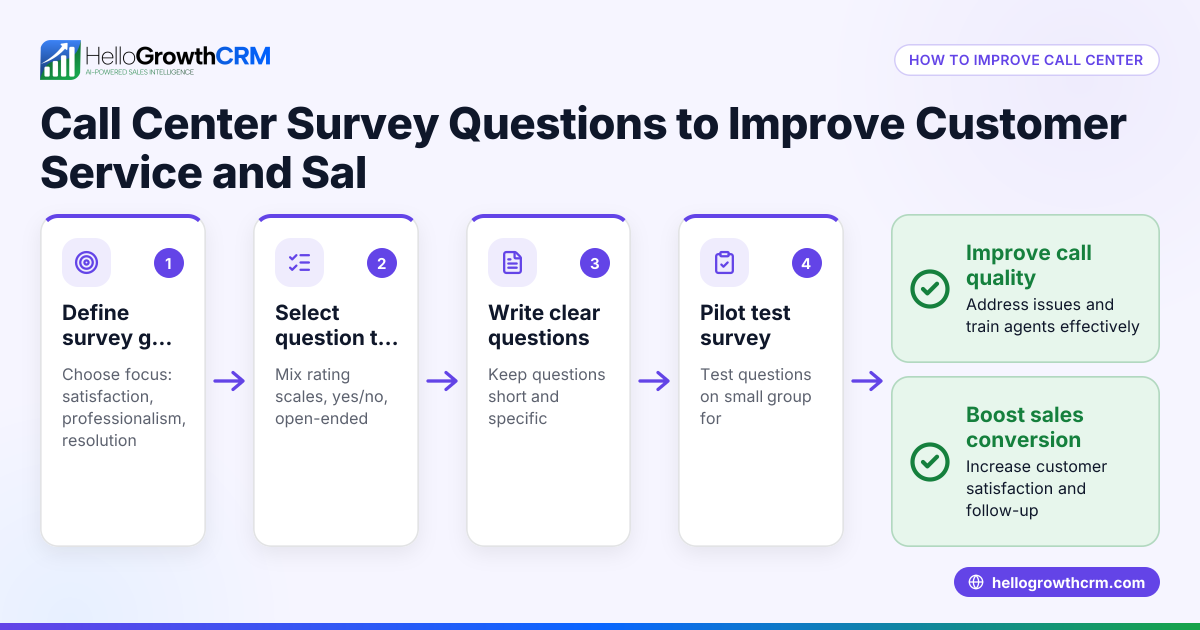
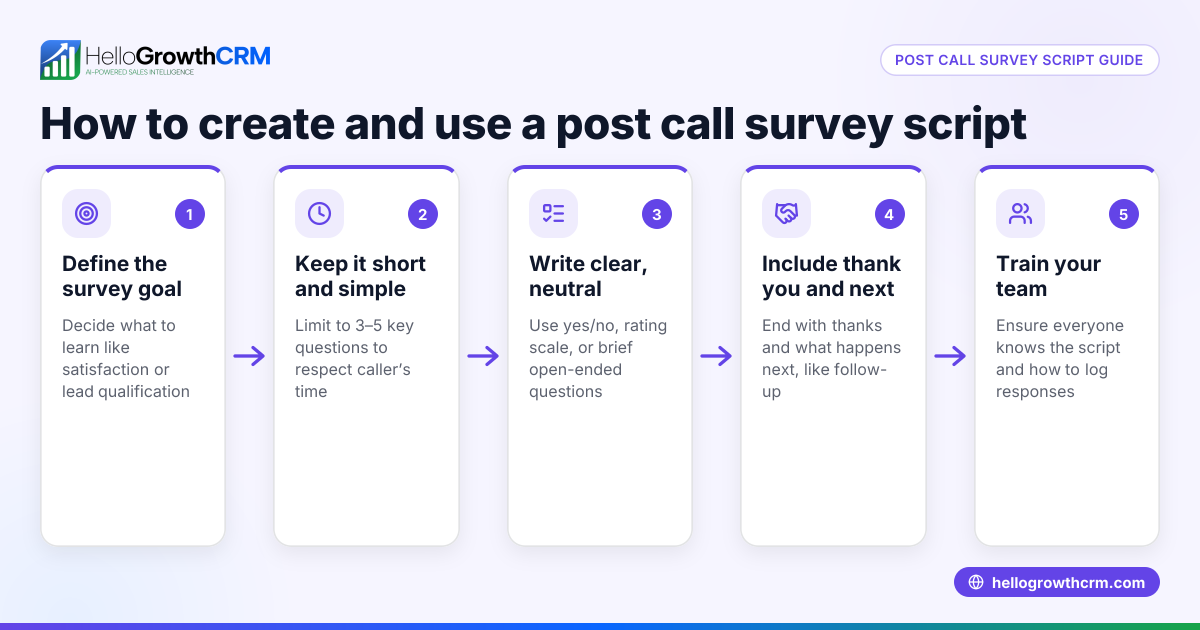
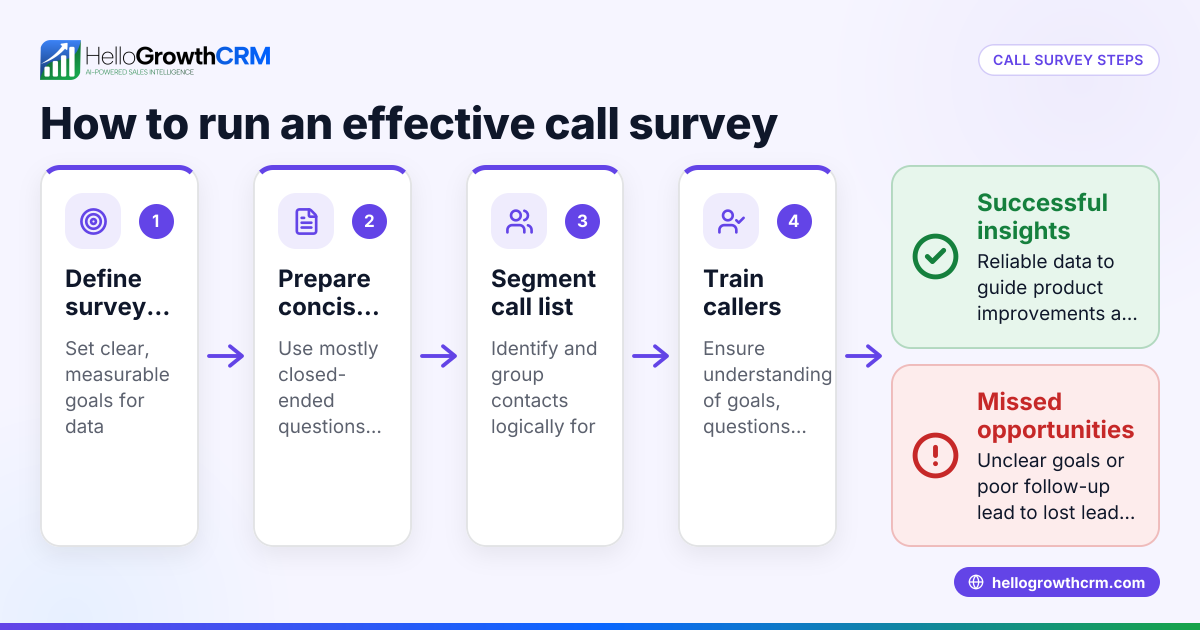
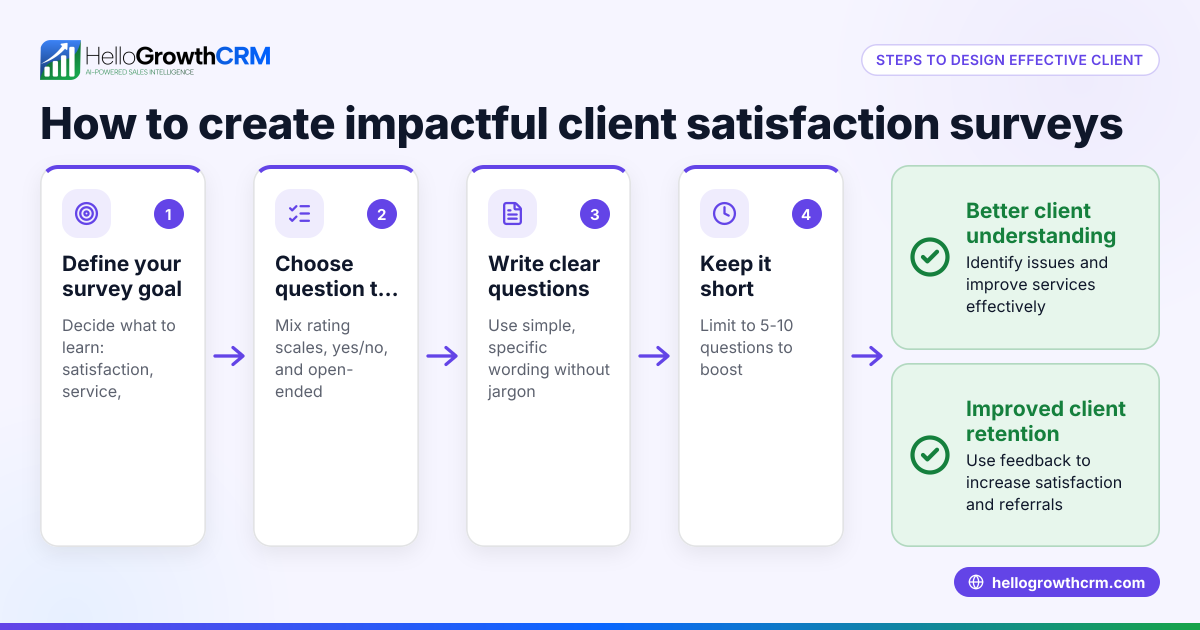
- Define the survey goal: Decide what you want to learn—overall satisfaction, response times, product knowledge, or communication quality. Check that this goal matches your business priorities.
- Choose the survey format: Pick how you will deliver the survey—email, phone, WhatsApp, SMS, or in person. Check that the format suits your customers’ communication preferences.
- Draft clear questions: Write simple, direct questions focused on your goal. Use rating scales (e.g., 1 to 5), yes/no, and open-ended questions. Check that questions avoid bias or confusion.
- Pilot the survey: Test the survey on a small group of customers or team members. Check for clarity and reasonable length.
- Send the survey: Distribute it through your chosen channels. Check timing to avoid busy periods or holidays.
- Collect and analyze responses: Gather data and look for patterns or recurring issues. Check for any surprising or inconsistent answers.
- Take action: Use insights to improve training, processes, or communication. Check that improvements align with customer feedback.
- Follow up: Inform customers about changes made based on their feedback to build trust.
Example (fictional figures)
A plumbing company in Austin, Texas, wants to measure customer satisfaction after service calls. They send a 5-question survey via SMS one day after each job.
- They complete 500 service calls monthly.
- They receive 200 survey responses.
- The average satisfaction rating is 4.2 out of 5.
- They find many customers mention wait times as a concern.
Based on this feedback, they hire an additional dispatcher to reduce wait times.
Common mistakes
- Too many questions: Long surveys discourage completion. Prevent by limiting to 5-7 focused questions.
- Vague questions: Ambiguous wording leads to unclear answers. Prevent by piloting questions and revising for clarity.
- Ignoring feedback: Collecting data without acting frustrates customers. Prevent by committing to review and implement changes.
- Wrong timing: Sending surveys too soon or late reduces response quality. Prevent by scheduling surveys within 24-48 hours post-service.
- Not tracking results: Without tracking over time, it’s hard to measure progress. Prevent by regularly reviewing survey data and trends.
- Limited delivery channels: Using only one method can miss customers. Prevent by using email, SMS, and WhatsApp, leveraging CRM tools like WhatsApp and SMS CRM for better reach. See WhatsApp and SMS CRM.
Doing this in HelloGrowthCRM
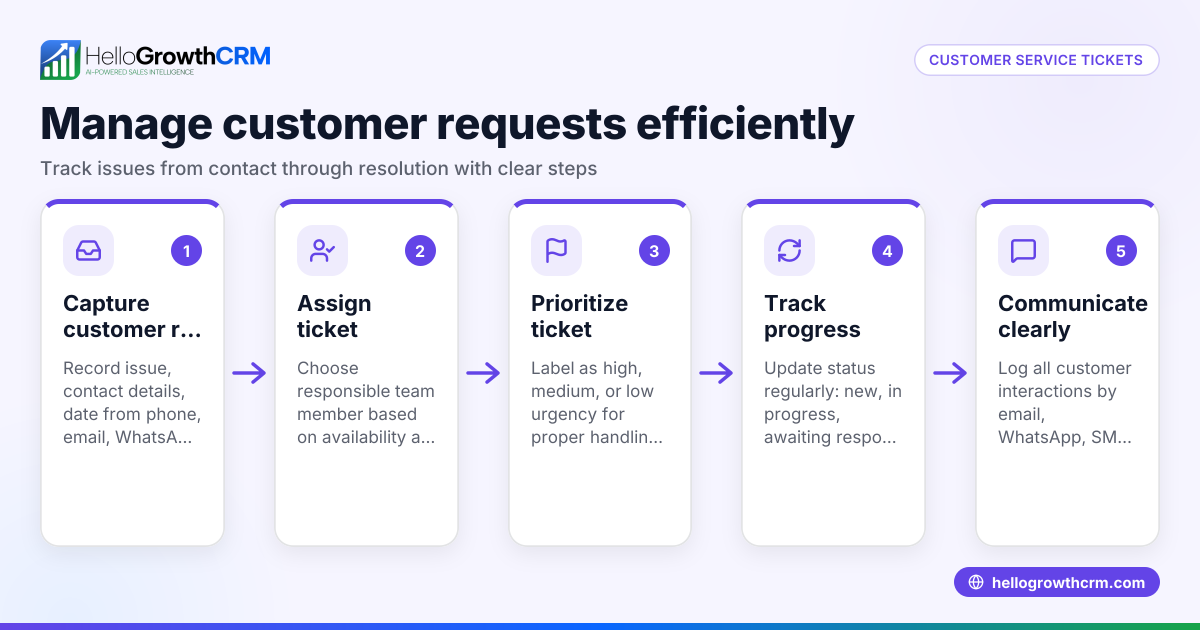
HelloGrowthCRM offers a customer portal where customers can submit service requests that stay linked to the same customer record as the original deal. This helps you track tickets and manage follow-up efficiently. The platform also supports referrals and a knowledge base to empower your customers and team. Using these features helps keep your customer service surveys and support requests organized and actionable. Learn more about monitoring satisfaction trends with the customer health score.
Frequently asked questions
What is the best way to deliver a customer service survey? The best delivery method depends on your customers. Many small businesses find SMS and WhatsApp effective for quick responses, while email suits more detailed surveys. Using multiple channels increases your reach. HelloGrowthCRM supports WhatsApp and SMS CRM to help you communicate where your customers prefer.
How often should I send customer service surveys? Send surveys shortly after service completion, typically within 24-48 hours. Avoid over-surveying to prevent customer fatigue. Regular intervals help track changes over time.
Can I automate customer service surveys? Yes, automation can trigger surveys after specific events like closing a support ticket. Integrating your survey delivery with communication channels improves efficiency.
How do I encourage customers to complete surveys? Keep surveys short and clear. Explain how feedback will improve service. Offering small incentives or easy access via WhatsApp or SMS can increase participation.
What should I do with negative survey feedback? Respond promptly to unhappy customers, address their concerns, and use the feedback to improve your processes. Tracking tickets and service requests in your CRM helps manage these follow-ups effectively.
Key takeaways
- A customer service survey collects feedback to improve your business’s service.
- Define clear goals and keep surveys short and focused.
- Use multiple delivery channels like SMS and WhatsApp to increase response rates.
- Act on survey results and communicate changes to customers.
- Avoid common pitfalls like vague questions and ignoring feedback.
- Managing service requests in a CRM keeps feedback and actions organized.
Start improving your customer service with a survey today. Start on the Free Forever plan (200 leads, no credit card) to organize your customer interactions and service requests efficiently.
Ready to put this into practice?
Set up your pipeline, WhatsApp follow-ups, and AI lead scoring in minutes — free, no credit card.
Try HelloGrowthCRM freeGet CRM tips in your inbox
Join thousands of sales professionals who get weekly insights on CRM strategy, AI automation, and pipeline optimization.

The HelloGrowthCRM team publishes guides on CRM strategy, AI sales tools, and revenue operations for small business sales teams.