HelloGrowthCRM software
Built for real small-business sales teams
HelloGrowthCRM helps reps qualify faster, follow up on time, and close more deals—with practical automation in one place.
- AI lead scoring and pipeline visibility
- Built-in dialer, WhatsApp, and email automation
- Sales forecasting and RevOps-ready reporting
A customer tracker is a tool or system that helps you organize and monitor your interactions, sales, and service requests with your customers. It ensures you keep up with follow-ups, track customer status, and improve service. This article explains why you need a customer tracker, how to set one up step-by-step, common mistakes to avoid, and how HelloGrowthCRM supports customer tracking after the sale.
Why this comes up / what goes wrong
Small-business owners often struggle to keep track of their customers efficiently. They may rely on scattered notes, spreadsheets, or messaging apps, which can lead to missed follow-ups, lost sales opportunities, and poor customer service. Without a clear system, it’s difficult to know which customers need attention, what stage each sale is at, or how to handle service requests after a sale. This confusion can cause delays, errors, and lost revenue.
Step-by-step
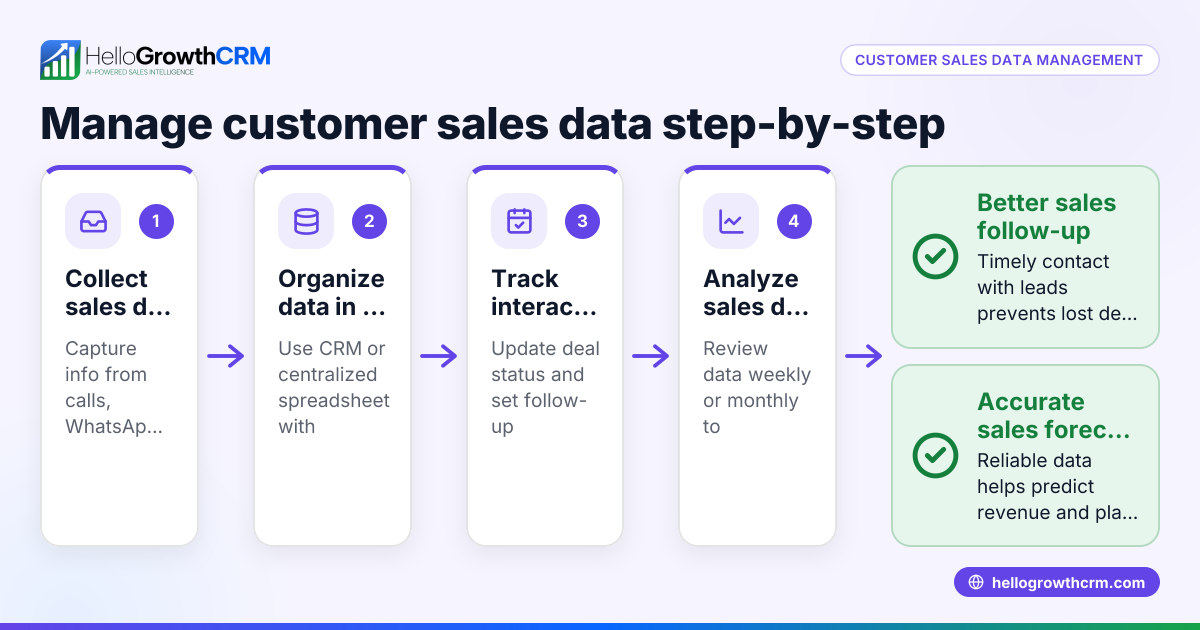
- Choose your tracking method: Decide whether you will use a spreadsheet, a manual notebook, or a CRM system. Check that it can store customer contact info, sales status, and service requests.
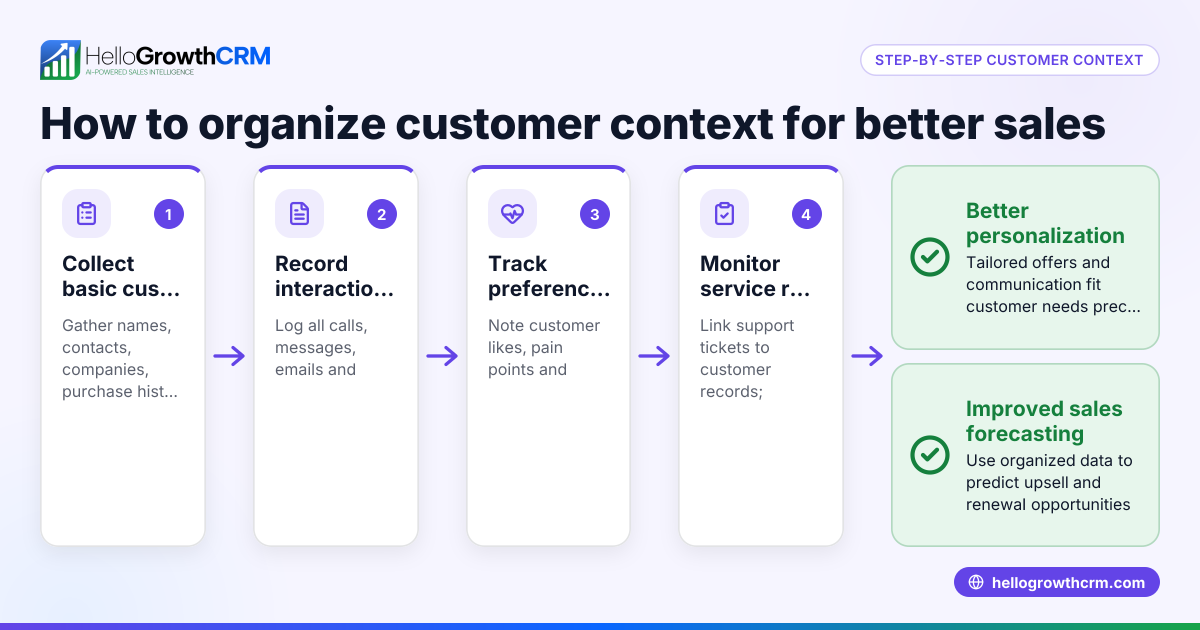
- Create customer records: For each customer, record their name, contact details, purchase history, and any notes on preferences or issues.
- Track interactions: Log every contact point such as calls, emails, or messages. Check that dates and outcomes are noted.
- Monitor sales pipeline stages: Define stages like Lead, Contacted, Proposal Sent, Negotiation, and Closed. Update each customer’s status regularly.
- Set reminders for follow-ups: Schedule alerts to contact customers at the right time. Check that these reminders are visible and actionable.
- Record service requests and tickets: After the sale, track any support tickets or service requests linked to the customer. Confirm these are connected to the same customer record.
- Review and update regularly: Periodically review your customer tracker to update statuses, close completed deals, and follow up on open tasks.
For more on scoring and tracking customer engagement, see customer health score.
Example (fictional figures)
A plumbing company in Austin, Texas, uses a customer tracker to manage its clients and service requests.
- Customer: John Smith
- Service requested: Leak repair
- Date of first contact: 03/01/2026
- Estimated job value: $1,200
Steps:
- Record John Smith’s contact info and service request on 03/01/2026.
- Mark status as “Lead” initially.
- After a site visit on 03/05/2026, update status to “Proposal Sent.”
- John approves the job on 03/07/2026; update status to “Closed Won.”
- Job completed on 03/10/2026; record final invoice amount $1,200.
- John calls on 03/15/2026 with a maintenance question; open a service ticket linked to his customer record.
Financial tracking example:
$1,200 (job value) + $0 (additional service tickets initially) = $1,200 total tracked value
This tracking ensures the company never misses follow-ups and keeps all customer info in one place.
Common mistakes
- Not updating customer status promptly: Prevent by setting daily or weekly review routines.
- Separating sales and service records: Prevent by using systems that link service tickets to customer records.
- Ignoring follow-up reminders: Prevent by using automated alerts and prioritizing tasks.
- Using too many tools: Prevent by consolidating tracking into one system, like a CRM.
- Failing to track communication history: Prevent by logging all calls, emails, and messages.
Using a CRM like HelloGrowthCRM helps avoid these mistakes by centralizing customer data, sales stages, and service tickets. Learn more about managing customer communication with WhatsApp and SMS CRM.
Doing this in HelloGrowthCRM
HelloGrowthCRM includes a customer portal, referrals, tickets, and a knowledge base that keep all customer information and service requests linked on the same customer record as the deal. This makes it easy to track support history and improve customer satisfaction.
Frequently asked questions
What is the difference between a customer tracker and a CRM? A customer tracker can be a simple tool like a spreadsheet or notebook to monitor customer info and interactions. A CRM is a software system designed to manage customer data, sales pipelines, communication, and service requests in one place.
How can I track customer service requests effectively? Keep service tickets linked to the customer’s record so you can see the full history in one place. This avoids losing track of issues and helps provide faster support.
Can I use WhatsApp to track customer interactions? Yes, using a CRM that integrates WhatsApp and SMS messaging allows you to log conversations automatically, making follow-ups and tracking easier. HelloGrowthCRM supports this integration. See WhatsApp and SMS CRM for details.
How often should I update my customer tracker? Regular updates are essential. Ideally, update your tracker immediately after each customer interaction or at least daily to keep information current and actionable.
What features should a good customer tracker have? It should store contact details, track sales stages, log communication history, manage service tickets, and provide reminders for follow-ups. A customer portal and knowledge base can also help customers self-serve.
Key takeaways
- A customer tracker organizes customer info, sales stages, and service requests in one place.
- Regular updates and follow-up reminders prevent lost leads and poor service.
- Linking service tickets to customer records improves post-sale support.
- Avoid using multiple disconnected tools; consolidate into one system.
- HelloGrowthCRM offers a customer portal, tickets, referrals, and knowledge base to streamline tracking.
- Integrating WhatsApp and SMS messaging helps log all customer conversations automatically.
Start organizing your customer data and service requests today. Start on the Free Forever plan (200 leads, no credit card) to try HelloGrowthCRM and see how it supports your customer tracking needs.
Ready to put this into practice?
Set up your pipeline, WhatsApp follow-ups, and AI lead scoring in minutes — free, no credit card.
Try HelloGrowthCRM freeGet CRM tips in your inbox
Join thousands of sales professionals who get weekly insights on CRM strategy, AI automation, and pipeline optimization.

The HelloGrowthCRM team publishes guides on CRM strategy, AI sales tools, and revenue operations for small business sales teams.