HelloGrowthCRM software
Built for real small-business sales teams
HelloGrowthCRM helps reps qualify faster, follow up on time, and close more deals—with practical automation in one place.
- AI lead scoring and pipeline visibility
- Built-in dialer, WhatsApp, and email automation
- Sales forecasting and RevOps-ready reporting
An email mailing service is a software platform that enables businesses to send large volumes of emails to a list of contacts. These services help organize email lists, automate sending sequences, and track performance metrics like opens and replies. For small businesses, using an email mailing service saves time, improves follow-up speed, and helps maintain consistent communication with leads and customers.
Why this comes up / what goes wrong
Small business owners often find themselves manually sending emails to prospects and customers using regular email clients or spreadsheets. This approach is slow, prone to errors, and makes it hard to keep track of who was contacted or who replied. Without a proper email mailing service, follow-up messages can be missed or delayed, leading to lost sales opportunities. Owners need a system that automates outreach, organizes responses, and helps teams collaborate.
Step-by-step
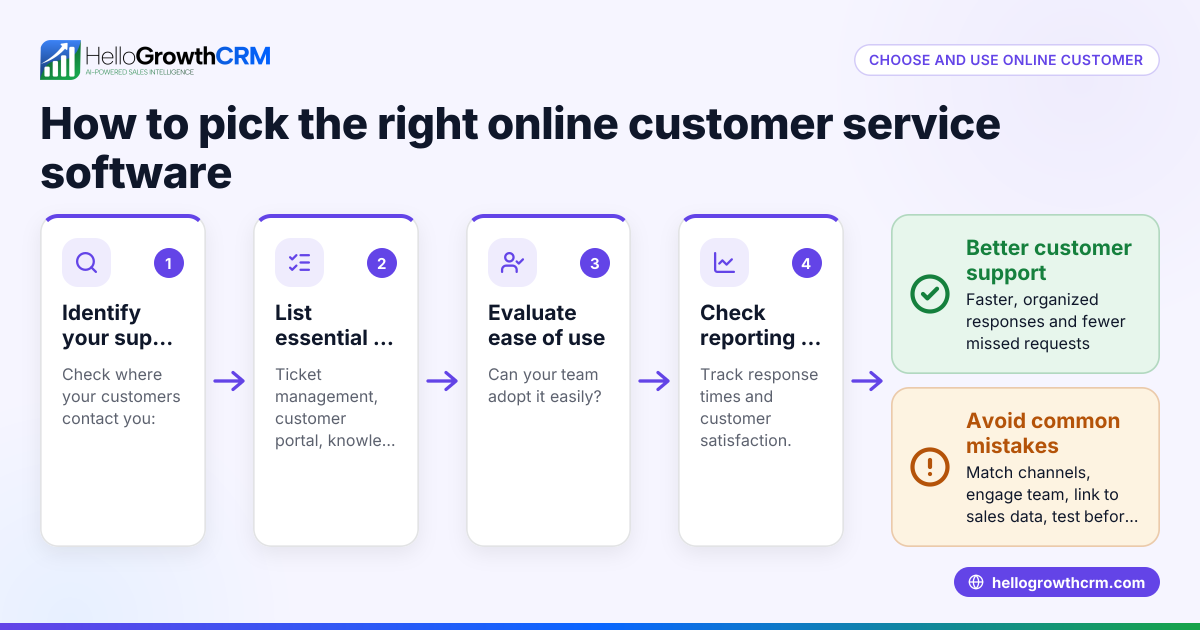
- Choose an email mailing service: Look for a platform that supports your business size, integrates with your existing tools, and offers automation features like sequences and campaigns. Check if it supports shared inboxes for team visibility.
- Import or build your contact list: Gather your leads and customers’ email addresses in a spreadsheet or CRM. Clean the list to remove duplicates and invalid emails.
- Segment your contacts: Group contacts based on criteria like lead source, interest, or purchase history to send targeted emails.
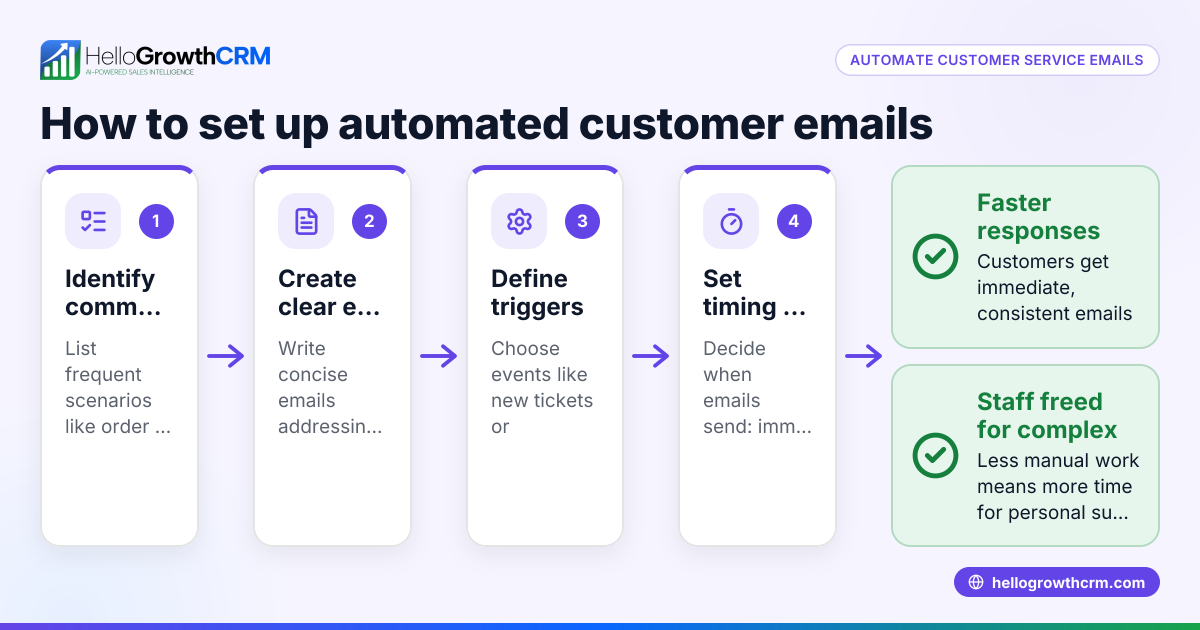
- Create email templates and sequences: Write clear, concise emails for different stages of communication. Set up sequences that automatically send follow-ups over days or weeks until the prospect replies.
- Test your emails: Send test emails to yourself or your team to check for formatting, links, and typos.
- Launch your campaign or sequence: Start sending emails to your segmented list. Monitor delivery rates, opens, and replies.
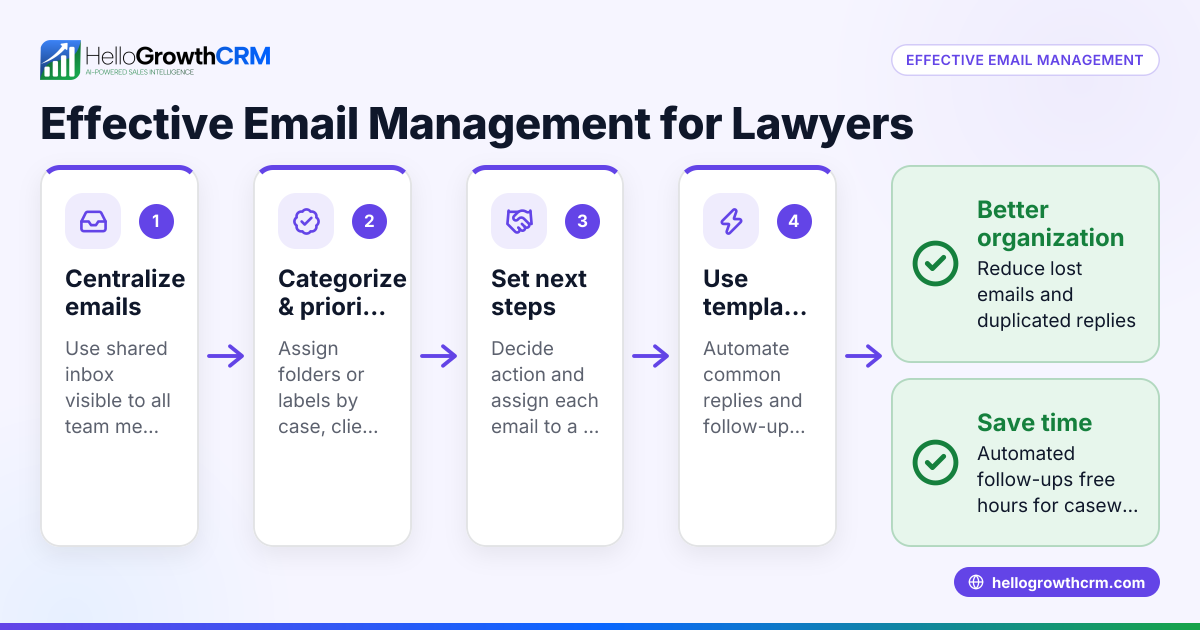
- Track replies and manage responses: Use a shared inbox or CRM to ensure the team can see replies and respond promptly. Avoid letting leads slip through the cracks.
- Analyze results and optimize: Review metrics to see which emails perform best and adjust your messaging accordingly.
For more on automating follow-up emails, see email automation and sequences.
Example (fictional figures)
Sarah owns a plumbing company in Austin, Texas. She has 500 leads collected from her website and local events. Sarah wants to send a five-step email follow-up over two weeks to convert leads into customers.
- Sarah imports 500 emails into her mailing service.
- She creates a sequence:
- Day 1: Introduction and offer
- Day 4: Reminder and testimonial
- Day 7: FAQ and benefits
- Day 10: Special discount
- Day 14: Last chance
- The service sends the first email to all 500 leads.
- 100 leads reply by Day 4, so their sequences stop automatically.
- Remaining 400 receive the next emails on schedule.
If each converted lead brings in $1,200 in revenue and Sarah converts 50 leads:
$1,200 × 50 = $60,000 total revenue
Sarah’s email mailing service helps her automate follow-ups and track replies without manual effort.
Common mistakes
- Not cleaning the email list: Sending emails to invalid or outdated addresses hurts deliverability. Prevent this by regularly updating and verifying your list.
- Ignoring segmentation: Sending the same message to all contacts lowers engagement. Segment your list to target messages effectively.
- Overloading recipients with emails: Too many emails can annoy prospects and cause unsubscribes. Use sequences that space messages reasonably and stop when someone replies.
- Not tracking replies or sharing inbox access: When only one person handles replies, others miss out on visibility, risking lost leads. Use a shared inbox for team access.
- Skipping testing: Sending untested emails can result in broken links or formatting errors. Always send test emails first.
Learn how to avoid these mistakes with WhatsApp and SMS CRM features that complement email outreach.
Doing this in HelloGrowthCRM
HelloGrowthCRM offers a HelloMail shared inbox where replies to quotation emails are visible to the whole team on the deal, preventing missed responses. Its sequences and campaigns feature lets you create automated five-step follow-ups over two weeks that run on their own and stop immediately when a prospect replies. This helps small and mid-sized businesses maintain consistent, timely email communication without manual tracking. See more on email automation and sequences.
Frequently asked questions
What is the difference between an email mailing service and regular email? An email mailing service is designed to send bulk or automated emails to many recipients, manage lists, and track responses. Regular email clients like Gmail are meant for individual or small-scale communication and lack automation features.
Can I use an email mailing service for cold outreach? Yes, but it’s important to comply with laws like the CAN-SPAM Act. Always get permission where possible and provide an easy way to unsubscribe. Use targeted, relevant messages to avoid being marked as spam.
How often should I send emails in a sequence? A common approach is to space emails a few days apart, such as every 3 to 4 days, over a period like two weeks. This balances staying top of mind without overwhelming the recipient.
How do I measure if my email mailing service is effective? Track metrics like open rates, click-through rates, reply rates, and conversions. Adjust your messaging and timing based on what works best.
Can I manage email and other channels together? Yes, some CRM platforms integrate email with SMS and WhatsApp messaging, allowing you to run multi-channel outreach campaigns. HelloGrowthCRM supports this integration for small businesses. See more on WhatsApp and SMS CRM.
Key takeaways
- An email mailing service automates sending and tracking bulk or sequence emails.
- Small businesses use it to improve follow-up speed and avoid lost leads.
- Set up involves choosing a service, importing contacts, segmenting, creating sequences, testing, launching, and tracking.
- Common mistakes include poor list hygiene, lack of segmentation, too frequent emails, and ignoring team visibility.
- HelloGrowthCRM offers shared inbox and automated sequences to streamline email outreach.
Start improving your email outreach now. Start on the Free Forever plan (200 leads, no credit card).
Ready to put this into practice?
Set up your pipeline, WhatsApp follow-ups, and AI lead scoring in minutes — free, no credit card.
Try HelloGrowthCRM freeGet CRM tips in your inbox
Join thousands of sales professionals who get weekly insights on CRM strategy, AI automation, and pipeline optimization.

The HelloGrowthCRM team publishes guides on CRM strategy, AI sales tools, and revenue operations for small business sales teams.