HelloGrowthCRM software
Built for real small-business sales teams
HelloGrowthCRM helps reps qualify faster, follow up on time, and close more deals—with practical automation in one place.
- AI lead scoring and pipeline visibility
- Built-in dialer, WhatsApp, and email automation
- Sales forecasting and RevOps-ready reporting
Email preference centers give your subscribers control over what types of emails they receive and how often. This reduces unsubscribes and spam complaints while improving engagement. Small businesses often struggle when they send generic emails without preference options, leading to lost leads or annoyed contacts.
Why this comes up / what goes wrong
Many small business owners send marketing or sales emails without an email preference center. As a result, recipients receive irrelevant or too frequent emails, which causes unsubscribes, complaints, or spam reports. Without clear options, businesses lose trust and miss chances to nurture leads effectively. When evaluating software or services, owners want best practices to avoid these pitfalls and tools to maintain good email relationships.
Step-by-step
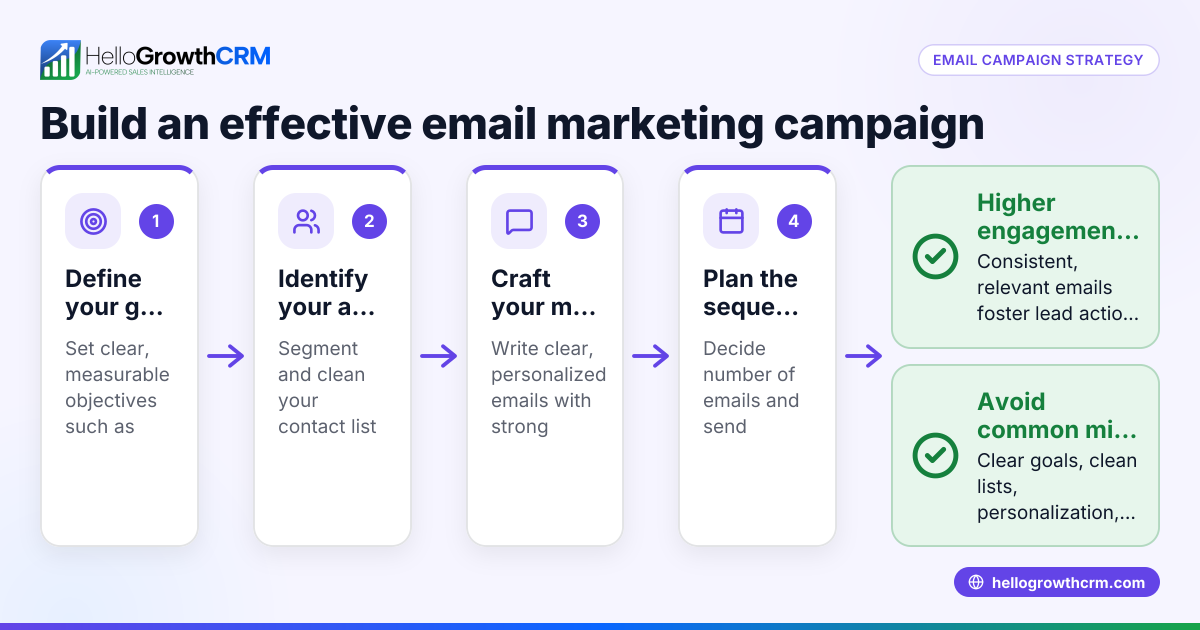
- Define your email categories and frequency options: Decide the types of emails you will send (e.g., promotions, newsletters, product updates) and how often (weekly, monthly, quarterly). Check that these options match your actual email strategy.
- Create a simple, accessible preference center page: Make sure the page is easy to find from every email by including a link in the footer. Verify the page loads quickly and is mobile-friendly.
- Offer clear options for subscribers to update preferences or unsubscribe: Allow subscribers to reduce frequency instead of forcing full unsubscribes. Confirm that preference changes save correctly and update your email lists.
- Integrate the preference center with your email marketing system or CRM: Ensure preference updates sync automatically to avoid sending unwanted emails. Test that your system respects these preferences in all campaigns.
- Communicate the benefits of managing preferences to subscribers: Use welcome emails or reminders to explain how to update choices. Confirm every message includes the preference center link.
- Regularly review and clean your email lists based on preferences and engagement: Remove inactive contacts and those who unsubscribed. Check email metrics to see if preferences improve open and click rates.
Example (fictional figures)
GreenLeaf Landscaping, a small landscaping contractor in Charlotte, North Carolina, sends monthly newsletters and occasional promotions. They want to reduce unsubscribes and improve engagement by adding a preference center.
- They define two email types: "Monthly Newsletter" and "Special Offers".
- They offer frequency options: "Monthly", "Quarterly", or "No emails".
- They link the preference center in every email footer.
- After launching on 03/01/2026, 1,000 of their 10,000 subscribers update preferences.
- 600 choose "Monthly Newsletter" only.
- 300 pick both "Monthly Newsletter" and "Special Offers".
- 100 opt out of all emails.
- Monthly unsubscribes drop from 5% to 2%.
- Engagement (email opens) rises from 15% to 25%.
Calculations:
- Original unsubscribes: 10,000 × 0.05 = 500 unsubscribes
- New unsubscribes: 10,000 × 0.02 = 200 unsubscribes
- Unsubscribes reduced by: 500 - 200 = 300 fewer unsubscribes
- Original engagement: 10,000 × 0.15 = 1,500 opens
- New engagement: 10,000 × 0.25 = 2,500 opens
- Engagement increased by: 2,500 - 1,500 = 1,000 more opens
This example shows how clear options and easy access improve results.
Common mistakes
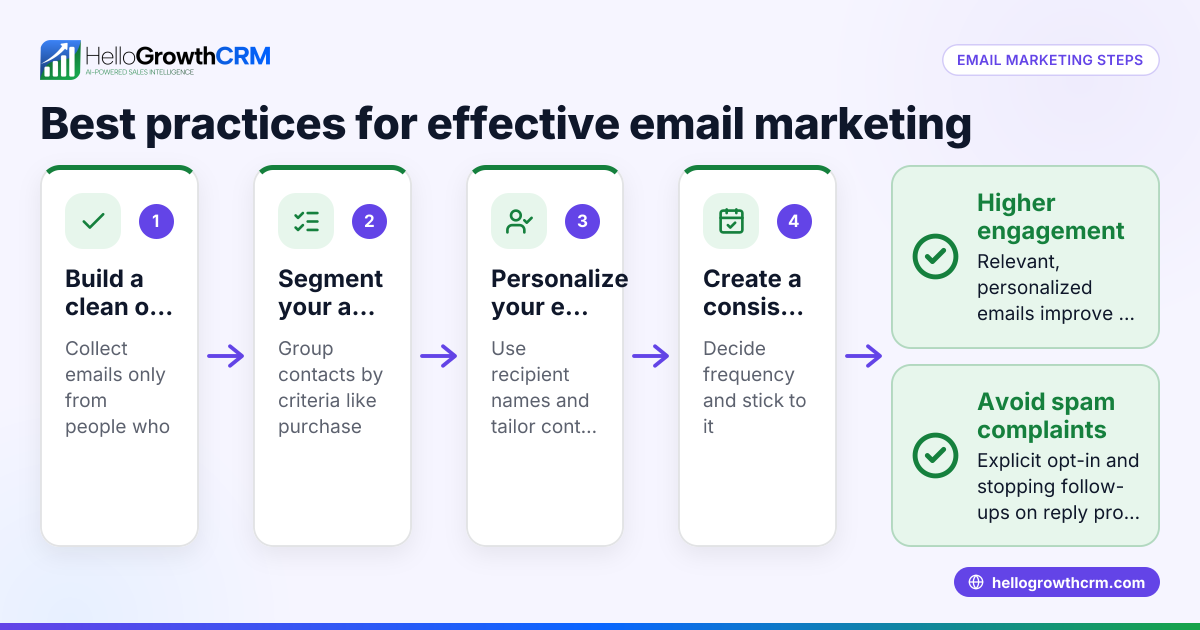
- Overcomplicating choices: Too many options confuse subscribers. Prevent this by limiting categories and frequencies to the most relevant.
- Hiding the preference center link: If hard to find, people unsubscribe instead. Always place the link visibly in email footers.
- Not syncing preferences with email tools: Leads to sending unwanted emails. Test integrations thoroughly to confirm syncing.
- Ignoring mobile users: A preference center that doesn’t work well on phones frustrates users. Use responsive design.
- Failing to remind subscribers: People forget they can update preferences. Send periodic reminders or include info in welcome emails.
Doing this in HelloGrowthCRM
HelloGrowthCRM supports email follow-up with features like the HelloMail shared inbox, where replies to quotation emails are visible to the whole team on the deal, helping avoid duplicate outreach. Its sequences and campaigns automate multi-step follow-ups across email, SMS, and WhatsApp, running over two weeks and stopping immediately when a prospect replies. This automation respects engagement signals, complementing your preference center by reducing unwanted messages. Learn more about email automation and sequences and how HelloGrowthCRM integrates WhatsApp and SMS CRM for multichannel outreach.
Frequently asked questions
What is the main purpose of an email preference center? An email preference center lets subscribers choose the types and frequency of emails they receive. This reduces unsubscribes and spam complaints by giving recipients control over their inbox.
How do I encourage subscribers to use the preference center? Include a clear link in every email footer and explain its benefits in welcome or reminder emails. Make the process fast and mobile-friendly.
Can I customize the preference center for different customer segments? Yes, you can tailor options based on customer interests or past purchases. This requires integration between your CRM and email system to sync preferences.
How often should I review and update the preference center? Review preferences and engagement at least quarterly to adjust categories or frequencies. Remove inactive contacts to keep your lists healthy.
Is a preference center necessary if I only send occasional emails? Even infrequent emails benefit from a preference center. It improves transparency, trust, and helps maintain a positive sender reputation.
Key takeaways
- Provide clear, simple email type and frequency options.
- Make the preference center link visible and easy to use on all devices.
- Sync preferences automatically with your email and CRM systems.
- Use automation to respect engagement and stop messaging when prospects reply.
- Regularly clean and update your email lists based on preferences.
Start managing your email follow-up better with HelloGrowthCRM. Start on the Free Forever plan (200 leads, no credit card).
Ready to put this into practice?
Set up your pipeline, WhatsApp follow-ups, and AI lead scoring in minutes — free, no credit card.
Try HelloGrowthCRM freeGet CRM tips in your inbox
Join thousands of sales professionals who get weekly insights on CRM strategy, AI automation, and pipeline optimization.

The HelloGrowthCRM team publishes guides on CRM strategy, AI sales tools, and revenue operations for small business sales teams.