HelloGrowthCRM software
Built for real small-business sales teams
HelloGrowthCRM helps reps qualify faster, follow up on time, and close more deals—with practical automation in one place.
- AI lead scoring and pipeline visibility
- Built-in dialer, WhatsApp, and email automation
- Sales forecasting and RevOps-ready reporting
Embedding a chatbot in your website means adding a small interactive window that visitors can use to chat with your business automatically or live. This helps capture leads, answer questions, and improve customer engagement directly on your site. This article explains why embedding a chatbot is important for small businesses, walks you through the exact steps to do it, highlights common mistakes to avoid, and provides a practical example with clear calculations.
Why this comes up / what goes wrong
Many small-business owners want to embed a chatbot in their website to improve customer communication and capture leads without delay. They often struggle because they manage sales manually through email, text messages, or spreadsheets, which slows down follow-up and loses potential customers. Without a chatbot, website visitors may leave without getting answers or leaving contact information. Embedding a chatbot helps automate these interactions, making sales teams more responsive and organized.
Step-by-step
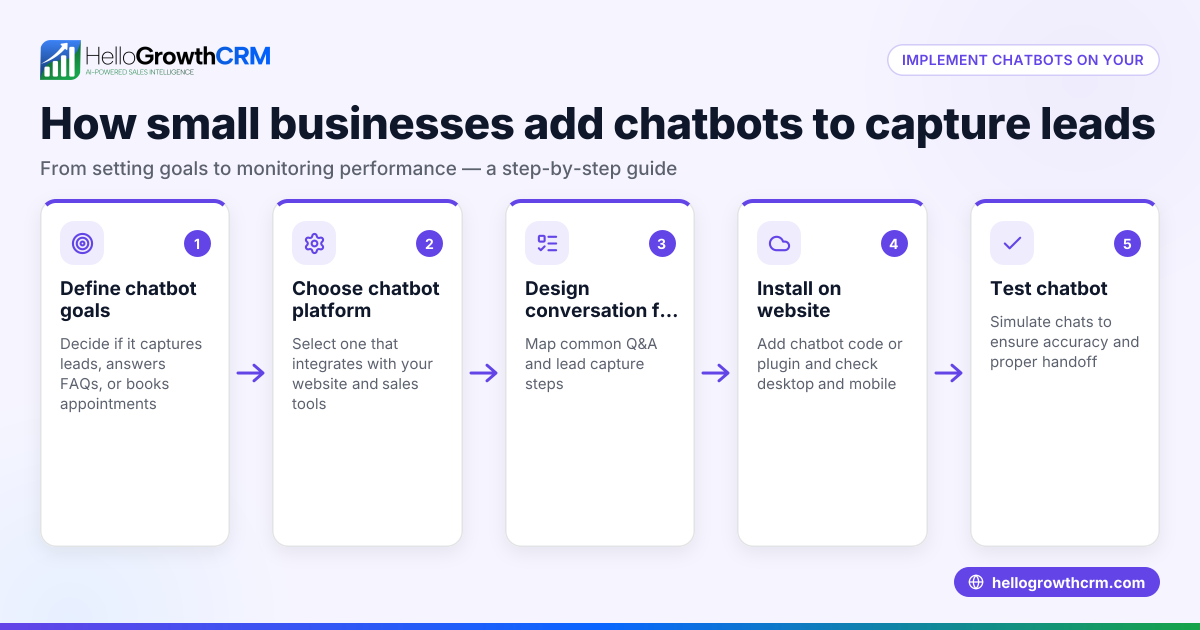
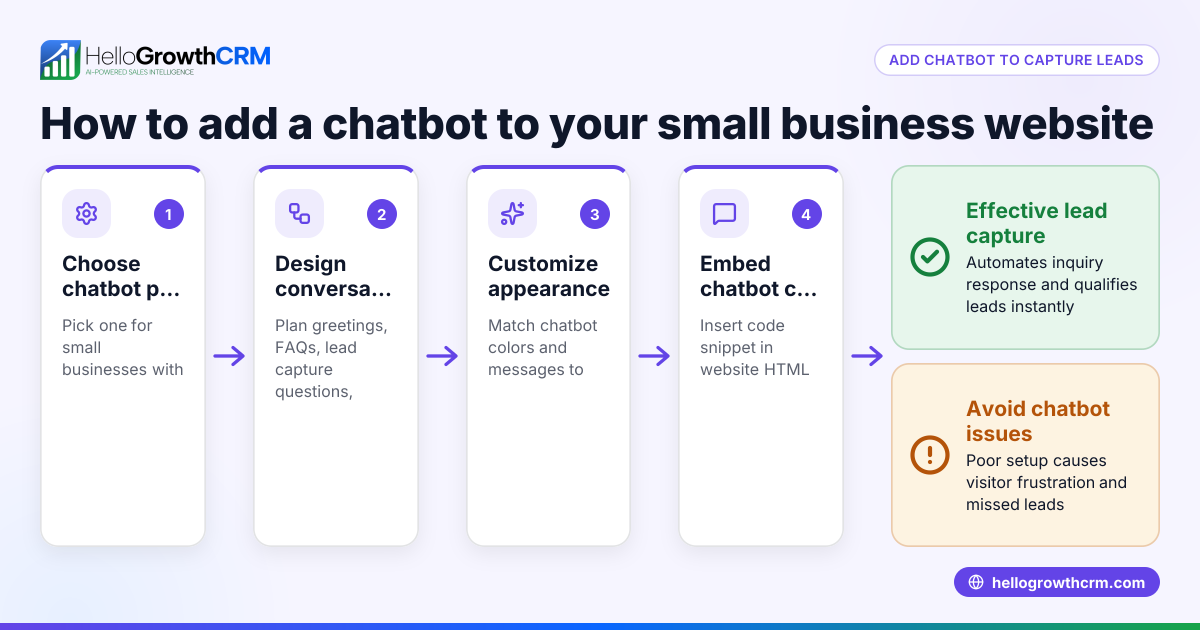
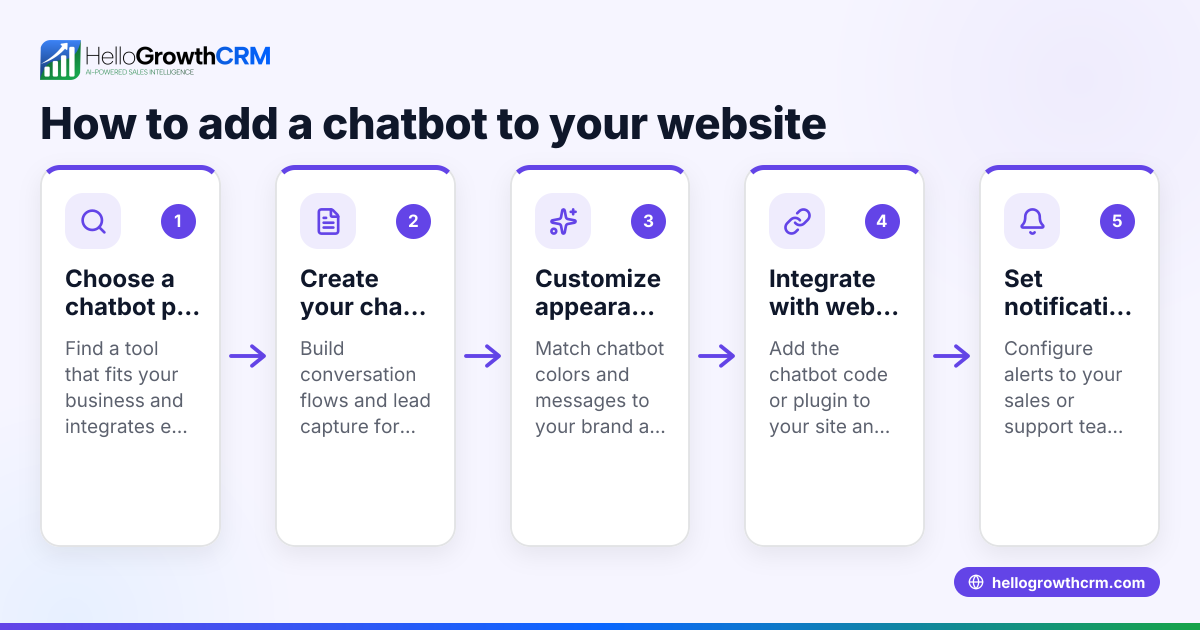
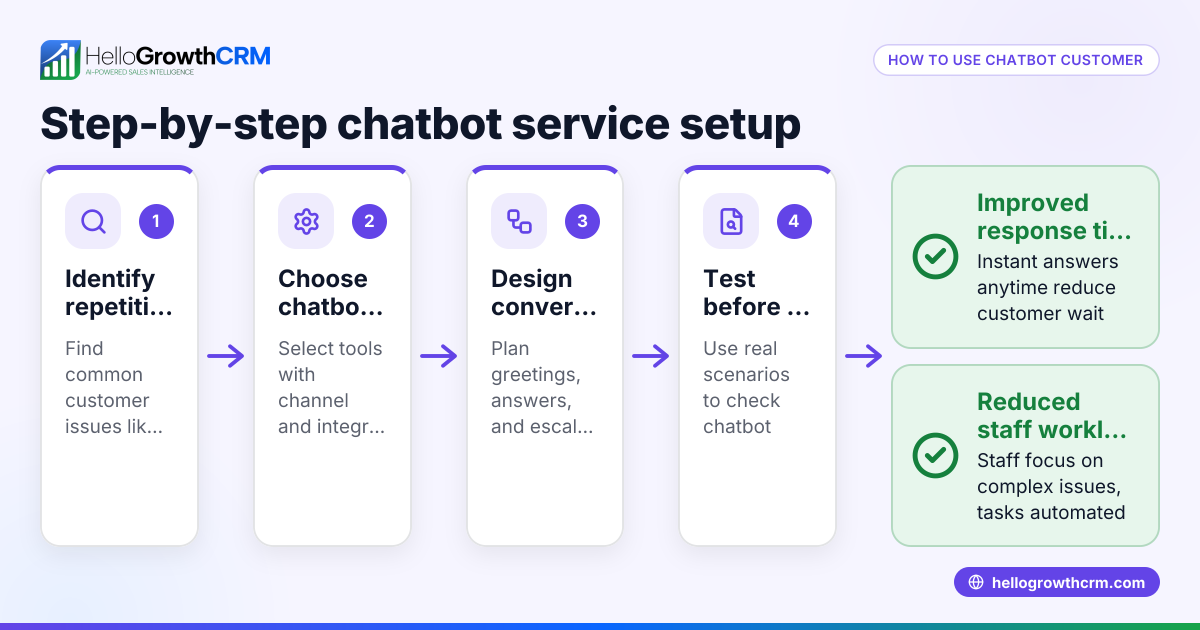
- Choose a chatbot platform: Select a chatbot service that fits your business needs and budget. Check if it supports embedding on websites and integrates with your sales tools.
- Create your chatbot: Use the platform’s builder to design your chatbot’s conversation flow. Include greetings, FAQs, lead capture forms, and options to transfer to a live agent.
- Get the embed code: Once your chatbot is ready, the platform will provide you with a snippet of HTML or JavaScript code.
- Access your website’s backend: Log in to your website's content management system (CMS) or hosting service where you can edit the site’s code.
- Insert the embed code: Paste the chatbot code just before the closing </body> tag on your website pages where you want the chatbot to appear.
- Test the chatbot: Visit your website on desktop and mobile to check that the chatbot loads properly and conversations work as expected.
- Monitor and optimize: Use the chatbot platform’s analytics to track engagement, update scripts based on visitor questions, and improve lead capture.
Check that your chatbot does not slow down your website loading times and that it complies with privacy laws regarding data collection.
Example (fictional figures)
A residential real-estate team in Phoenix, Arizona, wants to embed a chatbot to capture leads from their website visitors.
- The team selects a chatbot platform costing $50 per month.
- They create a chatbot that asks visitors for their name, phone, and property interests.
- The embed code is added to their website on 06/01/2026.
- On the first month, the chatbot captures 120 leads.
- The team estimates that 30 of these leads convert to clients, each worth $15,000 in commission.
Calculations: 120 leads - 90 leads that did not convert = 30 clients 30 clients × $15,000 commission per client = $450,000 total commission
This shows how embedding a chatbot can directly contribute to sales growth by capturing more leads efficiently.
Common mistakes
- Not testing the chatbot on all devices: Prevent this by checking desktop and mobile versions to ensure the chatbot displays and works correctly.
- Ignoring chatbot response updates: Regularly update chatbot scripts to reflect new questions and business changes.
- Placing the embed code incorrectly: Always insert the code before the closing </body> tag to avoid loading issues.
- Overloading chatbot with too many questions: Keep conversations simple to avoid visitor drop-off.
- Not integrating chatbot leads with sales tools: Connect chatbot data with your CRM or follow-up system to act on leads promptly.
For example, using a CRM with a built-in dialer helps sales reps call leads directly and log call outcomes efficiently, as described in the built-in CRM dialer feature.
Doing this in HelloGrowthCRM
HelloGrowthCRM offers a built-in dialer that lets your sales team call leads directly from the CRM and log the outcome of each call. This keeps the full call history tied to contact and deal records, helping your team follow up faster and more effectively. Learn more about this feature at built-in CRM dialer.
Frequently asked questions
Can I embed a chatbot without coding skills? Yes, many chatbot platforms provide easy-to-use builders and clear instructions to generate embed codes, requiring no coding experience.
Will embedding a chatbot slow down my website? If you use a reputable chatbot service and insert the code correctly, the impact on loading speed is minimal. Always test your site after embedding.
Can the chatbot capture leads and send them to my sales team? Most chatbot platforms allow lead capture and integration with CRMs or email, so your sales team can follow up quickly.
Is embedding a chatbot secure for customer data? Choose chatbot providers that comply with data protection regulations and have secure data handling practices.
How does a chatbot help my sales team? By capturing leads instantly and answering common questions, a chatbot frees your sales team to focus on qualified prospects and follow up faster.
For more about sales team efficiency, see HelloGrowthCRM for the United States and WhatsApp and SMS CRM.
Key takeaways
- Embedding a chatbot adds an interactive chat window to your website for lead capture and customer support.
- Choose a chatbot platform, create your bot, get the embed code, and insert it before the </body> tag on your site.
- Test the chatbot on all devices and update scripts regularly to keep it effective.
- Avoid common errors like incorrect code placement and overcomplicated conversations.
- Integrate chatbot leads with your CRM and consider tools like HelloGrowthCRM’s built-in dialer to improve follow-up.
Embedding a chatbot is a practical step to improve your website’s lead capture and customer engagement. To get started, consider the free options available to small businesses.
Start on the Free Forever plan (200 leads, no credit card) at HelloGrowthCRM.
Ready to put this into practice?
Set up your pipeline, WhatsApp follow-ups, and AI lead scoring in minutes — free, no credit card.
Try HelloGrowthCRM freeGet CRM tips in your inbox
Join thousands of sales professionals who get weekly insights on CRM strategy, AI automation, and pipeline optimization.

The HelloGrowthCRM team publishes guides on CRM strategy, AI sales tools, and revenue operations for small business sales teams.