HelloGrowthCRM software
Built for real small-business sales teams
HelloGrowthCRM helps reps qualify faster, follow up on time, and close more deals—with practical automation in one place.
- AI lead scoring and pipeline visibility
- Built-in dialer, WhatsApp, and email automation
- Sales forecasting and RevOps-ready reporting
A field sales CRM is specialized software that helps sales teams operating in the field manage their contacts, track visits, log activities, and follow up on leads—all from mobile devices. It ensures no leads are lost due to slow follow-up or scattered information. This article covers why businesses look for such a CRM, how to evaluate options, common pitfalls, an example scenario, and how HelloGrowthCRM supports field sales operations.
Why this comes up / what goes wrong
Small-business owners with field sales teams often struggle with disorganized lead management, slow follow-ups, and lack of visibility into their reps’ daily activities. These teams rely heavily on mobile communication channels like WhatsApp and SMS, and track sales progress with spreadsheets or text messages, which leads to lost leads and missed opportunities. Without a CRM tailored for field sales, managers cannot easily monitor visit logs or routes, and reps forget to follow up on quotations or calls. This creates inefficiencies and revenue loss.
Step-by-step
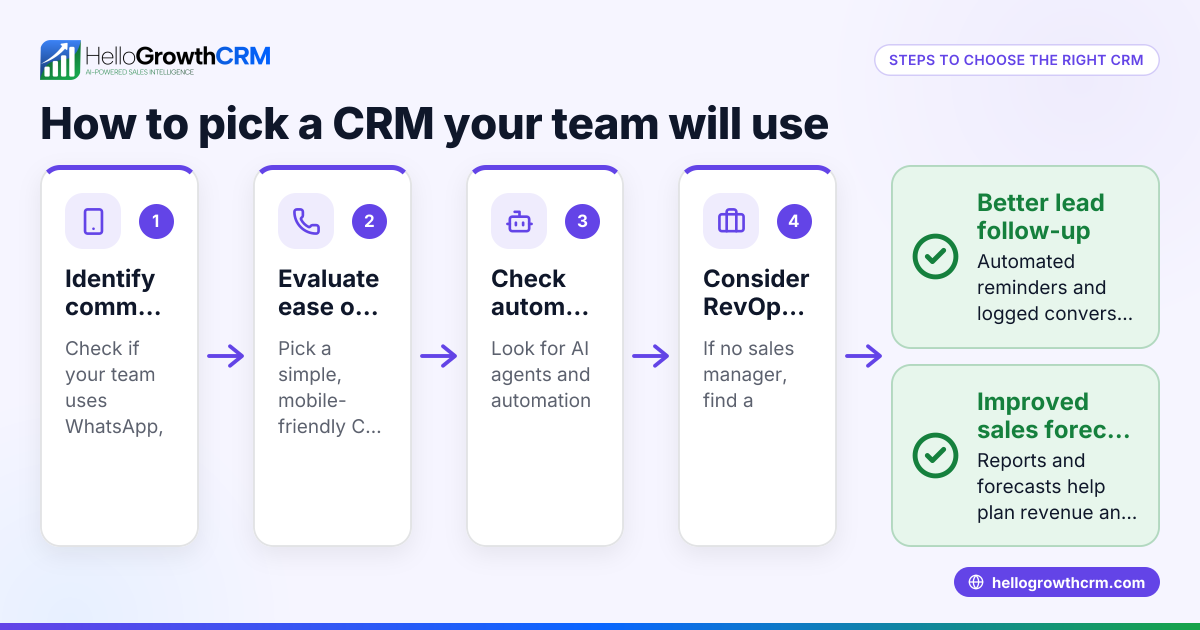
- Identify your field sales needs: Determine if your team requires mobile access, visit logging, route planning, or commission tracking. Check if your sales reps use WhatsApp or SMS extensively.
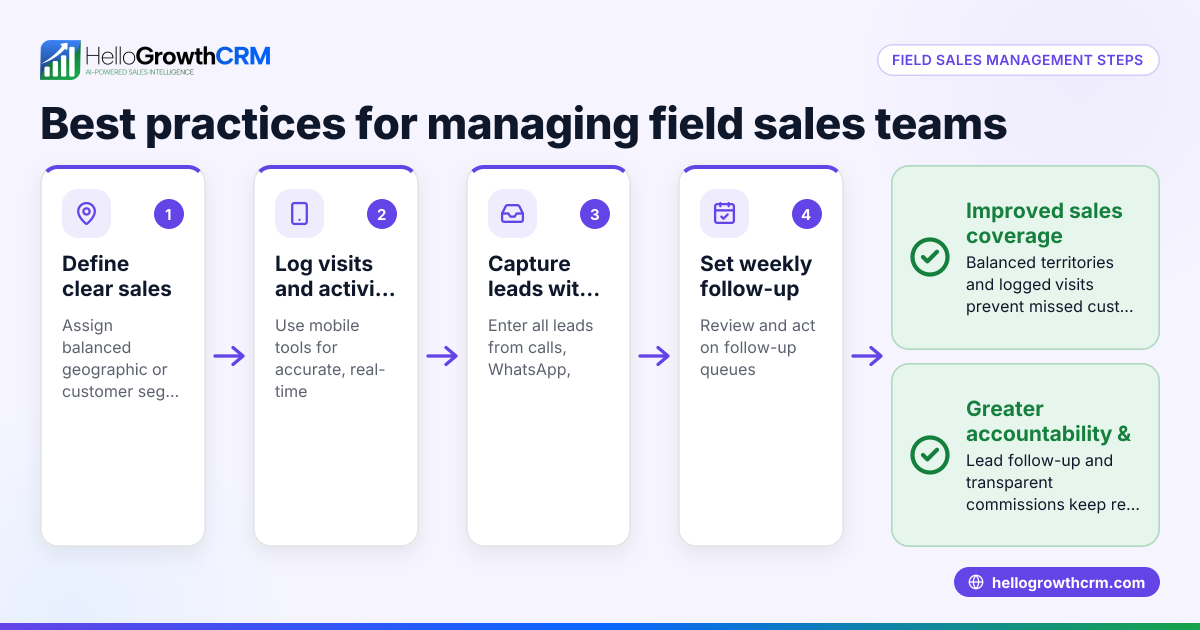
- Check for mobile-first design: Ensure the CRM supports mobile devices well, allowing reps to log visits and update deals on the go.
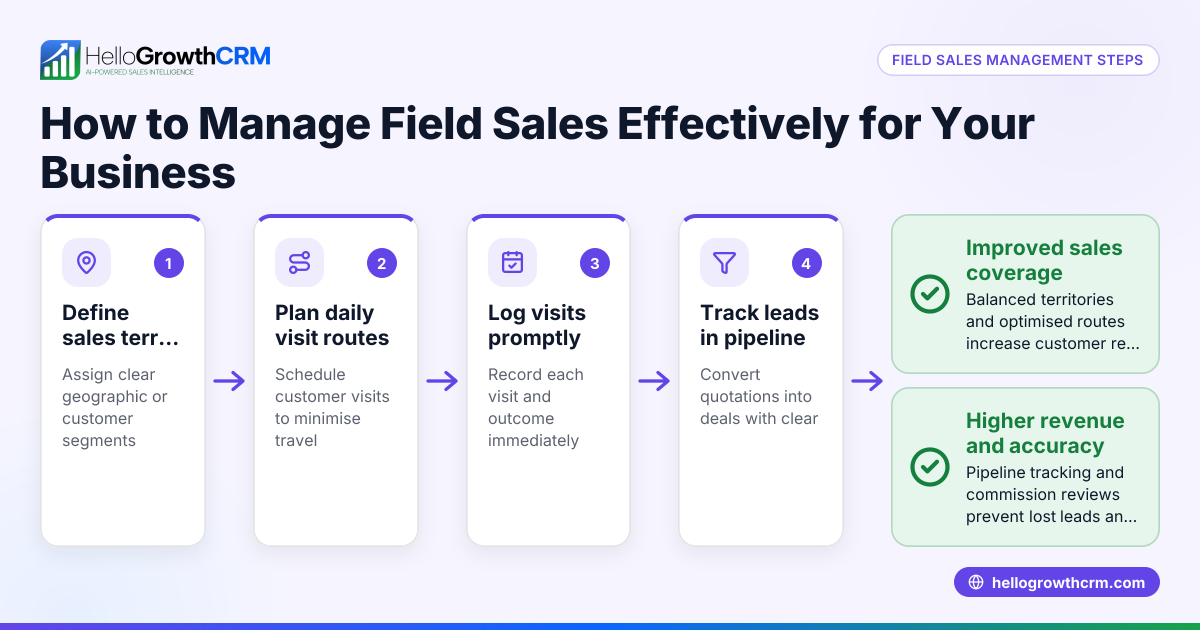
- Assess territory and visit management: Look for tools that let you define sales territories, assign reps, and view daily visit logs to monitor field activity.
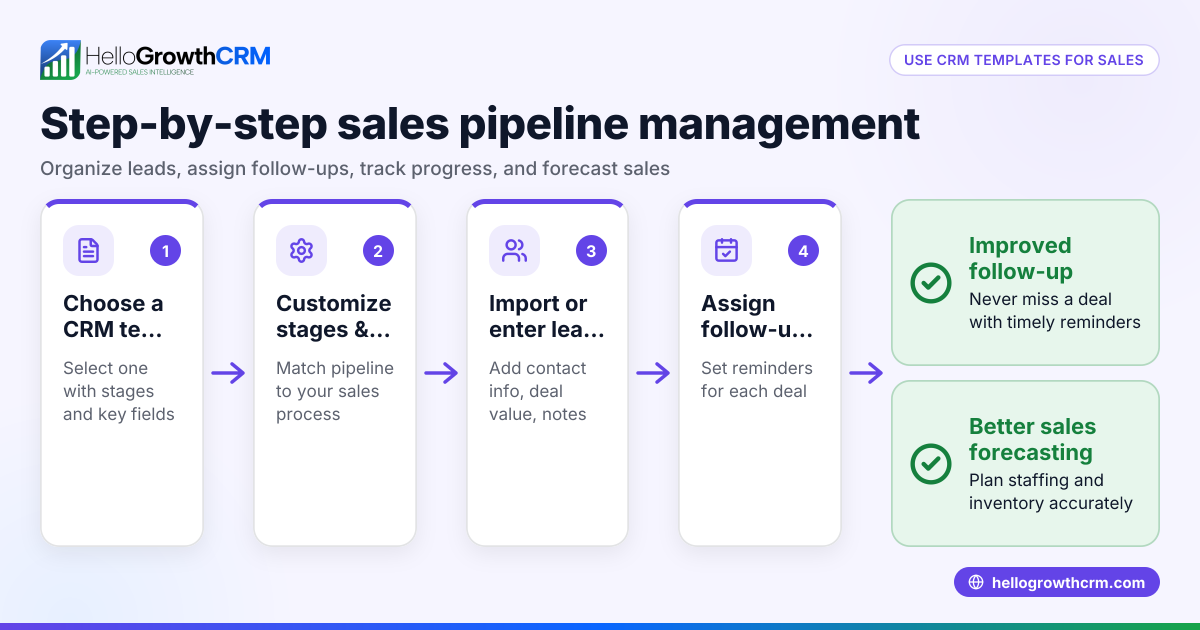
- Evaluate pipeline and follow-up features: Confirm the CRM tracks deals through stages with reminders for follow-ups so quotations or leads don’t slip through.
- Review messaging integration: Verify if the CRM logs WhatsApp and SMS conversations on lead records and supports sending follow-up messages.
- Consider commission tracking: If commissions are part of your sales process, check if the CRM links commissions to deal outcomes for accurate payouts.
- Test ease of use and adoption: Choose a CRM your team will actually use daily; complex systems often fail in small businesses.
- Compare pricing and scalability: Make sure the CRM fits your budget and can grow with your team.
For more about managing territories and field operations, see territory management. To understand messaging options, visit WhatsApp and SMS CRM.
Example (fictional figures)
A residential real-estate team in Phoenix, Arizona, has 5 field agents who visit potential buyers and sellers daily. They want a CRM to track visits, manage leads, and follow up efficiently.
- The team logs 20 visits per day.
- Each visit has a 10% chance of converting to a deal.
- Average deal value is $250,000.
Using a field sales CRM:
- Visits logged = 20 per day
- Conversion rate = 10%
- Deals per day = 20 × 10% = 2
- Average deal value = $250,000
- Daily potential revenue = 2 × $250,000 = $500,000
Without a CRM, some follow-ups may be missed, risking lost deals. With a CRM ensuring follow-ups, the team can better capture this potential revenue.
This example shows how a field sales CRM can help capture revenue by ensuring visits and follow-ups are tracked and acted upon.
Common mistakes
- Ignoring mobile usability: Choosing a CRM that is not mobile-friendly leads to poor adoption by field reps. Prevent this by testing the CRM on mobile devices before buying.
- Overlooking territory management: Without clear territory definitions, reps may overlap or miss areas. Use tools that support territory assignment and visit logging, such as those described in territory management.
- Neglecting messaging integration: If your team uses WhatsApp or SMS, failing to integrate these channels means conversations get lost. Use a CRM that logs these messages on lead records, like HelloGrowthCRM’s WhatsApp and SMS CRM.
- Skipping pipeline tracking: Without a deal pipeline to track quotations and follow-ups, opportunities fall through. Ensure your CRM has a robust deals pipeline feature.
- Choosing complex systems: CRMs with too many features or complicated interfaces discourage daily use. Pick a system that fits your team’s size and skills.
- Forgetting commission tracking: If commissions are part of your sales process, not tracking them linked to deal outcomes causes errors. Look for commission tracking integrated with deals.
Doing this in HelloGrowthCRM
HelloGrowthCRM supports field sales teams with tools for territories, field operations, and commissions. Field reps can log visits from their phones, and managers see the day’s beat to monitor activity. The deals pipeline tracks open opportunities, showing quotations at the 'quote sent' stage with follow-up dates to prevent leads from being forgotten. WhatsApp conversations with leads are automatically logged on their records, and follow-ups can be sent as WhatsApp or SMS messages. These features help small and midsized businesses keep their field sales organized and responsive. Learn more about HelloGrowthCRM for the United States at /usa.
Frequently asked questions
What is a field sales mobile CRM? A field sales mobile CRM is a customer relationship management system designed primarily for use on mobile devices. It allows field reps to access customer data, log visits, and update sales pipelines while on the move, improving responsiveness and data accuracy.
Which CRM is best for field sales teams? The best CRM for field sales teams depends on your specific needs like mobile usability, territory management, messaging integration, and commission tracking. Look for a CRM that supports mobile visit logging, pipeline tracking, and messaging channels your team uses, such as WhatsApp and SMS.
How does a mobile-first CRM help field sales? A mobile-first CRM ensures sales reps can easily update records and communicate while away from the office. This reduces lost leads and improves follow-up speed, which increases sales efficiency and revenue.
Can a CRM integrate WhatsApp and SMS for field sales? Yes, some CRMs integrate WhatsApp and SMS messaging, logging conversations on lead records and enabling follow-up messages directly from the CRM. This keeps communication organized and accessible to the whole team.
What features should I look for in a field CRM? Key features include mobile access, territory and visit management, pipeline tracking with follow-ups, messaging integration (WhatsApp/SMS), and commission tracking. These features help field sales teams stay organized and productive.
For more on messaging features, see WhatsApp and SMS CRM.
Key takeaways
- A field sales CRM helps mobile sales teams manage visits, leads, and follow-ups efficiently.
- Mobile usability, territory management, and messaging integration are critical features.
- Avoid complex systems that your team won’t adopt.
- Use pipeline tracking to ensure quotations and deals don’t get forgotten.
- Commission tracking linked to deals helps accurate payouts.
- HelloGrowthCRM offers tools for territories, deals pipeline, and WhatsApp/SMS messaging to support field sales teams.
Choosing the right field sales CRM improves your team’s productivity and revenue capture. To explore pricing and plans suited for US businesses, visit See US pricing.
Ready to put this into practice?
Set up your pipeline, WhatsApp follow-ups, and AI lead scoring in minutes — free, no credit card.
Try HelloGrowthCRM freeGet CRM tips in your inbox
Join thousands of sales professionals who get weekly insights on CRM strategy, AI automation, and pipeline optimization.

The HelloGrowthCRM team publishes guides on CRM strategy, AI sales tools, and revenue operations for small business sales teams.