HelloGrowthCRM software
Built for real small-business sales teams
HelloGrowthCRM helps reps qualify faster, follow up on time, and close more deals—with practical automation in one place.
- AI lead scoring and pipeline visibility
- Built-in dialer, WhatsApp, and email automation
- Sales forecasting and RevOps-ready reporting
Drag and drop scheduling software allows small and mid-sized businesses to visually manage appointments and tasks by dragging and dropping events on a calendar or timeline. This makes scheduling flexible, fast, and intuitive compared to manual methods or rigid forms. The article covers why businesses seek this software, how to evaluate it step-by-step, common mistakes to avoid, a practical example, and how HelloGrowthCRM’s scheduling features can help your sales team.
Why this comes up / what goes wrong
Small-business owners often struggle with scheduling because they rely on back-and-forth emails, phone calls, or text messages to find meeting times. This wastes time, causes missed appointments, and frustrates prospects. Without a visual drag and drop interface, rescheduling or juggling multiple calendars is error-prone. Teams running sales on text, email, and spreadsheets lose leads due to slow follow-up and scheduling confusion. Drag and drop scheduling software promises to solve this by making appointment booking and adjustments fast and clear.
Step-by-step
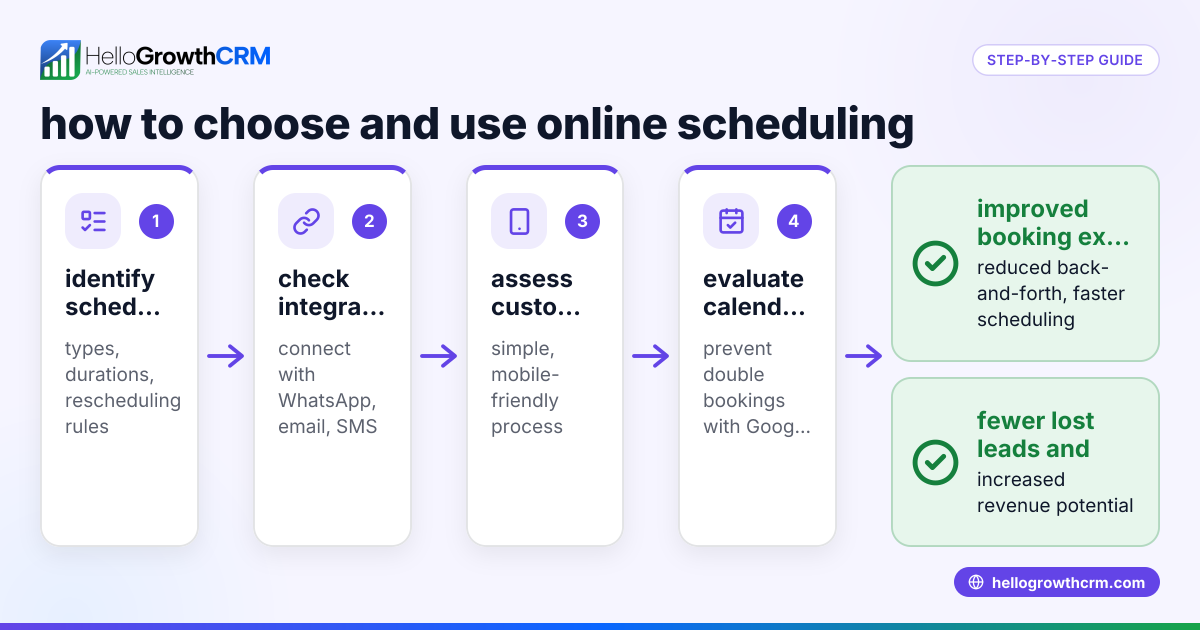
- Define your scheduling needs: Identify what types of appointments or tasks you need to schedule (e.g., sales calls, demos, client meetings) and how many team members require access.
- Check for drag and drop calendar interface: Verify the software offers a visual calendar or timeline where you can drag appointments to reschedule easily.
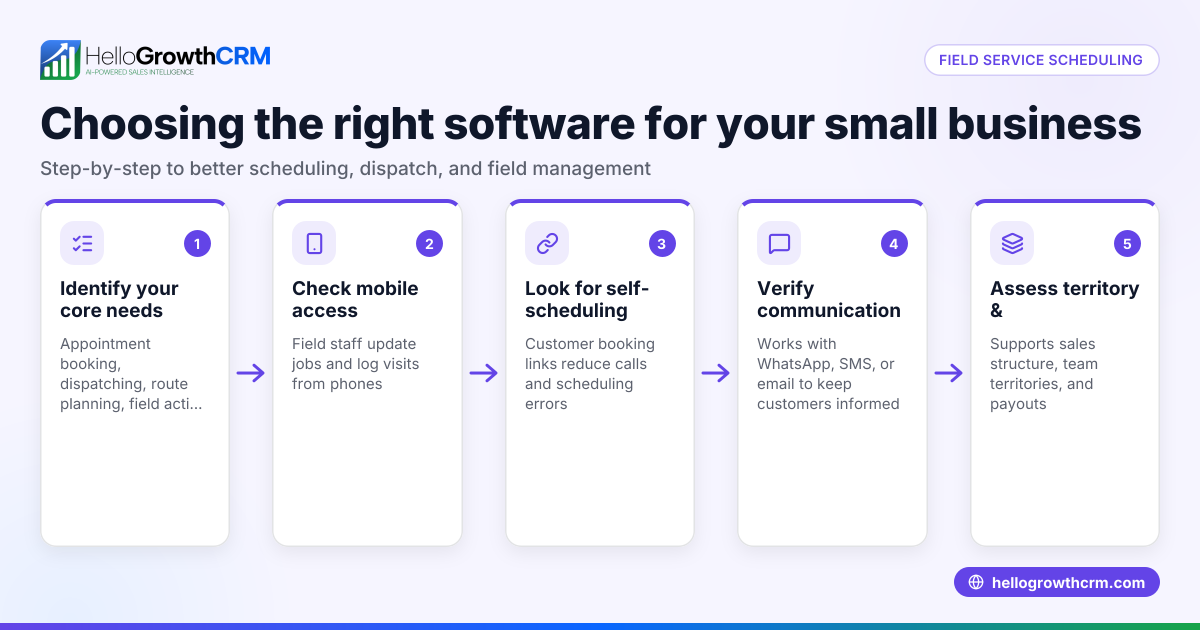
- Look for booking links and self-service options: Ensure prospects can pick available time slots themselves via a shareable link to reduce back-and-forth.
- Consider integration with communication channels: Confirm the software connects with email, SMS, or WhatsApp to send confirmations and reminders automatically.
- Evaluate task and activity management: See if the software includes task boards or activity logs to track follow-ups and keep your team on schedule.
- Review user access and permissions: Check if you can control who views or edits schedules to avoid conflicts.
- Test mobile and desktop usability: The software should work smoothly on phones and computers since your team may use both.
- Assess reporting and forecasting features: Some scheduling tools offer insights into appointment trends and sales forecasting, which can aid decision-making.
- Try a free trial or demo: Use trial versions to test the drag and drop functionality and overall workflow before committing.
- Compare pricing and scalability: Choose software that fits your budget and can grow as your team or appointment volume increases.
Example (fictional figures)
A two-location dental practice in Columbus, Ohio, schedules patient appointments and follow-ups across four dentists and three hygienists. They want to reduce no-shows and streamline booking.
- Monthly patient appointments: 1,200
- Average appointment length: 45 minutes
- Staff working hours per month: 4,000 hours
They choose drag and drop scheduling software that lets receptionists visually move appointments and patients book slots via a link.
If the software reduces scheduling errors by 10%, that saves 120 appointments monthly.
Assuming each appointment generates $150 revenue:
120 appointments × $150 = $18,000 additional monthly revenue
Reducing no-shows also saves staff time and improves patient satisfaction.
Common mistakes
- Choosing software without drag and drop capability: This defeats the purpose of visual scheduling. Always test the interface.
- Ignoring mobile usability: Many users schedule on phones; poor mobile design slows teams down. Check mobile apps or responsive design.
- Overlooking integration with communication channels: Without automatic reminders via WhatsApp or SMS, no-shows increase. Look for integrated messaging features like those in HelloGrowthCRM (WhatsApp and SMS CRM).
- Not setting clear user permissions: Without access controls, schedules get overwritten or confused. Ensure the software supports roles and permissions.
- Skipping task management: Scheduling alone isn’t enough; follow-up tasks must be tracked. Use software with task boards (Activities and task boards) to keep your team on track.
- Failing to try before buying: Always use free trials to confirm the software fits your workflow.
Doing this in HelloGrowthCRM
HelloGrowthCRM offers scheduling and booking where prospects pick a slot from a link, eliminating back-and-forth on WhatsApp (Scheduling and booking). Each follow-up becomes a task with a due date on activity boards, so your team’s calls and meetings are organized, not a memory test (Activities and task boards). WhatsApp conversations with leads are logged on their record, and follow-ups can be sent as WhatsApp or SMS messages, keeping communication seamless (WhatsApp and SMS CRM). This makes scheduling and lead follow-up simpler for small and mid-sized businesses.
Frequently asked questions
What is drag and drop scheduling software? Drag and drop scheduling software provides a visual calendar or timeline interface where you can click and drag appointments or tasks to reschedule or organize them. It simplifies managing multiple bookings and reduces errors.
How does drag and drop scheduling improve business efficiency? It reduces the time spent on back-and-forth scheduling communications, lowers no-shows by enabling quick rescheduling, and helps teams keep track of appointments visually. This leads to faster follow-up and better customer experience.
Can I integrate drag and drop scheduling with messaging apps like WhatsApp? Some scheduling software, including HelloGrowthCRM, integrates with WhatsApp and SMS, allowing automatic reminders and follow-ups to be sent directly to customers, improving engagement and reducing missed appointments.
Is drag and drop scheduling software suitable for small teams? Yes, it is especially useful for small to mid-sized businesses because it streamlines scheduling without requiring complex setups. Features like task boards and messaging integrations make it easier for small teams to manage leads and appointments.
What should I look for when choosing drag and drop scheduling software? Key factors include ease of use, mobile support, integration with communication channels, task management features, user permissions, and scalability. Trying a free version or demo helps confirm fit.
Key takeaways
- Drag and drop scheduling software lets you visually manage appointments by moving them on a calendar.
- It reduces scheduling errors, saves time, and improves customer experience.
- Look for booking links, communication integrations, task boards, and mobile usability when choosing software.
- Avoid common mistakes like ignoring mobile support or missing task management features.
- HelloGrowthCRM supports scheduling with booking links, task boards, and WhatsApp/SMS follow-ups for small businesses.
Start simplifying your scheduling and follow-up today by starting on the Free Forever plan (200 leads, no credit card).
Ready to put this into practice?
Set up your pipeline, WhatsApp follow-ups, and AI lead scoring in minutes — free, no credit card.
Try HelloGrowthCRM freeGet CRM tips in your inbox
Join thousands of sales professionals who get weekly insights on CRM strategy, AI automation, and pipeline optimization.

The HelloGrowthCRM team publishes guides on CRM strategy, AI sales tools, and revenue operations for small business sales teams.