HelloGrowthCRM software
Built for real small-business sales teams
HelloGrowthCRM helps reps qualify faster, follow up on time, and close more deals—with practical automation in one place.
- AI lead scoring and pipeline visibility
- Built-in dialer, WhatsApp, and email automation
- Sales forecasting and RevOps-ready reporting
A get a quote form is a tool businesses use to collect detailed information from potential customers who want a price estimate for products or services. It helps streamline sales by gathering relevant data upfront, speeding up response time and improving accuracy. This article explains why you need a get a quote form, how to create one step-by-step, common mistakes to avoid, and how HelloGrowthCRM can help you manage quotes efficiently.
Why this comes up / what goes wrong
Small-business owners often face challenges when potential customers ask for price estimates but don’t provide enough details to prepare accurate quotes. Without a structured get a quote form, businesses rely on back-and-forth emails, phone calls, or text messages to gather information. This slows down the sales process and can cause leads to go cold. Many businesses also struggle to organize and track these quote requests, leading to missed opportunities or inconsistent pricing.
A get a quote form helps by standardizing the information collection process. It ensures you get all necessary details upfront, such as product specifications, quantities, delivery requirements, or project scope. This reduces errors, speeds up response times, and improves customer experience.
Step-by-step
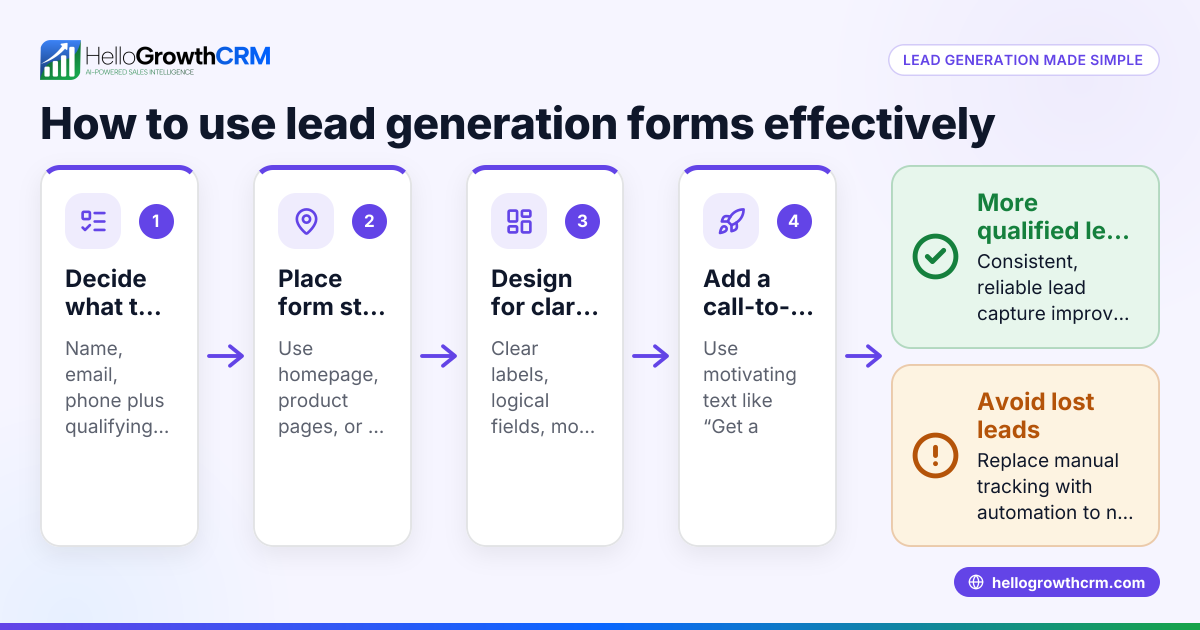
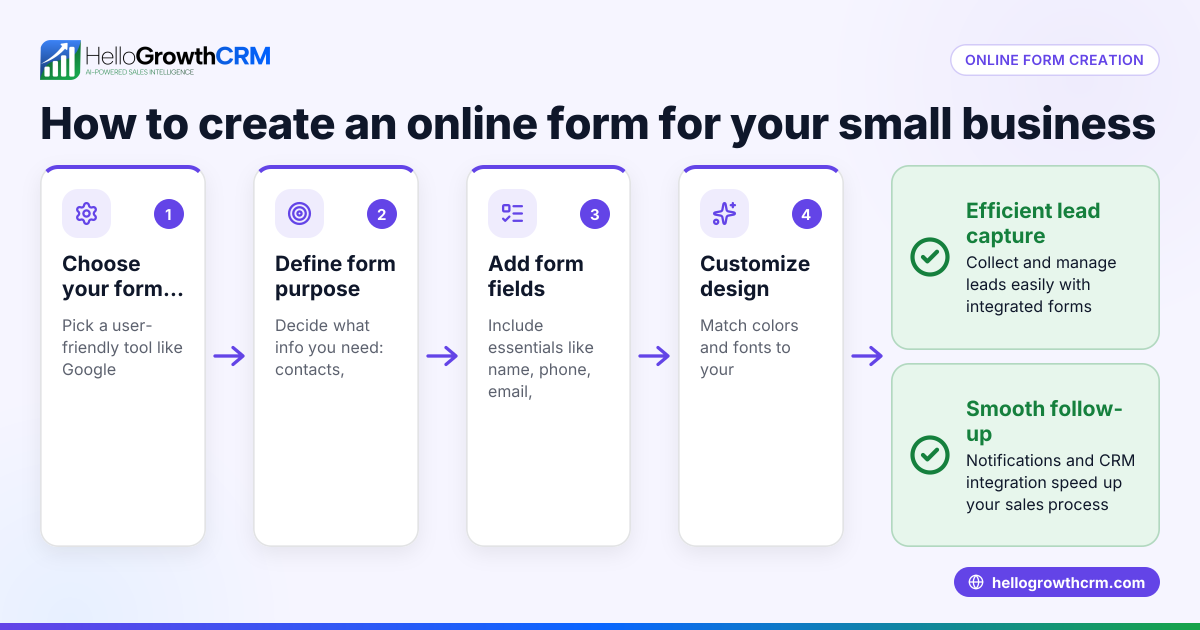
- Define what information you need: Identify the key details required to provide an accurate quote. This may include customer contact info, product or service details, quantity, budget, timeline, and any special requirements.
- Choose a form tool: Use a website form builder, Google Forms, or your CRM’s form feature to create the form. Make sure it is easy to access and mobile-friendly.
- Design the form layout: Organize questions logically with clear labels. Use dropdowns, checkboxes, or radio buttons where appropriate to simplify data entry.
- Add instructions and disclaimers: Briefly explain what the form is for and how the information will be used. Include any terms or conditions if necessary.
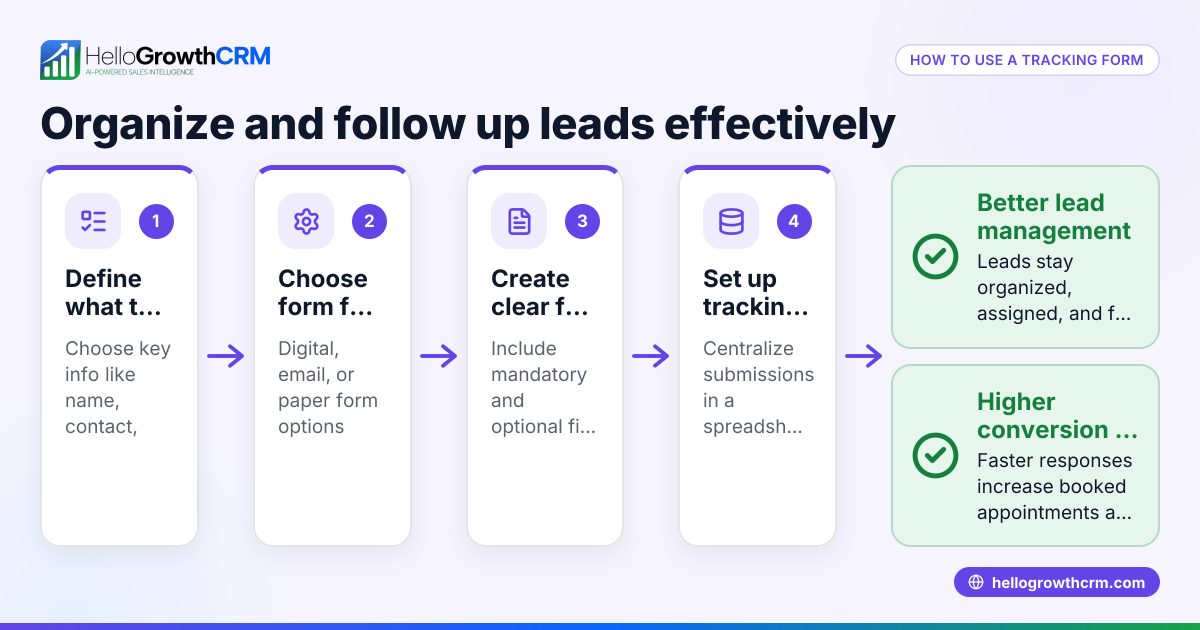
- Integrate the form with your sales system: Connect the form to your CRM or lead management tool to automatically capture submissions and trigger follow-up tasks.
- Test the form: Submit test entries to check for errors, ease of use, and proper data capture.
- Publish and promote the form: Add it to your website, share on social media, or include in email campaigns.
- Set up a process to respond quickly: Assign responsible team members to review submissions and send quotes promptly.
- Track and analyze form submissions: Monitor how many leads come through the form and conversion rates to improve the process.
Example (fictional figures)
A B2B software reseller in Denver, Colorado, uses a get a quote form on their website to gather requests for licensing packages. On 05/01/2026, they received a request with these details:
- Number of users: 50
- License type: Pro
- Support package: Premium
- Implementation timeline: 2 months
Their pricing is:
- Pro license per user: $120
- Premium support per user: $30
Calculations:
$120 × 50 = $6,000 (license cost) $30 × 50 = $1,500 (support cost) $6,000 + $1,500 = $7,500 (total quote)
They use this total to prepare a formal quote and send it within 24 hours, improving their response time and closing rates.
Common mistakes
- Collecting too little information: Leads to back-and-forth and delays. Prevent by clearly defining essential fields.
- Making the form too long or complicated: Discourages submissions. Prevent by keeping it concise and user-friendly.
- Not integrating with sales tools: Causes manual data entry errors and lost leads. Prevent by using CRM integration like HelloGrowthCRM.
- Ignoring mobile users: Many customers use phones. Prevent by testing form responsiveness.
- Lack of follow-up process: Leads go cold without timely responses. Prevent by assigning tasks and reminders in your CRM.
- Not tracking form performance: Missed opportunities to improve. Prevent by reviewing submission data regularly.
Doing this in HelloGrowthCRM
HelloGrowthCRM allows you to send quotes and proposals directly from a deal record. You can build, send, and track commercial documents such as quotes and invoices all in one place. The system shows the quotation status (sent, viewed, accepted) on the same screen as your follow-up task, so you never miss a step. This integration streamlines your sales process and helps you manage quote requests efficiently. Learn more about the built-in CRM dialer and WhatsApp and SMS CRM features that complement this.
Frequently asked questions
What is the difference between a get a quote form and a contact form? A get a quote form specifically collects detailed information needed to prepare a price estimate, such as product specifications and quantities. A contact form usually only gathers basic contact details without specifics about the request.
Can I create a get a quote form without coding skills? Yes, many online form builders and CRM platforms offer drag-and-drop tools to create forms easily without coding. You can also use HelloGrowthCRM’s quoting features to manage quotes once you receive requests.
How do I ensure customers complete the form accurately? Use clear instructions, required fields, and dropdown menus to guide users. Keep the form concise and mobile-friendly to encourage completion.
How quickly should I respond to a quote request? Responding promptly can help maintain interest and improve the chances of closing the sale.
Can I automate follow-up after a quote is sent? Yes, HelloGrowthCRM supports follow-up tasks and sequences via email, WhatsApp, or SMS to help automate reminders and nurture leads.
Key takeaways
- A get a quote form collects detailed info from prospects to provide accurate pricing.
- Define essential fields, keep the form simple, and integrate with your CRM.
- Test the form for ease of use and mobile compatibility.
- Respond quickly and track quote status to improve sales.
- Avoid common mistakes like missing info, poor follow-up, and no integration.
- HelloGrowthCRM centralizes quote creation, tracking, and follow-up on one screen.
Start improving your sales process today by creating a get a quote form and managing quotes efficiently with HelloGrowthCRM. Start on the Free Forever plan (200 leads, no credit card).
Ready to put this into practice?
Set up your pipeline, WhatsApp follow-ups, and AI lead scoring in minutes — free, no credit card.
Try HelloGrowthCRM freeGet CRM tips in your inbox
Join thousands of sales professionals who get weekly insights on CRM strategy, AI automation, and pipeline optimization.

The HelloGrowthCRM team publishes guides on CRM strategy, AI sales tools, and revenue operations for small business sales teams.