HelloGrowthCRM software
Built for real small-business sales teams
HelloGrowthCRM helps reps qualify faster, follow up on time, and close more deals—with practical automation in one place.
- AI lead scoring and pipeline visibility
- Built-in dialer, WhatsApp, and email automation
- Sales forecasting and RevOps-ready reporting
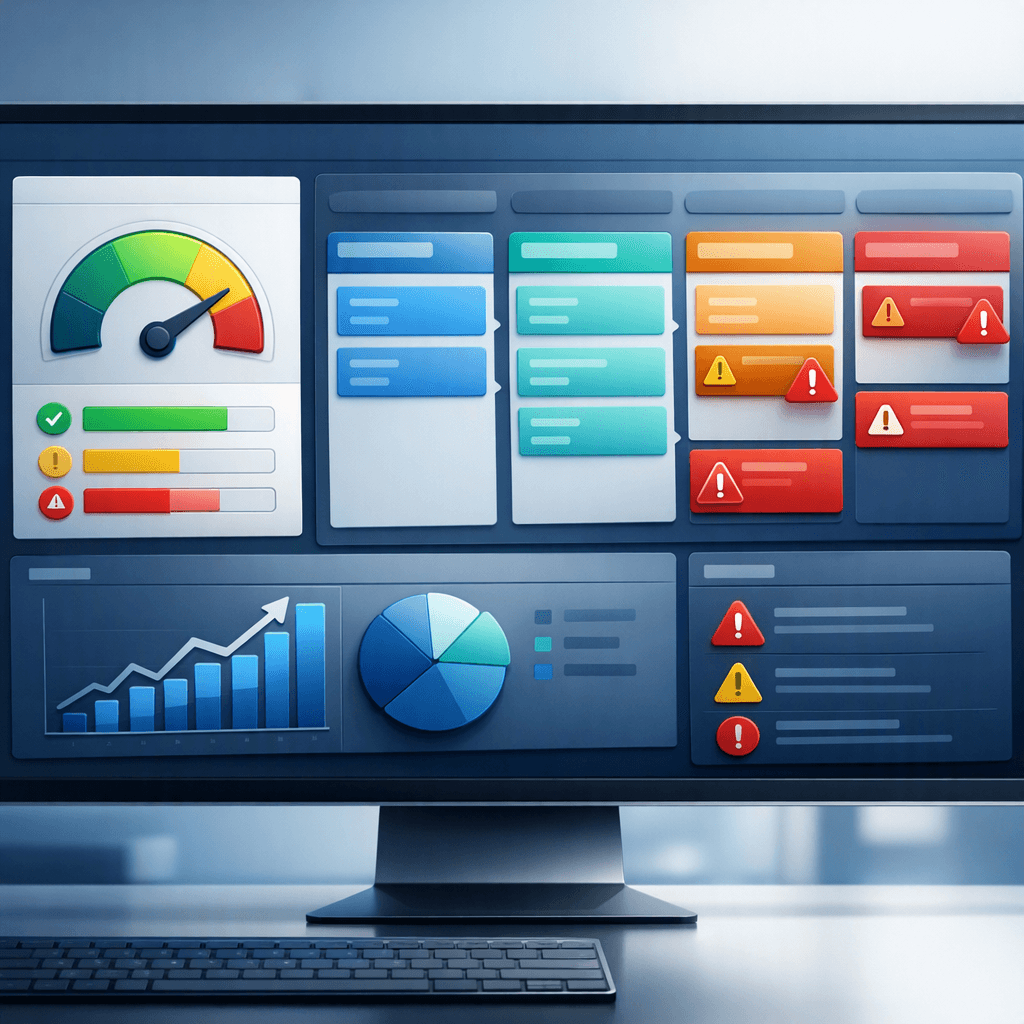
A pipeline health score calculator is a sales tool that turns deal activity, stage aging, next-step quality, and engagement signals into a single score so revenue teams can quickly spot stalled opportunities, clean weak pipeline, and improve forecast accuracy before weekly review calls or end-of-quarter pressure hits.
Key Takeaways
- A pipeline health score calculator helps managers find risky deals before they distort the forecast.
- HelloGrowthCRM scores deals using practical inputs like stage age, missing next step, contact engagement, and activity recency.
- The best use case is weekly forecast prep, where reps fix weak deals before the meeting starts.
- Teams can automate alerts, task creation, and follow-up workflows from low health scores inside AI Pipeline Management.
- Strong pipeline hygiene improves rep focus, manager coaching, and forecast discipline across the whole funnel.
- HelloGrowthCRM combines scoring, automation, and reporting in one workflow, instead of forcing teams to patch together spreadsheets and dashboards.
What is a pipeline health score calculator?
A pipeline health score calculator is a tool that grades each deal’s likelihood of moving forward based on sales hygiene and momentum signals, then rolls those signals into a simple score managers and reps can use to find stalled deals, missing next steps, and aging pipeline before forecast calls.
At a basic level, the calculator answers one question: Is this opportunity healthy enough to trust in the forecast?
Most teams already look at pipeline by amount, stage, and close date. That helps, but it misses hidden risk. A $50,000 deal can look fine on paper while sitting idle for 21 days, lacking a scheduled next meeting, and relying on one unresponsive contact. A health score surfaces that risk fast.
Inside HelloGrowthCRM, the Pipeline Health Score is designed for real weekly operating rhythm. It is not just a static dashboard metric. It connects with your deal records, rep tasks, activity history, and forecast workflow so teams can take action immediately.
Why health scoring matters more than raw pipeline value
Pipeline value tells you size. Health tells you quality.
When I have audited pipelines like this, the biggest issue is not too little pipeline. It is false confidence. Reps carry deals that have gone quiet. Managers assume late-stage deals are safe. Forecast calls then become discovery sessions instead of decision sessions.
A health score helps teams:
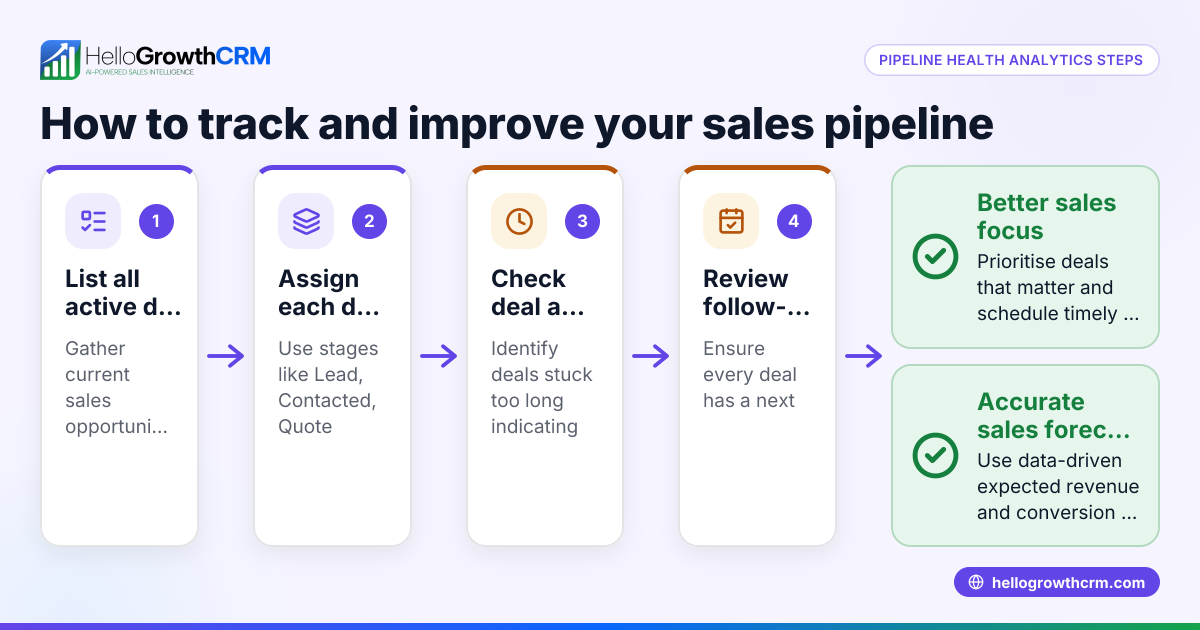
- Find deals with no clear next step
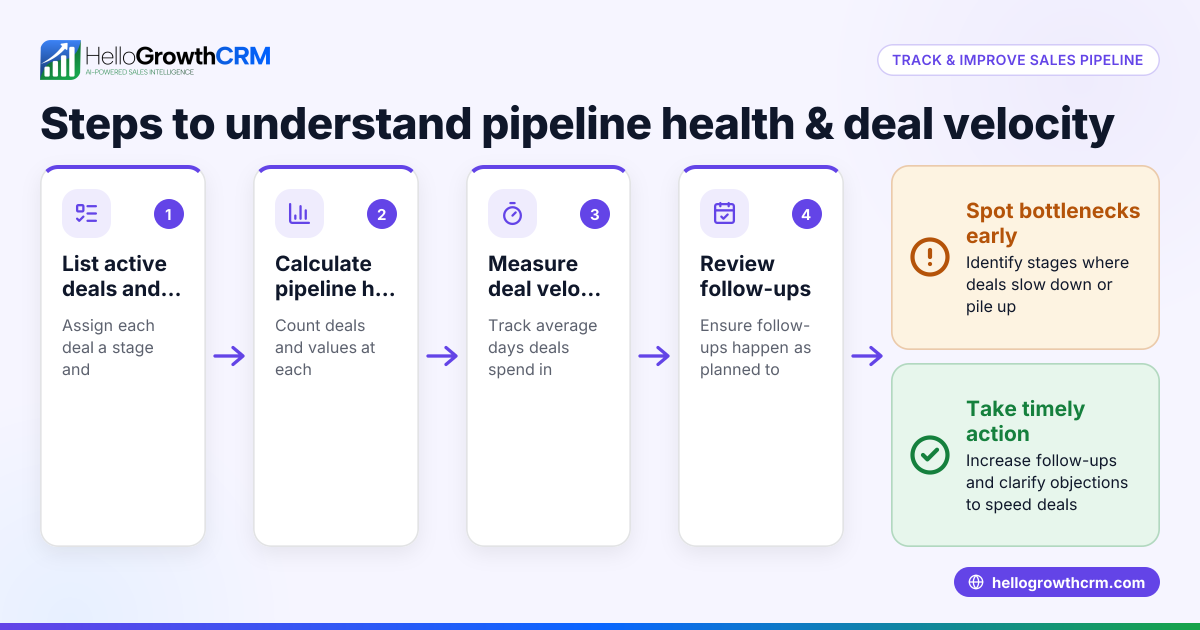
- Spot stage aging before it becomes pipeline rot
- Flag low-contact engagement
- Separate active deals from hopeful placeholders
- Coach reps on evidence, not opinion
According to Harvard Business Review, high-performing sales organizations rely on disciplined pipeline management and inspection, not just seller intuition. That is exactly where a health score adds value.
Which deal inputs matter most in a pipeline health score calculator?
The most useful inputs in a pipeline health score calculator are stage aging, activity recency, next-step completeness, contact engagement, close-date slippage, and deal progression patterns because these signals show whether an opportunity is moving, stuck, or being artificially kept alive in the CRM.
HelloGrowthCRM focuses on inputs that sales managers can actually coach and reps can actually fix. That matters. Some scoring models fail because they rely on obscure variables or black-box weights that no one trusts.
Core scoring inputs inside HelloGrowthCRM
The most common inputs are:
- Stage age in days: How long the deal has stayed in its current stage
- Time since last meaningful activity: Calls, emails, meetings, or notes
- Next step presence: Whether a dated and owned next action exists
- Meeting scheduled: Whether the buyer has committed to a future event
- Close-date movement: How often expected close dates slip
- Contact coverage: Number and type of active stakeholders involved
- Engagement trend: Opens, replies, meeting attendance, and response gaps
- Deal hygiene: Missing fields like amount, stage, MEDDPICC data, or forecast category
In one rollout we did with a 12-person sales team, missing next steps explained more forecast misses than stage aging did. Reps were active, but many “active” deals had no buyer-committed action. Once we scored that signal more heavily, forecast reviews improved within two weeks.
Inputs that often create false positives
Not every signal should carry equal weight. Be careful with:
- Total email volume without reply quality
- Generic task completion counts
- Large deal size as a proxy for health
- Late-stage status without recent buyer interaction
A big lesson from RevOps work is simple: health should reflect buyer progress, not just seller effort. HelloGrowthCRM’s AI Deal Insights and Smart Inbox help teams distinguish busywork from true momentum.
How does HelloGrowthCRM calculate pipeline health inside the CRM?
HelloGrowthCRM calculates pipeline health by assigning weighted points to key opportunity signals, subtracting risk for stale or incomplete deals, then turning the result into a simple score and status band so reps and managers can prioritize action before forecast reviews or pipeline inspection meetings.
The exact weights can vary by team, but the logic is straightforward and explainable. That is important for trust. If reps do not understand the score, they will ignore it.
A simple scoring model
A practical health formula often looks like this:
Pipeline Health Score = Positive Momentum Signals - Risk Signals
Example input logic:
| Input | Healthy condition | Risk condition | Example effect |
|---|---|---|---|
| Stage age | Within expected days for stage | Exceeds stage benchmark | -10 to -20 |
| Last activity | Buyer activity within 7 days | No activity for 14+ days | -10 |
| Next step | Scheduled, dated next action | No next step | -15 |
| Meeting | Future meeting booked | No meeting booked in active stage | -10 |
| Close date | Stable and realistic | Slipped multiple times | -10 |
| Contact coverage | 2+ engaged stakeholders | Single-threaded deal | -10 |
| Qualification | Required fields complete | Missing critical qualification data | -5 to -15 |
HelloGrowthCRM then maps the score into clear bands, such as:
- 80-100: Healthy
- 60-79: Watch
- Below 60: At risk
This keeps forecast inspection fast. Managers do not need to decode a dashboard. They can sort by risk and coach the right deals first.
Why explainable scoring beats black-box scoring
I have seen teams reject AI scoring because it felt mysterious. By contrast, explainable health scoring gets adoption because a rep can see why a deal is red. HelloGrowthCRM supports that operational clarity across Features, especially when paired with AI Sales Copilot and Sales Task Boards.
Gartner’s CRM research hub consistently emphasizes that CRM value depends on adoption and usable workflows, not just data storage. A clear score supports both.
How should sales teams use pipeline health scores before forecast calls?
Sales teams should use pipeline health scores before forecast calls to pre-clean weak deals, confirm buyer-committed next steps, challenge stale close dates, and focus manager time on the highest-risk opportunities rather than reviewing every deal in the same depth every week.
This is where the calculator becomes operational, not just analytical.
A practical weekly forecast workflow
A strong weekly process looks like this:
- Reps review all deals below the health threshold.
- Reps update next steps, close dates, and stage status.
- Managers inspect only at-risk and high-value deals first.
- Forecast category changes happen based on evidence.
- Low-score patterns trigger workflow fixes for the next week.
In HelloGrowthCRM, that workflow works best when tied to Sales Forecasting, Meeting Scheduler, and Email Automation. Instead of jumping between tools, reps can fix the issue where the deal already lives.
What managers should inspect on low-score deals
For every low-score opportunity, ask:
- What is the buyer’s confirmed next action?
- Has a real stakeholder engaged in the last 7 to 14 days?
- Is the close date still evidence-based?
- Is the deal stuck because of process, access, pricing, or competition?
- Should this deal stay in commit, move to best case, or exit the forecast?
According to Forrester’s sales blog, better revenue decisions come from operational discipline and signal quality, not more opinions in meetings. Pipeline health scoring directly supports that discipline.
Pipeline health score calculator vs spreadsheet pipeline reviews
A pipeline health score calculator is better than spreadsheet pipeline reviews because it updates automatically from live CRM data, applies consistent rules across every rep, and triggers follow-up actions immediately, while spreadsheets depend on manual updates, subjective judgment, and time-consuming meeting prep.
Spreadsheets still have a role for early-stage teams. But they break once deal volume rises, multiple managers review pipeline, or forecast pressure increases.
Comparison table
| Criteria | Pipeline health score calculator in HelloGrowthCRM | Spreadsheet review |
|---|---|---|
| Data freshness | Live CRM data | Manual updates |
| Scoring consistency | Standard rules across team | Often subjective |
| Risk detection | Automatic flags for stalled deals | Depends on manager review |
| Workflow automation | Can create tasks, alerts, and sequences | Usually none |
| Forecast prep time | Lower after setup | Higher every week |
| Rep accountability | Visible score changes by deal | Harder to track |
| Scale | Strong for growing teams | Weak at higher volume |
If your team already uses spreadsheets, a good transition path is to keep your existing inspection criteria but move the scoring logic into the CRM. HelloGrowthCRM can do that while still connecting with tools like Slack, Gmail, and Calendly.
How to set up a pipeline health score calculator: Step-by-Step
Setting up a pipeline health score calculator means defining healthy deal behavior, assigning weights to momentum and risk signals, testing the score against past pipeline outcomes, and then automating alerts and cleanup actions so low-score deals get fixed before they damage forecast quality.
- Define your stage benchmarks
Set expected stage-velocity in days for each pipeline stage. Use actual history, not guesswork, if you have enough deal data. - Pick your score inputs
Start with six to eight inputs such as stage age, last buyer activity, next-step presence, close-date slip, contact coverage, and qualification completeness. - Assign practical weights
Give heavier penalties to missing next steps, long inactivity, and repeated close-date movement. Keep the model simple enough for reps to understand. - Create score bands
Group deals into healthy, watch, and at-risk ranges. Managers need clear thresholds for action, not endless nuance. - Test against closed-won and slipped deals
Review past opportunities and see whether the score would have flagged risk early enough. This is where most tuning happens. - Automate alerts and tasks
Use AI Pipeline Management, Follow-Up Cadence Builder, or Zapier to create tasks, alerts, and follow-up plays when health drops. - Add score review to weekly forecast prep
Make score review mandatory before the team forecast call. This shifts cleanup before the meeting instead of during it. - Refine monthly
Reweight inputs based on actual outcomes. If single-threaded deals keep slipping, increase that penalty. If activity volume causes noise, reduce its weight.
Common setup mistakes to avoid
Teams usually struggle when they:
- Add too many variables too early
- Score seller activity higher than buyer progress
- Ignore stage-specific expectations
- Fail to tie low scores to action
- Never recalibrate the model
For teams under 50 reps, a lean model usually works best. Above that, expect more segmentation by motion, region, or deal size. If you need help, Managed RevOps can help design the scoring logic and rollout.
How to turn low health scores into automated cleanup workflows
The best way to use low health scores is to convert them into automated cleanup workflows that create tasks, notify owners, prompt manager review, and launch rep follow-up plays so risky deals get corrected quickly instead of lingering in the forecast unseen for another week.
Scoring alone does not improve pipeline. Action does.
Useful automations inside HelloGrowthCRM
Once a deal falls below a threshold, you can trigger:
- A rep task to update the next step within 24 hours
- A manager alert in Slack for large at-risk deals
- A re-engagement sequence using Email Automation
- A prompt from Deal Risk Agent to review buyer silence or stage aging
- A call task through the CRM Dialer
- A forecast category review for deals with repeated close-date slips
In one deployment, we used a rule that flagged any stage-three deal with no scheduled meeting and no buyer reply in 10 days. That one rule reduced forecast noise fast because reps either revived the deal or moved it out of commit.
The manager dashboard that matters
Managers should track:
- Number of low-score deals by rep
- Pipeline value sitting in at-risk status
- Average score by stage
- Deals with repeated score decline
- Time to recover from at-risk to healthy
HelloGrowthCRM pairs these views with Revenue Attribution and CRM ROI Calculator so leaders can connect pipeline hygiene to revenue outcomes, not just process compliance.
If your team wants fewer forecast surprises and cleaner weekly reviews, try HelloGrowthCRM’s Pipeline Health Score and see how live scoring, workflow automation, and forecast discipline work together in one system. You can explore the full platform on Features, start a Free Trial, or book a Demo for a hands-on walkthrough.
About the author
Aarav Mehta is a Revenue Operations Lead at HelloGrowthCRM with 11 years of experience in B2B SaaS sales operations, forecasting, and CRM design. He has led pipeline inspection and forecast process rollouts for mid-market sales teams across SaaS and services businesses. One project that shaped this article was rebuilding weekly forecast workflows for a 12-person account executive team, where deal health scoring cut time spent on stale opportunities and improved manager inspection quality.
Frequently Asked Questions
Q: What is a good pipeline health score?
A: A good pipeline health score is one that clearly separates healthy deals from risky deals using simple, trusted rules. In most teams, scores in the top band should reflect recent buyer activity, a confirmed next step, realistic close timing, and solid stakeholder coverage.
Q: How often should we review pipeline health scores?
A: You should review pipeline health scores at least weekly before forecast calls. Teams with high deal volume or short sales cycles may benefit from daily alerts on major score drops, especially for late-stage opportunities.
Q: What causes a deal to get a low health score?
A: A deal gets a low health score when it shows weak momentum or poor hygiene signals. Common causes include long stage aging, no recent buyer activity, missing next steps, repeated close-date slips, and single-threaded contact coverage.
Q: Can a pipeline health score improve forecast accuracy?
A: Yes, a pipeline health score can improve forecast accuracy by exposing risky deals before they stay in commit or best-case categories too long. The score helps managers challenge assumptions using evidence from deal activity and buyer engagement.
Q: Is a pipeline health score calculator only for large sales teams?
Frequently Asked Questions
Ready to put this into practice?
Set up your pipeline, WhatsApp follow-ups, and AI lead scoring in minutes — free, no credit card.
Try HelloGrowthCRM freeGet CRM tips in your inbox
Join thousands of sales professionals who get weekly insights on CRM strategy, AI automation, and pipeline optimization.

The HelloGrowthCRM team publishes guides on CRM strategy, AI sales tools, and revenue operations for small business sales teams.