HelloGrowthCRM software
Built for real small-business sales teams
HelloGrowthCRM helps reps qualify faster, follow up on time, and close more deals—with practical automation in one place.
- AI lead scoring and pipeline visibility
- Built-in dialer, WhatsApp, and email automation
- Sales forecasting and RevOps-ready reporting
A hosted business phone system uses internet-based technology to handle your business calls instead of relying on traditional landlines. It allows you to make and receive calls through software, often providing flexibility, scalability, and cost savings for small businesses. This article covers why small businesses look for hosted phone systems, how to choose and set one up step-by-step, a realistic example, common pitfalls, and frequently asked questions.
Why this comes up / what goes wrong
Small-business owners often face challenges with traditional phone systems: high costs for hardware and lines, limited flexibility for remote or mobile teams, and difficulty scaling as the business grows. Managing calls through cell phones or personal lines can look unprofessional and cause missed opportunities. Hosted business phone systems offer a way to centralize communication, reduce upfront investment, and enable features like call routing, voicemail to email, and integration with other tools. However, without clear guidance, owners may be unsure how to select or implement such a system effectively.
Step-by-step
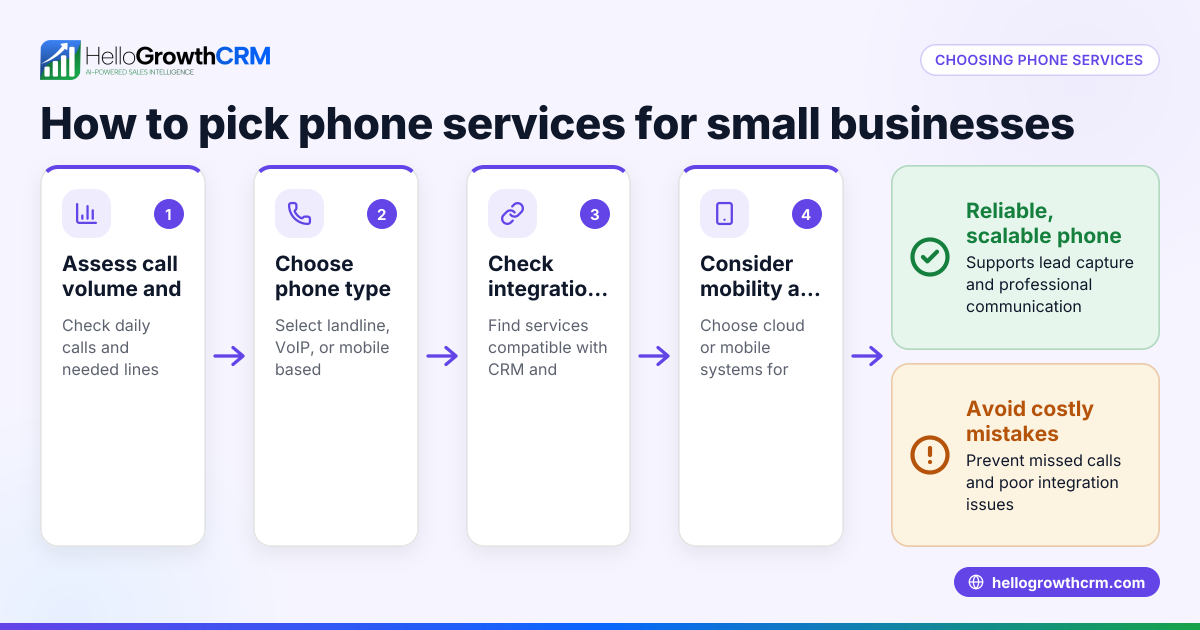
- Assess your business needs: Determine the number of users, call volume, required features (such as call forwarding, voicemail, or conference calls), and whether your team works remotely.
- Research hosted phone providers: Look for reputable providers offering cloud-based phone services tailored to small and mid-sized businesses. Check for reliability, customer support, and compatibility with your existing internet and office setup.
- Check internet requirements: Ensure your internet connection has enough bandwidth and stability to support voice over IP (VoIP) calls without quality loss.
- Choose your phone devices: Decide whether to use desk phones, softphones (software on computers or mobile devices), or a combination. Many hosted systems support all options.
- Set up your phone numbers: Port existing business numbers to the hosted system or get new numbers. Confirm number portability and any associated fees.
- Configure call handling rules: Set up call routing, voicemail, greetings, and hours of operation according to your business needs.
- Train your team: Make sure users know how to use the new system, including making calls, transferring, and accessing voicemail.
- Test extensively: Before fully switching, test call quality, features, and failover options to avoid disruptions.
Example (fictional figures)
A Denver-based B2B software reseller with 15 employees wants to switch to a hosted business phone system on 07/15/2026. Their current phone expense is $300 per month for traditional lines.
- Hosted phone provider charges $25 per user monthly.
- Total monthly cost = 15 users × $25 = $375
- Hardware cost for VoIP desk phones = 10 phones × $120 each = $1,200 (one-time)
- Internet upgrade for VoIP quality = $50 per month
First-year cost calculation:
Monthly recurring cost = $375 + $50 = $425 Annual recurring cost = $425 × 12 = $5,100 Add one-time hardware cost = $5,100 + $1,200 = $6,300
Compared to old phone system annual cost:
Old cost = $300 × 12 = $3,600
Although the hosted system costs more in the first year due to hardware, it offers more features and flexibility. Over time, savings come from easier scaling and no line rental fees.
Common mistakes
- Ignoring internet quality: Poor internet causes dropped calls. Prevent by testing bandwidth and upgrading if needed.
- Choosing too few or too many users: Overestimating users wastes money; underestimating causes bottlenecks. Prevent by reviewing actual team size and call needs.
- Not porting existing numbers: Losing established numbers can confuse customers. Prevent by confirming number porting with the provider.
- Skipping user training: Users unfamiliar with new systems may misuse or avoid it. Prevent by scheduling training sessions.
- Failing to test before full switch: Can lead to downtime or missed calls. Prevent by running parallel tests and having fallback plans.
Frequently asked questions
What is the difference between a hosted business phone and a traditional phone system? A hosted phone system runs over the internet using cloud software, while traditional systems rely on physical phone lines and on-premise hardware. Hosted systems offer more flexibility and remote access.
Can I keep my existing business phone number with a hosted system? Yes, most providers allow number porting, letting you keep your current numbers. Check with your provider about any fees or timing for porting.
Do I need special phones for a hosted business phone? You can use VoIP desk phones designed for hosted systems or softphones on computers and mobile devices. Some providers also support using regular phones with adapters.
Is a hosted business phone system secure? Reputable providers use encryption and security protocols to protect calls and data. It's important to choose a provider with strong security measures.
How does a hosted phone system integrate with other business tools? Many hosted systems offer integration with CRM software, email, and messaging platforms to streamline communication and record keeping. For example, you can combine a hosted phone with a CRM that supports WhatsApp and SMS sequences for sales follow-up, improving responsiveness.
What happens if my internet goes down? Some hosted systems offer failover options, like forwarding calls to mobile phones or voicemail. Check your provider's options and plan accordingly.
Key takeaways
- Hosted business phones use internet-based cloud technology instead of traditional lines.
- They provide flexibility, scalability, and features suitable for small and mid-sized businesses.
- Setup involves assessing needs, choosing a provider, ensuring internet quality, and training users.
- Common mistakes include poor internet, ignoring number porting, and skipping training.
- Testing before full implementation helps avoid disruptions.
Start your hosted business phone journey with confidence. For sales teams managing leads via WhatsApp and SMS, consider tools that integrate communication and CRM functions like HelloGrowthCRM. To explore CRM options tailored for US businesses, see HelloGrowthCRM for the United States. Learn about combining messaging with sales tools at WhatsApp and SMS CRM and streamline calling with a built-in CRM dialer.
Start on the Free Forever plan (200 leads, no credit card) at HelloGrowthCRM.
Ready to put this into practice?
Set up your pipeline, WhatsApp follow-ups, and AI lead scoring in minutes — free, no credit card.
Try HelloGrowthCRM freeGet CRM tips in your inbox
Join thousands of sales professionals who get weekly insights on CRM strategy, AI automation, and pipeline optimization.

The HelloGrowthCRM team publishes guides on CRM strategy, AI sales tools, and revenue operations for small business sales teams.