HelloGrowthCRM software
Built for real small-business sales teams
HelloGrowthCRM helps reps qualify faster, follow up on time, and close more deals—with practical automation in one place.
- AI lead scoring and pipeline visibility
- Built-in dialer, WhatsApp, and email automation
- Sales forecasting and RevOps-ready reporting
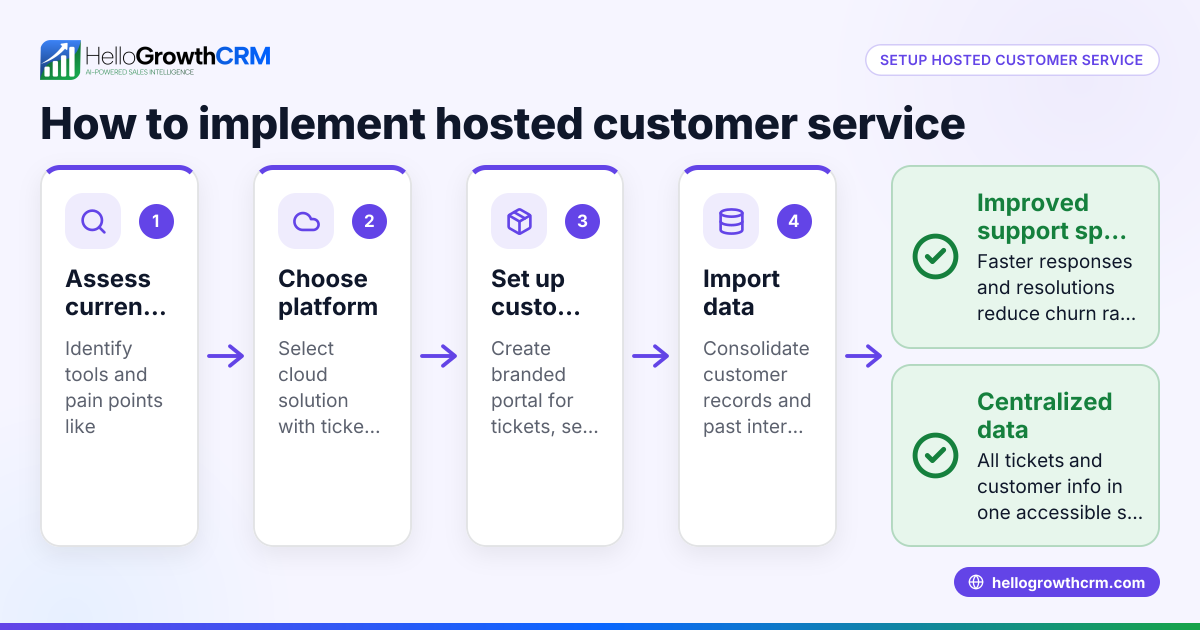
A hosted contact center is a cloud-hosted platform that manages customer interactions across multiple communication channels such as phone calls, emails, WhatsApp, SMS, and chats. Unlike traditional contact centers that require on-site equipment and software, hosted contact centers operate entirely over the internet. This means small businesses can access advanced communication tools without investing in physical hardware or complex IT infrastructure.
Why this comes up / what goes wrong
Small-business owners often search for hosted contact centers when they face challenges managing customer communication effectively. For example, they may lose leads because follow-up is too slow or inconsistent. Many small teams juggle sales conversations through text messages, emails, and spreadsheets, which makes tracking and responding difficult. Without a centralized system, calls and messages can be missed, follow-ups delayed, and customer information scattered. This leads to frustrated customers, lost sales opportunities, and wasted time switching between tools.
Additionally, as businesses grow, the volume of customer interactions increases, making manual handling less sustainable. Small businesses want an affordable, scalable way to manage all communication channels in one place and improve team coordination.
Step-by-step
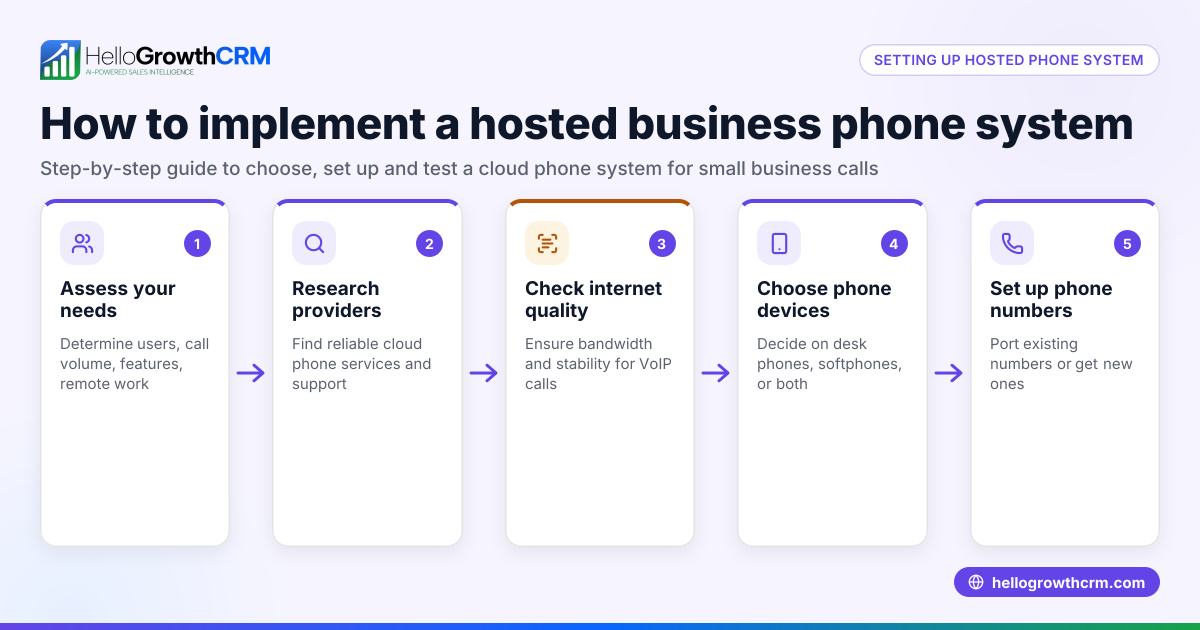
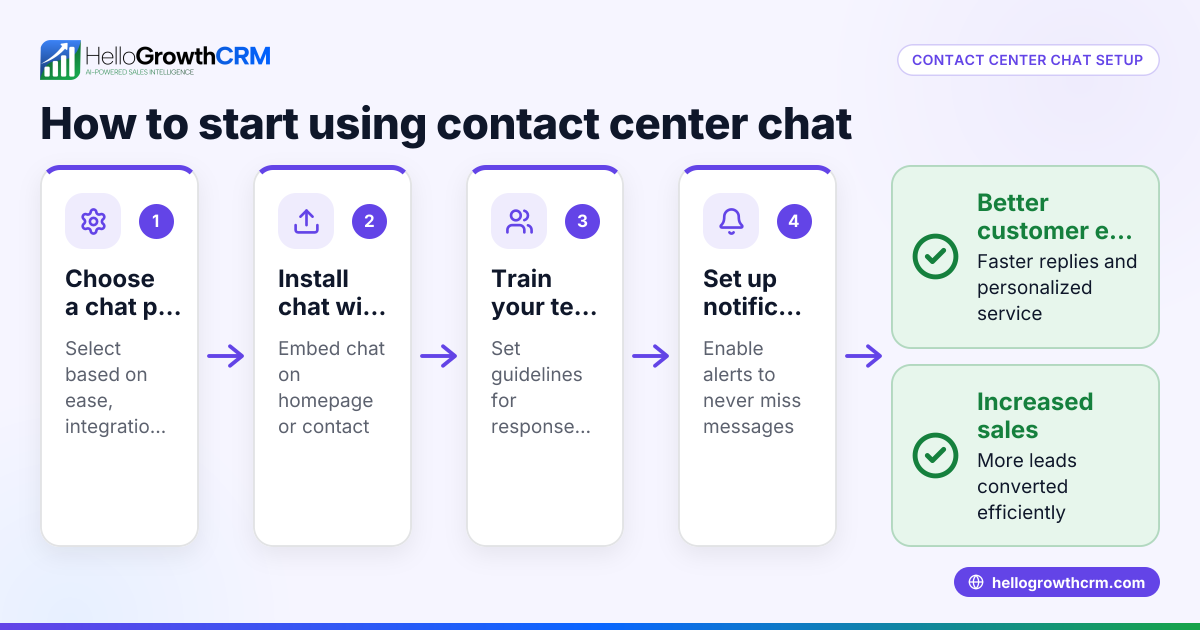
- Assess your communication needs
- List the channels your customers use most, such as phone, WhatsApp, SMS, and email.
- Estimate the volume of interactions and identify peak times.
- Determine if you need features like call routing, automated messaging, or reporting.
- Research hosted contact center providers
- Look for cloud-based solutions that support your required channels.
- Check if the provider offers integrations with your existing sales tools or CRM.
- Consider providers that offer built-in dialers to streamline outbound calls.
- Plan team roles and access
- Decide who will handle calls and messages.
- Assign user roles and permissions to control access.
- Configure call routing rules so customers reach the right agents quickly.
- Set up integrations with CRM and sales tools
- Connect the hosted contact center to your CRM to capture leads automatically.
- Enable features like AI lead scoring or task boards if available.
- This reduces manual data entry and speeds up follow-up.
- Train your team
- Provide hands-on training on using the contact center platform.
- Establish clear protocols for timely follow-up and customer tracking.
- Encourage consistent use to ensure data stays up to date.
- Monitor performance and optimize
- Use reporting tools to track call volumes, response times, and customer satisfaction.
- Adjust routing and workflows based on performance data.
- Regularly review team activity to identify bottlenecks or training needs.
Example (fictional figures)
A residential real-estate team in Phoenix, Arizona, wants to improve lead follow-up using a hosted contact center starting 07/01/2026.
- Monthly subscription fee: $600
- Estimated savings on lost leads: $3,000
- Increased sales from faster follow-up: $5,000
Calculation:
$3,000 + $5,000 = $8,000 total benefit
Net benefit:
$8,000 - $600 = $7,400 monthly gain
This example shows how investing in a hosted contact center can quickly pay off by reducing lost leads and boosting sales.
Common mistakes
- Choosing a solution without multi-channel support: Prevent this by confirming the provider supports all your customer channels like WhatsApp and SMS. See more about WhatsApp and SMS CRM (/product/whatsapp-sms-crm).
- Ignoring integration capabilities: Avoid manual work by ensuring the contact center connects with your CRM or sales tools. This helps automate lead capture and follow-up.
- Undertraining staff: Prevent by scheduling thorough training sessions and providing ongoing support to encourage consistent system use.
- Not monitoring performance: Regularly review reports and adjust workflows to maintain efficiency.
- Failing to assign roles clearly: Define user permissions and responsibilities upfront to avoid confusion.
Frequently asked questions
What is the difference between a hosted contact center and a traditional contact center? A hosted contact center is cloud-based and accessed via the internet, requiring no on-site hardware or physical infrastructure. Traditional contact centers rely on local equipment and software, which can be costly to install and maintain.
Can a hosted contact center handle WhatsApp and SMS messages? Yes, many hosted contact centers support WhatsApp and SMS channels, allowing you to manage customer conversations from these platforms in one place. For example, integrating with WhatsApp and SMS CRM tools helps streamline messaging workflows. Learn more about WhatsApp and SMS CRM (/product/whatsapp-sms-crm).
Is a hosted contact center suitable for small businesses? Absolutely. Hosted contact centers offer scalable, cost-effective solutions without complex IT setups. They help small teams respond faster and keep customer data organized.
How do I ensure my hosted contact center integrates with my sales process? Choose a provider that offers API or built-in integrations with your CRM and sales tools. This allows automatic lead capture and tracking, improving follow-up efficiency.
Do hosted contact centers include built-in dialers? Some hosted contact centers include built-in dialers that let you make outbound calls directly from the platform. This can improve call productivity and simplify workflows. See more on built-in CRM dialers (/product/crm-dialer).
Key takeaways
- A hosted contact center is a cloud-based system managing customer communications without physical hardware.
- Small businesses use hosted contact centers to centralize calls, messages, and support across channels like WhatsApp and SMS.
- Setting one up involves assessing needs, choosing a provider, integrating with CRM, training staff, and monitoring performance.
- Avoid common mistakes like ignoring integration, undertraining, and not monitoring usage.
- Using multi-channel CRM tools can streamline communication and sales follow-up.
Start improving your customer communication today. Start on the Free Forever plan (200 leads, no credit card) to try a CRM that supports multi-channel sales and follow-up.
For more on managing US sales teams and communication, see HelloGrowthCRM for the United States.
Ready to put this into practice?
Set up your pipeline, WhatsApp follow-ups, and AI lead scoring in minutes — free, no credit card.
Try HelloGrowthCRM freeGet CRM tips in your inbox
Join thousands of sales professionals who get weekly insights on CRM strategy, AI automation, and pipeline optimization.

The HelloGrowthCRM team publishes guides on CRM strategy, AI sales tools, and revenue operations for small business sales teams.