HelloGrowthCRM software
Built for real small-business sales teams
HelloGrowthCRM helps reps qualify faster, follow up on time, and close more deals—with practical automation in one place.
- AI lead scoring and pipeline visibility
- Built-in dialer, WhatsApp, and email automation
- Sales forecasting and RevOps-ready reporting
Mobile payment allows customers to pay using their mobile devices instead of cash or cards. Common methods include digital wallets like Apple Pay or Google Pay, which store card information securely. When a customer pays, their device communicates wirelessly with the merchant’s payment terminal or online checkout to complete the transaction quickly and securely.
Why this comes up / what goes wrong
Many US small-business owners want to accept mobile payments because customers expect fast, contactless options. However, business owners often face confusion about how mobile payments actually work and how to integrate them smoothly into their sales process. Without clarity, businesses risk slow checkouts, lost sales, or errors in payment tracking. For example, a landscaping contractor working on-site might struggle to accept mobile payments easily or keep track of payments alongside their quotes and invoices.
Step-by-step
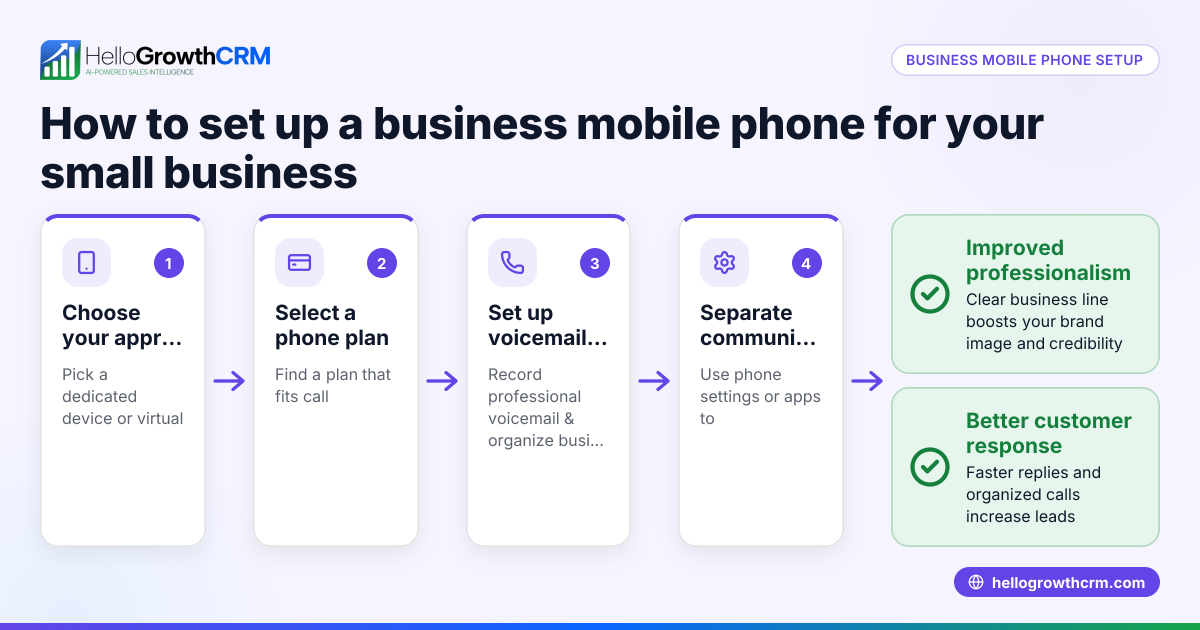
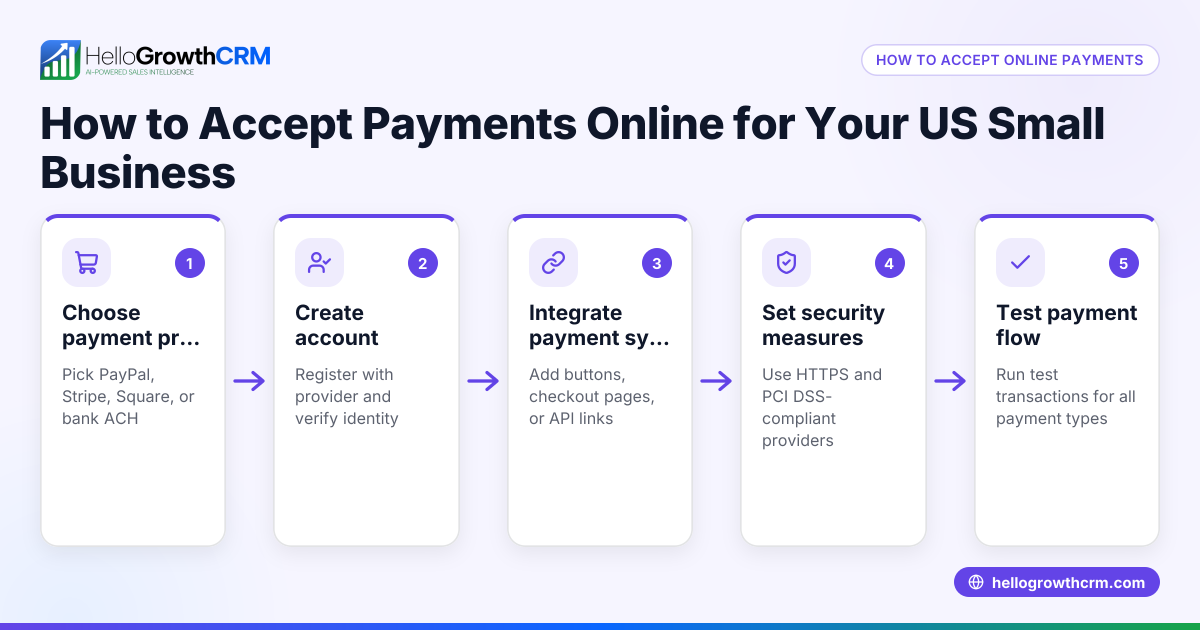
- Choose your mobile payment options: Decide which mobile payment methods you will accept, such as Apple Pay, Google Pay, or other popular digital wallets.
- Get compatible payment hardware or software: Obtain a point-of-sale (POS) terminal or payment gateway that supports contactless mobile payments or QR code scanning.
- Connect payments to your sales system: Make sure your payment system integrates with your invoicing or CRM software to track payments and sales efficiently.
- Train your team: Teach employees how to accept mobile payments, verify payment confirmation, and handle any issues that arise.
- Confirm and record payments: Once a payment is authorized, confirm it on your system and provide a receipt, either digitally or on paper.
- Reconcile regularly: Check payment records against bank deposits frequently to ensure all payments are accounted for and correct.
Example (fictional figures)
A landscaping contractor in Charlotte, North Carolina, completes a $3,200 job on 05/15/2026 and accepts payment via Apple Pay.
- Job amount = $3,200
- Payment processed and authorized instantly
- Payment recorded in the contractor’s system
- Receipt sent to the customer’s phone
This immediate payment avoids invoicing delays and improves cash flow.
Common mistakes
- Not verifying payment confirmation: Always check the payment confirmation on your device before completing the sale to avoid disputes.
- Ignoring integration with sales tracking: Without linking payments to your CRM or invoicing system, you risk losing track of paid versus unpaid jobs. Use tools like HelloGrowthCRM for seamless tracking.
- Failing to train staff: Untrained employees may mishandle mobile payments, causing delays or lost sales. Provide clear instructions.
- Neglecting reconciliation: Regularly reconcile mobile payments with bank deposits to catch errors or fraud.
- Choosing incompatible hardware: Ensure your payment terminal supports the mobile payment methods your customers use.
Doing this in HelloGrowthCRM
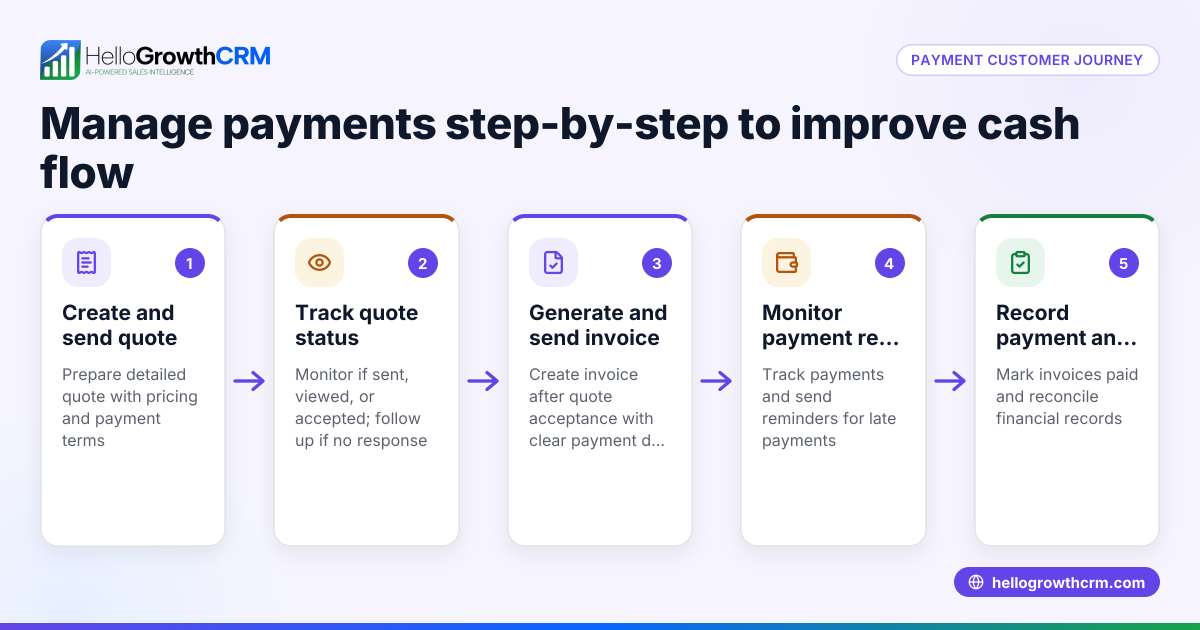
HelloGrowthCRM includes a built-in quoting and proposal tool that lets you build, send, and track commercial documents right from the deal record. When you send a quotation, you can see its status—sent, viewed, or accepted—on the same screen as your follow-up task. After closing a deal, invoice generation and payment reconciliation are tied directly to that deal, helping you manage payments clearly and efficiently. Learn more about these features at HelloGrowthCRM for the United States.
Frequently asked questions
What devices can accept mobile payments? Mobile payments can be accepted on smartphones, tablets, and compatible payment terminals that support NFC (Near Field Communication) or QR code scanning. Many modern POS systems include this capability.
Are mobile payments secure? Mobile payments use encryption and tokenization to protect card details. Transactions require device authentication such as fingerprint or face recognition, adding extra security layers.
How do I track mobile payments in my business? You can track mobile payments by integrating your payment system with invoicing or CRM software. HelloGrowthCRM allows you to link payments to deals and invoices, simplifying payment tracking alongside your sales pipeline.
Do mobile payments cost more in fees? Mobile payments may carry fees similar to credit card transactions, depending on your payment processor. Check with your provider for exact rates.
Can I use mobile payments for remote sales? Yes, mobile payments work for both in-person and online sales. For remote sales, you can send payment links or invoices that customers pay via mobile wallets.
How does mobile payment integration improve sales follow-up? Integrating mobile payments with your CRM helps you track payment status alongside follow-up tasks, making it easier to manage sales pipelines and avoid lost leads. HelloGrowthCRM’s built-in CRM dialer and WhatsApp and SMS CRM features support timely customer communication during the sales process. See more at WhatsApp and SMS CRM and built-in CRM dialer.
Key takeaways
- Mobile payment lets customers pay quickly and contactlessly using smartphones or digital wallets.
- Set up compatible payment hardware and integrate it with your invoicing or CRM system.
- Confirm payments immediately and issue receipts to customers.
- Avoid common mistakes like poor staff training, lack of reconciliation, and incompatible hardware.
- HelloGrowthCRM helps manage quotes, proposals, invoices, and payment tracking from one deal record.
- Integration with HelloGrowthCRM’s communication tools improves sales follow-up and payment management.
Mobile payments can speed up your sales process and improve customer experience. To start managing your sales pipeline and payments efficiently, try HelloGrowthCRM for the United States and explore its quoting and invoicing features alongside WhatsApp and SMS CRM capabilities at WhatsApp and SMS CRM and the built-in dialer at built-in CRM dialer.
Start on the Free Forever plan (200 leads, no credit card) at HelloGrowthCRM.
Ready to put this into practice?
Set up your pipeline, WhatsApp follow-ups, and AI lead scoring in minutes — free, no credit card.
Try HelloGrowthCRM freeGet CRM tips in your inbox
Join thousands of sales professionals who get weekly insights on CRM strategy, AI automation, and pipeline optimization.

The HelloGrowthCRM team publishes guides on CRM strategy, AI sales tools, and revenue operations for small business sales teams.