HelloGrowthCRM software
Built for real small-business sales teams
HelloGrowthCRM helps reps qualify faster, follow up on time, and close more deals—with practical automation in one place.
- AI lead scoring and pipeline visibility
- Built-in dialer, WhatsApp, and email automation
- Sales forecasting and RevOps-ready reporting
A business mobile phone is a phone number or device assigned solely for business use. It keeps your business communications distinct from personal calls, making your operation look more professional and easier to manage. For small businesses, having a dedicated business mobile phone can improve customer response times, help track leads, and organize conversations effectively.
Why this comes up / what goes wrong
Many small-business owners use their personal phones for both work and private calls. This often leads to missed customer calls or messages because business contacts get mixed with personal ones. Without a separate business number, customers might hesitate to call, unsure if they are reaching a professional line. It also complicates record-keeping and follow-up, making it harder to track sales leads or customer requests. Furthermore, mixing personal and business communications can reduce your professional image and make it difficult to maintain work-life balance.
Small businesses often face challenges such as lost leads due to slow follow-up, or managing sales conversations across text messages, email, and spreadsheets. Without a clear, dedicated business mobile phone, these issues become more frequent and harder to resolve. A business mobile phone helps centralize communication, making it easier for sales teams to respond quickly and keep track of customer interactions.
Step-by-step
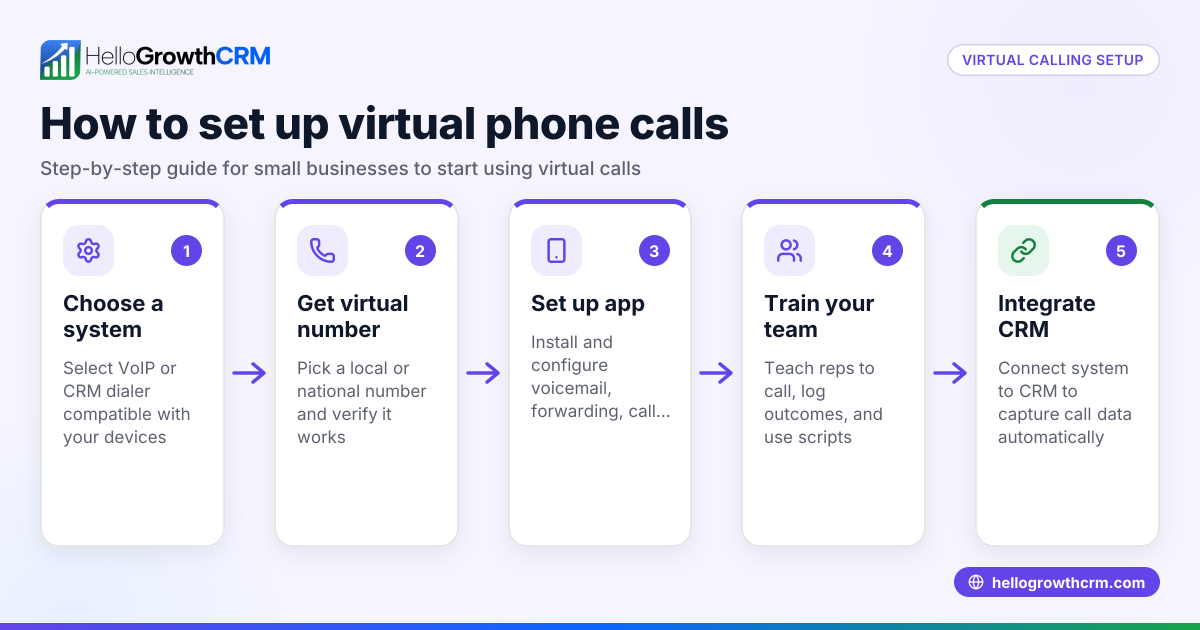
- Choose your approach: separate device or virtual number Decide if you want a dedicated mobile phone for business or a virtual business number that works on your existing phone. Check network coverage and reliability for your area and business needs.
- Select a business phone plan Look for a plan that fits your expected call volume, texting, and data needs. Compare providers for cost, features like voicemail, call forwarding, and business texting options.
- Set up professional voicemail and contacts Record a clear voicemail greeting stating your business name and hours. Organize your contacts to keep business numbers separate from personal ones.
- Separate business and personal communications Use phone settings or apps to create distinct spaces for business messages and calls. This helps you respond faster and keeps your work communications organized.
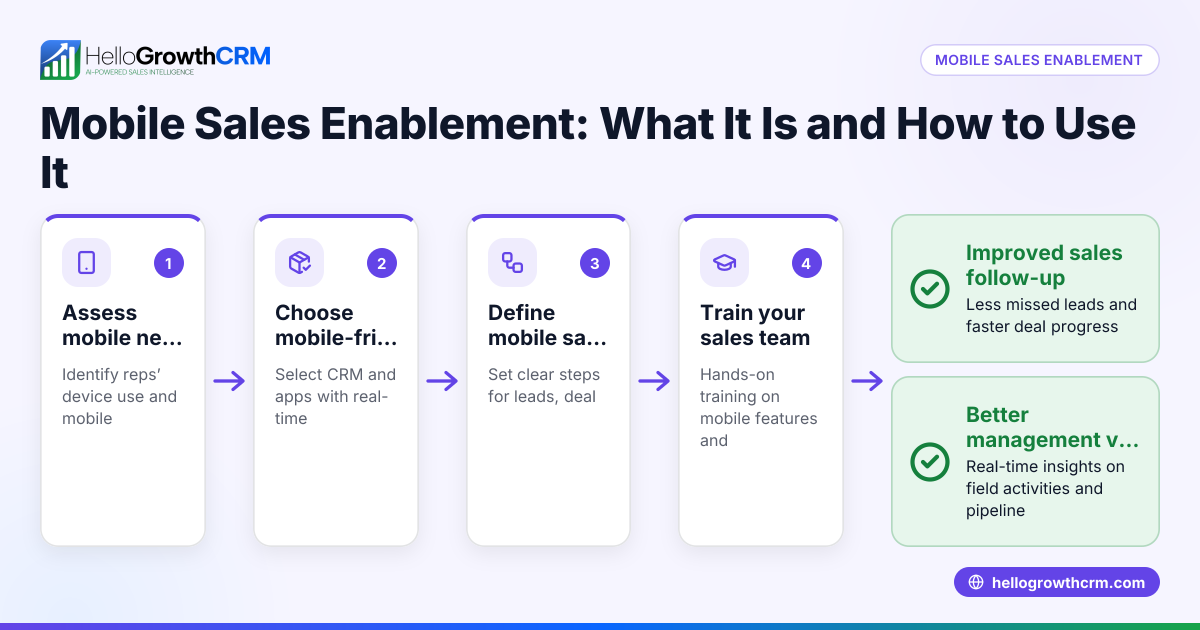
- Train your team if applicable If you have employees, provide clear guidelines on using the business phone or number to ensure consistent and professional customer communication.
- Monitor usage and expenses regularly Review call logs, messages, and phone bills monthly to ensure your plan suits your needs. Adjust your plan or phone setup as your business grows.
For more on managing business communication, see HelloGrowthCRM for the United States, WhatsApp and SMS CRM, and the built-in CRM dialer.
Example (fictional figures)
A two-location dental practice in Columbus, Ohio, wants to improve patient communication by using a dedicated business mobile phone.
- Monthly business mobile plan cost: $60
- Additional data charges: $10
- One-time voicemail setup cost: $50
Total first month cost = $60 + $10 + $50 = $120
Subsequent monthly cost = $60 + $10 = $70
After three months, they track a 15% increase in appointment bookings due to better phone availability and professional communication.
Common mistakes
- Using personal phones for business calls: Leads to missed calls and confusion. Prevent by getting a dedicated business line.
- Not setting a professional voicemail greeting: Can deter customers. Record a clear, professional message stating business hours.
- Mixing personal and business communications: Causes lost leads and disorganization. Use separate apps or numbers to keep communications distinct.
- Choosing the wrong phone plan: Overpaying or running out of data. Regularly review usage and adjust your plan.
- Failing to train staff on phone use: Leads to inconsistent customer experience. Provide clear guidelines and training.
- Ignoring call tracking and follow-up: Without tracking, leads can slip through. Use call logs and reminders to follow up promptly.
Frequently asked questions
What is the difference between a business mobile phone and a personal phone? A business mobile phone is dedicated exclusively to business communications, keeping work and personal contacts separate. This helps maintain professionalism and organization. Personal phones combine both, which can cause missed calls and confusion.
Can I use my personal phone for business calls? You can, but it is not recommended because it mixes personal and business contacts, making it harder to manage calls and maintain a professional image.
How do I choose the right business mobile phone plan? Consider your expected call volume, texting, and data needs. Compare plans for cost, features like voicemail and call forwarding, and network reliability.
Is a virtual business phone number a good option? Yes, virtual numbers let you have a business number on your personal phone without needing a second device. This can be cost-effective and flexible.
How do I keep business and personal messages separate on one phone? Use separate apps for business messaging or phone settings that create distinct profiles or folders for business communications.
Key takeaways
- A business mobile phone keeps your business and personal communications separate.
- Decide between a dedicated device or a virtual business number.
- Choose a business phone plan that fits your call, text, and data needs.
- Set up a professional voicemail greeting and organize contacts.
- Avoid mixing business and personal calls to maintain professionalism.
- Train staff on consistent phone use if applicable.
- Regularly review your phone usage and expenses to adjust plans.
Start on the Free Forever plan (200 leads, no credit card) at HelloGrowthCRM to organize your business contacts and communications effectively.
Ready to put this into practice?
Set up your pipeline, WhatsApp follow-ups, and AI lead scoring in minutes — free, no credit card.
Try HelloGrowthCRM freeGet CRM tips in your inbox
Join thousands of sales professionals who get weekly insights on CRM strategy, AI automation, and pipeline optimization.

The HelloGrowthCRM team publishes guides on CRM strategy, AI sales tools, and revenue operations for small business sales teams.