HelloGrowthCRM software
Built for real small-business sales teams
HelloGrowthCRM helps reps qualify faster, follow up on time, and close more deals—with practical automation in one place.
- AI lead scoring and pipeline visibility
- Built-in dialer, WhatsApp, and email automation
- Sales forecasting and RevOps-ready reporting
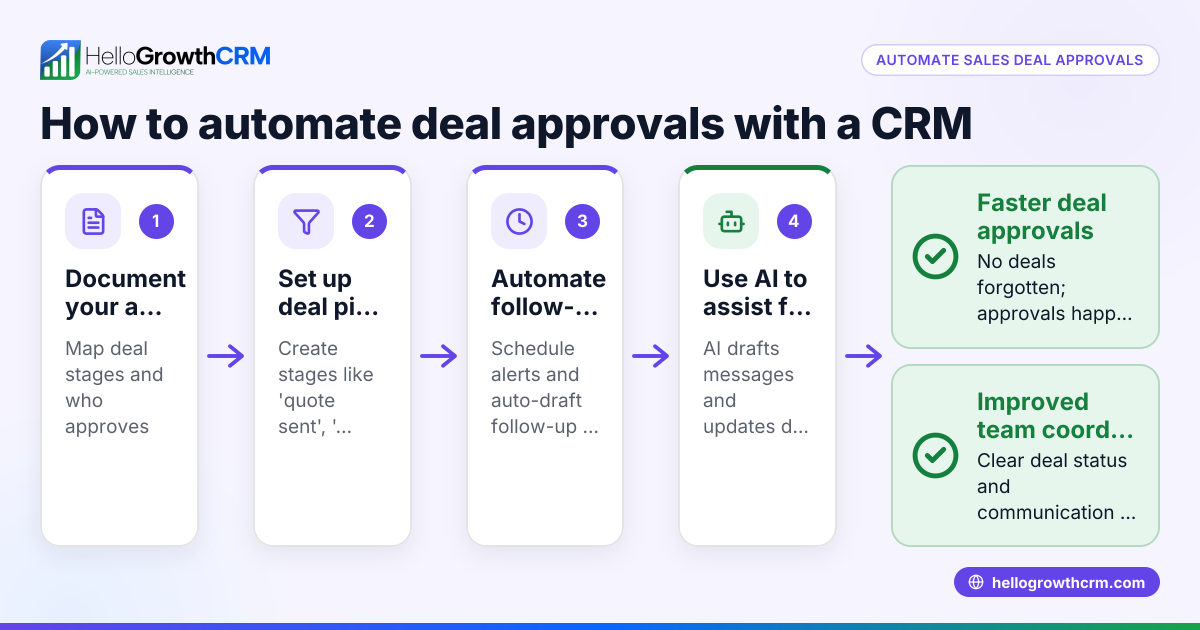
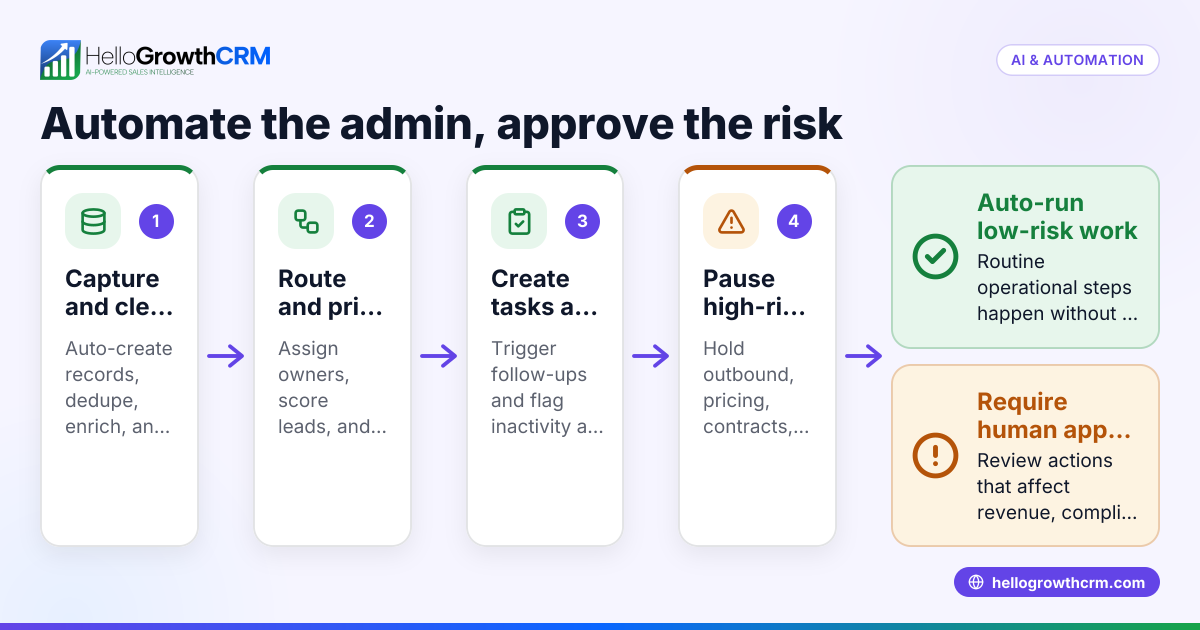
Automating customer approvals in your CRM means creating a system where approval requests for customers or deals are generated and processed without manual intervention. This reduces delays and errors, ensuring faster sales cycles and better customer experience.
Why this comes up / what goes wrong
Small-business owners often struggle with slow or inconsistent customer approvals because they rely on manual processes like emails, WhatsApp messages, or phone calls. These methods cause delays, lost messages, and difficulty tracking approval status. Without automation, teams waste time chasing approvals and risk losing leads or deals.
Automating customer approvals in CRM helps by:
- Triggering approval requests automatically when a customer reaches a certain stage or meets criteria.
- Notifying the right person to approve via email, WhatsApp, or SMS.
- Logging the approval decision directly in the CRM.
- Updating the customer or deal status instantly after approval.
Step-by-step
- Define approval criteria: Decide what conditions require customer approval, such as order value above ₹1,00,000 or credit terms requested.
- Check that these criteria are measurable fields in your CRM.
- Set up an approval workflow: In your CRM, create an automation that triggers when a customer or deal meets the criteria.
- Check that the trigger conditions match your defined criteria.
- Assign approvers: Specify who receives the approval request—this could be a sales manager or finance team member.
- Check approver contact details are correct.
- Create approval request message: Draft a clear message template for the approver, including customer details and what needs approval.
- Check message clarity and completeness.
- Send approval request automatically: Configure the CRM to send the approval request via email, WhatsApp, or SMS.
- Check message delivery and receipt by approver.
- Capture approval response: Set up the CRM to record the approver’s response (approved or rejected) through a form, reply message, or button.
- Check responses update the correct customer record.
- Update customer status: Automate status change in the CRM based on approval outcome.
- Check that status updates trigger follow-up actions like order processing.
- Notify sales team: Send a notification to the sales rep about the approval result.
- Check notifications reach the right team members.
- Monitor and report: Use CRM reports to track approval times and bottlenecks.
- Check reports for accuracy and usefulness.
Example (fictional figures)
ABC Electronics sells consumer gadgets. They want to automate approvals for orders above ₹1,00,000.
- On 15/06/2024, a sales rep enters a deal worth ₹1,20,000.
- The CRM triggers the approval workflow because ₹1,20,000 > ₹1,00,000.
- Approval request is sent to the sales manager via WhatsApp.
- Manager approves on 16/06/2024.
- CRM updates deal status to "Approved" and notifies the sales rep.
Calculation check:
₹1,20,000 > ₹1,00,000 (approval threshold) = true
Approval sent on 15/06/2024
Approval received on 16/06/2024
Deal status updated to "Approved"
Sales rep notified immediately.
Common mistakes
- Not defining clear approval criteria: Leads to confusion and missed approvals. Prevent by documenting exact conditions.
- Ignoring approver availability: Approval requests may be delayed if sent without checking schedules. Prevent by setting backup approvers.
- Using manual follow-up for approvals: Causes delays and lost responses. Prevent by automating notifications and responses.
- Not logging approvals in CRM: Makes tracking difficult. Prevent by ensuring the CRM captures all responses.
- Overcomplicating the workflow: Too many steps can cause errors. Prevent by keeping the process simple and tested.
- Failing to notify sales team: Sales reps stay unaware of approval status. Prevent by automating team notifications.
Doing this in HelloGrowthCRM
HelloGrowthCRM supports sales teams with a built-in dialer that lets telecallers work a list and log call outcomes on each lead record. WhatsApp and SMS conversations with leads are automatically logged, and follow-ups can be sent as messages, helping keep approval communication smooth. Additionally, AI agents in HelloGrowthCRM draft follow-up messages after calls, so reps only review and send, saving time during the approval process. Learn more about WhatsApp and SMS CRM and the built-in dialer.
Frequently asked questions
Can I automate approvals for different customer types? Yes, you can set different approval criteria and workflows for various customer segments by defining conditions based on customer data fields.
How do I handle approval rejections in the CRM? Set your workflow to update the customer or deal status to "Rejected" and notify the sales team to take corrective action or follow up.
Is it possible to approve via WhatsApp? Yes, if your CRM supports WhatsApp messaging, you can send approval requests and receive responses directly through WhatsApp, keeping all communication logged.
How can I track approval times and delays? Use CRM reporting features to monitor the time taken for each approval and identify bottlenecks, enabling process improvements.
Does automation affect customer experience? Automating approvals speeds up the process and reduces errors, improving customer satisfaction by faster responses and clear communication.
Can I integrate approval automation with other sales workflows? Yes, approval automation can trigger next steps like order processing, invoicing, or delivery scheduling, streamlining your sales pipeline.
Key takeaways
- Define clear, measurable approval criteria in your CRM.
- Set up automated workflows to send approval requests and capture responses.
- Use messaging channels like WhatsApp and SMS for efficient communication.
- Log all approvals and update customer status automatically.
- Monitor approval performance with CRM reports.
- Avoid common mistakes like unclear criteria and manual follow-ups.
Start automating your customer approvals today to speed up sales and reduce errors. You can begin with HelloGrowthCRM’s Free Forever plan, which supports up to 200 leads without a credit card. Start on the Free Forever plan (200 leads, no credit card).
Ready to put this into practice?
Set up your pipeline, WhatsApp follow-ups, and AI lead scoring in minutes — free, no credit card.
Try HelloGrowthCRM freeGet CRM tips in your inbox
Join thousands of sales professionals who get weekly insights on CRM strategy, AI automation, and pipeline optimization.

The HelloGrowthCRM team publishes guides on CRM strategy, AI sales tools, and revenue operations for small business sales teams.