HelloGrowthCRM software
Built for real small-business sales teams
HelloGrowthCRM helps reps qualify faster, follow up on time, and close more deals—with practical automation in one place.
- AI lead scoring and pipeline visibility
- Built-in dialer, WhatsApp, and email automation
- Sales forecasting and RevOps-ready reporting
To automate sales follow-up reminders in India, you need a process that automatically creates follow-up tasks or messages with due dates after each interaction with a lead. These reminders should be sent through channels like WhatsApp, SMS, or email, and the system should stop reminders as soon as the prospect replies. This avoids missed leads and slow responses that cost sales.
Why this comes up / what goes wrong
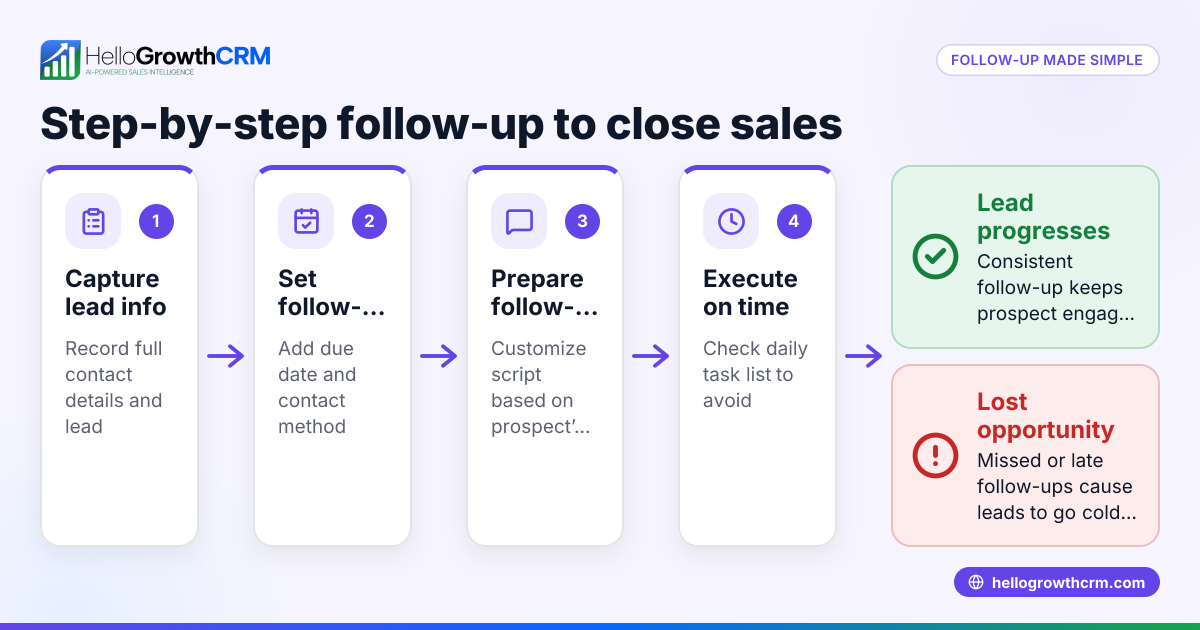
Many Indian small-business owners rely on manual follow-ups using WhatsApp chats or Excel sheets. This leads to missed or late follow-ups because there's no central task list or automated reminder. Sales teams forget to call or message leads on time, causing lost opportunities. The problem worsens as the business grows and leads increase.
Owners want a clear, repeatable way to automate reminders so their sales reps never miss a follow-up. They also want to avoid complicated software setups that their team won’t use. Automating follow-up reminders improves lead engagement and conversion without adding overhead.
Step-by-step
- Choose your channels for reminders: Decide if you want to send follow-ups via WhatsApp, SMS, email, or calls. WhatsApp is popular in India for direct customer contact.
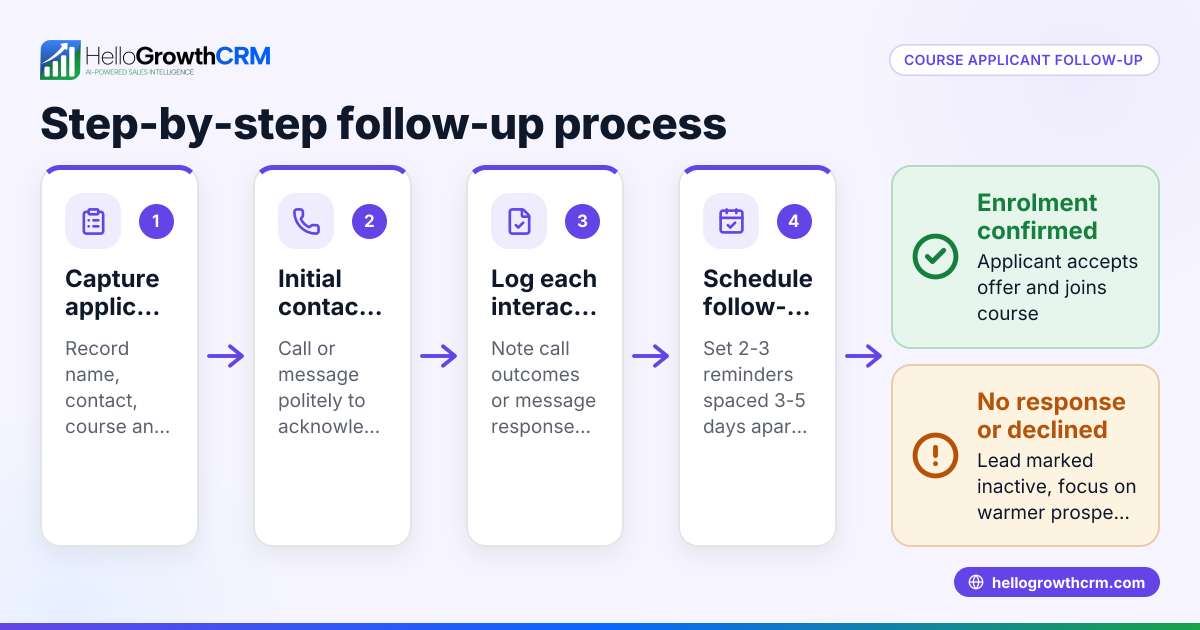
- Create a follow-up schedule: Define how many follow-ups you want and their timing. For example, 5 follow-ups over 14 days after a lead inquiry.
- Use a CRM or task management tool: Set up a system that automatically creates follow-up tasks with due dates for each lead interaction. Each task should remind the sales rep to call or message.
- Automate message sending: Use sequences or campaigns that send follow-up messages automatically on your chosen channels. The system should stop sending if the prospect replies.
- Log all activities: Ensure every call, message, or meeting is logged against the lead for history and accountability.
- Review and adjust: Monitor follow-up completion and response rates. Adjust timing or message content based on what works.
- Train your team: Make sure sales reps understand how to use the system and check their daily task lists.
- Integrate lead capture: Connect your lead sources like IndiaMART or JustDial to your CRM so follow-ups start automatically.
Check that your system sends reminders on time, stops after replies, and shows clear daily tasks so reps don’t forget.
Example (fictional figures)
A Delhi-based small machinery supplier receives a lead inquiry on 01/03/2024 for ₹2,00,000 worth of equipment.
- Follow-up schedule: 5 messages over 14 days (Day 1, 3, 7, 10, 14).
- Day 1 message sent automatically on 01/03/2024.
- If no reply, Day 3 reminder sent on 03/03/2024.
- Day 7 message sent on 07/03/2024.
- Prospect replies on 09/03/2024, so follow-ups stop.
Calculations:
Day 1: 01/03/2024 — Send message 1 Day 3: 03/03/2024 — Send message 2 Day 7: 07/03/2024 — Send message 3 Day 9: Prospect replies — stop follow-ups
This saves the rep from manually remembering to call or message on these days and avoids annoying the prospect after they reply.
Common mistakes
- Relying on memory or WhatsApp chats alone: Leads get missed. Use task boards to track follow-ups explicitly. See sales task boards.
- Sending too many follow-ups without stopping: This annoys prospects. Automate stopping follow-ups on reply.
- Not logging activities: Without logging calls or messages, you lose context. Use a CRM that records every interaction.
- Ignoring the timing of follow-ups: Sending messages too early or too late reduces impact. Define a clear schedule.
- Not integrating lead sources: Manually entering leads wastes time and delays follow-ups. Connect IndiaMART, JustDial, or web forms.
- Not training the sales team: Even the best system fails if reps don’t check their tasks daily.
Doing this in HelloGrowthCRM
HelloGrowthCRM supports automating sales follow-up reminders with these features:
- Activities and task boards: Each follow-up becomes a task with a due date; the day’s calls appear as a list, so reps don’t rely on memory. See sales task boards.
- Sequences and campaigns: Set up a five-step follow-up sequence over two weeks that runs automatically and stops as soon as the prospect replies. Learn more at email automation and sequences.
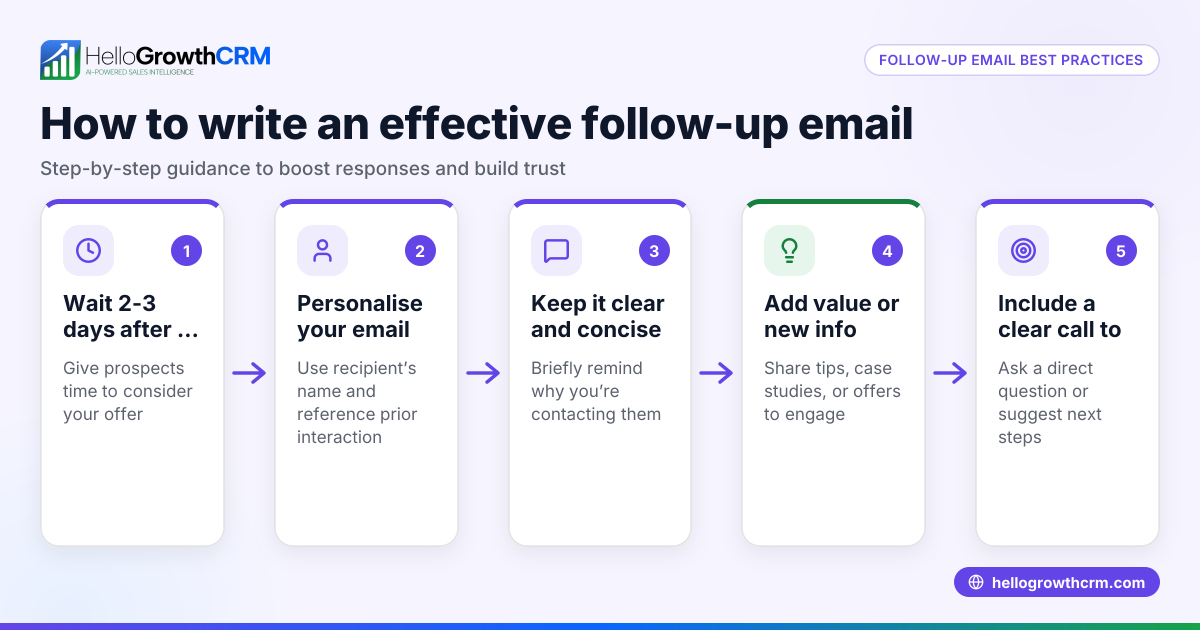
- AI agents (Beta): After a call, an AI agent drafts the follow-up message for the rep to review and send, saving time and effort.
Start automating your follow-ups with HelloGrowthCRM tailored for Indian SMBs at HelloGrowthCRM for India.
Frequently asked questions
How many follow-up reminders should I automate? Typically, 4 to 5 follow-ups over 10 to 14 days work well. Too few may miss the lead’s attention; too many can annoy them. Adjust based on your industry and response rates.
Can I automate WhatsApp follow-ups legally in India? Yes, you can automate WhatsApp messages using approved business tools and templates. Always ensure compliance with WhatsApp Business policies and customer consent. NEEDS EXPERT REVIEW
What if a prospect replies in between? Your automation should immediately stop sending further follow-ups once a reply is received to avoid spamming and to allow a real conversation.
How do I track if my sales team completed follow-ups? Use task boards that list daily calls and follow-up tasks. Managers can review completed activities and pending tasks easily.
Can I integrate leads from IndiaMART and JustDial? Yes, integrating these lead sources into your CRM triggers automatic follow-up sequences, reducing manual data entry and speeding up response time.
Key takeaways
- Automate follow-up reminders by creating tasks with due dates after each lead interaction.
- Use multi-step message sequences that stop once the prospect replies.
- Log every call, message, and meeting for full context.
- Avoid common mistakes like relying on memory, not stopping follow-ups, and ignoring lead integration.
- Tools like HelloGrowthCRM provide task boards, sequences, and AI agents to simplify automation.
Start automating your sales follow-up reminders today to improve lead response and sales conversions. You can Start on the Free Forever plan (200 leads, no credit card) and see how automation helps your team stay on top of every lead.
Ready to put this into practice?
Set up your pipeline, WhatsApp follow-ups, and AI lead scoring in minutes — free, no credit card.
Try HelloGrowthCRM freeGet CRM tips in your inbox
Join thousands of sales professionals who get weekly insights on CRM strategy, AI automation, and pipeline optimization.

The HelloGrowthCRM team publishes guides on CRM strategy, AI sales tools, and revenue operations for small business sales teams.