HelloGrowthCRM software
Built for real small-business sales teams
HelloGrowthCRM helps reps qualify faster, follow up on time, and close more deals—with practical automation in one place.
- AI lead scoring and pipeline visibility
- Built-in dialer, WhatsApp, and email automation
- Sales forecasting and RevOps-ready reporting
Automating support ticket notifications helps Indian small businesses respond quickly and efficiently to customer issues without manual follow-up delays. This guide explains why automation is important, gives detailed steps to set it up, shows a worked example with realistic figures, highlights common mistakes, and introduces HelloGrowthCRM’s features that help manage tickets and customer service seamlessly.
Why this comes up / what goes wrong
Many Indian small business owners rely on WhatsApp or email to handle customer support. Without automation, tickets can be missed or delayed because follow-up depends on manual checking. This leads to lost customers and poor service ratings. Automating ticket notifications ensures that whenever a customer raises a support request, the right team member is alerted instantly by their preferred channel, speeding resolution and improving satisfaction.
Step-by-step
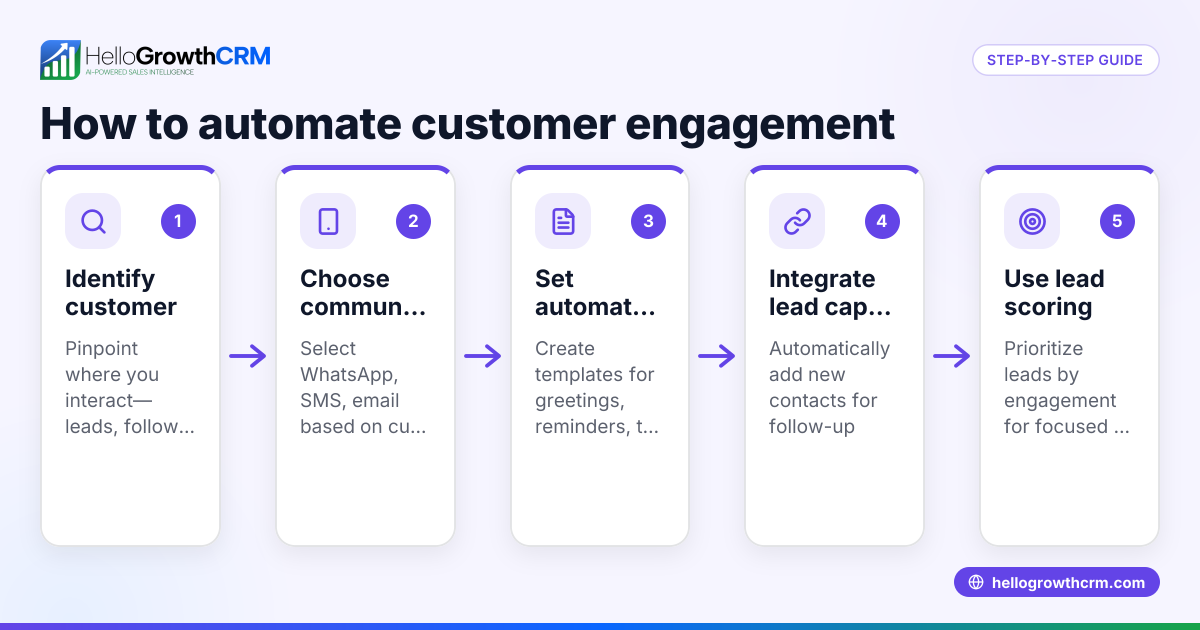
- Choose a ticketing system with notification capabilities: Select software that captures support requests from email, web forms, or WhatsApp and creates tickets automatically.
- Define ticket categories and priorities: Set up categories like "Technical Issue," "Billing Query," or "Order Status" and assign priority levels (High, Medium, Low) to route notifications properly.
- Set up notification channels: Configure alerts via email, WhatsApp, and SMS so that assigned agents receive tickets instantly. Check that message templates contain key details like ticket ID, customer name, and issue summary.
- Assign tickets automatically: Use rules based on category, priority, or customer location to assign tickets to specific team members or groups, ensuring notifications reach the right person.
- Create escalation policies: If a ticket is not acknowledged within a set time (e.g., 2 hours), automate a reminder notification to the agent or escalate to a manager.
- Test the system: Submit sample tickets from different channels and verify that notifications are sent correctly and received promptly.
- Train your team: Ensure all agents know how to access tickets, respond via the system, and update ticket status so notifications reflect progress.
- Monitor and refine: Regularly review notification logs and customer feedback to adjust categories, priorities, and escalation times for better efficiency.
Example (fictional figures)
An Indian electronics retailer receives 100 support tickets monthly. They set priorities as:
- High priority (20 tickets): urgent device faults
- Medium priority (50 tickets): warranty queries
- Low priority (30 tickets): general information
They configure notifications as follows:
- Immediate WhatsApp alert for High priority tickets
- Email alert within 30 minutes for Medium priority
- Daily SMS summary for Low priority
Calculation of notification costs per month (assumed illustrative rates):
High priority WhatsApp alerts: 20 tickets × ₹1 per message = ₹20
Medium priority email alerts: 50 tickets × ₹0.50 per email = ₹25
Low priority SMS summaries: 30 tickets × ₹2 per SMS = ₹60
Total monthly notification cost: ₹20 + ₹25 + ₹60 = ₹105
This setup ensures urgent tickets get instant attention while controlling costs on lower priority notifications.
Common mistakes
- Not defining clear ticket categories: Leads to wrong assignment and missed notifications. Prevent by setting precise categories.
- Ignoring escalation policies: Tickets can remain unattended. Set automatic reminders and manager alerts.
- Using only one notification channel: Customers and agents may miss updates. Use multiple channels like WhatsApp, email, and SMS.
- Failing to test notifications: Errors go unnoticed until customers complain. Test thoroughly before going live.
- Overloading agents with notifications: Causes alert fatigue. Use priority filters to limit unnecessary alerts.
- Not integrating support tickets with customer records: Makes tracking history difficult. Keep tickets linked to customer profiles.
Doing this in HelloGrowthCRM
HelloGrowthCRM offers a customer portal, tickets, and knowledge base features that keep service requests linked to the same customer record as the deal. This helps your team view all interactions in one place. The system supports managing referrals and provides a reference library for common issues. Using HelloGrowthCRM, you can automate ticket notifications and track service SLAs efficiently. Learn more about customer health score and how HelloGrowthCRM supports Indian businesses at HelloGrowthCRM for India.
Frequently asked questions
How can I integrate WhatsApp for support ticket notifications? You can use a CRM like HelloGrowthCRM that is WhatsApp-native, allowing automatic ticket creation and notifications directly on WhatsApp. This ensures your team receives alerts where they already communicate.
What is the best way to prioritize support tickets? Classify tickets by urgency and impact, such as High, Medium, and Low priority. Automate notifications based on these priorities to ensure critical issues are addressed first.
Can I automate reminders if a ticket is not resolved? Yes, set escalation policies within your ticketing system to send automatic reminder notifications to agents or managers if tickets remain open beyond a set time.
Is SMS still effective for ticket notifications in India? SMS is widely used and reliable in India, especially for customers or agents who may have limited internet access. Combining SMS with WhatsApp and email covers all bases.
How do I avoid missing tickets when using multiple channels? Use a unified ticketing system that consolidates requests from email, WhatsApp, SMS, and web forms into one dashboard with automated notifications.
Can HelloGrowthCRM help with managing support tickets and notifications? Yes, HelloGrowthCRM lets you manage tickets, customer interactions, and notifications in one platform, helping your team stay organized and responsive. See details on WhatsApp and SMS CRM.
Key takeaways
- Automate ticket notifications via WhatsApp, email, and SMS for timely responses.
- Define clear ticket categories and priorities to route notifications correctly.
- Use escalation policies to prevent unattended tickets.
- Test notification workflows before full deployment.
- Integrate support tickets with customer records for complete service history.
- HelloGrowthCRM supports automated ticketing and notifications with customer portal and knowledge base features.
Start automating your support ticket notifications today to improve customer satisfaction and team efficiency. Start on the Free Forever plan (200 leads, no credit card).
Ready to put this into practice?
Set up your pipeline, WhatsApp follow-ups, and AI lead scoring in minutes — free, no credit card.
Try HelloGrowthCRM freeGet CRM tips in your inbox
Join thousands of sales professionals who get weekly insights on CRM strategy, AI automation, and pipeline optimization.

The HelloGrowthCRM team publishes guides on CRM strategy, AI sales tools, and revenue operations for small business sales teams.