HelloGrowthCRM software
Built for real small-business sales teams
HelloGrowthCRM helps reps qualify faster, follow up on time, and close more deals—with practical automation in one place.
- AI lead scoring and pipeline visibility
- Built-in dialer, WhatsApp, and email automation
- Sales forecasting and RevOps-ready reporting
To build a sales dashboard India, start by collecting your sales data from sources like IndiaMART, JustDial, or your own records. Identify key metrics such as deals in each pipeline stage, expected revenue, and follow-up tasks. Use a spreadsheet or CRM software to create visual charts that update regularly. This article explains why Indian small businesses seek sales dashboards, the step-by-step process to build one, a detailed example with Indian rupees, common pitfalls, and how HelloGrowthCRM can simplify this task.
Why this comes up / what goes wrong
Many small and mid-sized Indian businesses struggle with slow lead follow-up, lost sales opportunities, and managing sales data scattered across WhatsApp and spreadsheets. Without a clear sales dashboard, owners and sales teams cannot easily see which deals are progressing or stalled. This causes missed revenue and inefficient team efforts. Business owners want a simple, clear dashboard to track sales pipeline stages, forecast revenue, and manage follow-up tasks without complex tools or technical skills.
Step-by-step
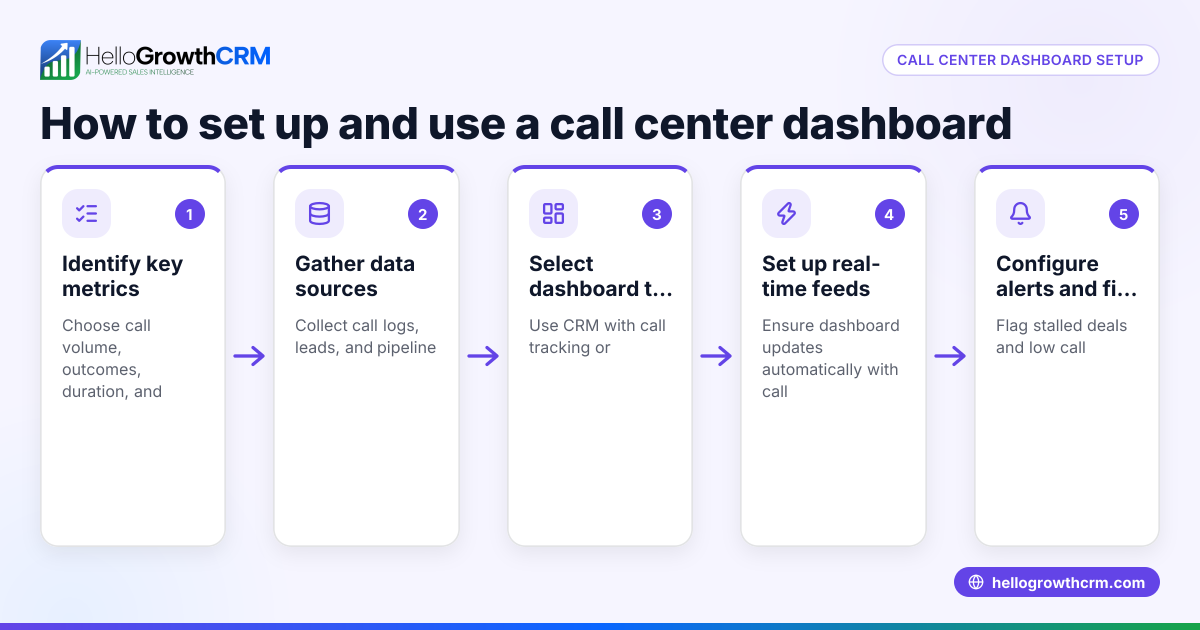
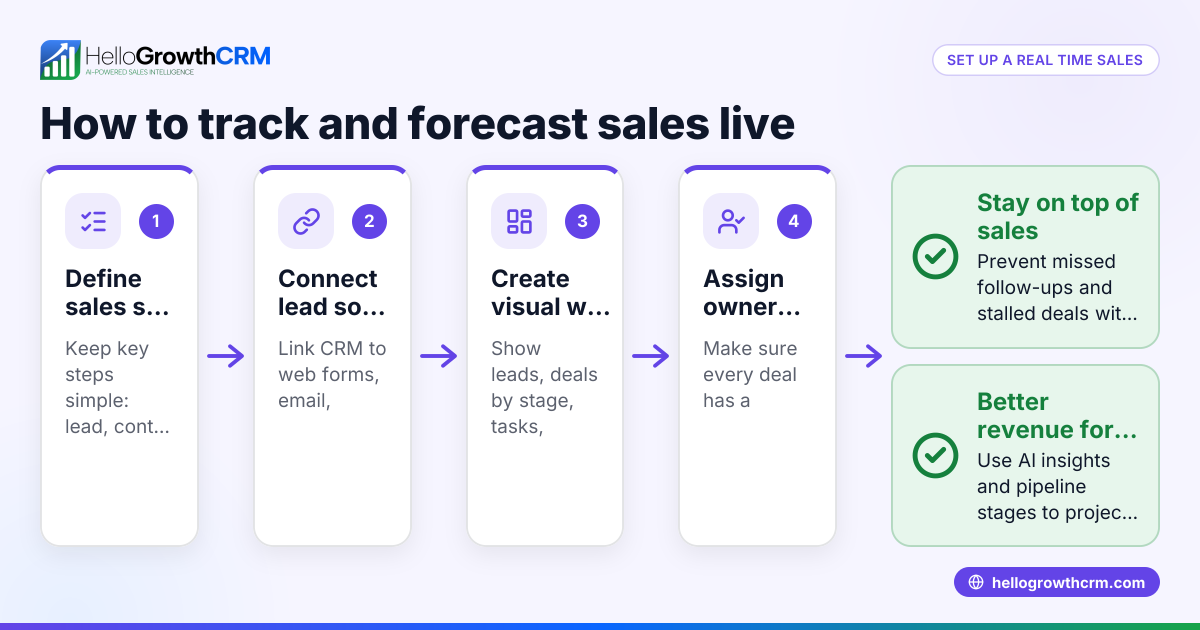
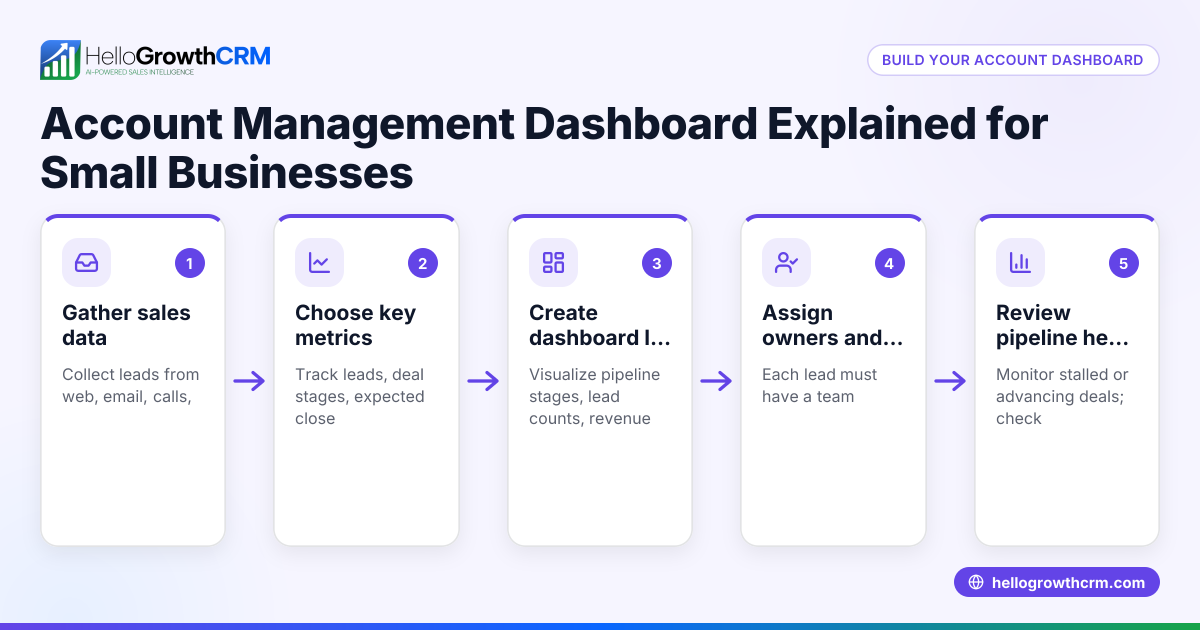
- Gather your sales data: Collect data on leads, enquiries, quotations, and deals from your sources like IndiaMART, JustDial, WhatsApp chats, and spreadsheets. Check that the data includes dates, deal values, and current status.
- Define key metrics to track: Decide which sales stages to monitor (e.g., enquiry received, quote sent, negotiation, closed won/lost). Include metrics like deal value, expected close date, and follow-up dates.
- Choose your tool: You can use Excel or Google Sheets for a manual dashboard or a CRM tool for automated tracking. Ensure the tool can show deals by pipeline stage and expected revenue.
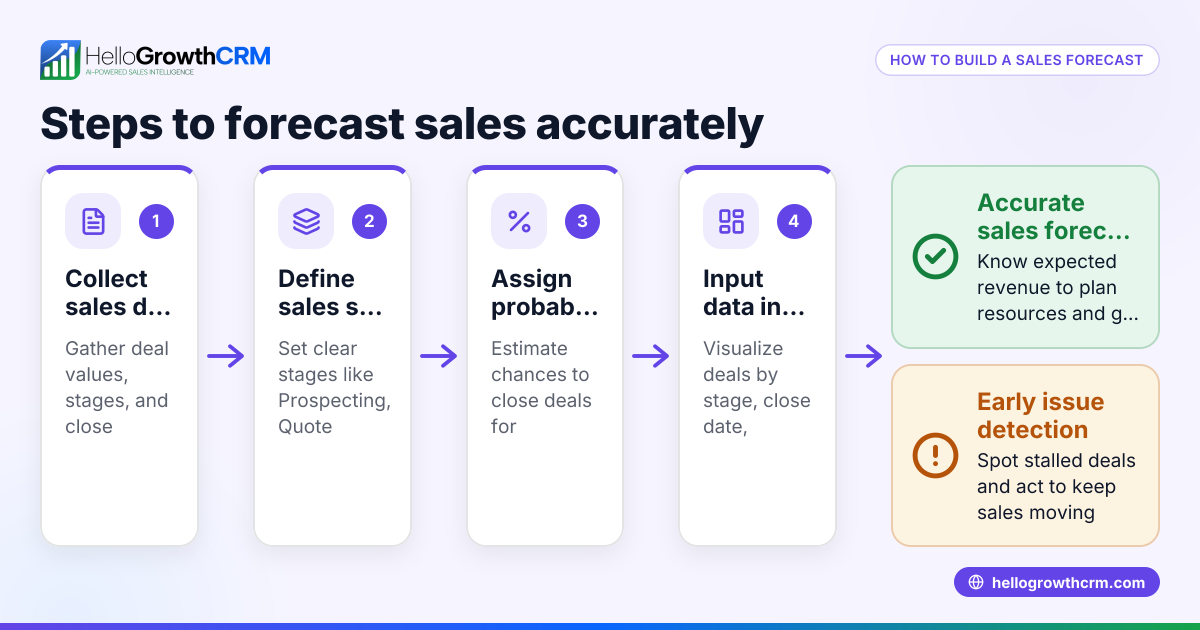
- Create pipeline stages and data columns: Set columns for deal name, client, stage, deal value, probability %, expected revenue (deal value × probability), and follow-up date.
- Input your data: Enter your current deals with their details. Keep this updated regularly.
- Build visual charts: Use bar charts or pie charts to show the number of deals per stage and total expected revenue per stage.
- Add filters and conditional formatting: Highlight deals with overdue follow-ups or stalled stages.
- Review and update daily or weekly: Ensure your sales team updates deal status and follow-up tasks to keep the dashboard accurate.
- Use the dashboard for action: Identify stalled deals, assign follow-ups, and forecast monthly sales.
- Train your team: Make sure sales reps understand how to update the dashboard and use it to prioritise leads.
Example (fictional figures)
Assume a small electronics distributor in Pune wants to track sales in April 2024. They have these deals:
| Deal Name | Stage | Deal Value (₹) | Probability (%) | Expected Revenue (₹) | Follow-up Date |
|---|---|---|---|---|---|
| Deal A | Quote Sent | ₹1,50,000 | 60 | ₹1,50,000 × 60% = ₹90,000 | 10/04/2024 |
| Deal B | Negotiation | ₹2,00,000 | 80 | ₹2,00,000 × 80% = ₹1,60,000 | 12/04/2024 |
| Deal C | Enquiry | ₹1,00,000 | 30 | ₹1,00,000 × 30% = ₹30,000 | 15/04/2024 |
Total expected revenue = ₹90,000 + ₹1,60,000 + ₹30,000 = ₹2,80,000
Charts show 1 deal in enquiry, 1 in quote sent, 1 in negotiation, helping the owner focus on deals with higher expected revenue and follow-up dates.
Common mistakes
- Not updating data regularly: Prevent by scheduling daily or weekly updates.
- Tracking too many metrics at once: Focus on key pipeline stages and revenue to avoid clutter.
- Ignoring follow-up dates: Use conditional formatting or reminders to highlight overdue tasks.
- Using complicated tools without training: Choose simple tools or train your team well.
- Not linking deals to actual communications: Use tools that integrate with WhatsApp or calls to keep context.
Doing this in HelloGrowthCRM
HelloGrowthCRM helps Indian SMBs build and manage sales dashboards without spreadsheets. Its Deals (pipeline) feature tracks open opportunities from first contact to close, showing deals at each stage with follow-up dates so no lead is forgotten. The Pipeline forecast and AI insights feature projects expected revenue and highlights stalled deals without manual calculations. For field sales, Territories and field operations let managers see daily beats and visit logs from reps’ phones. Learn more about HelloGrowthCRM for India, WhatsApp and SMS CRM, and the built-in CRM dialer.
Frequently asked questions
What are the key metrics to include in a sales dashboard? Include pipeline stages, deal value, probability of closing, expected revenue, and follow-up dates. These metrics help track progress and prioritise deals.
Can I use Excel to build a sales dashboard? Yes, Excel or Google Sheets work if you manually update data and create charts. For automation and integration with WhatsApp leads, a CRM like HelloGrowthCRM is more efficient.
How often should I update the sales dashboard? Update daily or at least weekly to keep data accurate and actionable. Regular updates prevent missed follow-ups and stalled deals.
How does AI help in sales forecasting? AI analyses pipeline stages, deal velocity, and historical conversions to predict revenue and identify stalled deals, helping you focus efforts effectively.
Can sales reps update the dashboard on the go? With HelloGrowthCRM, field reps log visits and update deal status from their phones, keeping the dashboard current without needing spreadsheets.
Key takeaways
- Start by gathering accurate sales data from all sources.
- Track key pipeline stages, deal values, and follow-up dates.
- Use charts and conditional formatting to visualise and prioritise deals.
- Update the dashboard regularly to avoid lost leads.
- Avoid overcomplicating metrics and tools.
- HelloGrowthCRM offers pipeline tracking, AI forecasting, and field sales management to simplify dashboard building.
Building a sales dashboard India can be done today with these steps. For a CRM that integrates WhatsApp leads, forecasts sales, and manages field operations, start on the Free Forever plan (200 leads, no credit card).
Ready to put this into practice?
Set up your pipeline, WhatsApp follow-ups, and AI lead scoring in minutes — free, no credit card.
Try HelloGrowthCRM freeGet CRM tips in your inbox
Join thousands of sales professionals who get weekly insights on CRM strategy, AI automation, and pipeline optimization.

The HelloGrowthCRM team publishes guides on CRM strategy, AI sales tools, and revenue operations for small business sales teams.