HelloGrowthCRM software
Built for real small-business sales teams
HelloGrowthCRM helps reps qualify faster, follow up on time, and close more deals—with practical automation in one place.
- AI lead scoring and pipeline visibility
- Built-in dialer, WhatsApp, and email automation
- Sales forecasting and RevOps-ready reporting
Cleaning your customer contact list is critical for maintaining accurate communication and improving sales follow-up. Start by exporting your contacts, removing duplicates, correcting errors, deleting inactive contacts, verifying emails and phone numbers, segmenting your list, and finally importing the cleaned data back into your system.
Why this comes up / what goes wrong
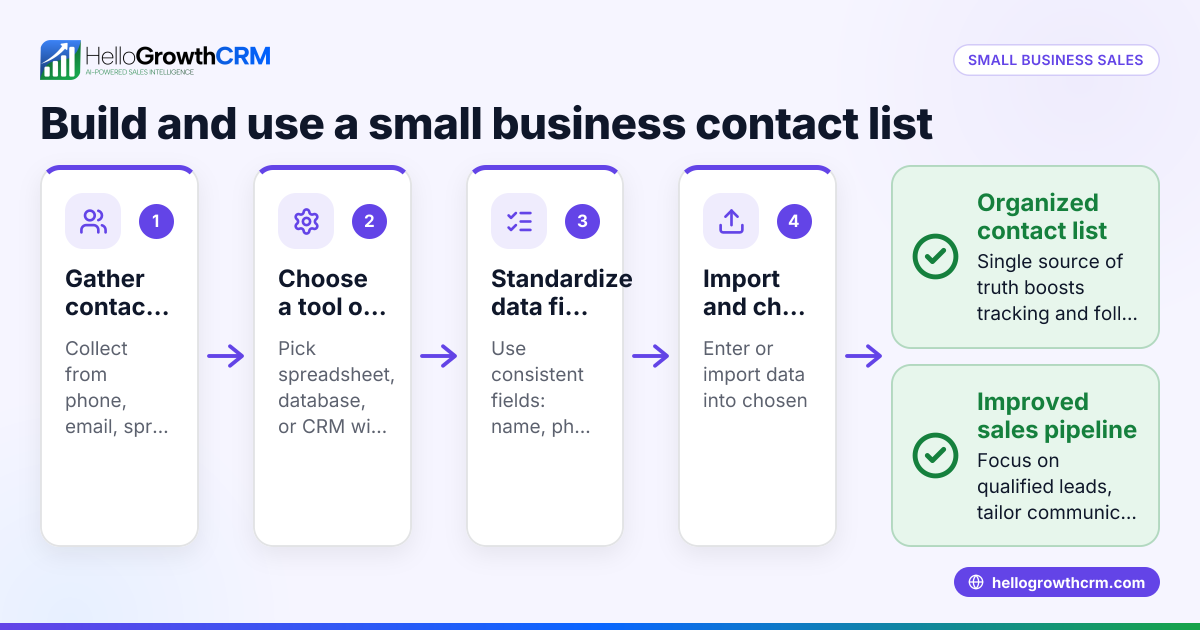
Small business owners in New Zealand often collect contacts from multiple sources such as web forms, emails, text messages, and spreadsheets. Without regular cleaning, duplicate entries, outdated information, and inactive contacts accumulate. This clutter slows sales follow-up and reduces the effectiveness of marketing efforts. Running sales across text messages, email, and spreadsheets without a unified system can cause lost leads and missed opportunities.
Step-by-step
- Export your contact list: Export your full customer contact list from your current CRM, email platform, or spreadsheet into a single CSV or Excel file.
- Back up the original file: Save a copy of this export to prevent data loss.
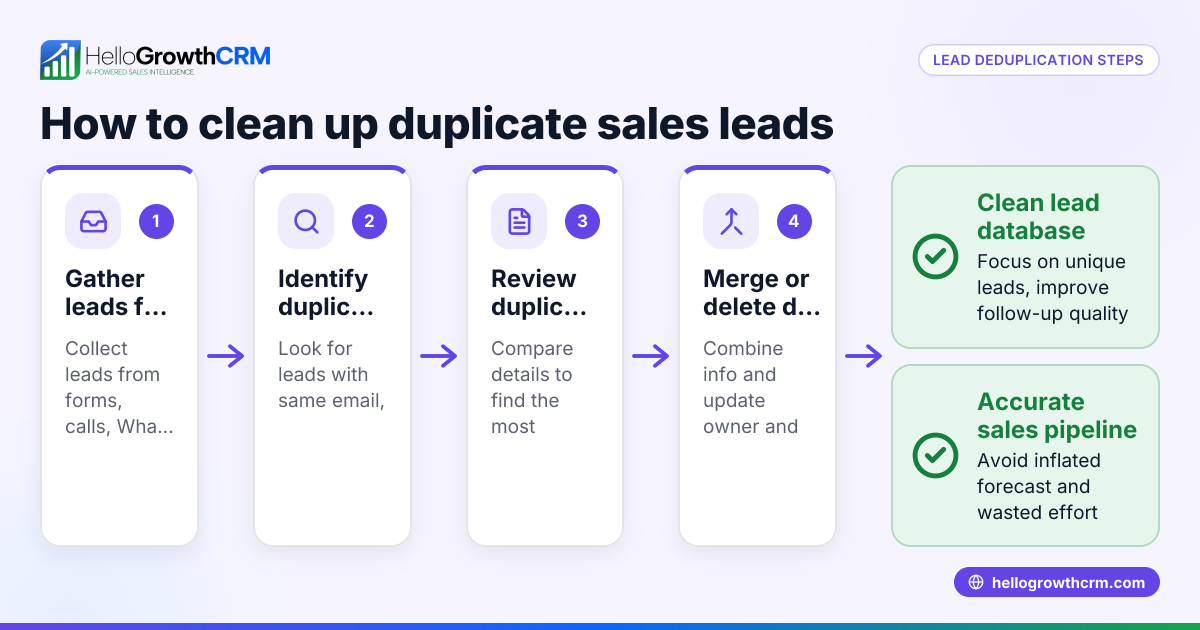
- Remove duplicates: Use spreadsheet functions like conditional formatting or dedicated tools to identify and delete duplicate contacts by matching email addresses, phone numbers, or full names.
- Update incorrect details: Scan the list for misspelled names, invalid phone numbers, or outdated email addresses. Cross-check with recent communications or customer records to correct errors.
- Delete inactive contacts: Identify contacts who have not engaged for a long period (for example, no purchases or communication in the past 12 months). Remove these to keep your list focused.
- Verify contact information: Use email verification services or send a re-engagement message to confirm the validity of email addresses and phone numbers.
- Segment your list: Group contacts by relevant criteria such as location, purchase history, or customer type to personalise marketing and sales outreach.
- Import the cleaned list back: Upload the cleaned and segmented list into your CRM or sales platform to start using it effectively.
Consider using integrated tools that combine communication channels like WhatsApp and SMS with your CRM to keep data consistent and follow-up fast, such as WhatsApp and SMS CRM.
Example (fictional figures)
An electrical contracting business in Wellington has a contact list of 2,000 entries as of 01/04/2024. They want to clean it for better sales follow-up.
Step 1: Export the list into Excel.
Step 2: Remove duplicates. They find 150 duplicates. 2,000 - 150 = 1,850 contacts remain.
Step 3: Update incorrect details. They correct 50 phone numbers and 30 email addresses.
Step 4: Delete inactive contacts. They identify 300 contacts inactive for over 12 months. 1,850 - 300 = 1,550 active contacts remain.
Step 5: Verify contacts by sending a re-engagement email. 100 emails bounce back. 1,550 - 100 = 1,450 verified contacts.
Step 6: Segment the list by region (Wellington, Auckland, Christchurch).
Step 7: Import the cleaned and segmented list back into their sales system.
Common mistakes
- Not backing up the original list: Always save a copy before cleaning to prevent data loss.
- Removing contacts without verification: Verify before deleting to avoid losing potential leads.
- Ignoring segmentation: Failing to segment reduces the effectiveness of targeted sales and marketing.
- Overlooking duplicates due to slight variations: Check for duplicates with similar but not identical entries (e.g., nicknames or alternate spellings).
- Not updating contact details regularly: Schedule regular cleaning to maintain list quality.
- Using multiple unconnected tools: This can cause inconsistent data; consider integrated solutions that combine communication channels and CRM functions.
Doing this in HelloGrowthCRM
HelloGrowthCRM helps you keep customer records organised after the sale by storing service requests, tickets, and referrals on the same customer record as the deal. The branded self-service customer portal allows customers to interact directly, reducing manual updates and improving data accuracy. Learn more about the customer health score and how HelloGrowthCRM supports New Zealand businesses on the HelloGrowthCRM for New Zealand page.
Frequently asked questions
How often should I clean my customer contact list? It's best to clean your contact list at least every 6 to 12 months to keep data accurate and reduce inactive contacts.
Can I automate cleaning my contact list? Some steps, like removing duplicates and verifying emails, can be automated with software tools, but manual checks remain important for accuracy.
What if I accidentally delete an important contact? Always back up your list before cleaning. Using a CRM like HelloGrowthCRM helps keep customer records and service tickets linked, reducing the risk of losing important data.
How does segmentation improve sales follow-up? Segmenting your contacts allows you to tailor messages to specific groups, increasing engagement and conversion rates. For example, you can send region-specific offers or follow up on recent purchases.
Is it better to use a CRM than spreadsheets for contacts? Yes, a CRM centralises data, tracks interactions, and integrates communication channels such as WhatsApp and SMS, making follow-up faster and more organised. See more about WhatsApp and SMS CRM.
Key takeaways
- Export and back up your contact list before cleaning.
- Remove duplicates and update incorrect or outdated details.
- Delete inactive contacts after verification.
- Verify email addresses and phone numbers to reduce bounce rates.
- Segment your contacts to improve targeted sales outreach.
- Use integrated tools that combine communication and CRM functions to keep data accurate and linked after the sale.
Cleaning your customer contact list regularly helps your New Zealand small business improve sales follow-up and customer communication. Start organising your contacts today and keep your sales pipeline healthy. To begin, Start on the Free Forever plan (200 leads, no credit card).
Ready to put this into practice?
Set up your pipeline, WhatsApp follow-ups, and AI lead scoring in minutes — free, no credit card.
Try HelloGrowthCRM freeGet CRM tips in your inbox
Join thousands of sales professionals who get weekly insights on CRM strategy, AI automation, and pipeline optimization.

The HelloGrowthCRM team publishes guides on CRM strategy, AI sales tools, and revenue operations for small business sales teams.