HelloGrowthCRM software
Built for real small-business sales teams
HelloGrowthCRM helps reps qualify faster, follow up on time, and close more deals—with practical automation in one place.
- AI lead scoring and pipeline visibility
- Built-in dialer, WhatsApp, and email automation
- Sales forecasting and RevOps-ready reporting
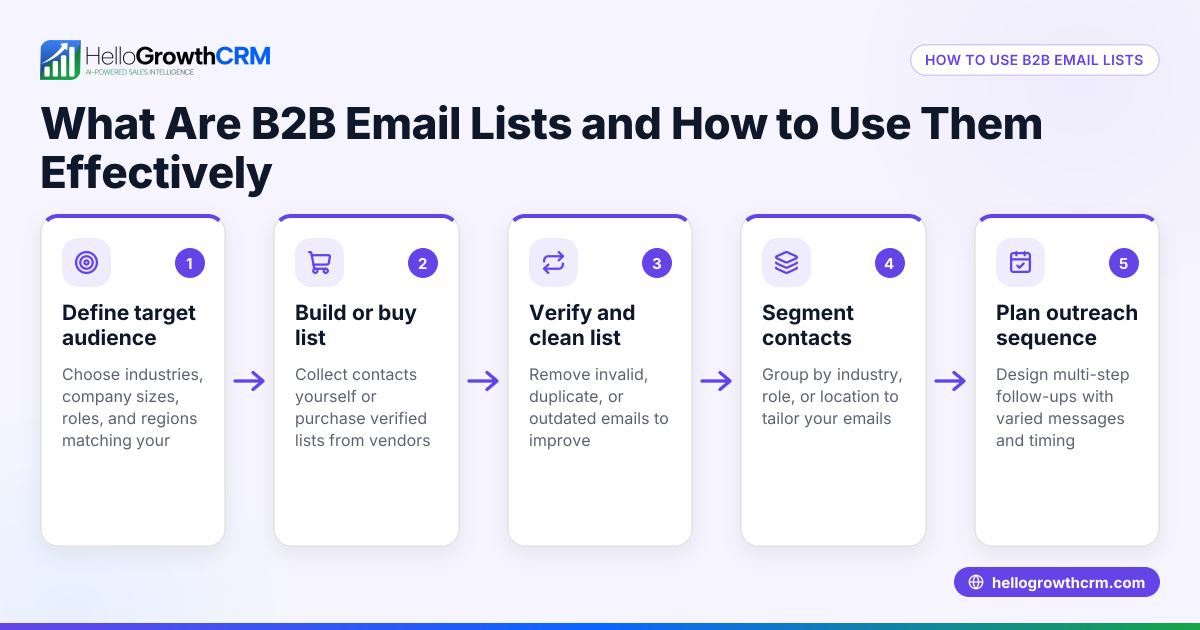
Cleaning your customer contact list is essential to keep your sales and marketing efforts efficient. It involves removing duplicate entries, correcting misspelled names or numbers, updating outdated contact details, and verifying that contacts are still relevant. This article explains why cleaning your list matters, gives you a step-by-step process, a practical example, common pitfalls, and how HelloGrowthCRM helps maintain clean data.
Why this comes up / what goes wrong
Small businesses in the UK often gather contacts from various sources like web forms, WhatsApp chats, emails, and spreadsheets. Over time, this leads to duplicate contacts, outdated phone numbers or email addresses, and incomplete information. Without cleaning, your sales team wastes time chasing wrong contacts, and marketing messages may fail or annoy recipients. This slows follow-up and risks losing leads. Cleaning your list improves communication, increases sales efficiency, and helps keep GDPR compliance by removing contacts who no longer engage.
Step-by-step
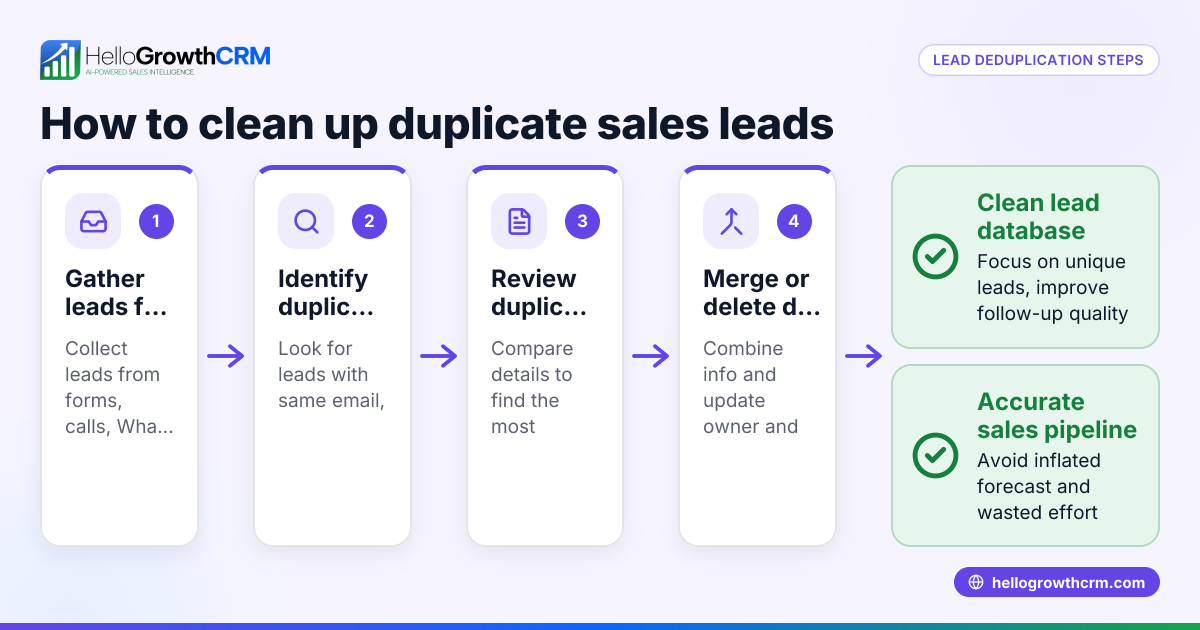
- Export your contact list from wherever it is stored (Excel, CRM, WhatsApp, email). Save a backup copy before changes.
- Remove duplicate contacts by checking for repeated names, emails or phone numbers. Use Excel’s conditional formatting or filtering to highlight duplicates.
- Standardise contact details:
- Correct misspellings in names.
- Format phone numbers consistently (e.g., +44 1234 567890).
- Ensure email addresses have no typos.
- Update outdated information:
- Check for old phone numbers or emails by calling or emailing a sample.
- Replace or remove contacts who no longer respond.
- Verify contact permissions to comply with GDPR. Remove contacts who have opted out or are inactive.
- Add missing information where possible, such as company name or job title, to improve segmentation.
- Segment your list by customer status, location, or engagement level to target communications better. This ties into your customer health score for improved targeting.
- Import the cleaned list back into your CRM or contact system.
- Set up ongoing cleaning processes like regular duplicate checks and updates.
- Use tools with integrated WhatsApp and SMS features to keep customer records updated and linked to sales activity and support tickets, reducing manual errors. Learn more about WhatsApp and SMS CRM.
Example (fictional figures)
A recruitment consultancy in Bristol has 1,200 contacts collected over 3 years. They want to clean their list on 15/05/2024.
- Initial contacts: 1,200
- Duplicates found: 150
- Contacts with outdated phone/email: 200
- Contacts opted out or inactive: 100
Cleaning steps:
1,200 - 150 = 1,050 (remove duplicates)
1,050 - 200 = 850 (remove outdated contacts)
850 - 100 = 750 (remove opted out/inactive)
Final cleaned list: 750 contacts
They then update missing job titles for 300 contacts and segment by industry.
Common mistakes
- Not backing up before cleaning: Always save a copy to avoid losing data.
- Ignoring GDPR rules: Remove contacts who have withdrawn consent to avoid fines.
- Overlooking duplicates across different fields: Check duplicates by email and phone, not just name.
- Failing to standardise formats: Inconsistent phone or email formats cause errors in communication.
- Not verifying contacts regularly: Cleaning once isn’t enough; set a schedule.
- Neglecting to segment the list: Unsegmented lists reduce the impact of marketing and sales efforts. See how segmentation ties into the customer health score for better targeting.
Doing this in HelloGrowthCRM
HelloGrowthCRM helps keep your customer data organised after the sale by storing service requests, tickets, and referrals on the same customer record as the deal. The customer portal allows clients to update their details directly, reducing your manual work. You can also track support tickets and knowledge base interactions in one place, ensuring your contact list stays current and relevant. Learn more about how HelloGrowthCRM supports UK businesses at HelloGrowthCRM for the United Kingdom.
Frequently asked questions
How often should I clean my customer contact list? It’s best to clean your list at least twice a year to remove duplicates and outdated information. Regular cleaning helps maintain communication efficiency and compliance.
Can I automate cleaning my contact list? Some cleaning tasks like duplicate detection and format standardisation can be automated with software. However, verifying contact activity and permissions usually requires manual checks or customer confirmation.
What if I use WhatsApp and email to manage contacts? Managing contacts across WhatsApp, email, and spreadsheets increases the risk of duplicates and errors. Using a CRM with integrated WhatsApp and SMS features helps centralise and clean your contact data. See WhatsApp and SMS CRM for details.
How do I ensure GDPR compliance while cleaning my list? Remove contacts who have opted out or are inactive, and keep records of consent. Only store data necessary for your business and update your privacy policy accordingly.
What fields should I keep in my contact list? At minimum, keep full name, phone number, email, and consent status. Adding company, job title, and last contact date improves sales targeting.
Key takeaways
- Export and back up your contact list before cleaning.
- Remove duplicates, correct errors, and update outdated contacts.
- Verify GDPR permissions and remove opted-out contacts.
- Segment your list to improve sales and marketing.
- Clean your list regularly, at least twice a year.
- Use customer portal and ticket system features to keep records accurate.
Cleaning your customer contact list improves communication and sales efficiency. Start cleaning your list today and keep it updated regularly. To manage your contacts more easily, start on the Free Forever plan (200 leads, no credit card).
Ready to put this into practice?
Set up your pipeline, WhatsApp follow-ups, and AI lead scoring in minutes — free, no credit card.
Try HelloGrowthCRM freeGet CRM tips in your inbox
Join thousands of sales professionals who get weekly insights on CRM strategy, AI automation, and pipeline optimization.

The HelloGrowthCRM team publishes guides on CRM strategy, AI sales tools, and revenue operations for small business sales teams.