HelloGrowthCRM software
Built for real small-business sales teams
HelloGrowthCRM helps reps qualify faster, follow up on time, and close more deals—with practical automation in one place.
- AI lead scoring and pipeline visibility
- Built-in dialer, WhatsApp, and email automation
- Sales forecasting and RevOps-ready reporting
Collecting customer feedback through a structured form helps Canadian small businesses improve service quality and customer satisfaction. Follow these clear steps to create an effective feedback form tailored for your business needs.
Why this comes up / what goes wrong
Many small-business owners in Canada rely on informal feedback methods such as text messages, emails, or verbal comments. These approaches often lead to scattered, incomplete data that is difficult to analyse or act upon. Without a proper feedback form, businesses miss insights that could improve products, services, and customer relationships. Creating a dedicated customer feedback form ensures consistent, actionable data collection and easier follow-up.
Step-by-step
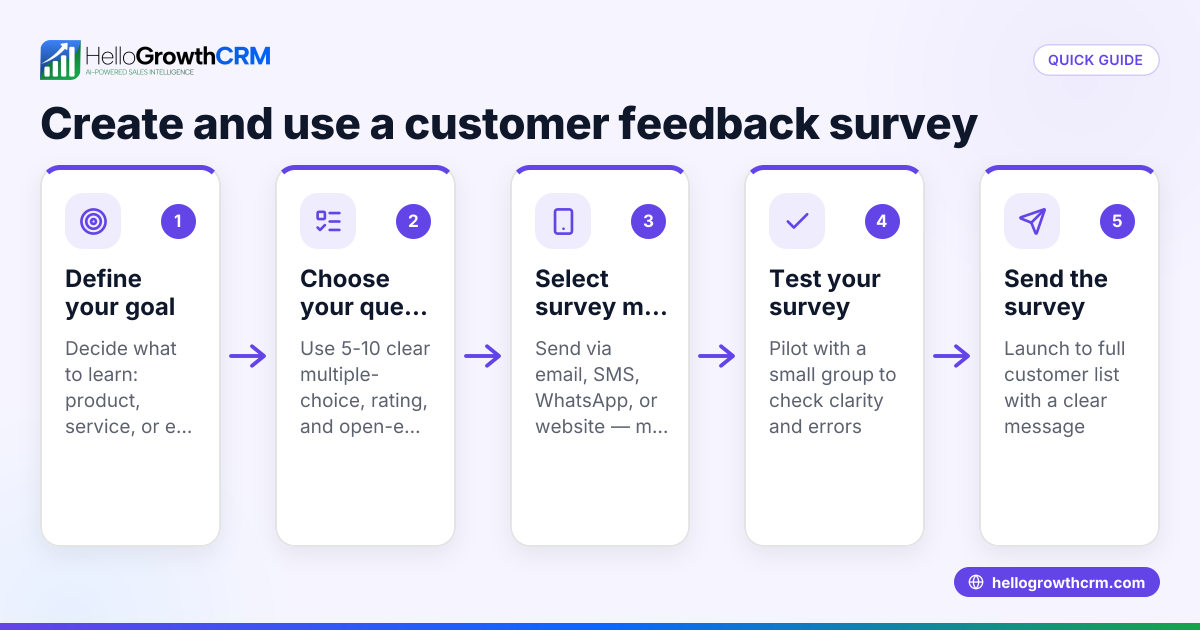
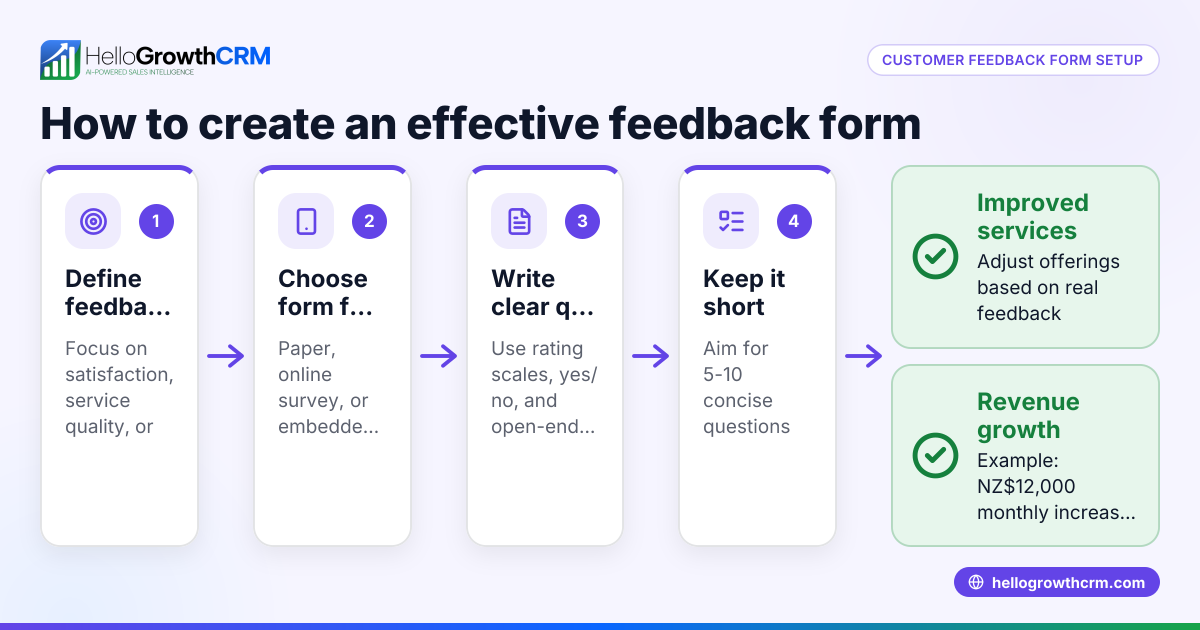
- Define the purpose of your feedback form: Identify what you want to learn from customers. This could be product satisfaction, service experience, or suggestions for improvement. Clear goals help you focus your questions.
- Choose key fields to include:
- Customer name (optional if you want anonymous feedback)
- Contact information (email or phone, optional for follow-up)
- Rating scale (for example, 1 to 5 stars or 1 to 10)
- Open-ended comments for detailed feedback
- Specific questions related to your product or service
- Select a form creation tool: Use accessible tools such as Google Forms, Microsoft Forms, or other online survey builders that suit your budget and technical comfort.
- Design the form layout:
- Keep it concise (5–7 questions) to encourage completion.
- Group related questions logically.
- Provide clear instructions for each question.
- Ensure the form is mobile-friendly for customers using smartphones.
- Test the form internally: Have your team fill out the form to check for clarity, technical issues, and relevance of questions.
- Distribute the form:
- Share via email campaigns or social media.
- Embed the form on your website.
- Use QR codes on receipts, packaging, or in-store displays for easy access.
- Send links via SMS to customers after service or purchase.
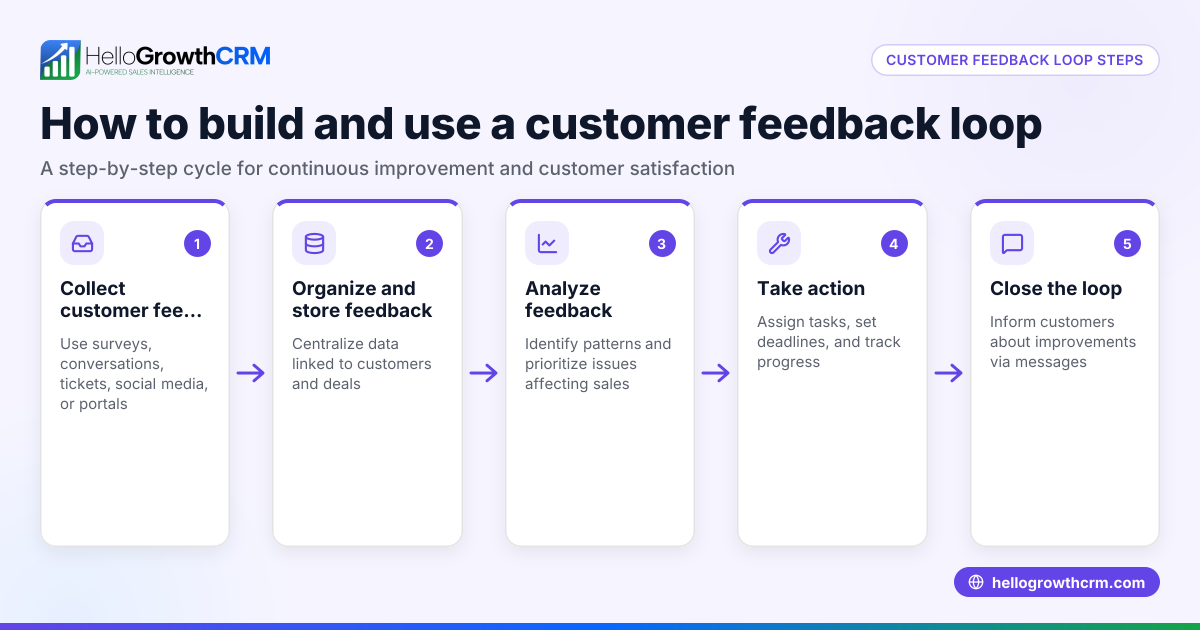
- Collect and analyse responses: Review feedback regularly to identify trends, common complaints, and areas for improvement.
- Follow up with customers when appropriate: Thank them for their feedback or address any concerns promptly to build loyalty.
Example (fictional figures)
An HVAC company in Surrey, British Columbia, wants to create a feedback form after each home service visit.
- Purpose: Measure customer satisfaction and collect suggestions to improve scheduling and service quality.
- Fields included: Customer name (optional), phone number (optional), service rating (1 to 5), and comments.
- Tool used: Google Forms.
The company expects to send the form link via SMS to 100 customers in the first month.
If 60% respond with a rating of 4 or 5, that means:
100 × 60% = 60 customers satisfied
If 15 customers mention scheduling delays in comments, the company can prioritise improving booking processes.
This feedback helps the company focus on key improvements to boost customer satisfaction and retention.
Common mistakes
- Too many questions: Avoid lengthy forms; keep questions to 5–7 to maintain completion rates.
- Unclear or jargon-heavy questions: Use simple, direct language to get accurate answers.
- No internal testing: Always test the form with your team to catch confusing questions or technical problems.
- Ignoring feedback: Collecting feedback without acting on it frustrates customers. Plan how you will use responses.
- No follow-up option: Include optional contact fields if you want to respond to customers.
- Managing feedback across multiple unlinked platforms: Using email, SMS, and spreadsheets separately can cause lost leads and inefficiencies. Consider a CRM like HelloGrowthCRM’s WhatsApp and SMS CRM to centralize communication and feedback management efficiently (/product/whatsapp-sms-crm).
Doing this in HelloGrowthCRM
HelloGrowthCRM helps you manage customer feedback and service requests on the same customer record as the deal using its Customer portal, referrals, tickets and knowledge base features. This centralizes all service requests and feedback, making it easier for your team to respond quickly and maintain a clear customer health score (/product/customer-health-score). Learn more about HelloGrowthCRM for Canada (/canada).
Frequently asked questions
What questions should I include in a customer feedback form? Include a balance of rating scales for quick quantifiable feedback, open-ended questions for detailed comments, and optional contact details if you plan to follow up. Keep your form concise to encourage more responses.
How do I encourage customers to fill out the feedback form? Make the form easy to access through links, QR codes, or SMS messages. Explain how their feedback helps improve your service. Offering small incentives like discounts or prize draws can increase participation.
Can I make the feedback form anonymous? Yes, you can make name and contact fields optional or remove them entirely to allow anonymous responses. This can increase honesty and comfort in providing feedback.
How often should I send feedback forms? Send forms soon after a customer interaction or purchase to capture fresh impressions. Avoid sending too frequently to prevent survey fatigue. Common intervals include after each service or quarterly for ongoing customers.
How do I use feedback data effectively? Analyse rating trends, categorise comments for common themes, and prioritise improvements based on customer input. Tracking your customer health score over time can measure the impact of changes (/product/customer-health-score).
Key takeaways
- Define clear, specific goals for your customer feedback form.
- Use concise, clear questions combining rating scales and open comments.
- Test your form internally before sharing with customers.
- Distribute the form via accessible channels like email, SMS, and QR codes.
- Use a CRM like HelloGrowthCRM to centralize feedback and customer communication.
- Follow up on feedback to improve customer satisfaction and loyalty.
Creating a customer feedback form is a practical way to better understand your customers and improve your business. Start on the Free Forever plan (200 leads, no credit card) at HelloGrowthCRM to manage your customer feedback and sales pipeline efficiently.
Ready to put this into practice?
Set up your pipeline, WhatsApp follow-ups, and AI lead scoring in minutes — free, no credit card.
Try HelloGrowthCRM freeGet CRM tips in your inbox
Join thousands of sales professionals who get weekly insights on CRM strategy, AI automation, and pipeline optimization.

The HelloGrowthCRM team publishes guides on CRM strategy, AI sales tools, and revenue operations for small business sales teams.