HelloGrowthCRM software
Built for real small-business sales teams
HelloGrowthCRM helps reps qualify faster, follow up on time, and close more deals—with practical automation in one place.
- AI lead scoring and pipeline visibility
- Built-in dialer, WhatsApp, and email automation
- Sales forecasting and RevOps-ready reporting
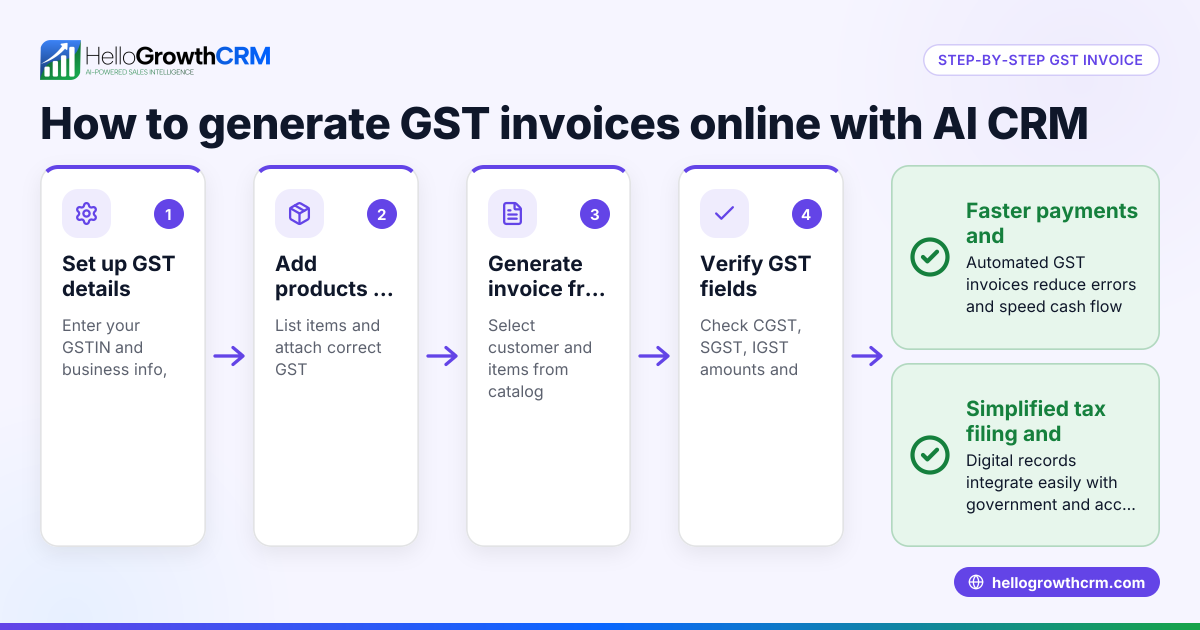
Creating a GST invoice format in India requires including specific fields mandated by GST law. This invoice is a commercial document issued by a registered supplier to the recipient, showing the supply of goods or services and the tax charged. Many small and mid-sized Indian business owners face challenges preparing GST-compliant invoices, often missing key details or making calculation errors.
Why this comes up / what goes wrong
Small business owners often prepare invoices manually on paper, WhatsApp, or Excel sheets without following GST rules. They may omit GSTINs, use incorrect invoice numbering, or forget to include HSN/SAC codes. Tax calculations can be wrong, or invoice details incomplete, causing difficulties during GST return filing and audits. Using WhatsApp and spreadsheets for sales without a structured GST invoice format leads to confusion, delayed payments, and compliance risks.
Step-by-step
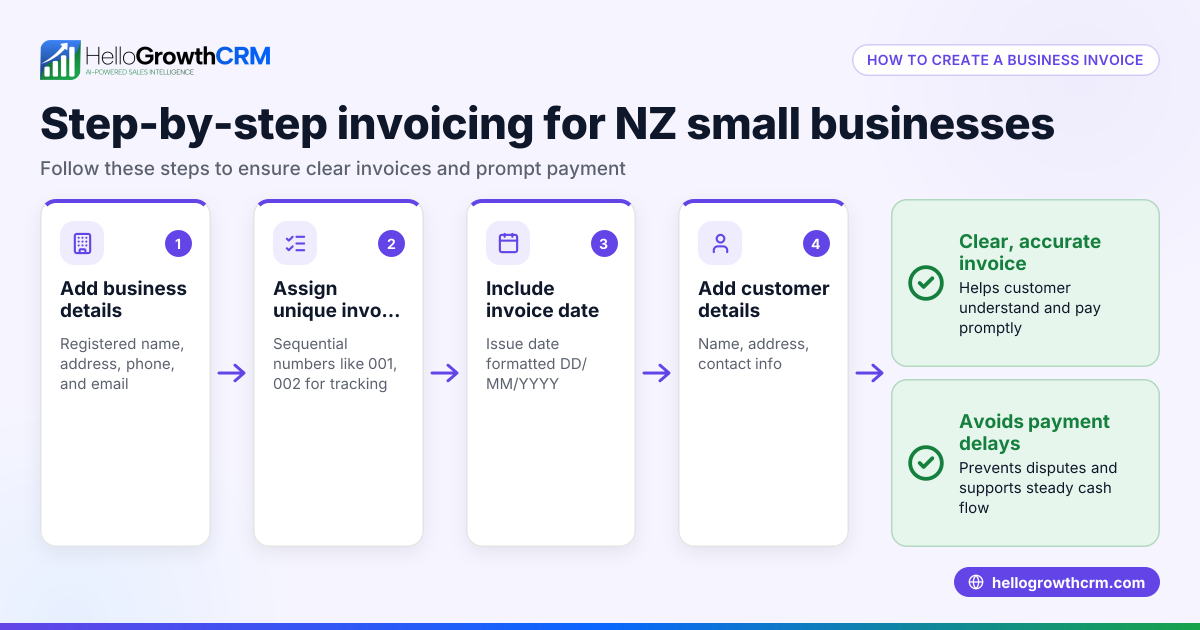
- Assign a unique invoice number: Use a continuous, unique numbering system for each invoice to maintain proper records.
- Enter the invoice date: The date on which the invoice is issued.
- Supplier details: Include your business name, address, and GSTIN.
- Recipient details: Add the buyer’s name, address, and GSTIN if registered. If unregistered, mention "Unregistered" or "Consumer".
- Description of goods or services: List each item or service supplied clearly.
- HSN (Harmonized System of Nomenclature) or SAC (Services Accounting Code): For goods, mention the 4-8 digit HSN code; for services, the 6-digit SAC code.
- Quantity and unit: Specify the quantity and unit of goods supplied.
- Taxable value: Calculate the value of goods or services before tax.
- GST rates: Specify applicable CGST, SGST, and IGST rates separately.
- Tax amount: Calculate tax amounts based on taxable value and rates.
- Total invoice value: Add taxable value and total GST to get the invoice total.
- Place of supply and reverse charge: Mention if applicable.
- Signature or digital signature: Sign the invoice physically or digitally.
Check that:
- Invoice numbers are unique and sequential.
- GSTINs are correct and valid.
- Tax calculations match rates and taxable values.
- HSN/SAC codes correspond to the goods or services supplied.
Using a CRM with features like quoting, invoicing, and follow-up task tracking can help maintain this process efficiently. See built-in CRM dialer and WhatsApp and SMS CRM for complementary tools.
Example (fictional figures)
Invoice Number: INV2024/015 Invoice Date: 20/06/2024
Supplier: Bright Lights Pvt Ltd, Delhi, GSTIN 07ABCDE1234F1Z2 Recipient: Modern Interiors, Gurgaon, GSTIN 06XYZDE5678G1Z5
| Description | HSN Code | Quantity | Unit | Taxable Value (₹) |
|---|---|---|---|---|
| LED Ceiling Lights | 94054000 | 10 | pcs | ₹2,00,000 |
GST Rates:
- CGST 9%
- SGST 9%
Tax Calculation: ₹2,00,000 × 9% = ₹18,000 (CGST) ₹2,00,000 × 9% = ₹18,000 (SGST) Total GST = ₹18,000 + ₹18,000 = ₹36,000
Total Invoice Value: ₹2,00,000 + ₹36,000 = ₹2,36,000
Common mistakes
- Missing or incorrect GSTINs: Always verify GSTINs for supplier and recipient to avoid invalid invoices.
- Non-unique or irregular invoice numbers: Use a sequential numbering system to prevent confusion.
- Omitting HSN/SAC codes or using wrong codes: Confirm correct codes for your goods or services.
- Incorrect tax calculations: Double-check GST rates and perform accurate calculations.
- Not stating place of supply or reverse charge when applicable: This affects tax liability and compliance.
- Using WhatsApp or Excel without tracking invoice status: This can cause missed payments or follow-ups. Using a CRM with invoice and task tracking helps avoid this.
Doing this in HelloGrowthCRM
HelloGrowthCRM supports creating and sending quotes, proposals, and invoices directly from deal records. You can track invoice status (sent, viewed, accepted) alongside follow-up tasks on the same screen, helping your sales team manage payments and communication efficiently. For India-specific sales teams, explore HelloGrowthCRM for India and its WhatsApp and SMS CRM features.
Frequently asked questions
What fields must a GST invoice include? A GST invoice must have a unique invoice number, invoice date, supplier and recipient details with GSTINs, description of goods or services, HSN/SAC codes, quantity, taxable value, GST rates and tax amounts, total invoice value, and place of supply.
Can I issue a GST invoice without the recipient’s GSTIN? Yes, if the recipient is unregistered or the supply is exempt, you can issue the invoice without their GSTIN, but mention "Unregistered" or "Consumer" in place of GSTIN.
How do I calculate GST on an invoice? Multiply the taxable value by the applicable GST rates (CGST and SGST or IGST). Add these tax amounts to the taxable value to get the total invoice value.
Is a digital signature mandatory on GST invoices? A digital signature is not mandatory for all taxpayers but is recommended for authenticity, especially for larger businesses or e-invoicing.
How can I avoid errors in GST invoicing? Follow the step-by-step process carefully, verify GSTINs, use correct HSN/SAC codes, double-check tax calculations, and consider using a CRM to track invoices and follow-ups.
Key takeaways
- A GST invoice must include specific fields like unique invoice number, GSTINs, HSN/SAC codes, taxable value, and tax details.
- Follow a clear, numbered process to prepare and verify each invoice.
- Avoid common mistakes such as missing GSTINs, incorrect invoice numbering, and wrong tax calculations.
- Using a CRM with quoting, invoicing, and task tracking features helps manage GST invoices and follow-ups efficiently.
- Regularly confirm GST rates and codes to stay compliant.
Start creating GST-compliant invoices today and improve your sales follow-up process. You can Start on the Free Forever plan (200 leads, no credit card) to manage leads, quotes, and invoices efficiently.
This article is general information, not tax or legal advice. Rules change; confirm the current position on gst.gov.in or with your chartered accountant before acting.
Ready to put this into practice?
Set up your pipeline, WhatsApp follow-ups, and AI lead scoring in minutes — free, no credit card.
Try HelloGrowthCRM freeGet CRM tips in your inbox
Join thousands of sales professionals who get weekly insights on CRM strategy, AI automation, and pipeline optimization.

The HelloGrowthCRM team publishes guides on CRM strategy, AI sales tools, and revenue operations for small business sales teams.