HelloGrowthCRM software
Built for real small-business sales teams
HelloGrowthCRM helps reps qualify faster, follow up on time, and close more deals—with practical automation in one place.
- AI lead scoring and pipeline visibility
- Built-in dialer, WhatsApp, and email automation
- Sales forecasting and RevOps-ready reporting
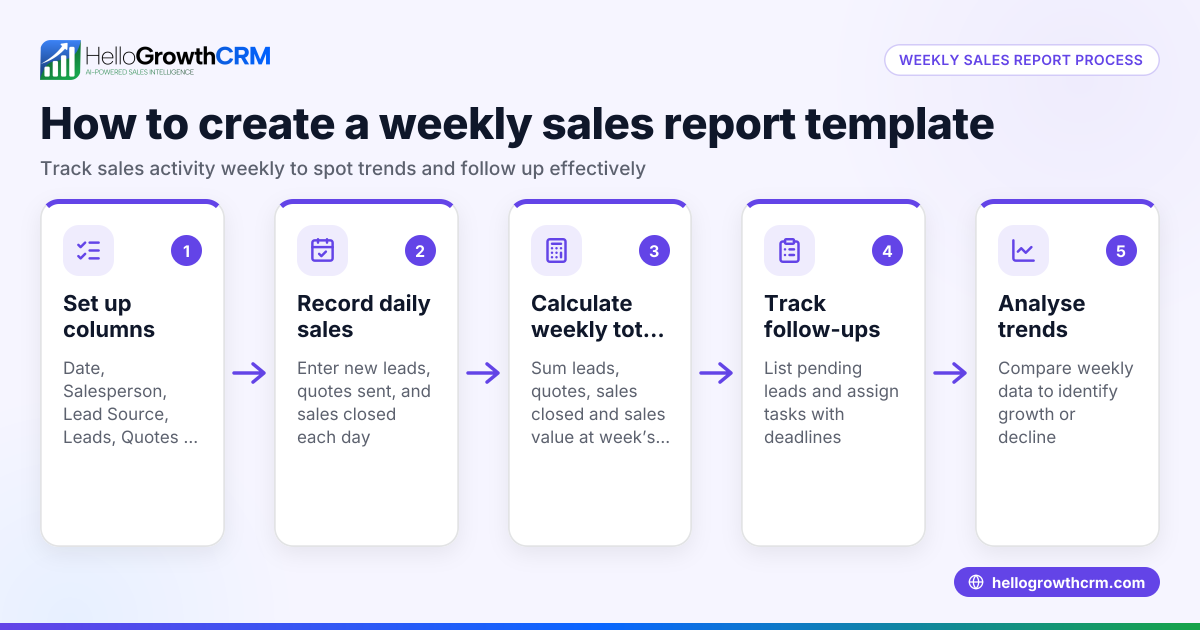
To create weekly sales reports in New Zealand, start by gathering all sales transactions and leads for the specific week you want to report on. Organise this data by relevant categories such as customer, product or service, sales stage, or territory. Then calculate key metrics like total sales revenue, number of deals won, average deal size, and conversion rates. Finally, summarise the pipeline status and prepare a clear report to track performance and guide your sales decisions.
Why this comes up / what goes wrong
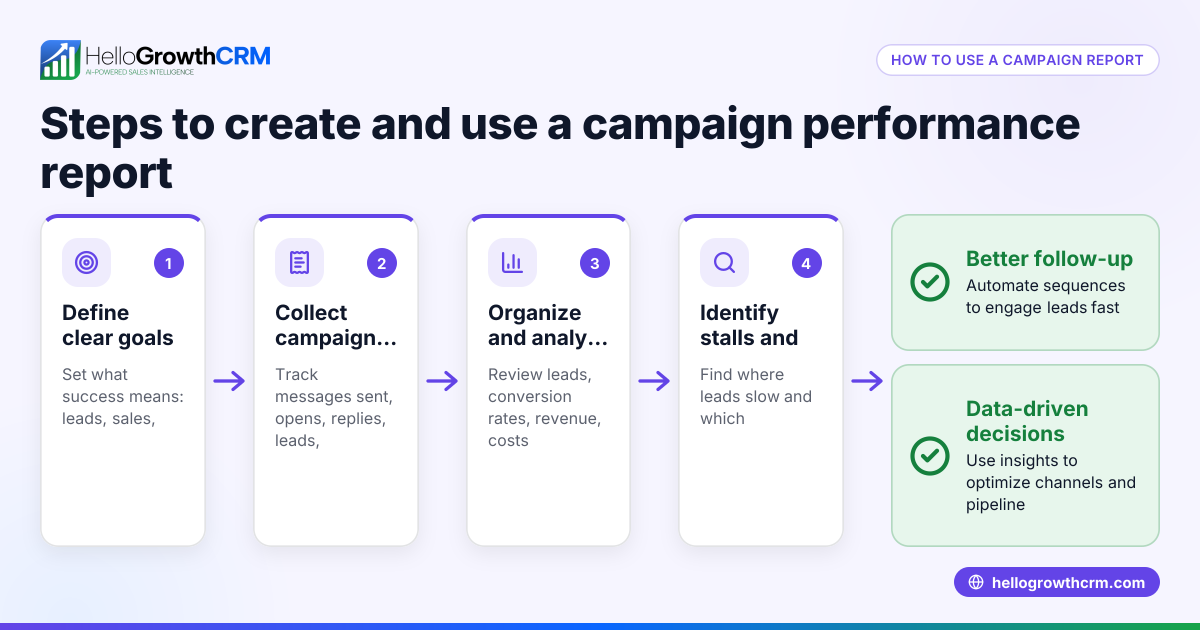
Small business owners and sales teams often face challenges in tracking weekly sales performance because sales information is scattered across emails, text messages, spreadsheets, or manual notes. Without a consistent process, reports can be incomplete or delayed, leading to missed sales opportunities and inaccurate forecasting. Weekly sales reports help identify sales bottlenecks, improve pipeline management, and keep the whole team aligned on progress and priorities.
Step-by-step
- Collect sales data for the week: Gather all sales records from your CRM, spreadsheets, point-of-sale system, or manual logs covering the week you want to report on (for example, 01/04/2024 to 07/04/2024). Include deals won, lost, and those still in progress.
- Organise data by categories: Sort sales by customer, product or service, sales stage (such as lead, quote sent, won), or sales territory if applicable. This categorisation helps highlight trends and identify gaps.
- Calculate key sales metrics:
- Total sales revenue for the week
- Number of deals closed (won)
- Number of deals lost
- Average deal size (total won revenue divided by deals won)
- Conversion rate (deals won divided by total deals won plus lost)
- Summarise pipeline status: List deals currently in progress by stage, including expected close dates and estimated values. This helps forecast future sales.
- Check for overdue follow-ups: Identify any deals with no recent activity or overdue tasks to prioritise follow-up actions.
- Prepare the report format: Use a simple spreadsheet, table, or document to present the data clearly. Include charts or graphs if helpful to visualise trends.
- Review and share: Double-check all calculations and data accuracy. Share the report with your sales team or management on a fixed weekly schedule to keep everyone informed.
Example (fictional figures)
A Christchurch-based building company reviews sales for the week 01/04/2024 to 07/04/2024.
- Deals won: 3
- Deal values: NZ$12,000, NZ$8,500, NZ$15,000
- Deals lost: 1 (value NZ$5,000)
- Deals in progress: 2 (values NZ$20,000 and NZ$10,000)
Calculations:
Total won revenue = NZ$12,000 + NZ$8,500 + NZ$15,000 = NZ$35,500 Number of deals closed = 3 Average deal size = NZ$35,500 ÷ 3 = NZ$11,833 Conversion rate = Deals won ÷ (Deals won + Deals lost) = 3 ÷ (3 + 1) = 0.75 = 75%
Pipeline value = NZ$20,000 + NZ$10,000 = NZ$30,000
This report shows strong sales performance with a 75% conversion rate and a healthy pipeline worth NZ$30,000.
Common mistakes
- Incomplete data collection: Forgetting to include all sales channels or records leads to inaccurate reports. Prevent this by centralising sales data or regularly syncing all sources.
- Ignoring sales stages: Reporting only closed deals misses pipeline health and upcoming opportunities. Include all stages to improve forecasting.
- Delaying report preparation: Late reports reduce their usefulness. Set and stick to a fixed weekly schedule for report creation.
- Overcomplicating the report: Adding too much detail can confuse readers. Keep reports clear and focused on key metrics.
- Not following up on flagged deals: Overdue tasks or stagnant deals should trigger immediate action to avoid lost sales.
- Manual calculation errors: Double-check formulas or use software tools to reduce mistakes.
For more on managing sales pipelines and follow-ups, see HelloGrowthCRM for New Zealand.
Doing this in HelloGrowthCRM
HelloGrowthCRM helps you track deals through its pipeline feature, where a quotation sent last week appears as a deal at the 'quote sent' stage with a follow-up date, so nothing is forgotten. Field sales reps can log visits from their phones, and managers can see daily activity beats. For founders without a sales manager, Managed RevOps support ensures weekly follow-up queues are worked and KPI reports are delivered. Learn more about these tools at WhatsApp and SMS CRM and the built-in CRM dialer.
Frequently asked questions
How often should I update my weekly sales report? Update your report at the same time each week, ideally at the end of your business week or first thing Monday, to keep data fresh and actionable.
What key metrics should I include in a weekly sales report? Include total sales revenue, number of deals won and lost, average deal size, conversion rate, and current pipeline value by sales stage.
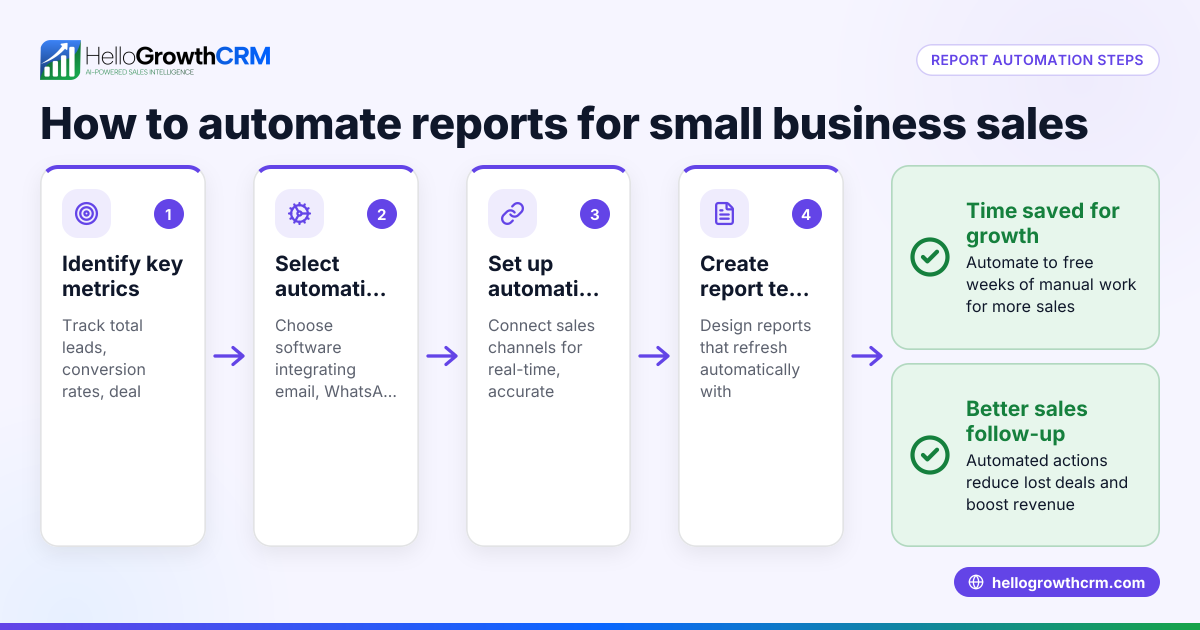
Can I create weekly sales reports without a CRM? Yes, by manually collecting and organising data in spreadsheets or documents. However, this can be time-consuming and prone to errors.
How does pipeline management improve weekly sales reporting? It provides visibility into all deals at different stages, helping forecast future sales and prioritise follow-ups effectively.
What is the best way to share weekly sales reports with my team? Use email, shared drives, or collaboration tools. If you use HelloGrowthCRM, you can manage deals and follow-ups within the platform to keep your sales team aligned.
Key takeaways
- Collect and organise all weekly sales data by customer, product, sales stage, or territory.
- Calculate total revenue, deal counts, average deal size, and conversion rates.
- Summarise pipeline status and check for overdue follow-ups regularly.
- Use clear, simple report formats and update them on a fixed weekly schedule.
- Avoid common mistakes like incomplete data, ignoring pipeline stages, and delaying reports.
- HelloGrowthCRM’s deals pipeline, field operations, and Managed RevOps support help keep sales reporting accurate and timely.
Start your weekly sales reporting today with HelloGrowthCRM. Start on the Free Forever plan (200 leads, no credit card).
Ready to put this into practice?
Set up your pipeline, WhatsApp follow-ups, and AI lead scoring in minutes — free, no credit card.
Try HelloGrowthCRM freeGet CRM tips in your inbox
Join thousands of sales professionals who get weekly insights on CRM strategy, AI automation, and pipeline optimization.

The HelloGrowthCRM team publishes guides on CRM strategy, AI sales tools, and revenue operations for small business sales teams.