HelloGrowthCRM software
Built for real small-business sales teams
HelloGrowthCRM helps reps qualify faster, follow up on time, and close more deals—with practical automation in one place.
- AI lead scoring and pipeline visibility
- Built-in dialer, WhatsApp, and email automation
- Sales forecasting and RevOps-ready reporting
You can make a call from your laptop without using a physical phone by using software or services that route calls over the internet. This means your laptop’s microphone and speakers act as your phone, letting you dial and talk without extra devices. This article explains why small-business owners look for this solution, gives step-by-step instructions, a worked example, common mistakes, and how HelloGrowthCRM’s built-in dialer can streamline calling from your CRM.
Why this comes up / what goes wrong
Small-business owners often need to call customers or leads but may not have a dedicated phone line or want to avoid juggling multiple devices. They might run sales on text, email, and spreadsheets, making calls from a phone inconvenient or slow. Using a laptop to make calls can speed up follow-up, centralize communication, and reduce lost leads. However, without clear instructions, setting up laptop calls can be confusing, especially on choosing the right software, hardware checks, and ensuring call quality.
Step-by-step
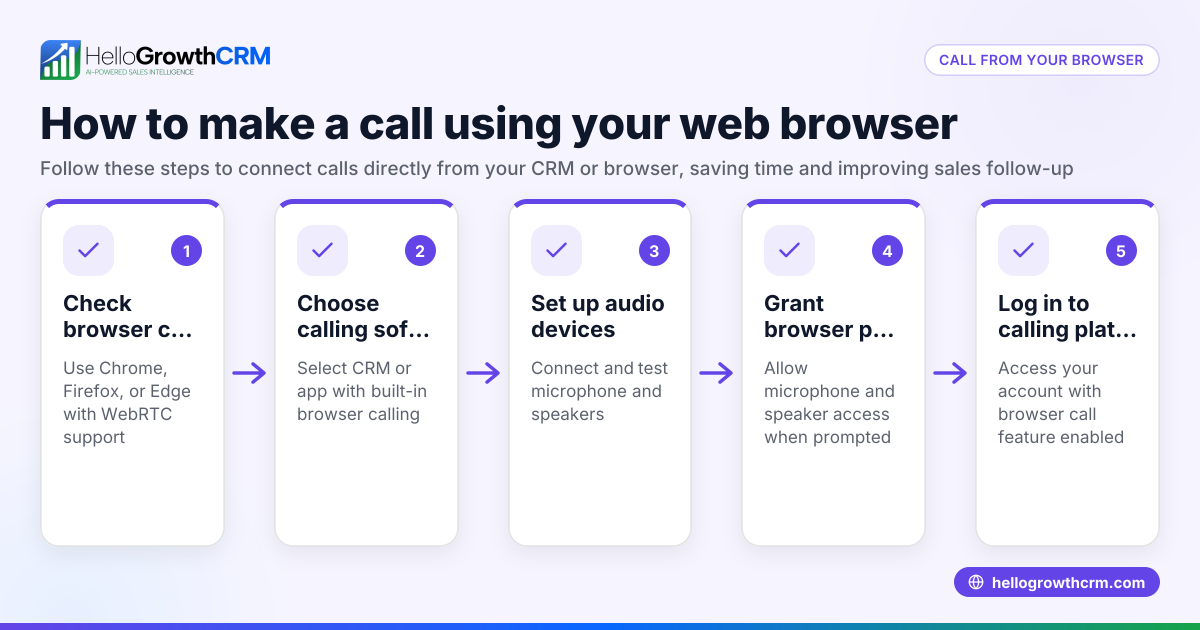
- Choose a Calling Software or Service: Pick an internet calling tool that works on your laptop. Options include VoIP apps, softphones, or CRM dialers. For small businesses, CRM dialers integrated with sales tools are efficient.
- Check Your Laptop Hardware: Ensure your laptop has a working microphone and speakers or a headset. Test them by recording a short clip or using a voice chat app.
- Set Up an Account: Create an account with the calling software. This often requires your email and sometimes a phone number for verification.
- Configure Calling Settings: Follow the software’s prompts to connect to your internet and enable microphone and speaker access.
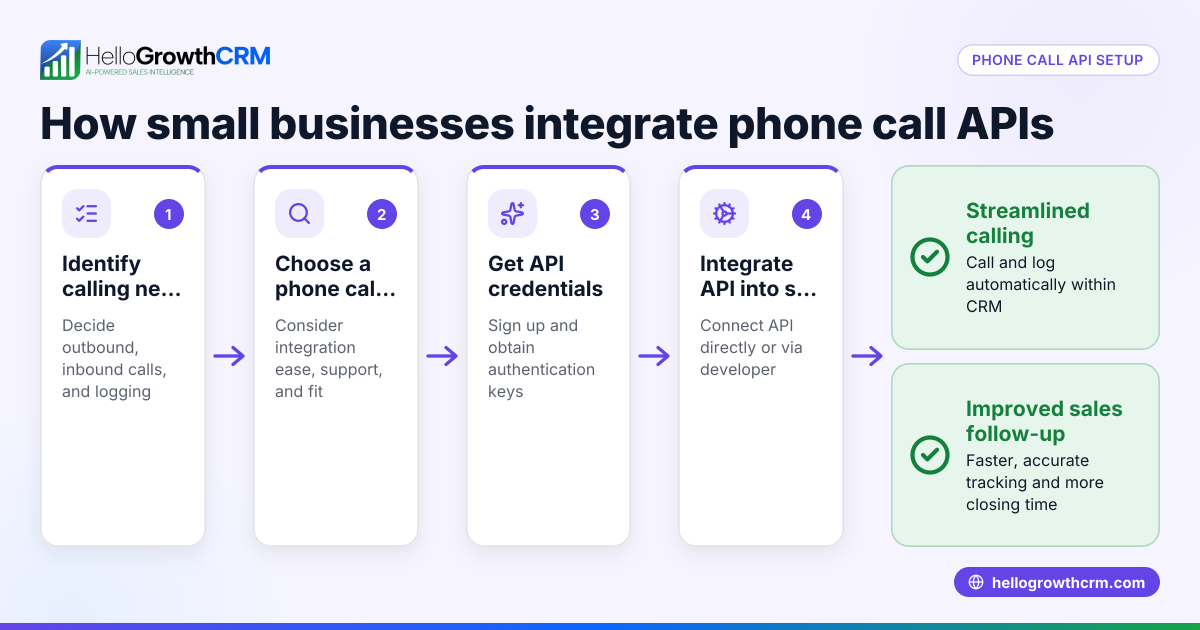
- Get or Link a Phone Number: Some services provide a phone number you can call from or allow you to link your existing number. Choose based on your business needs.
- Make a Test Call: Dial a known number to test call quality and connection.
- Start Calling Leads or Customers: Use the software interface to dial numbers. If integrated with a CRM, you can call directly from contact records.
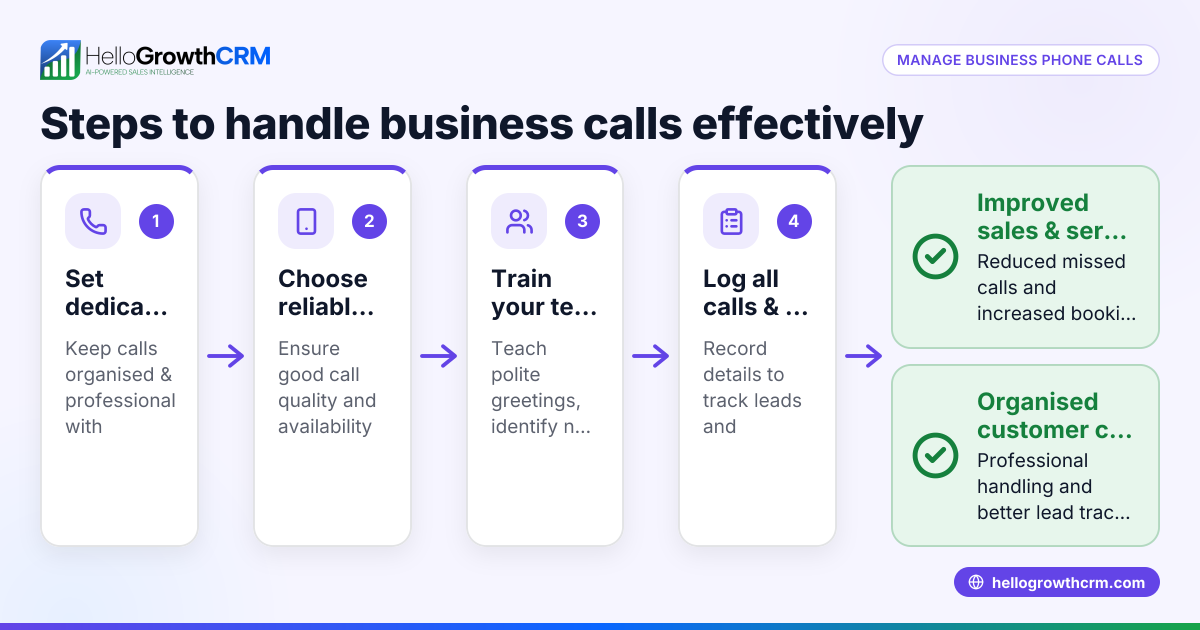
- Log Calls and Outcomes: Keep track of call results manually or automatically through CRM integration.
Example (fictional figures)
A residential real-estate team in Phoenix, Arizona, wants to call 50 leads a day from their laptop without phones. They use an internet calling service that charges $0.02 per minute.
- Each call averages 5 minutes.
- Daily call minutes: 50 calls × 5 minutes = 250 minutes.
- Daily cost: 250 minutes × $0.02 = $5.00.
- Monthly cost (20 working days): $5.00 × 20 = $100.
This setup lets the team call all leads efficiently without buying phones or separate lines.
Common mistakes
- Not testing hardware first: Leads to poor call quality. Prevent by testing microphone and speakers before calling.
- Choosing incompatible software: Some apps don’t support US numbers or lack CRM integration. Check compatibility and features.
- Ignoring internet speed: Slow internet causes call drops. Ensure a stable connection.
- Not logging calls: Leads get lost without records. Use CRM or note calls manually.
- Using free apps without business features: Limits call volume and tracking. Consider paid or CRM-integrated options.
For easier calling and logging, consider a CRM with a built-in CRM dialer designed for US businesses, which integrates calling and lead management.
Doing this in HelloGrowthCRM
HelloGrowthCRM offers a built-in dialer that lets your sales reps call leads directly from the CRM. Each call’s outcome is logged automatically on the lead’s record, keeping a full call history tied to contacts and deals. This helps reps work through lists efficiently and track progress without switching apps. Learn more about HelloGrowthCRM’s built-in dialer and how it fits US business needs on HelloGrowthCRM for the United States.
Frequently asked questions
Can I make calls from my laptop without a headset? Yes, you can use your laptop’s built-in microphone and speakers, but a headset often improves sound quality and reduces background noise.
Do I need a special phone number to make calls from my laptop? Many services provide a virtual phone number, but some allow linking your existing number. Choose based on whether you want calls to show your business number.
Is internet speed important for laptop calls? Yes, a stable and fast internet connection is crucial to avoid call drops and poor audio quality.
Can I log calls automatically when calling from my laptop? If you use a CRM with a built-in dialer like HelloGrowthCRM, calls and outcomes are logged automatically, saving time and improving tracking.
Are there free options to call from laptop without a phone? Some free apps exist but often have limitations like ads, call length caps, or no business features. Paid or CRM-integrated dialers are better for consistent business use.
Using a WhatsApp and SMS CRM alongside calling can also help manage all communication channels efficiently.
Key takeaways
- You can make calls from your laptop using internet calling software or CRM dialers.
- Ensure your laptop hardware and internet connection are ready before calling.
- Choose software that fits your business needs, preferably with CRM integration.
- Logging calls is essential to avoid losing leads.
- HelloGrowthCRM’s built-in dialer lets you call leads directly from the CRM and logs outcomes automatically.
Start making calls from your laptop today without a phone by choosing the right tools and following these steps. To try calling integrated with sales management, start on the Free Forever plan (200 leads, no credit card).
Ready to put this into practice?
Set up your pipeline, WhatsApp follow-ups, and AI lead scoring in minutes — free, no credit card.
Try HelloGrowthCRM freeGet CRM tips in your inbox
Join thousands of sales professionals who get weekly insights on CRM strategy, AI automation, and pipeline optimization.

The HelloGrowthCRM team publishes guides on CRM strategy, AI sales tools, and revenue operations for small business sales teams.