HelloGrowthCRM software
Built for real small-business sales teams
HelloGrowthCRM helps reps qualify faster, follow up on time, and close more deals—with practical automation in one place.
- AI lead scoring and pipeline visibility
- Built-in dialer, WhatsApp, and email automation
- Sales forecasting and RevOps-ready reporting
Managing leads from your Google Business Profile is essential for small and mid-sized businesses in the USA that want to convert interest into sales. When someone contacts you through your profile—via messages, calls, or requests for quotes—capturing and organizing these leads immediately prevents losing potential customers. This guide explains why managing these leads well matters, gives you a step-by-step method, a practical example, common pitfalls, and how HelloGrowthCRM supports this process.
Why this comes up / what goes wrong
Small business owners often get leads from Google Business Profile inquiries but struggle to keep track. Leads arrive in text messages, emails, or phone calls and end up scattered in notebooks, spreadsheets, or ignored. Slow or missed follow-ups cause lost sales. Without a clear system, it’s hard to know who owns the lead, what the next step is, or how to prioritize calls and messages. Managing leads well means capturing them in one place, assigning responsibility, and following up promptly.
Step-by-step
- Set up notifications: Ensure your Google Business Profile notifications for messages and calls are active on your phone and email.
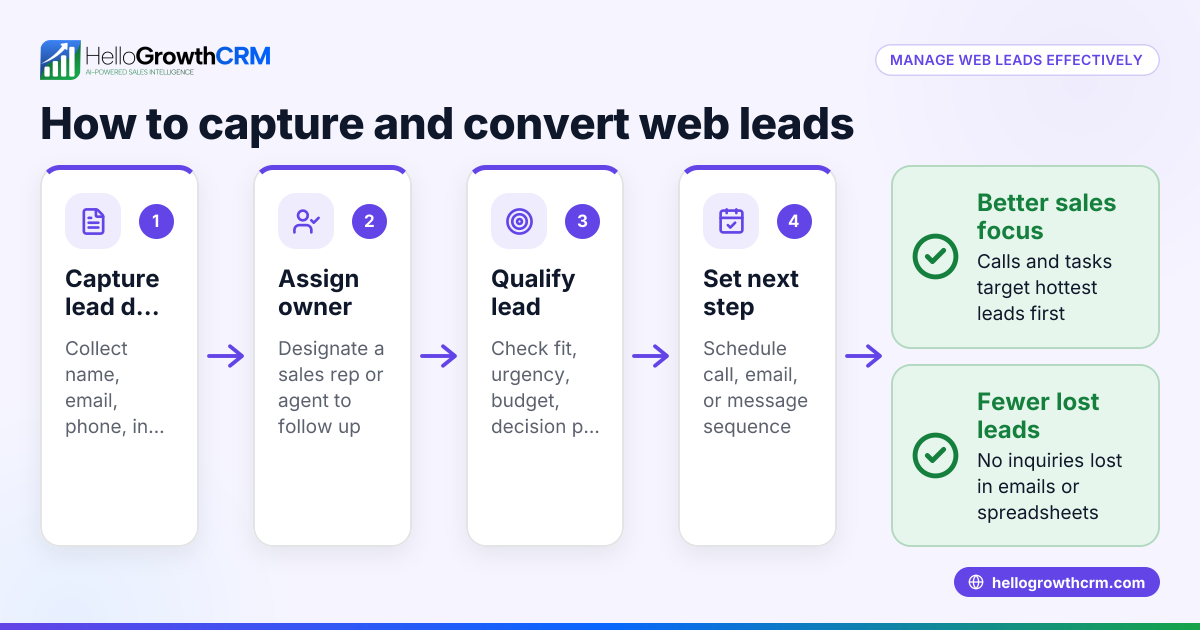
- Record every inquiry immediately: When a lead contacts you, enter their details—name, contact info, inquiry type—into a lead management tool or spreadsheet without delay.
- Assign an owner: Decide who on your team will follow up with this lead. Assign responsibility clearly to avoid confusion.
- Define the next step: For each lead, specify the next action (e.g., call back, send a quote, schedule a meeting) and set a deadline.
- Prioritize leads: Sort leads by urgency or likelihood to convert. Call the most promising leads first.
- Follow up consistently: Use reminders or task lists to ensure no lead is forgotten.
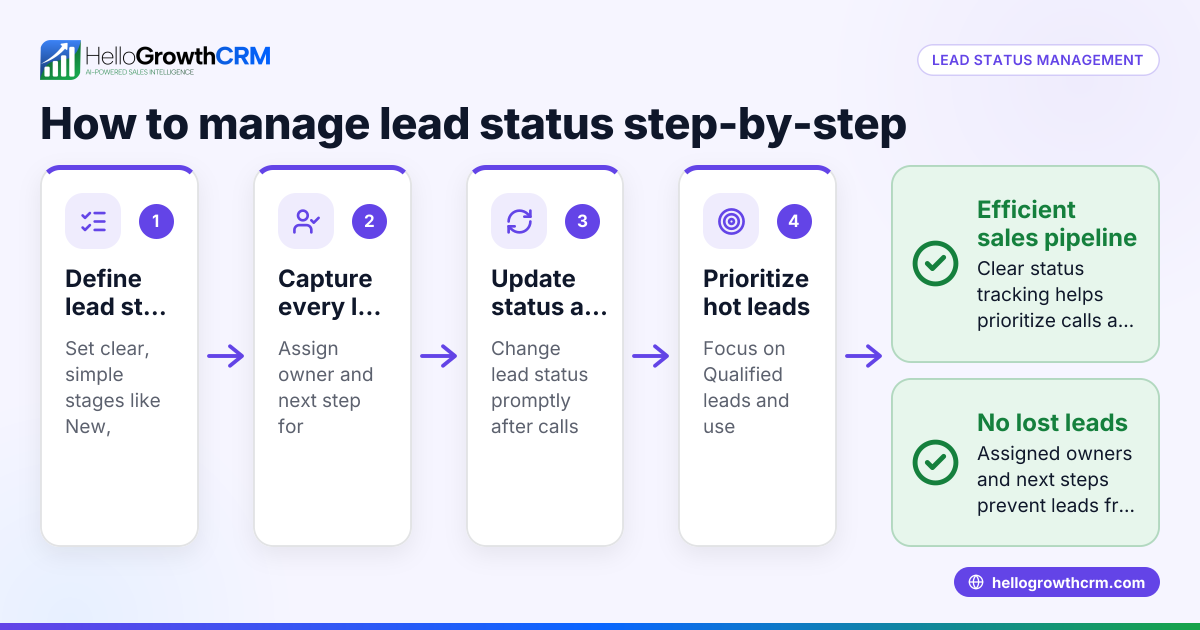
- Track lead status: Update the lead’s status as you progress (contacted, interested, negotiating, closed).
- Review and analyze: Weekly, review all leads to identify bottlenecks or follow-up delays.
Example (fictional figures)
Phoenix Home Realty, a residential real-estate team in Phoenix, Arizona, receives a Google Business Profile inquiry on 05/10/2024.
- Lead: John Smith, phone 602-555-1234, interested in a 3-bedroom house.
- Step 1: Enter John’s info into the lead tracker immediately.
- Step 2: Assign Sarah, the sales agent, as lead owner.
- Step 3: Next step is to call John within 24 hours.
Calculations for follow-up priority:
Assuming Phoenix Home Realty receives 20 leads this week and can call 5 leads per day,
5 leads/day × 5 days = 25 calls/week capacity
John’s inquiry is recent and high intent, so he ranks in the top 5 leads to call today.
Sarah calls John on 05/11/2024, discusses options, and schedules a property visit for 05/15/2024. The lead status updates to "Follow-up scheduled."
Common mistakes
- Not recording leads immediately: Leads get lost or forgotten. Prevent by entering lead info as soon as it arrives.
- Unclear ownership: Leads get ignored when no one is assigned. Prevent by assigning each lead to a specific team member.
- No next step defined: Leads stall without a follow-up plan. Prevent by always setting a clear next action and deadline.
- Ignoring prioritization: Calling leads randomly wastes time. Prevent by sorting leads by likelihood to convert or urgency.
- No follow-up tracking: Leads drop off due to missed reminders. Prevent by using task lists or CRM reminders.
- Failing to review lead progress: Problems go unnoticed. Prevent by weekly lead review meetings.
Doing this in HelloGrowthCRM
HelloGrowthCRM captures every enquiry from forms, calls, or WhatsApp as a lead with a clear owner and next step, avoiding lost leads in notebooks. Its AI lead scoring helps your telecallers prioritize calls to leads most likely to convert first. Automated workflows and lead routing assign new enquiries round-robin and create first-call tasks automatically, reducing manual work and speeding follow-up. Learn more about AI lead scoring and WhatsApp and SMS CRM. HelloGrowthCRM supports US businesses with tailored lead management — see HelloGrowthCRM for the United States.
Frequently asked questions
How do I capture leads from Google Business Profile automatically? Google Business Profile messages and calls must be monitored manually or integrated with CRM software. Currently, automatic direct integration is limited, so use a CRM or lead tracker to enter leads promptly when they come in.
What information should I record from each lead? Capture the lead’s name, contact details (phone, email), inquiry details, source (Google Business Profile), date/time, and any notes about their needs. This helps organize and prioritize follow-up.
How can I prioritize leads from Google Business Profile? Prioritize based on inquiry urgency, lead source quality, or potential deal size. Using AI lead scoring, like in HelloGrowthCRM, can help identify leads most likely to convert first.
Can I assign leads to team members automatically? Yes, with CRM tools that support workflows and lead routing, you can assign leads automatically by territory, round-robin, or score to balance workload and speed response.
What if I miss a lead inquiry? Set up multiple notification channels and check your Google Business Profile regularly. Using a CRM with lead capture and reminders reduces missed leads.
Key takeaways
- Capture every Google Business Profile inquiry immediately with full details.
- Assign each lead to a specific team member with a clear next step.
- Prioritize leads to call the most promising first.
- Use reminders or task lists to follow up consistently.
- Review lead progress weekly to avoid bottlenecks.
- Consider a CRM like HelloGrowthCRM for automated lead capture, AI lead scoring, and workflow-based lead routing.
Start managing your Google Business Profile leads today with a clear system. Start on the Free Forever plan (200 leads, no credit card) with HelloGrowthCRM and keep your leads organized and followed up.
Ready to put this into practice?
Set up your pipeline, WhatsApp follow-ups, and AI lead scoring in minutes — free, no credit card.
Try HelloGrowthCRM freeGet CRM tips in your inbox
Join thousands of sales professionals who get weekly insights on CRM strategy, AI automation, and pipeline optimization.

The HelloGrowthCRM team publishes guides on CRM strategy, AI sales tools, and revenue operations for small business sales teams.