HelloGrowthCRM software
Built for real small-business sales teams
HelloGrowthCRM helps reps qualify faster, follow up on time, and close more deals—with practical automation in one place.
- AI lead scoring and pipeline visibility
- Built-in dialer, WhatsApp, and email automation
- Sales forecasting and RevOps-ready reporting
Recording customer advance payments correctly helps keep your accounts accurate and your cash flow clear. In the UAE, advances from customers should be recorded as liabilities until you deliver the goods or services. This prevents recognising income prematurely and ensures your financial records match reality.
Why this comes up / what goes wrong
Small businesses often receive advance payments to secure a sale or booking before delivering products or services. For example, a dental clinic in Jumeirah might take a deposit before a treatment. Without proper recording, advances can be mistaken for income, causing confusion in accounts and tax reporting.
Common problems include mixing advances with regular sales revenue, not linking payments to the correct quotation or invoice, and losing track of which advances are outstanding. These issues can slow follow-up and lead to lost revenue or unhappy customers.
Step-by-step
- Confirm the customer record: Ensure the customer’s contact and billing details are accurate and up to date.
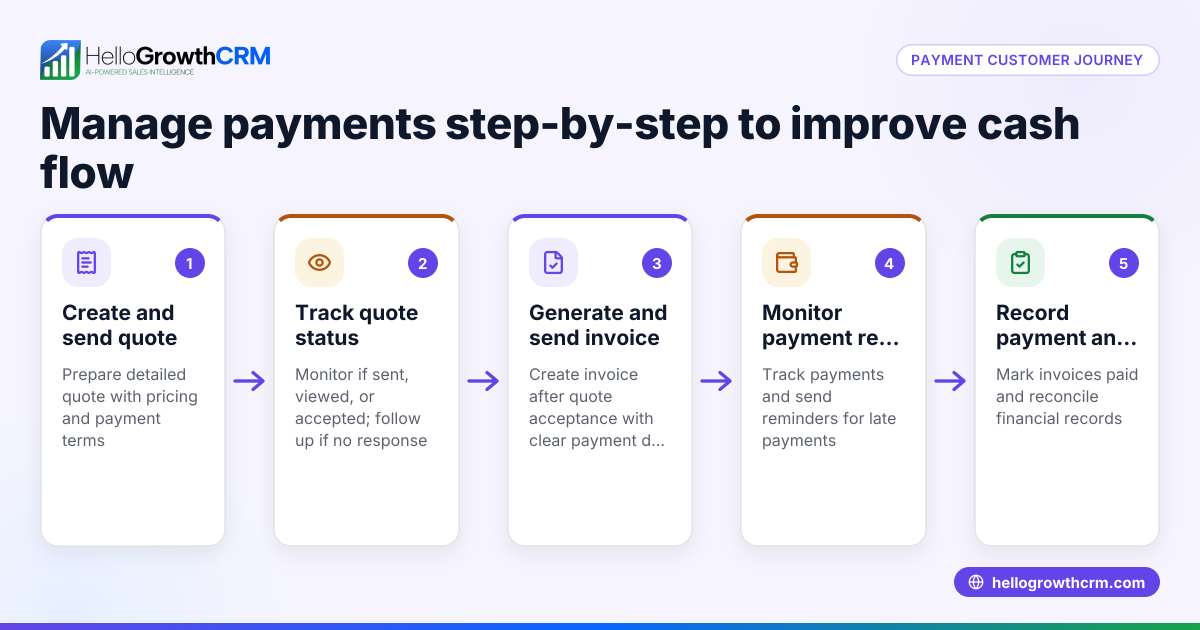
- Issue a quotation or proposal: Clearly state the advance payment amount and terms in the quote. Track its status (sent, viewed, accepted) to manage follow-up efficiently.
- Record the advance payment receipt: Enter the payment date and amount in your system, linking it to the customer and the quotation or deal.
- Post the advance as a liability: In your accounting records, record the advance under a liability account such as Customer Advances or Unearned Revenue until delivery.
- Link advance payments to the relevant sales documents: This helps track the advance against the final invoice and ensures clarity.
- Issue the final invoice upon delivery: Deduct the advance payment from the total amount due.
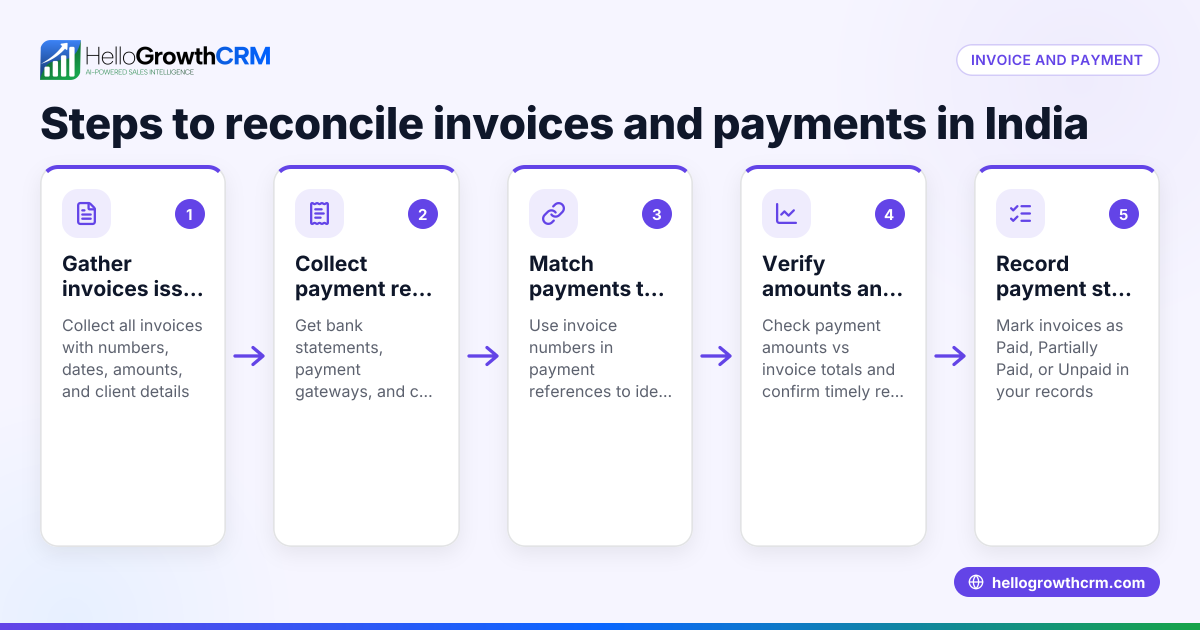
- Apply the advance payment to the invoice: Mark the advance as settled when linked to the invoice payment.
- Record any remaining balance or refund: If the invoice total exceeds the advance, record the balance due. If less, process a refund.
- Use task boards or pipeline views to track follow-up: Keep reminders for outstanding payments and customer communications.
Example (fictional figures)
A dental clinic in Jumeirah receives an advance payment for a treatment scheduled on 15/07/2024.
- Quotation total: AED 4,800
- Advance payment requested: AED 1,500
- Date advance received: 01/07/2024
Recording the advance payment:
Advance payment amount = AED 1,500
Step 1: Record AED 1,500 as a liability (Customer Advances account) on 01/07/2024.
Step 2: On 15/07/2024, issue the final invoice for AED 4,800.
Step 3: Apply the advance to the invoice:
AED 4,800 - AED 1,500 = AED 3,300 balance due
Step 4: Record receipt of AED 3,300 when paid.
This method ensures the advance is not counted as income until the service is delivered.
Common mistakes
- Recording advances as immediate income: Prevent this by always posting advances to a liability account until delivery.
- Not linking advances to quotations or invoices: Avoid this by using a system that connects payments to deals and documents, improving tracking and follow-up.
- Failing to track outstanding advances: Use task boards or pipeline views to set reminders and monitor unsettled balances.
- Mixing advance payments with other receipts: Keep separate accounts or categories for advances to maintain clarity.
- Ignoring partial payments or refunds: Record partial advances and any refunds accurately to reflect the true financial position.
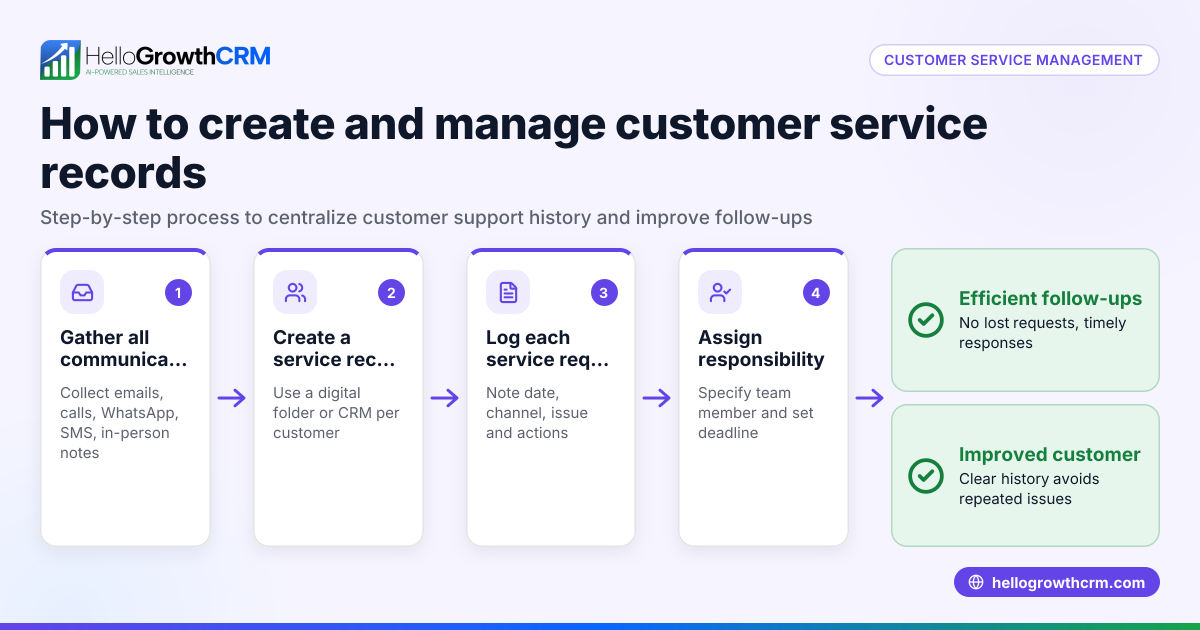
Using CRM tools with WhatsApp and SMS capabilities can help you send quotes and follow up on payments directly, improving collection and record accuracy. After the sale, service requests can stay linked to the customer record for easy reference and follow-up, as explained in the customer health score feature.
Doing this in HelloGrowthCRM
HelloGrowthCRM allows you to create and send quotes, proposals, and invoices directly from the deal record. You can track quotation status (sent, viewed, accepted) alongside follow-up tasks, helping you manage advance payments efficiently. Payments received are recorded and linked to invoices and deals, keeping your sales pipeline and records clear. After the sale, service requests and tickets stay on the same customer record, simplifying post-sale support. Learn more about HelloGrowthCRM’s WhatsApp and SMS CRM and customer health score features that help UAE businesses stay organised.
Frequently asked questions
How do I show advance payments on my invoice? Issue a final invoice showing the total amount due, then deduct the advance payment received. The invoice should clearly state the advance amount and the remaining balance.
Is an advance payment taxable in the UAE? Advance payments are generally subject to VAT if the supply is taxable. VAT is accounted for when the invoice is issued. Consult your tax advisor for specifics. NEEDS EXPERT REVIEW
Can I track advance payments with HelloGrowthCRM? Yes, HelloGrowthCRM lets you send quotes and invoices and record payments received, linking advances to deals and customers for clear tracking.
What if a customer cancels after paying an advance? You should refund the advance or adjust it according to your cancellation policy and record the refund properly to keep accounts accurate.
How do I reconcile advance payments in accounting? Record advances as liabilities until the sale is completed. When invoiced, apply the advance against the invoice and reduce the liability accordingly.
Can I automate follow-up on advance payments? Using task boards and pipeline views can help you set reminders and automate follow-ups to ensure payments are tracked and collected on time.
Key takeaways
- Record customer advance payments as liabilities until delivery.
- Link advances to quotations and invoices for clear tracking.
- Deduct advances from final invoices to show accurate balances.
- Use task boards and CRM tools to track and follow up on advances.
- Keep advance payments separate from regular sales receipts.
- HelloGrowthCRM supports quotes, invoices, payments, and customer service on one platform.
Start managing your customer advances more effectively with HelloGrowthCRM. Start on the Free Forever plan (200 leads, no credit card) today and keep your UAE business organised and responsive.
Ready to put this into practice?
Set up your pipeline, WhatsApp follow-ups, and AI lead scoring in minutes — free, no credit card.
Try HelloGrowthCRM freeGet CRM tips in your inbox
Join thousands of sales professionals who get weekly insights on CRM strategy, AI automation, and pipeline optimization.

The HelloGrowthCRM team publishes guides on CRM strategy, AI sales tools, and revenue operations for small business sales teams.