HelloGrowthCRM software
Built for real small-business sales teams
HelloGrowthCRM helps reps qualify faster, follow up on time, and close more deals—with practical automation in one place.
- AI lead scoring and pipeline visibility
- Built-in dialer, WhatsApp, and email automation
- Sales forecasting and RevOps-ready reporting
Scheduling WhatsApp messages for your customers in Canada helps ensure timely communication without manual effort. Many small businesses use WhatsApp for customer contact but struggle to send messages at the best time or to manage follow-ups. Scheduling tools or CRMs with WhatsApp integration automate message delivery, reducing missed leads and improving customer experience.
Why this comes up / what goes wrong
Small business owners in Canada often rely on WhatsApp for direct, informal communication with customers because it is widely used and convenient. However, manually sending messages can lead to delays, forgotten follow-ups, or messages sent at inconvenient times, which may annoy customers or cause lost sales. For example, a business might want to remind customers about appointments, promotions, or payment deadlines but forgets or sends messages too late. Without scheduling, teams waste time coordinating when to message each customer.
Step-by-step
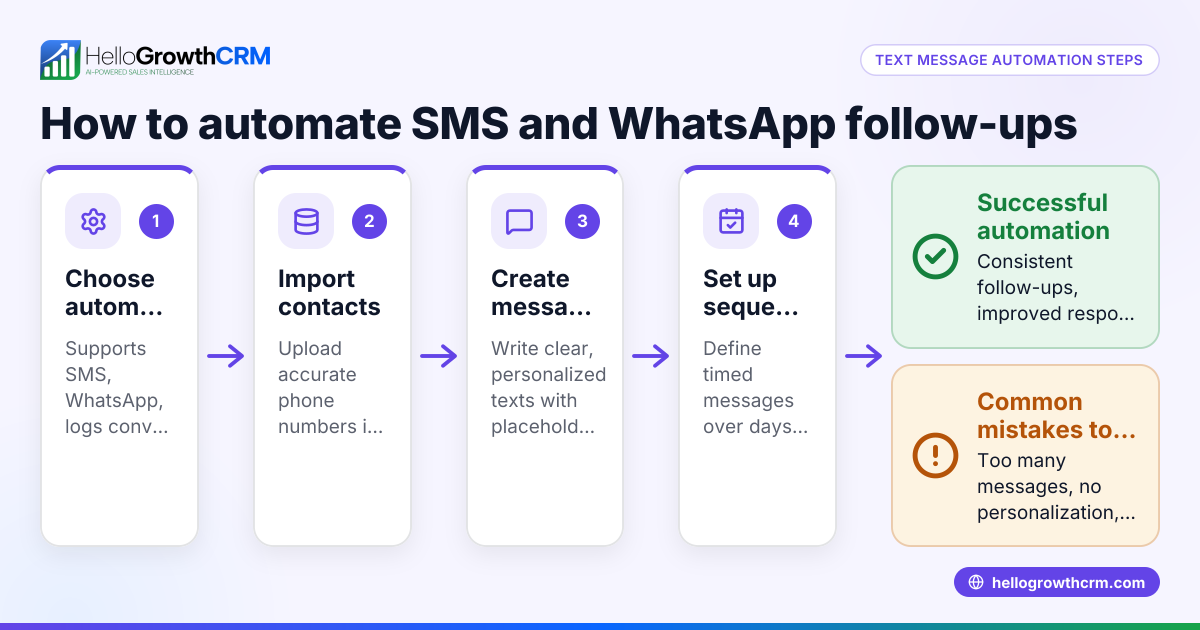
- Select a WhatsApp-compatible scheduling tool or CRM. Choose software that supports scheduling WhatsApp messages and works in Canadian time zones. HelloGrowthCRM is one option that logs WhatsApp conversations and can send follow-ups.
- Add your customer contact list. Import contacts ensuring phone numbers include the Canadian country code +1 and proper formatting.
- Compose your message. Write clear, concise messages tailored to your customers’ language preferences. Avoid overly frequent or generic messages.
- Set the date and time for each message. Use the scheduling feature to pick the exact delivery date and time, considering customer local time zones to avoid sending messages too early or late.
- Test the scheduled messages. Send test messages to yourself or colleagues to check formatting, links, and timing.
- Activate the schedule. Confirm and save your scheduled messages so the system sends them automatically.
- Monitor delivery and customer responses. Track message logs and replies to ensure follow-ups are timely and relevant.
Integrate scheduling with your sales pipeline and task boards to keep communication organised and efficient. Tools like HelloGrowthCRM provide these features to streamline your workflow.
Example (fictional figures)
A bilingual insurance agency in Laval, Quebec, wants to remind 50 customers about their policy renewal on 2024-07-01 at 10:00 AM Eastern Time.
- Number of customers: 50
- Message: "Bonjour! Reminder: Your insurance policy renewal is due soon. Contact us for any questions."
- Scheduled date and time: 2024-07-01 10:00 AM ET
Steps:
- Import 50 customer contacts, each with phone numbers including +1.
- Compose the reminder message in French and English.
- Schedule message delivery for 2024-07-01 at 10:00 AM ET.
- Send a test message to the owner’s phone to verify formatting.
- Activate the schedule to send messages automatically on the date.
Calculation of total messages sent: 50 customers × 1 message each = 50 messages total
This approach ensures all 50 customers receive the timely reminder without manual sending.
Common mistakes
- Not verifying time zones: Sending messages at incorrect local times can annoy customers. Always check and set the correct time zone.
- Ignoring customer consent: Ensure customers have opted in to receive WhatsApp messages to comply with privacy regulations.
- Sending generic, non-personalized messages: Personalize messages to increase engagement and avoid being marked as spam.
- Failing to test messages: Unchecked messages may contain errors or formatting problems.
- Not monitoring replies: Without tracking responses, you might miss important customer feedback or opportunities.
Using a CRM with WhatsApp integration, such as HelloGrowthCRM, helps avoid these mistakes by logging conversations and managing follow-ups. Learn more about WhatsApp and SMS CRM and how scheduling can fit into your sales process.
Doing this in HelloGrowthCRM
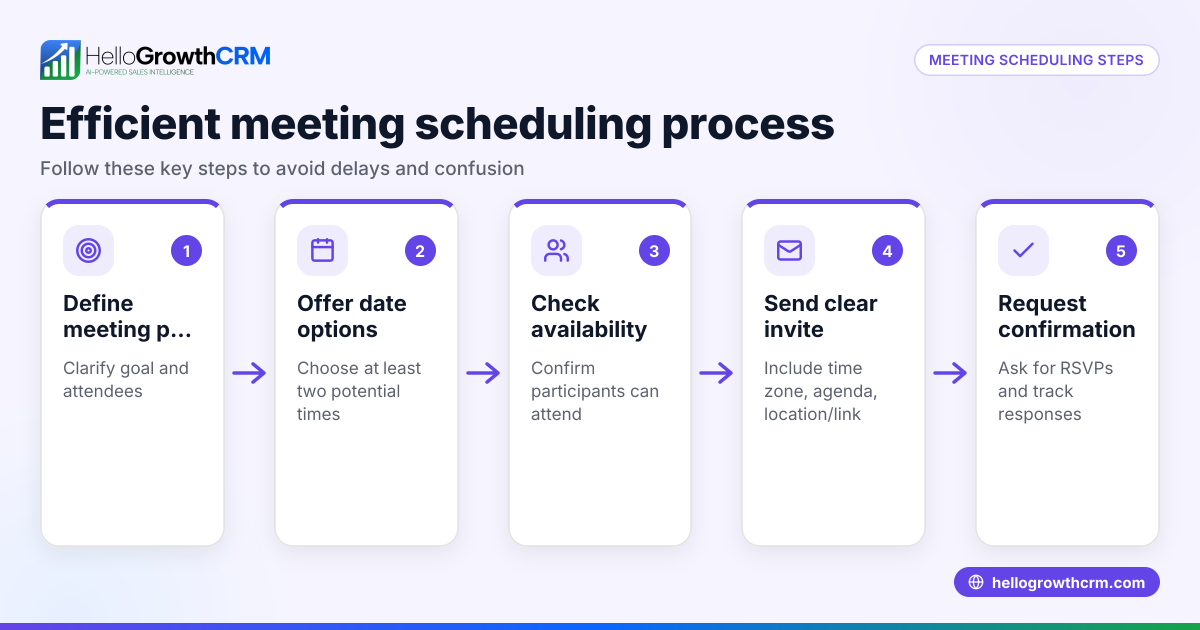
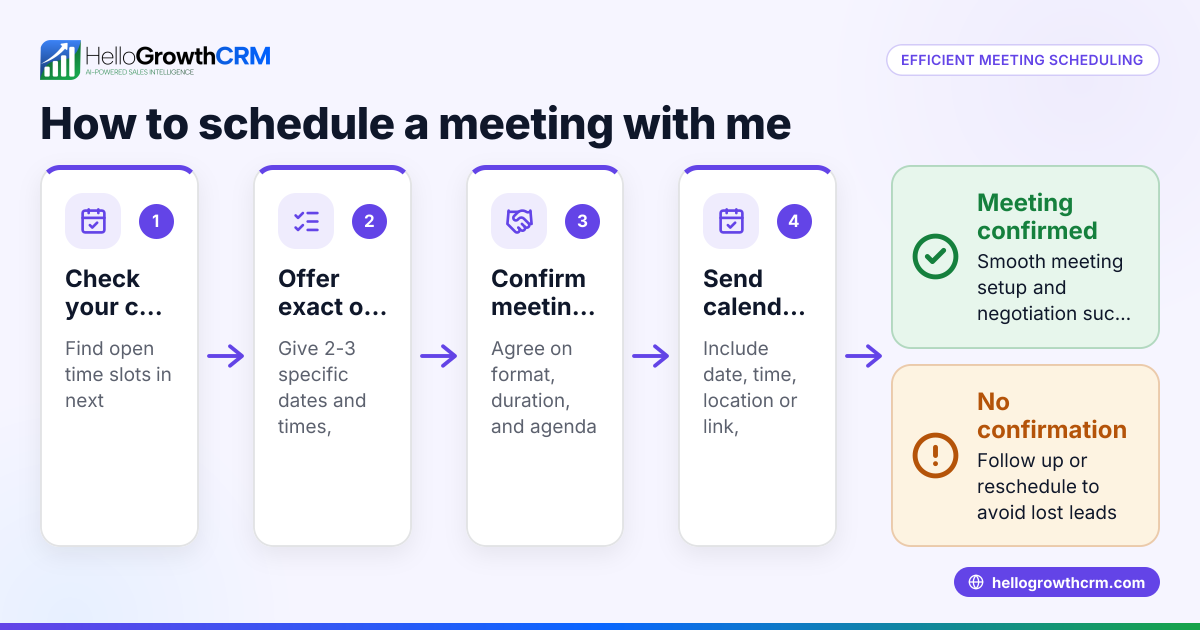
HelloGrowthCRM supports WhatsApp conversations logged on each lead record, allowing follow-ups to be sent as scheduled messages. Its meeting scheduler enables prospects to pick appointment slots from a link, reducing back-and-forth messaging on WhatsApp. After sales, service requests stay on the same customer record as the deal, keeping communication organised. For more information, see WhatsApp and SMS CRM and meeting scheduler.
Frequently asked questions
Can I schedule WhatsApp messages to multiple customers at once? Yes, many scheduling tools allow bulk scheduling of WhatsApp messages. Personalization options vary by tool; check if you can customize each message.
Do I need WhatsApp Business API to schedule messages? Scheduling messages typically requires WhatsApp Business API or compatible CRM software. API access and template message approvals have specific requirements and timelines. NEEDS EXPERT REVIEW.
How do I ensure my messages comply with Canadian privacy laws? Always obtain explicit customer consent before sending WhatsApp messages. Maintain records of consent and provide clear opt-out options.
Can I automate follow-ups after the scheduled message? Some CRMs enable automated follow-ups based on customer responses or time delays, improving engagement.
Is it possible to schedule messages in both English and French? Yes, you can create separate message templates for each language and schedule them according to your customers’ preferences.
Key takeaways
- Scheduling WhatsApp messages ensures timely and consistent customer communication.
- Choose tools that support Canadian time zones and WhatsApp integration.
- Personalize and test messages before scheduling to improve engagement.
- Monitor message delivery and customer responses for effective follow-up.
- HelloGrowthCRM offers WhatsApp message logging, scheduling, and meeting booking features.
Scheduling WhatsApp messages can streamline your customer outreach and reduce manual work. To start managing your leads and messages efficiently, consider HelloGrowthCRM for Canada.
Ready to try? Start on the Free Forever plan (200 leads, no credit card) today and see how scheduling WhatsApp messages can help your business.
Ready to put this into practice?
Set up your pipeline, WhatsApp follow-ups, and AI lead scoring in minutes — free, no credit card.
Try HelloGrowthCRM freeGet CRM tips in your inbox
Join thousands of sales professionals who get weekly insights on CRM strategy, AI automation, and pipeline optimization.

The HelloGrowthCRM team publishes guides on CRM strategy, AI sales tools, and revenue operations for small business sales teams.