HelloGrowthCRM software
Built for real small-business sales teams
HelloGrowthCRM helps reps qualify faster, follow up on time, and close more deals—with practical automation in one place.
- AI lead scoring and pipeline visibility
- Built-in dialer, WhatsApp, and email automation
- Sales forecasting and RevOps-ready reporting
Scheduling WhatsApp messages for customers in the USA helps small businesses maintain timely communication without manual follow-up. Many small-business owners run sales and customer service on WhatsApp but struggle to send messages at the right time, leading to missed opportunities or annoying customers with messages sent too early or late.
Why this comes up / what goes wrong
Small business owners often use WhatsApp to communicate with customers because it’s fast and familiar. However, WhatsApp itself does not have a built-in message scheduling feature. Without scheduling, business owners must remember to send messages manually, which can cause delays or forgetfulness. Sending messages too late can lose leads; too early can seem intrusive. Scheduling WhatsApp messages ensures customers receive timely reminders, promotions, or follow-ups without extra effort.
Step-by-step
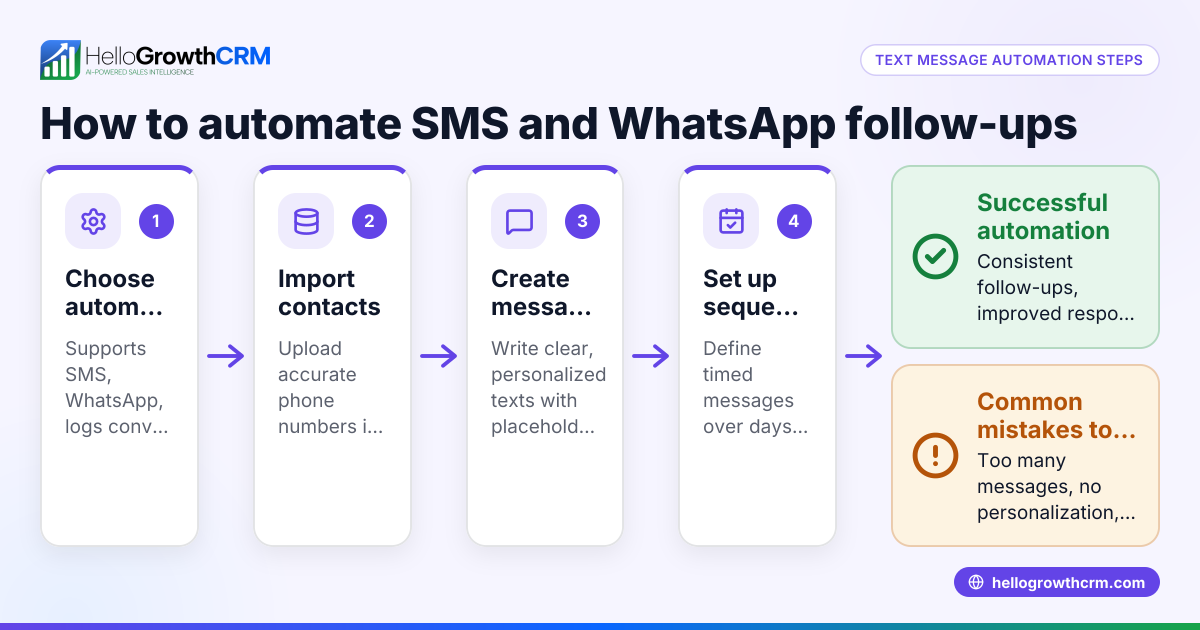
- Choose a tool that supports WhatsApp message scheduling. This may be a CRM with WhatsApp integration or a specialized scheduling app.
- Connect your WhatsApp number to the tool. Follow the tool’s instructions to link your WhatsApp account securely.
- Create the message content. Write the message you want your customer to receive. Keep it clear and professional.
- Select the customer or group of customers. Import or select contacts from your customer list or CRM.
- Pick the date and time for the message to be sent. Use the scheduling interface to set the exact delivery time, considering your customers’ time zones.
- Review and confirm the scheduled message. Double-check the content, recipients, and timing.
- Save or schedule the message. The tool will send the message automatically at the chosen time.
Check your scheduled messages list regularly to update or cancel messages if plans change.
For more streamlined communication, consider using a WhatsApp and SMS CRM that logs conversations and automates follow-ups.
Example (fictional figures)
Imagine "Austin Plumbing Co." wants to remind customers of their upcoming maintenance appointments via WhatsApp.
- Customer: John Smith
- Appointment date: 07/15/2024
- Reminder message: "Hi John, this is a reminder of your plumbing maintenance appointment on 07/15/2024 at 10:00 AM. Please reply if you need to reschedule."
- Schedule reminder message to send 1 day before appointment at 09:00 AM.
Steps:
- Write message: "Hi John, this is a reminder of your plumbing maintenance appointment on 07/15/2024 at 10:00 AM. Please reply if you need to reschedule."
- Select John Smith from customer list.
- Set send date: 07/14/2024
- Set send time: 09:00 AM
- Confirm and save scheduling.
Austin Plumbing Co. ensures John receives the reminder on 07/14/2024 at 9:00 AM without manual effort.
Common mistakes
- Forgetting to verify time zones: Always check your customer's time zone to avoid sending messages too early or late. Use scheduling tools that adjust for time zones.
- Sending messages without consent: Ensure customers have opted in to receive WhatsApp messages to comply with communication laws.
- Not reviewing message content: Typos or incorrect information can harm your business reputation. Always proofread.
- Overloading customers with messages: Space out messages to avoid overwhelming or annoying customers.
- Relying on manual reminders: Without scheduling, you risk forgetting to send important messages.
Avoid these mistakes by using a CRM with scheduling and contact management features, such as the meeting scheduler in HelloGrowthCRM.
Doing this in HelloGrowthCRM
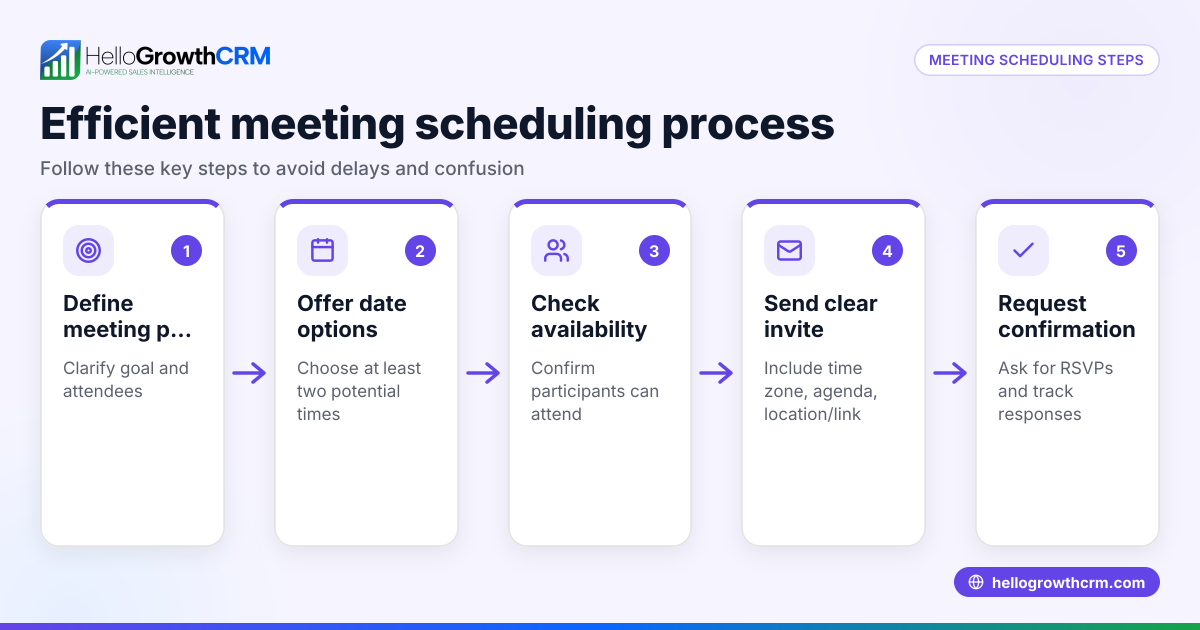
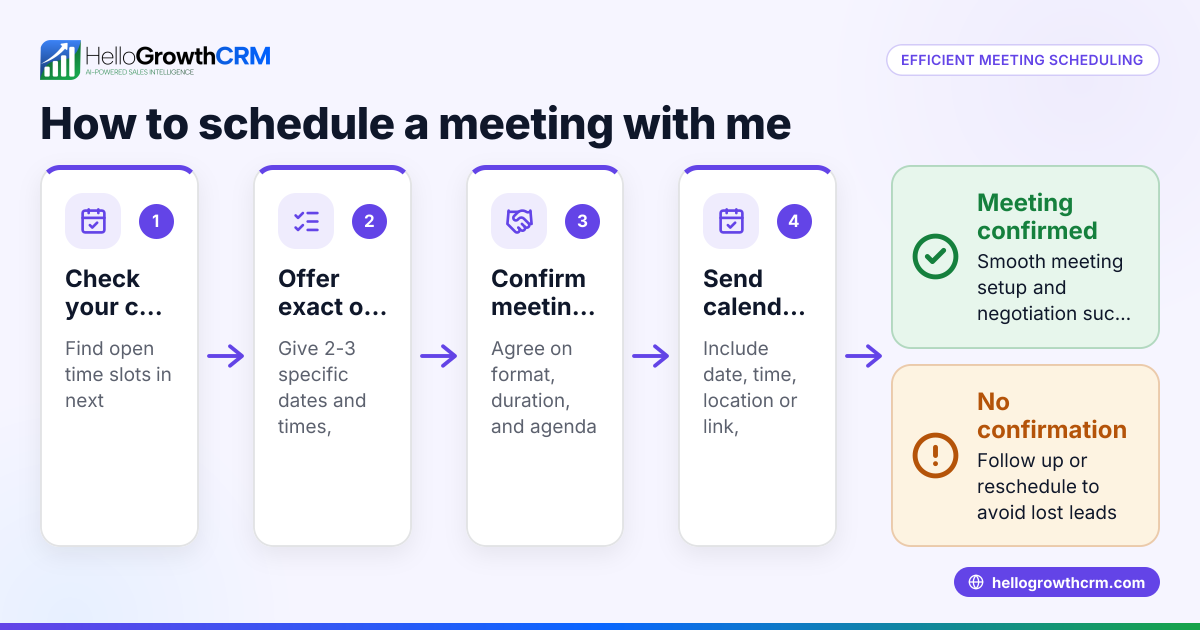
HelloGrowthCRM supports WhatsApp and SMS messaging workflows that help teams engage leads and customers on channels where they already respond. WhatsApp conversations with a lead are logged on the lead record, and follow-ups can go out as scheduled messages. You can also use the meeting scheduler so prospects pick a slot from a link instead of back-and-forth messages. After the sale, service requests stay on the same customer record as the deal, simplifying ongoing communication. Learn more about HelloGrowthCRM’s WhatsApp features at WhatsApp and SMS CRM and scheduling at meeting scheduler.
Frequently asked questions
Can I schedule WhatsApp messages directly in the WhatsApp app? No, the official WhatsApp app does not support message scheduling. You need a third-party tool or CRM that integrates with WhatsApp to schedule messages.
Is scheduling WhatsApp messages legal in the USA? Scheduling messages is legal if you have customer consent to message them and comply with communication laws like the TCPA. Always obtain opt-in before sending promotional or automated messages.
Can I schedule messages to multiple customers at once? Yes, many CRMs and scheduling tools allow you to select multiple recipients and schedule bulk WhatsApp messages while personalizing content.
How do I handle time zones when scheduling messages? Use a scheduling tool that automatically adjusts for your customers’ time zones or manually calculate the time difference before setting the send time.
What if a customer replies after a scheduled message? With a WhatsApp-native CRM like HelloGrowthCRM, replies are logged on the lead record, allowing your team to respond quickly and keep the conversation organized.
Key takeaways
- WhatsApp does not have built-in scheduling; use a CRM or tool that supports it.
- Schedule messages by creating content, selecting recipients, and setting date/time.
- Avoid mistakes like ignoring time zones, spamming, or sending without consent.
- HelloGrowthCRM supports WhatsApp message logging, scheduling, and customer communication.
- Use scheduling to improve timely follow-ups and customer satisfaction.
Start scheduling your WhatsApp messages today with HelloGrowthCRM. Start on the Free Forever plan (200 leads, no credit card) to try scheduling and messaging features.
Ready to put this into practice?
Set up your pipeline, WhatsApp follow-ups, and AI lead scoring in minutes — free, no credit card.
Try HelloGrowthCRM freeGet CRM tips in your inbox
Join thousands of sales professionals who get weekly insights on CRM strategy, AI automation, and pipeline optimization.

The HelloGrowthCRM team publishes guides on CRM strategy, AI sales tools, and revenue operations for small business sales teams.