HelloGrowthCRM software
Built for real small-business sales teams
HelloGrowthCRM helps reps qualify faster, follow up on time, and close more deals—with practical automation in one place.
- AI lead scoring and pipeline visibility
- Built-in dialer, WhatsApp, and email automation
- Sales forecasting and RevOps-ready reporting
To send a link via text message, you simply open your phone's messaging app, create a new message, paste or type the full website URL, enter the recipient's mobile number, and send the message. This method works for both SMS and messaging apps that use phone numbers. This article covers the reasons small business owners send links via text, detailed step-by-step instructions, a worked example with Australian business context, common pitfalls, and answers to common questions.
Why this comes up / what goes wrong
Small business owners in Australia often need to quickly share links to websites, product pages, booking forms, or invoices with customers via text message. Texting links is faster and more direct than email for many customers. However, without clear steps, messages may be incomplete, links broken, or recipients confused. Some business owners struggle with how to copy and paste URLs correctly or worry about links not working due to formatting errors. Others may send links without context, leading to poor customer response.
Step-by-step
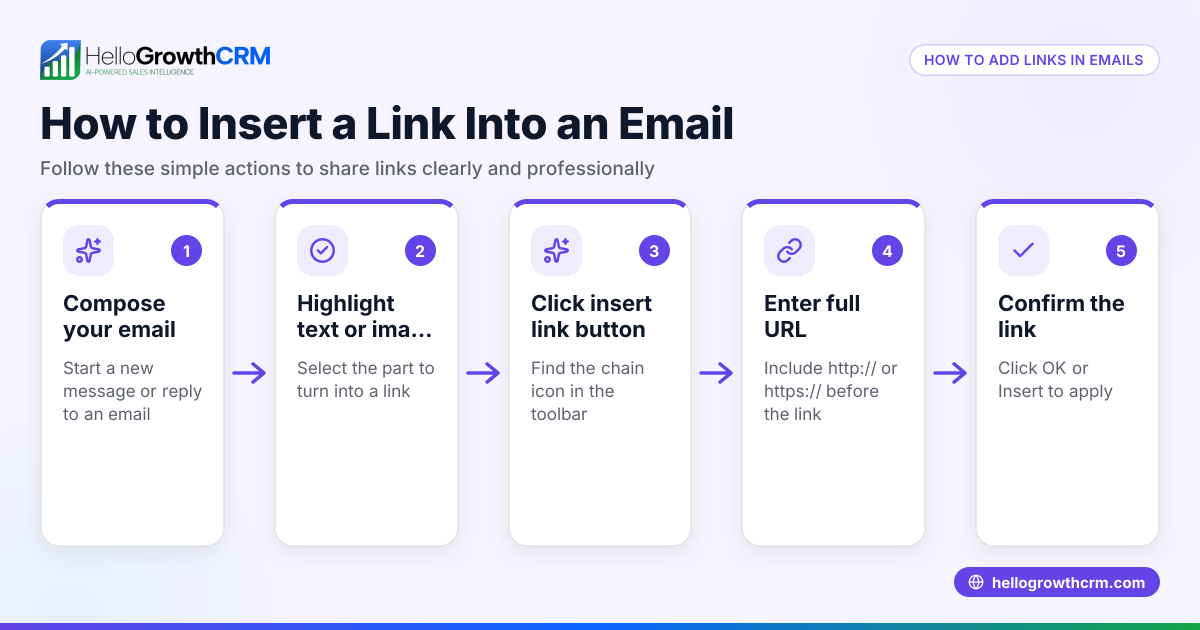
- Find the link you want to share. Open the website or document on your phone or computer. Use the address bar to select the full URL (starting with http:// or https://).
- Copy the link. Tap and hold the URL on a phone or right-click and select copy on a computer.
- Open your messaging app. Use the default SMS app or any app that sends text messages via phone number.
- Start a new message. Tap the compose or new message button.
- Paste the link into the message body. Tap the message field and select paste. Make sure the entire URL appears correctly.
- Add context if needed. Type a brief note explaining what the link is, e.g. "Here is the booking page for your installation."
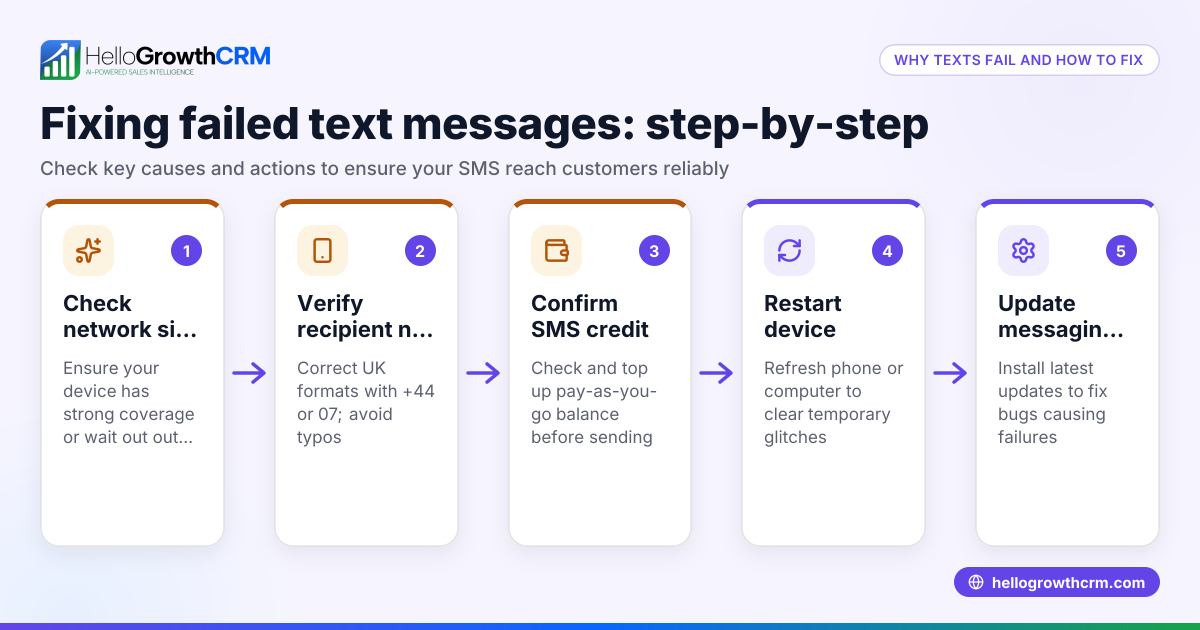
- Enter the recipient's phone number. Include the Australian country code +61 if sending internationally, or just the local mobile number if within Australia.
- Check the message. Confirm the link is complete, the phone number is correct, and the message is clear.
- Send the message. Tap the send button.
- Confirm delivery if your app shows it. Some apps indicate if the message was delivered or read.
For more efficient sales communication, consider a WhatsApp and SMS CRM that integrates messaging with lead capture and follow-up WhatsApp and SMS CRM.
Example (fictional figures)
Jane runs a solar panel installation business in Brisbane, Queensland. On 15/03/2026, she wants to send a link to a customer for a booking form.
- The booking form URL is https://janesolarbrisbane.com/book
- She copies this full URL.
- Opens her SMS app on her phone.
- Starts a new message.
- Pastes the URL into the message body.
- Adds the note: "Please use this link to book your installation date."
- Enters the customer's mobile number: 0412 345 678.
- Reviews the message:
"Please use this link to book your installation date. https://janesolarbrisbane.com/book"
- Presses send.
The customer receives the message immediately and can tap the link to open the booking page.
Common mistakes
- Sending incomplete URLs: Always copy the full link starting with http:// or https://. Partial links may not open correctly.
- Forgetting to add context: A bare link can confuse recipients. Add a short explanation.
- Wrong phone number format: Use +61 for international texts; for local, use the full mobile number without the leading zero. (stylemanual.gov.au)
- Not checking the message before sending: Review links and numbers to avoid errors.
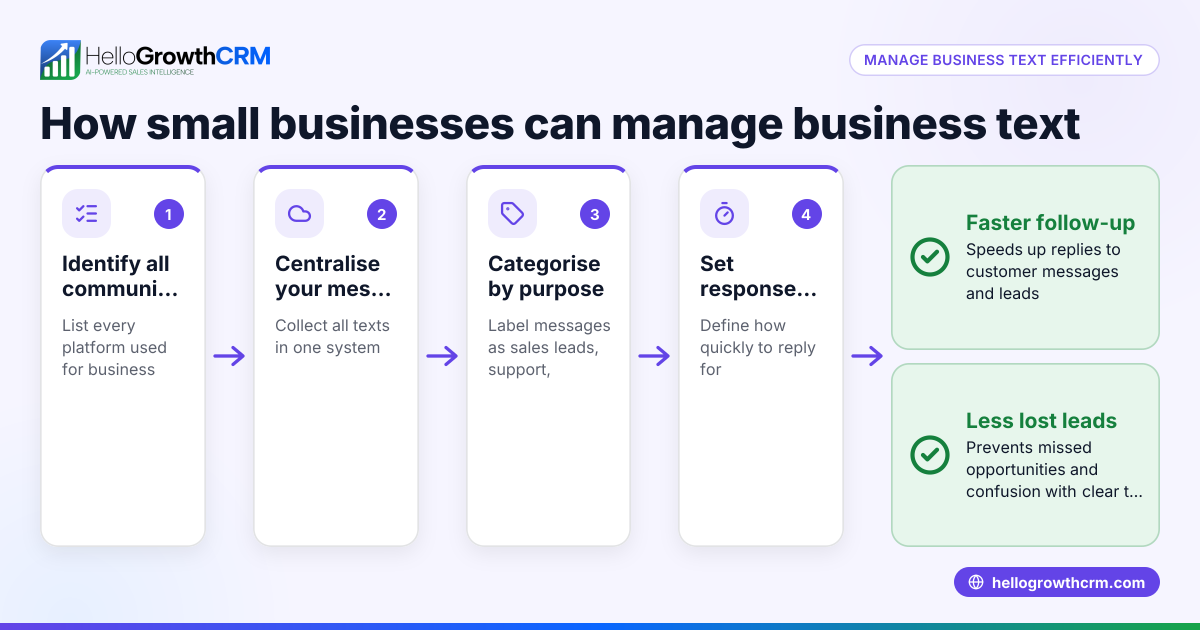
- Using multiple apps without integration: Managing texts, emails, and leads separately can cause slow follow-up. A CRM with built-in dialer helps keep sales organised built-in CRM dialer.
- Ignoring delivery confirmation: If available, check that the message was delivered to avoid missed communication.
Frequently asked questions
Can I send a link via text message to any phone? Yes, as long as the phone can receive SMS or MMS messages and has internet access, the recipient can open the link.
Will the link appear clickable? Most modern smartphones automatically convert URLs into clickable links in text messages.
Is it better to send links via SMS or WhatsApp? WhatsApp allows richer messaging and read receipts, but SMS works universally without requiring an app. For business use, a WhatsApp and SMS CRM can manage both channels effectively WhatsApp and SMS CRM.
Do I need to shorten long URLs before texting? Shortening URLs can make messages cleaner but is not necessary. Ensure shortened links are from trusted services.
How do I send links to multiple recipients? Use group messaging features or a CRM that supports bulk messaging to send links efficiently.
What if the customer says they didn’t receive the link? Confirm the phone number, resend the message, or try an alternative channel like WhatsApp.
Key takeaways
- Copy the full URL including http:// or https:// before sending.
- Paste the link in a new message and add a clear explanation.
- Use the correct phone number format for your recipient.
- Double-check the message content before sending.
- Use delivery confirmations to ensure the message was received.
- Consider a CRM with WhatsApp and SMS integration to streamline sales communication HelloGrowthCRM for Australia.
Sending links via text is a simple but powerful way to connect with customers quickly. To manage your leads and messages in one place, start on the Free Forever plan (200 leads, no credit card) at HelloGrowthCRM.
Ready to put this into practice?
Set up your pipeline, WhatsApp follow-ups, and AI lead scoring in minutes — free, no credit card.
Try HelloGrowthCRM freeGet CRM tips in your inbox
Join thousands of sales professionals who get weekly insights on CRM strategy, AI automation, and pipeline optimization.

The HelloGrowthCRM team publishes guides on CRM strategy, AI sales tools, and revenue operations for small business sales teams.