HelloGrowthCRM software
Built for real small-business sales teams
HelloGrowthCRM helps reps qualify faster, follow up on time, and close more deals—with practical automation in one place.
- AI lead scoring and pipeline visibility
- Built-in dialer, WhatsApp, and email automation
- Sales forecasting and RevOps-ready reporting
To send WhatsApp payment reminders in the USA, you need to prepare a clear, polite message that includes the invoice amount, due date, and payment instructions. Send this message directly to your customer’s WhatsApp number, keep track of your communications, and follow up promptly if payment is not received. This article explains why sending reminders is important, provides detailed steps, shows a realistic example with arithmetic, highlights common mistakes, and explains how HelloGrowthCRM supports this process.
Why this comes up / what goes wrong
Small business owners often struggle to collect payments on time because customers forget or delay payments. WhatsApp is a common communication channel in the US, making it effective for payment reminders. However, many owners hesitate to send reminders fearing they sound pushy or unprofessional. Others lack a clear process or system, causing reminders to be inconsistent or missed. This leads to cash flow issues and extra effort chasing late payments.
Step-by-step
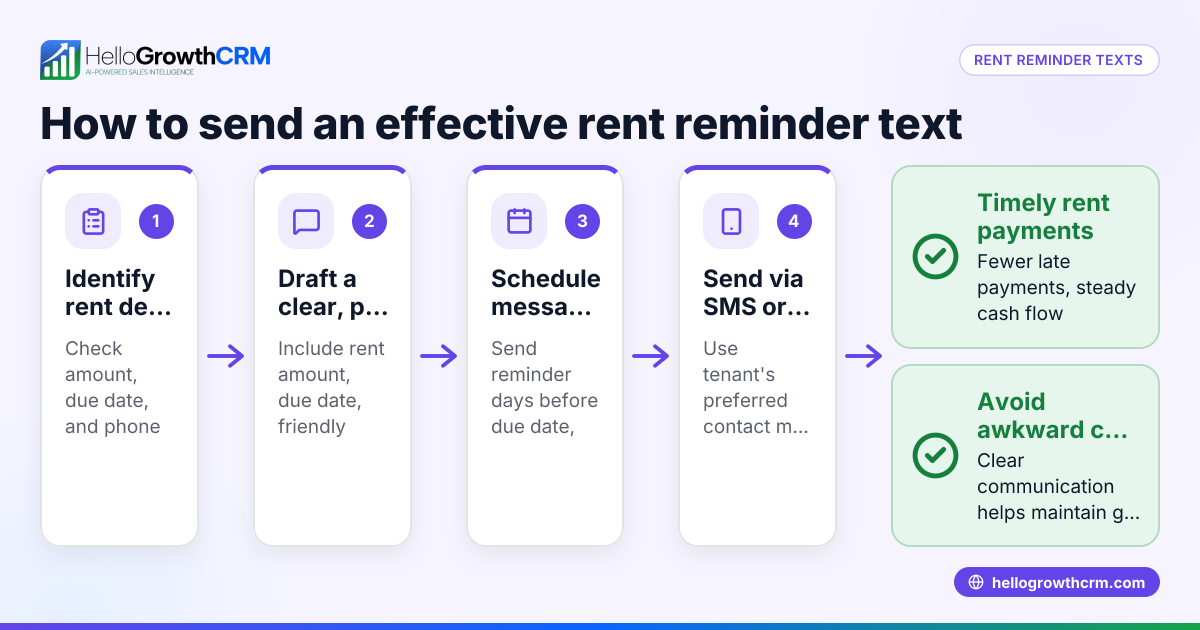
- Gather invoice details: Confirm the invoice number, amount due, and payment due date. Double-check these details for accuracy.
- Write a polite reminder message: Include:
- A greeting using the customer’s name
- Reference to the invoice number
- The amount due
- The payment due date
- Accepted payment methods
- A courteous closing encouraging prompt payment
- Verify the customer’s WhatsApp number: Make sure the phone number includes the US country code (+1) and is correct.
- Send the WhatsApp message: Use your phone or a CRM with WhatsApp integration to send the message. Confirm the message is delivered.
- Log the message and schedule a follow-up: Record that you sent the reminder and set a task to follow up if payment is late.
- Follow up if needed: If payment is not received by the due date, send a second reminder or call the customer politely.
- Confirm payment receipt: Once payment arrives, send a thank-you message and update your records.
Check each step carefully to avoid errors such as wrong amounts or phone numbers.
Example (fictional figures)
A B2B software reseller in Denver, Colorado, has an invoice due from a client.
- Invoice number: 1245
- Amount due: $5,250
- Due date: 06/15/2024
- Customer WhatsApp number: +1 303 555 7890
Step 2 message sent on 06/10/2024: "Hello John, this is a friendly reminder that invoice #1245 for $5,250 is due on 06/15/2024. Please arrange payment via bank transfer or credit card. Thank you for your prompt attention."
If no payment by 06/16/2024, send a follow-up reminder: "Hi John, we noticed invoice #1245 was due on 06/15/2024. Kindly let us know if you need any assistance with payment."
If payment arrives on 06/18/2024: Send a thank-you message: "Thank you for your payment of $5,250 received today. We appreciate your business."
Arithmetic example of payment tracking:
Invoice amount: $5,250
Payment received: $5,250
Balance due = Invoice amount - Payment received
Balance due = $5,250 - $5,250 = $0
This confirms the invoice is fully paid.
Common mistakes
- Sending reminders without verifying contact details: Always confirm the WhatsApp number and country code to avoid sending messages to the wrong person.
- Using aggressive or unclear language: Keep reminders polite and professional to maintain good customer relationships.
- Not tracking sent reminders: Use a system or CRM to log messages and schedule follow-ups to avoid missing overdue payments.
- Ignoring customer responses: If a customer replies with questions or payment issues, respond promptly to resolve them.
- Sending reminders too late: Start reminders a few days before the due date to give customers time to act.
- Failing to confirm payment receipt: Always acknowledge payments to close the communication loop.
Tools like sales task boards can help manage follow-ups efficiently.
Doing this in HelloGrowthCRM
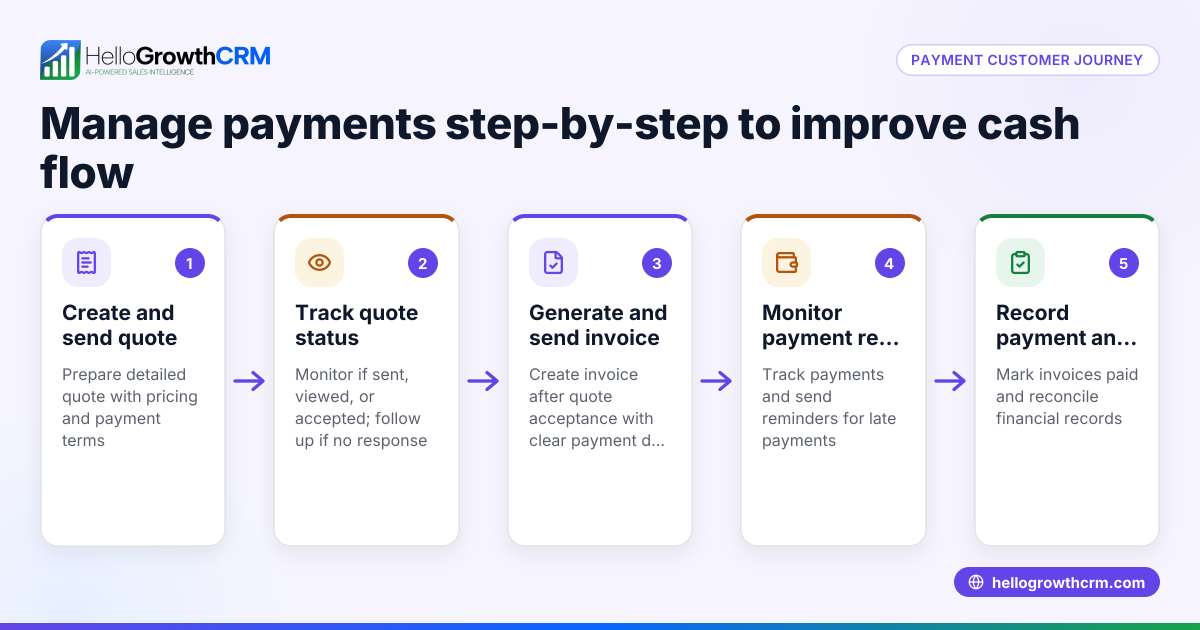
HelloGrowthCRM helps you send and track WhatsApp payment reminders by logging WhatsApp conversations on each lead record. You can send follow-ups as WhatsApp messages directly from the CRM. The platform also allows you to send quotes, proposals, and invoices from the deal record, with the status of each document (sent, viewed, accepted) visible alongside your follow-up tasks. This keeps your reminders and payment tracking organized and easy to manage. Learn more about the WhatsApp and SMS CRM features.
Frequently asked questions
How to send polite payment reminders in the USA? Use clear, respectful language that reminds the customer of the payment due without pressure. Include invoice details, due dates, and payment options. Start reminders a few days before the due date and follow up if needed.
Can I send payment reminders on WhatsApp legally? Yes, sending payment reminders on WhatsApp is legal as long as you respect privacy laws and avoid spam. Always communicate with customers who have agreed to receive messages.
What if the customer ignores WhatsApp payment reminders? If reminders are ignored, try a phone call or email as a follow-up. Document all communications and consider setting payment terms clearly in your contracts.
How do I keep track of payment reminders sent on WhatsApp? Use a CRM like HelloGrowthCRM that logs WhatsApp conversations and allows scheduling follow-up tasks to stay organized. See HelloGrowthCRM for the United States for details.
Is it better to send reminders before or after the due date? Start reminders a few days before the due date to give customers time to prepare payment. Follow up after the due date if payment is late.
Key takeaways
- Prepare polite, clear WhatsApp messages with invoice details and due dates.
- Verify customer WhatsApp numbers with country codes before sending.
- Log reminders and schedule follow-ups to avoid missed payments.
- Use polite language to maintain good customer relationships.
- Follow up promptly if payment is late or customer replies with issues.
- HelloGrowthCRM helps manage WhatsApp reminders and invoicing together.
Sending timely WhatsApp payment reminders can improve your cash flow and customer communication. To start managing this easily, try HelloGrowthCRM’s Free Forever plan with 200 leads and no credit card required at Start on the Free Forever plan (200 leads, no credit card).
Ready to put this into practice?
Set up your pipeline, WhatsApp follow-ups, and AI lead scoring in minutes — free, no credit card.
Try HelloGrowthCRM freeGet CRM tips in your inbox
Join thousands of sales professionals who get weekly insights on CRM strategy, AI automation, and pipeline optimization.

The HelloGrowthCRM team publishes guides on CRM strategy, AI sales tools, and revenue operations for small business sales teams.